Product added to compare
Product Compare added Product Compare

TD-20xx

The reliable high-end touch display

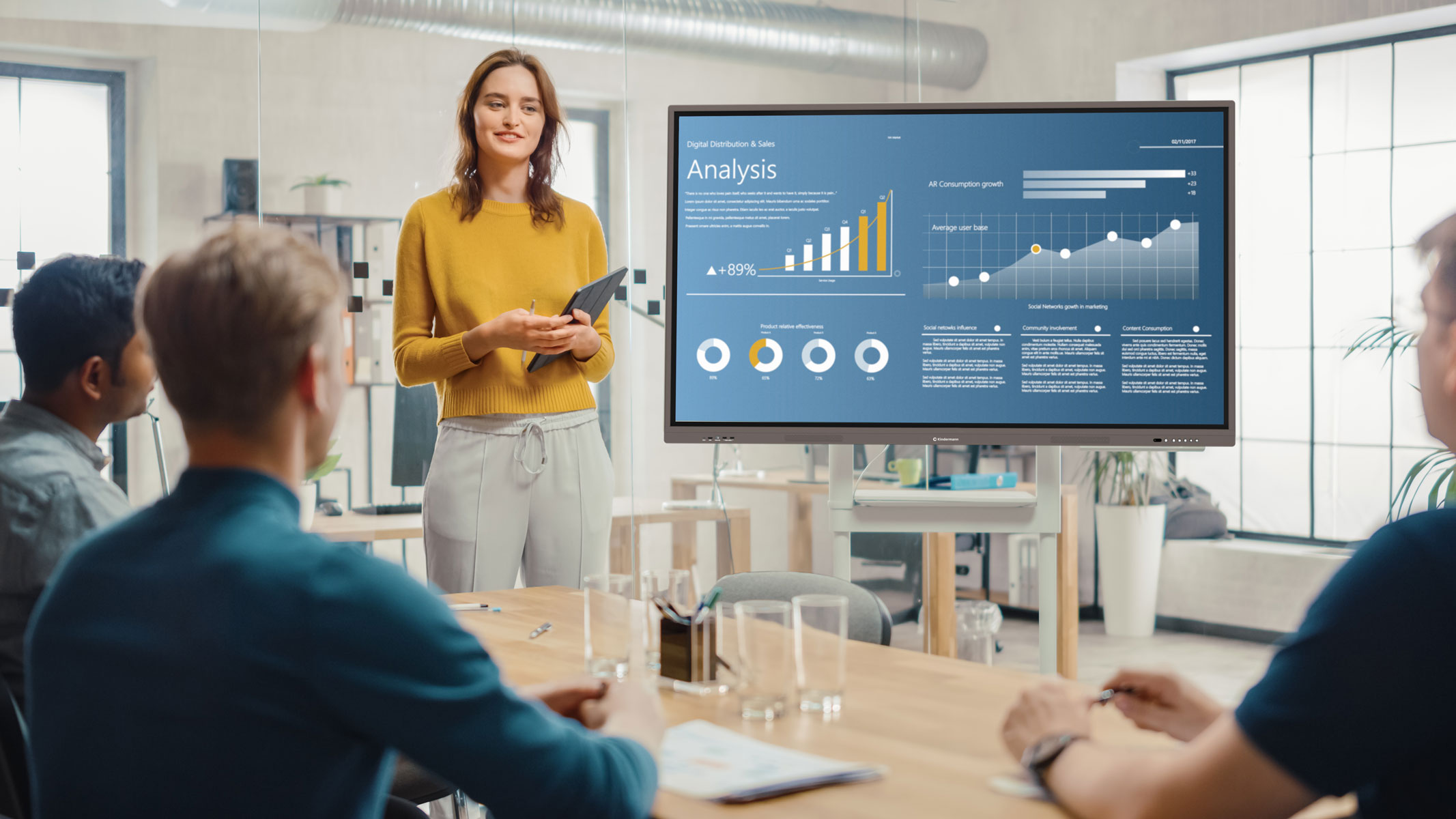
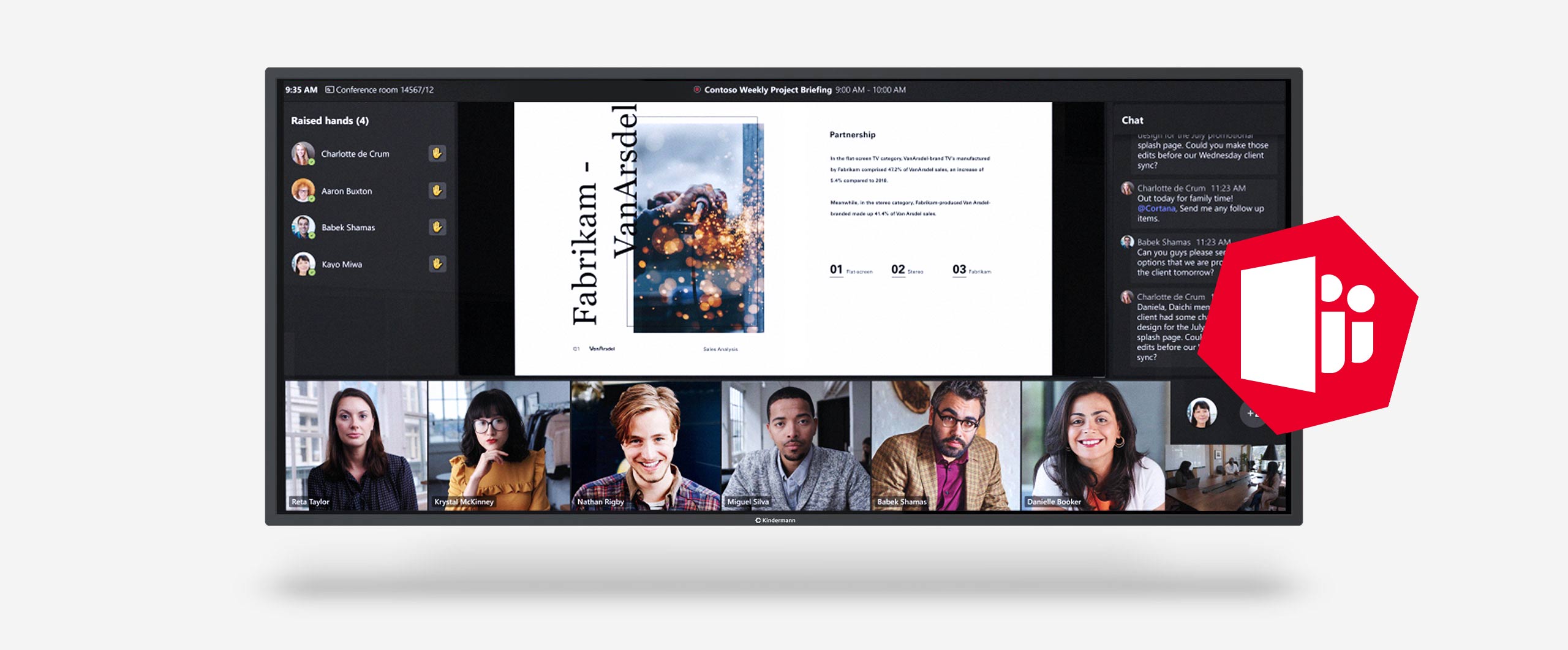
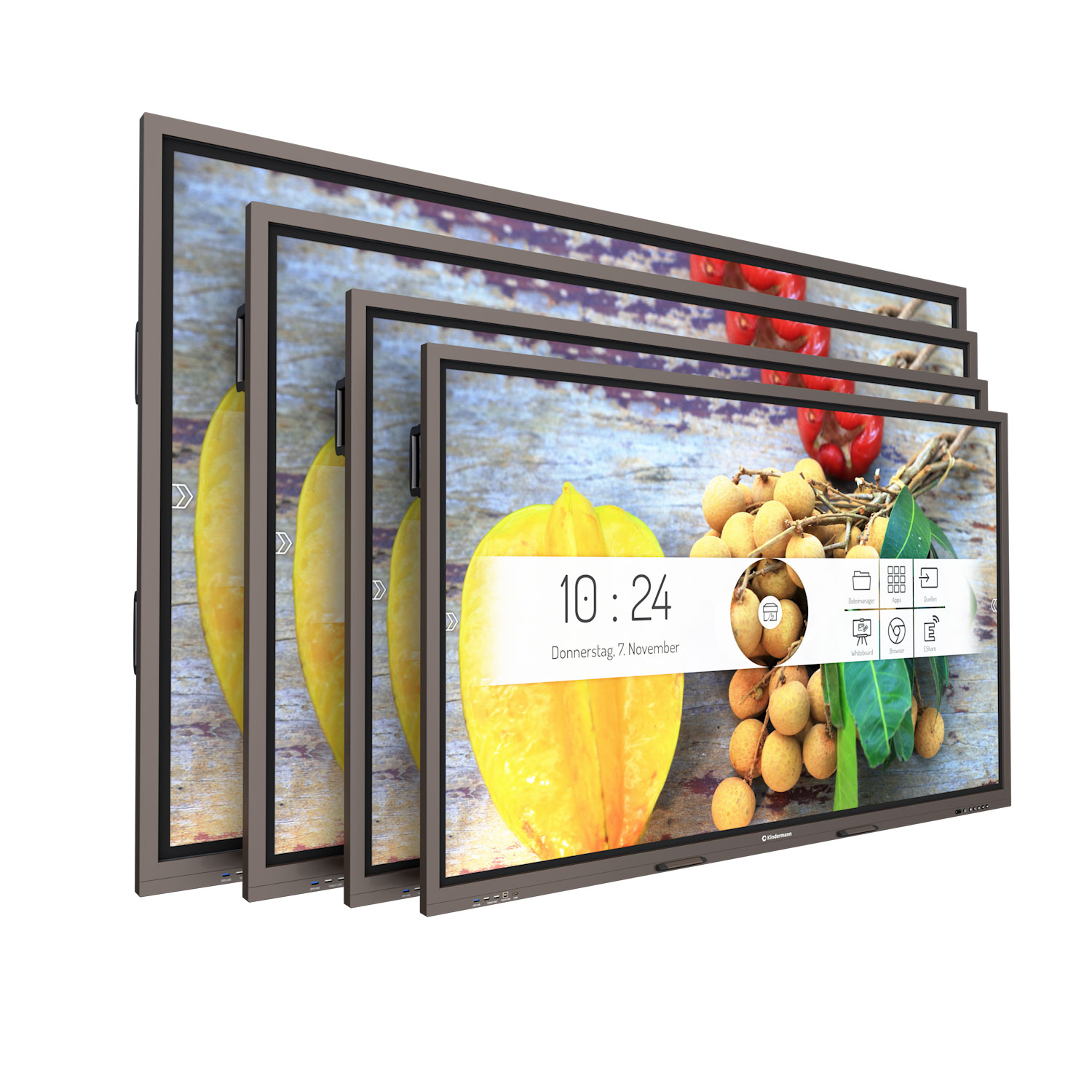
New work and collaboration - modern companies have long recognized the value of location-independent teams and effective meetings. What sounds simple often becomes complicated. This is exactly where the TD-20 series touch displays, available in 65″, 75″ and 86″ sizes, come into play.

Immense personnel costs are incurred when several employees spend their time waiting or searching for the right adapter.

Kindermann attaches great importance to ensuring that your meeting can start on time, in addition to innovative technology. Fast, simple and uncomplicated. Your content and results count - we take care of the technology.
Android 9

Ready to use right away thanks to Android 9.

Details

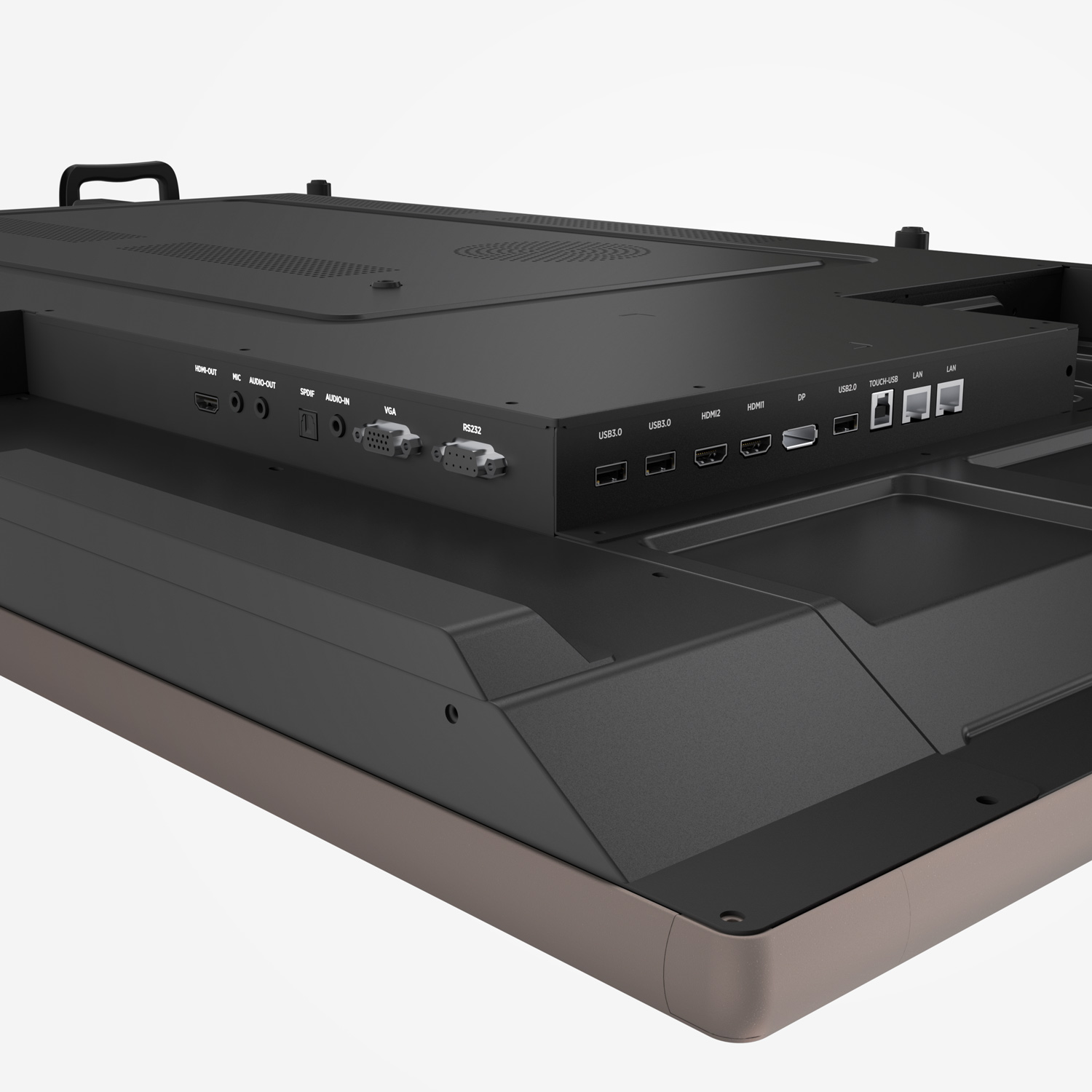
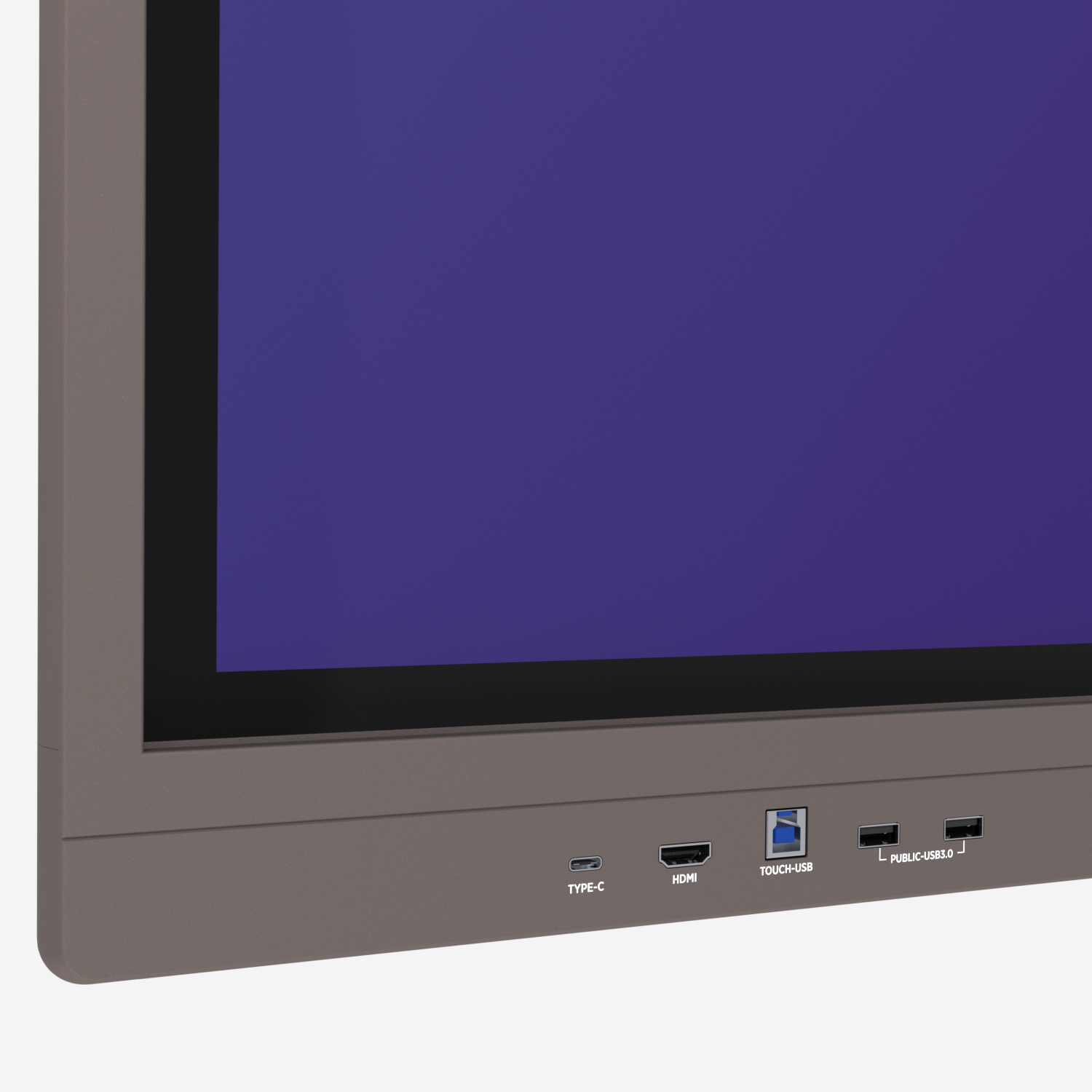
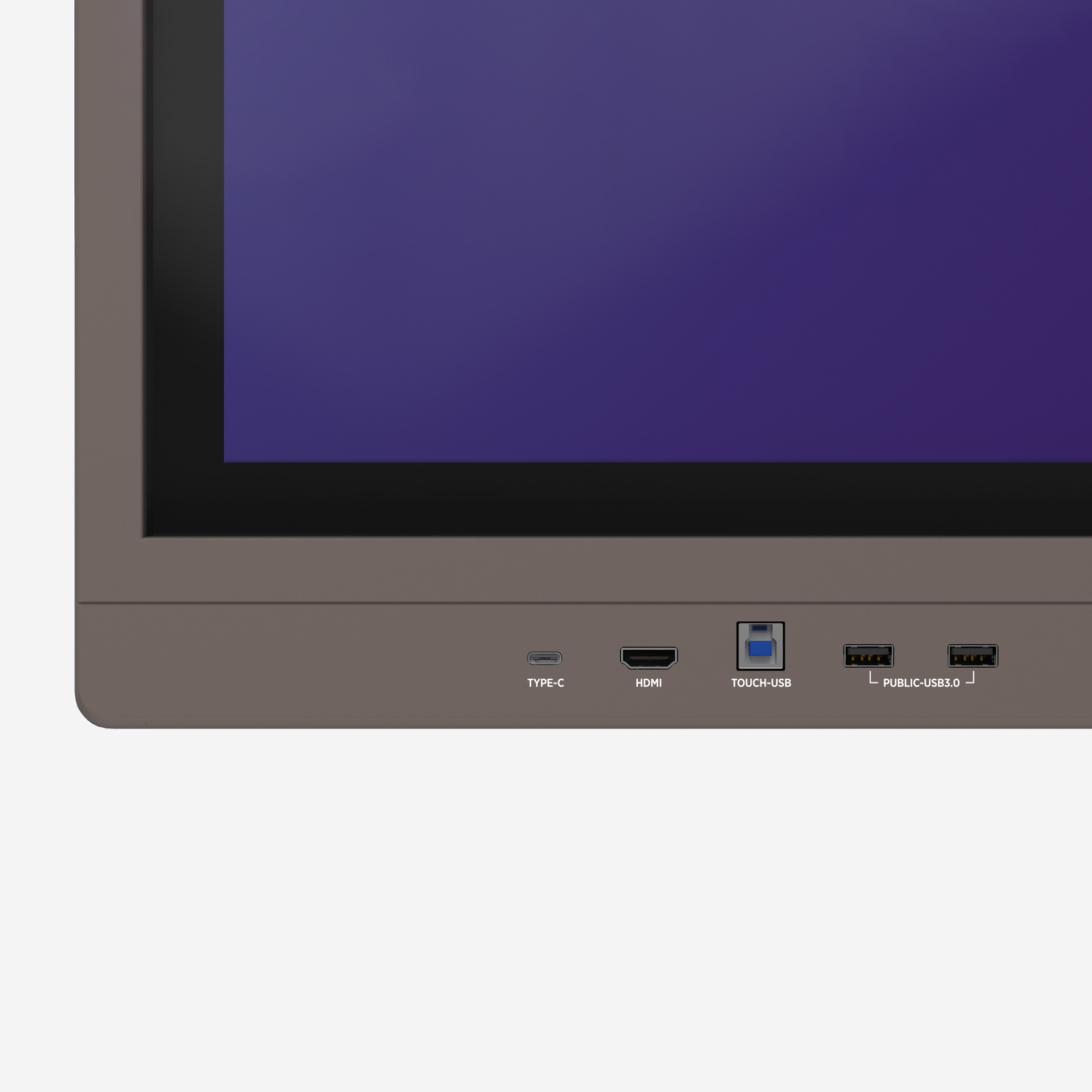
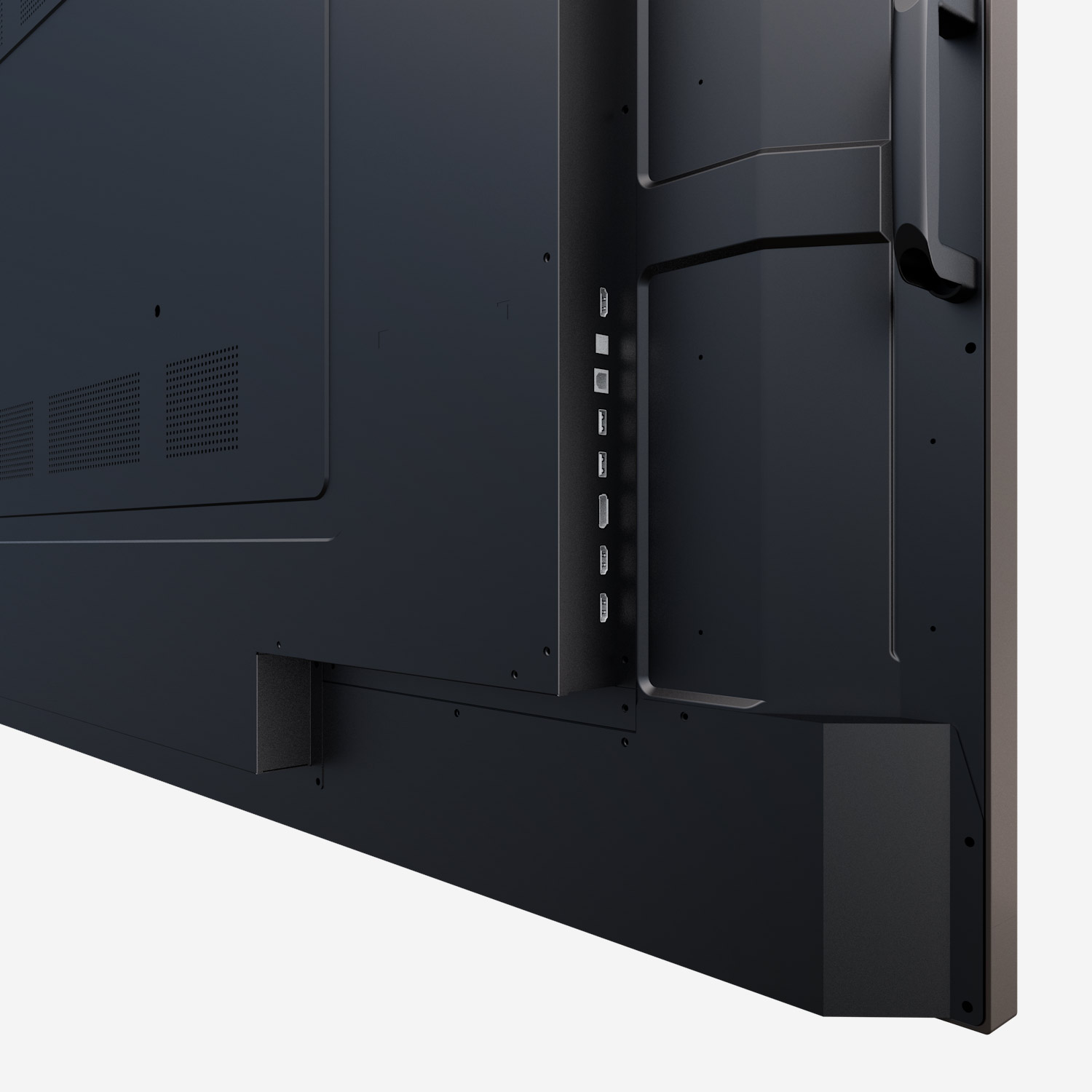
USB Type-C connector

Video, touch and charging... with just one cable.

Details

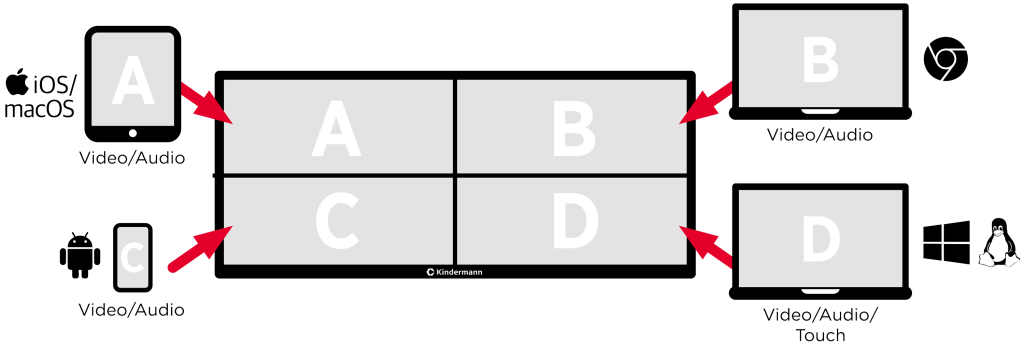
Splitscreen

Screen sharing via dongle, app, AirPlay & Chromecast.

Details

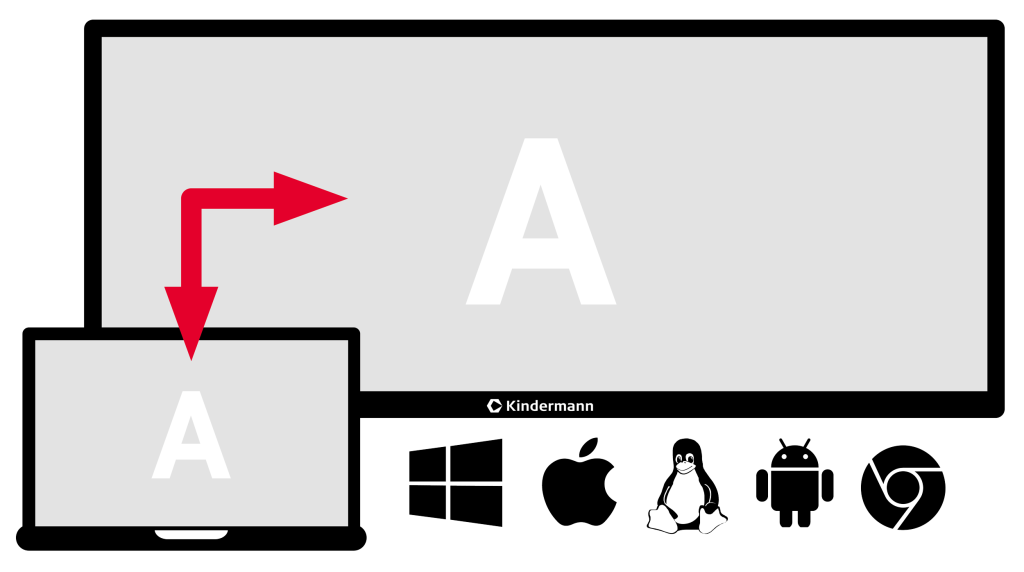
Screen Mirroring

Mirror the current screen of the touch display.

Details

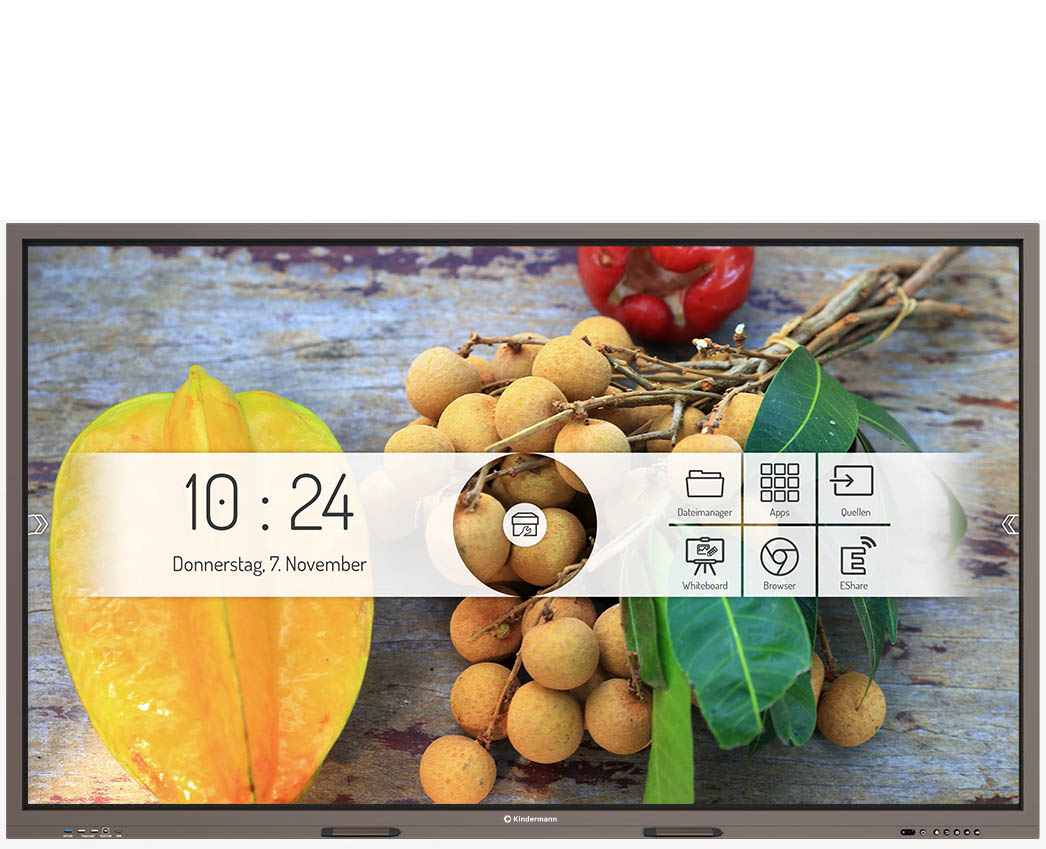
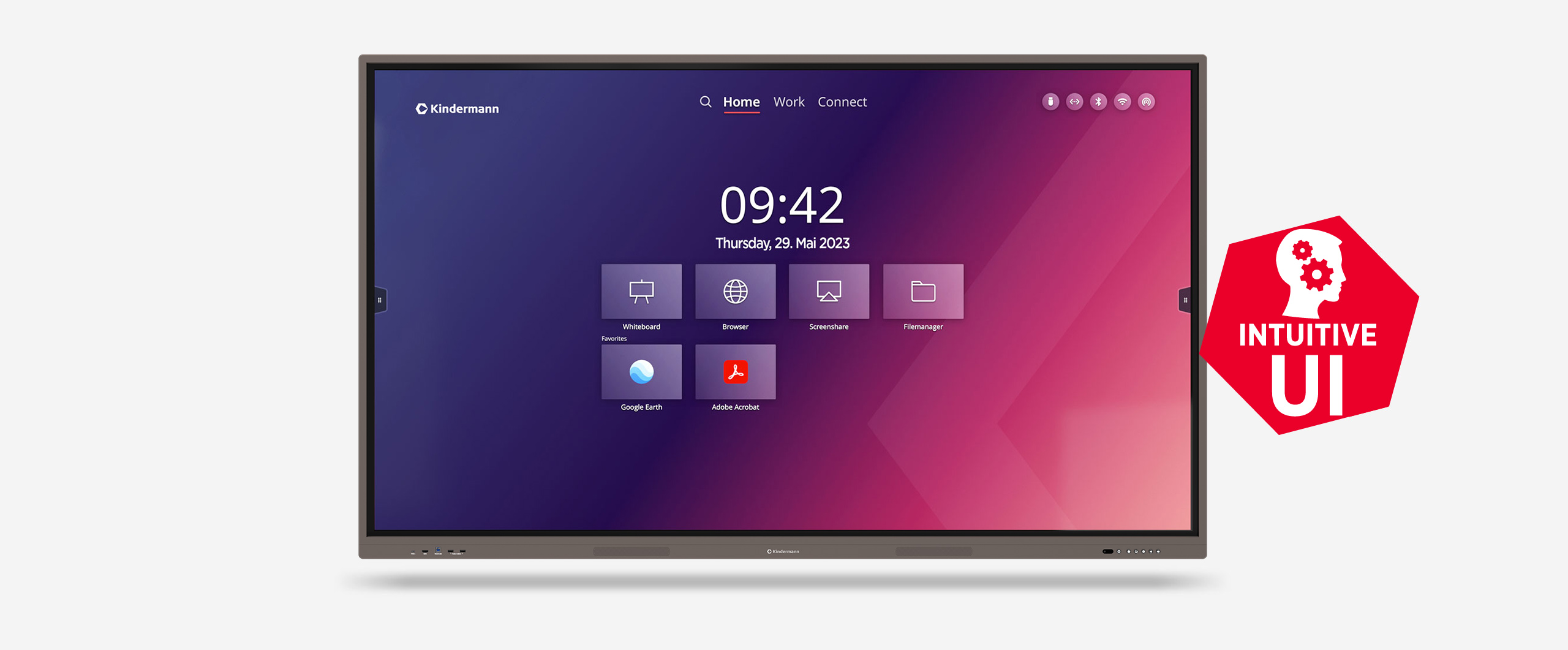
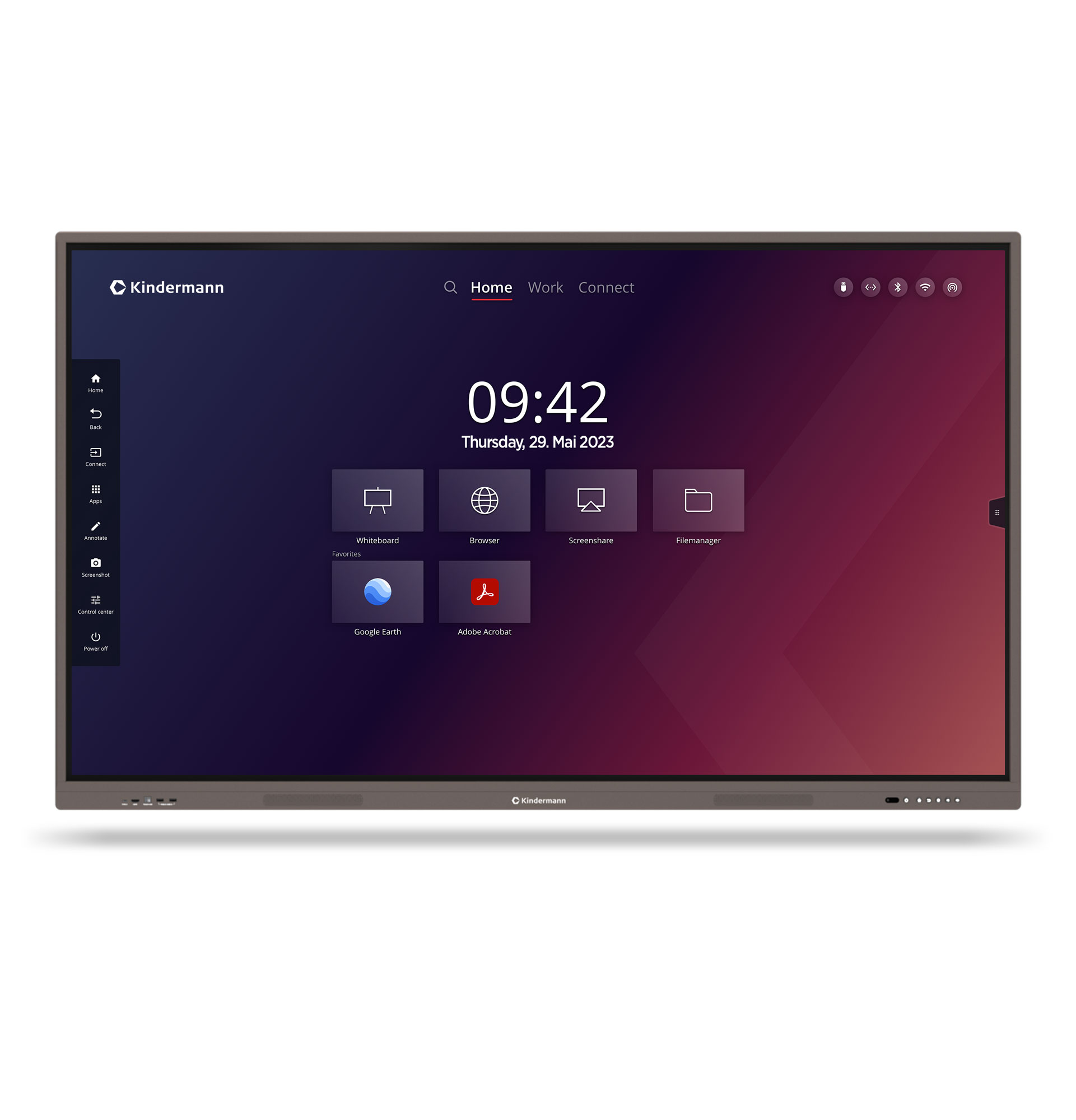
Intuitive user interface - designed by Kindermann

The user interface was developed by Kindermann and is absolutely self-explanatory.
Clear icons with unambiguous (German) designations and easy-to-find setting options ensure that familiarization or training on the technology is unnecessary.

Details

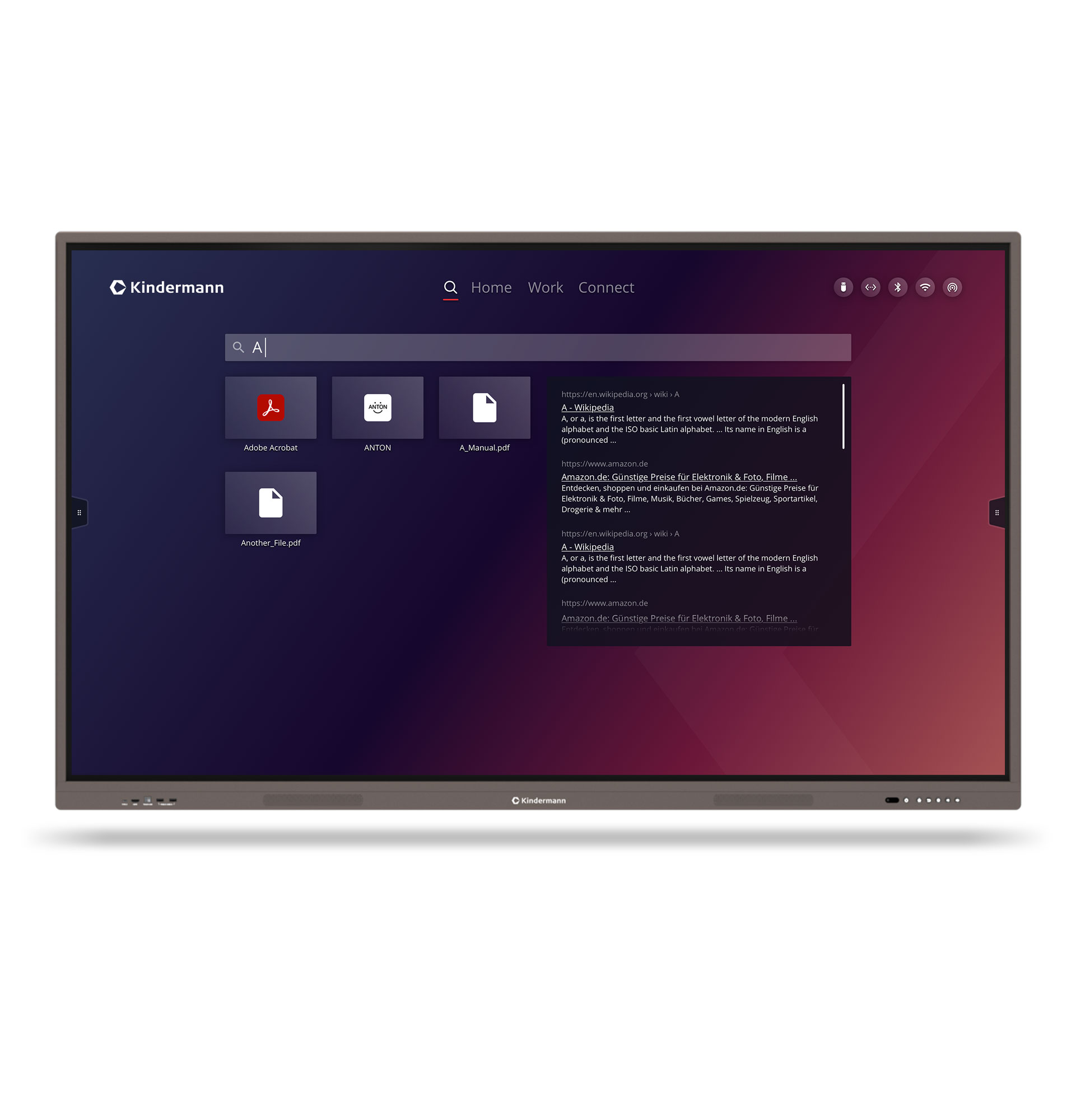
Dashboard - Search
Search works both locally for browsing files and apps but also directly and directly online.

Details

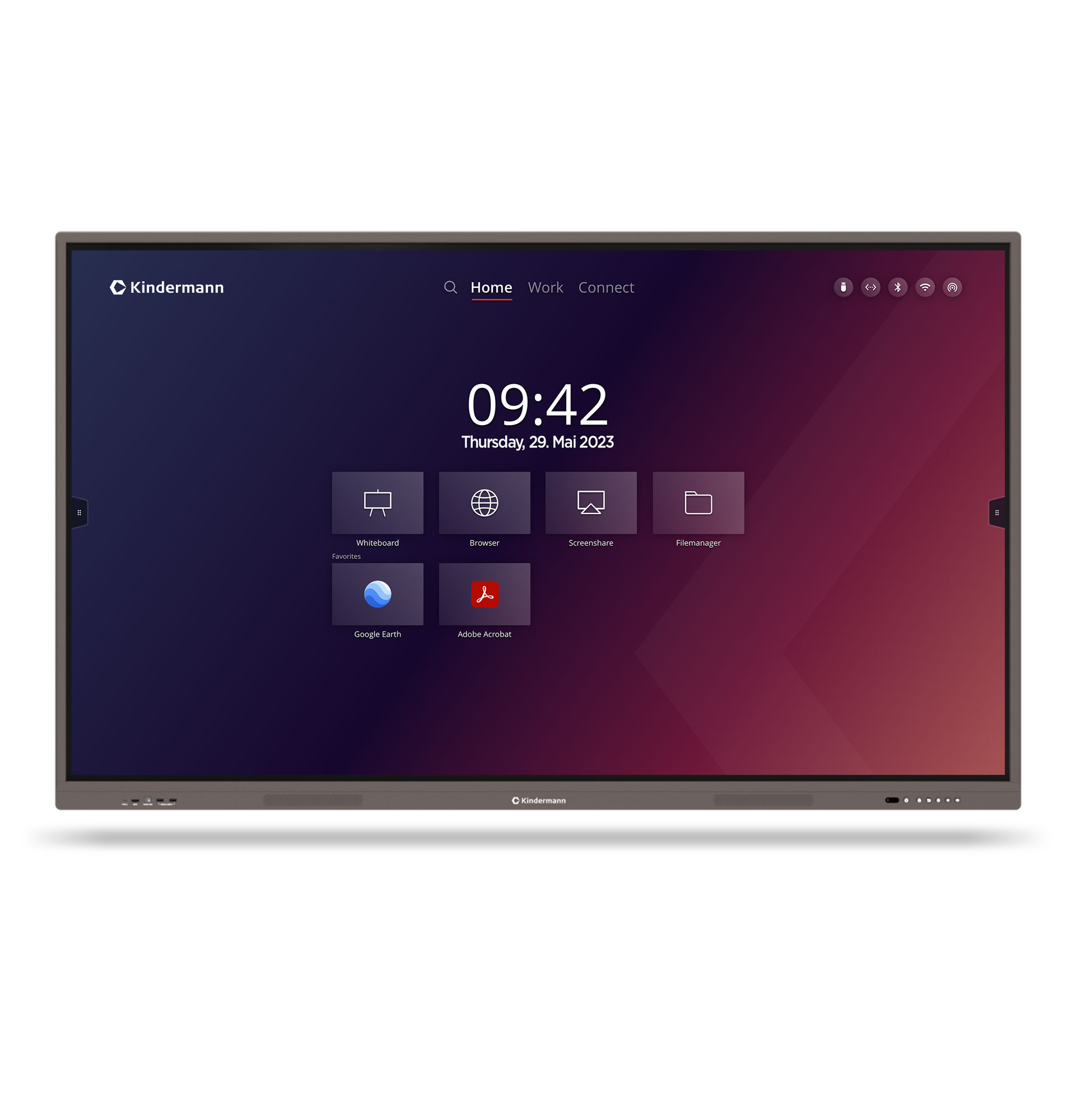
Dashboard - Home
Clear home screen with the most important functions at a glance.

- Search function in browser and dashboard
- Quick access to the main functions
- Status bar shows the currently used connection types
- Date and time
- Quick access to apps and settings.

Details

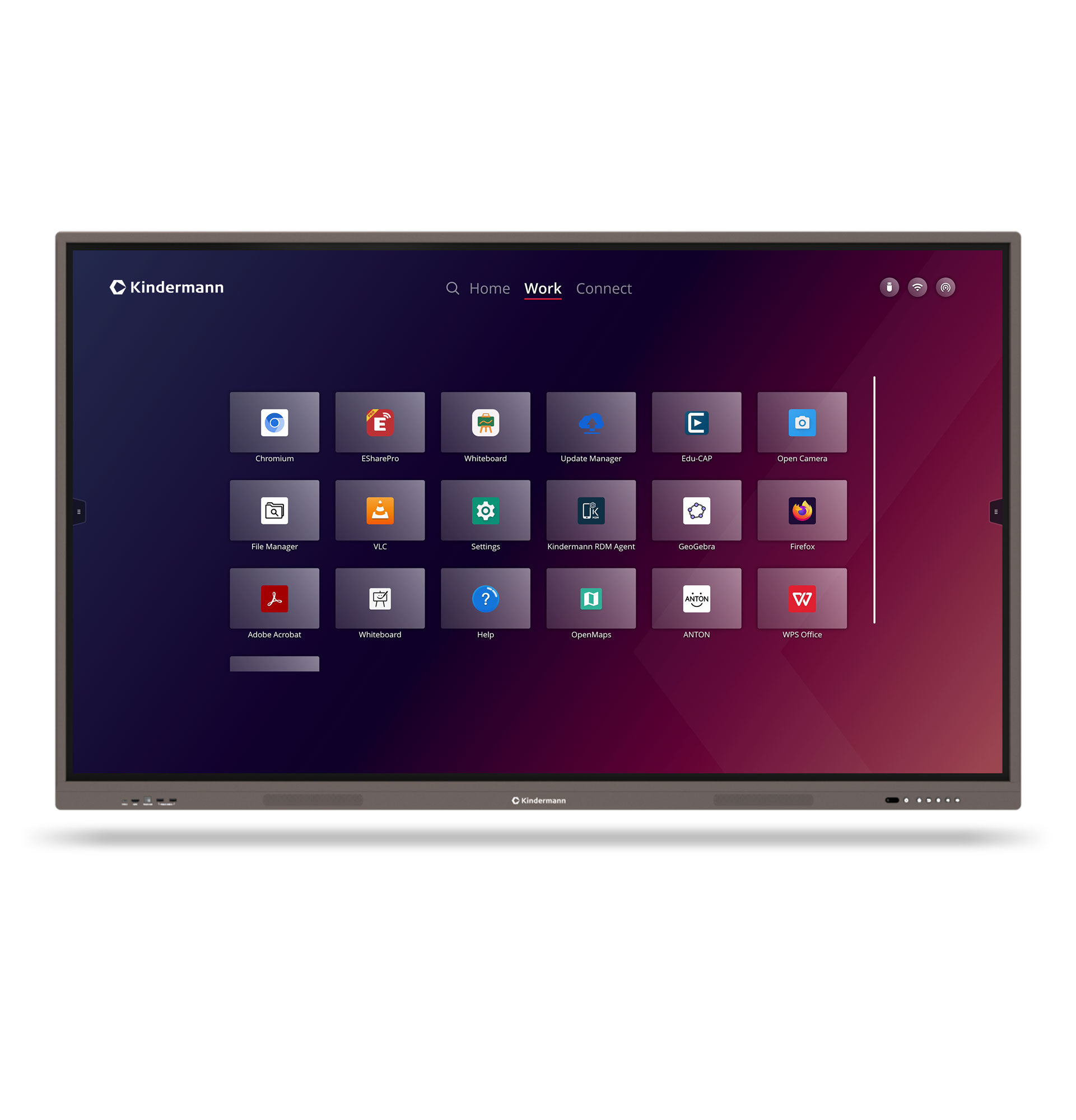
Common apps are already preinstalled.

- Firefox and Chromium web browsers
- WPS Office
- Open Camera
- Adobe Reader
- VLC media player
- and many more...

Missing the app you want? Install your app favorites on the display.

Details

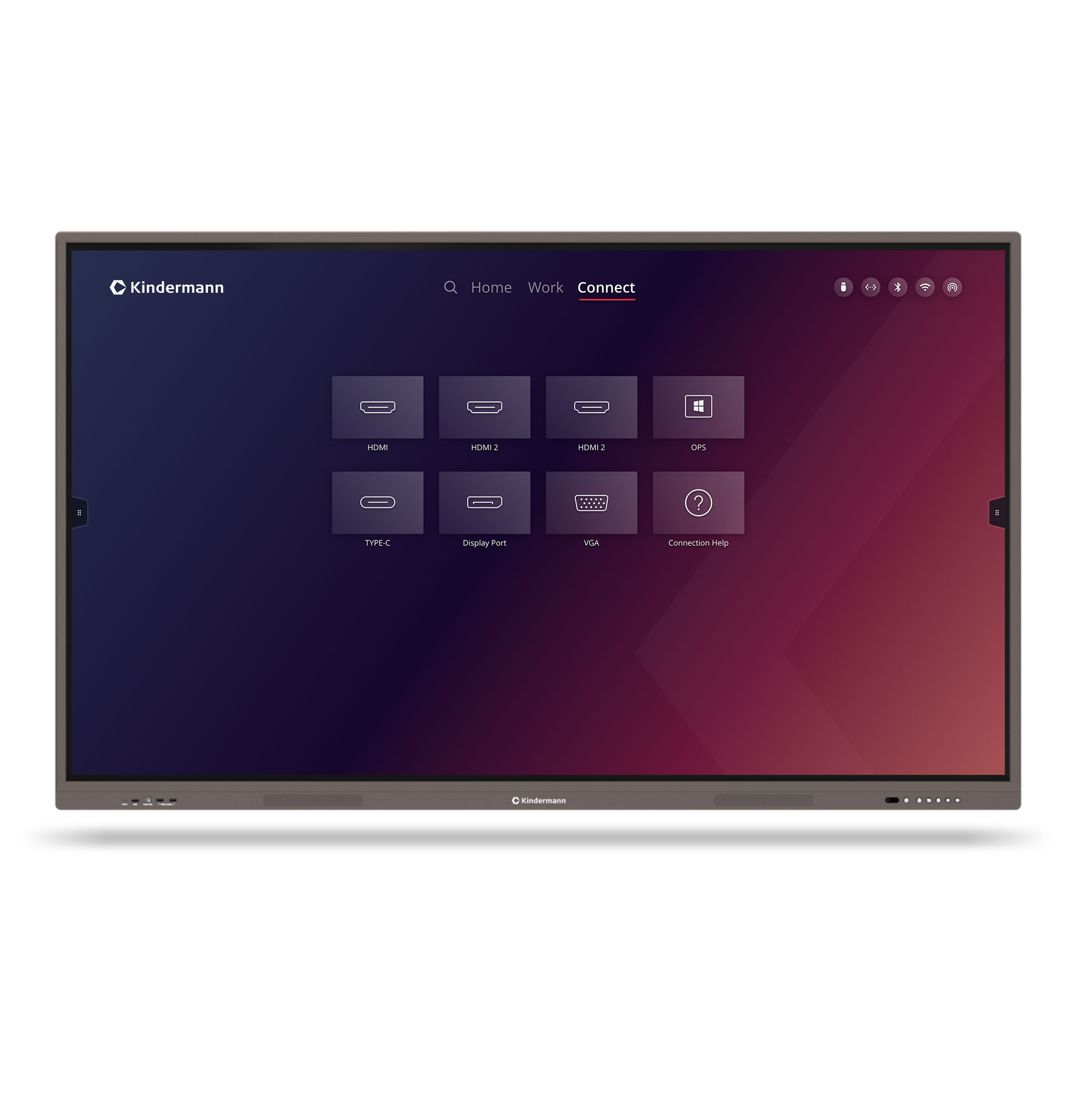
Dashboard - Connect
Quick access to all video inputs, a preview function makes it easy to select the right input.

Details

Sidebar
Via this you have quick access to all frequently needed functions like

- active apps
- favorites
- useful tools
- note function
- quick settings
- and much more

Details

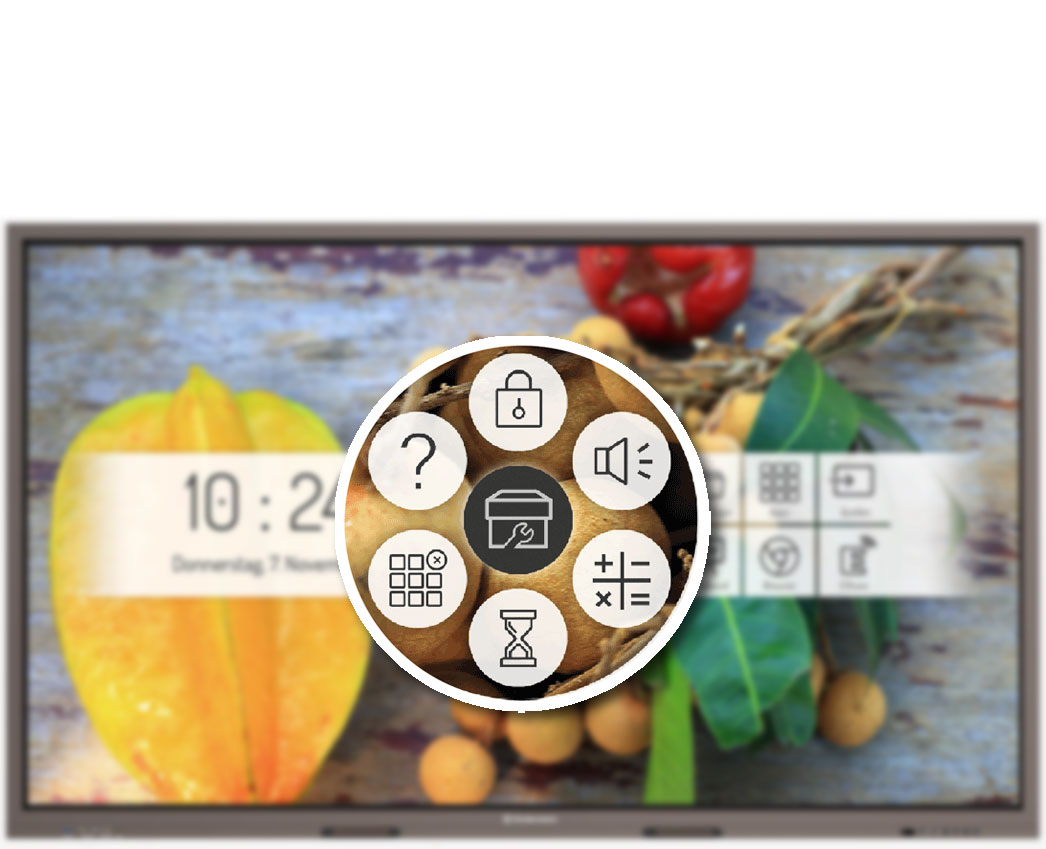
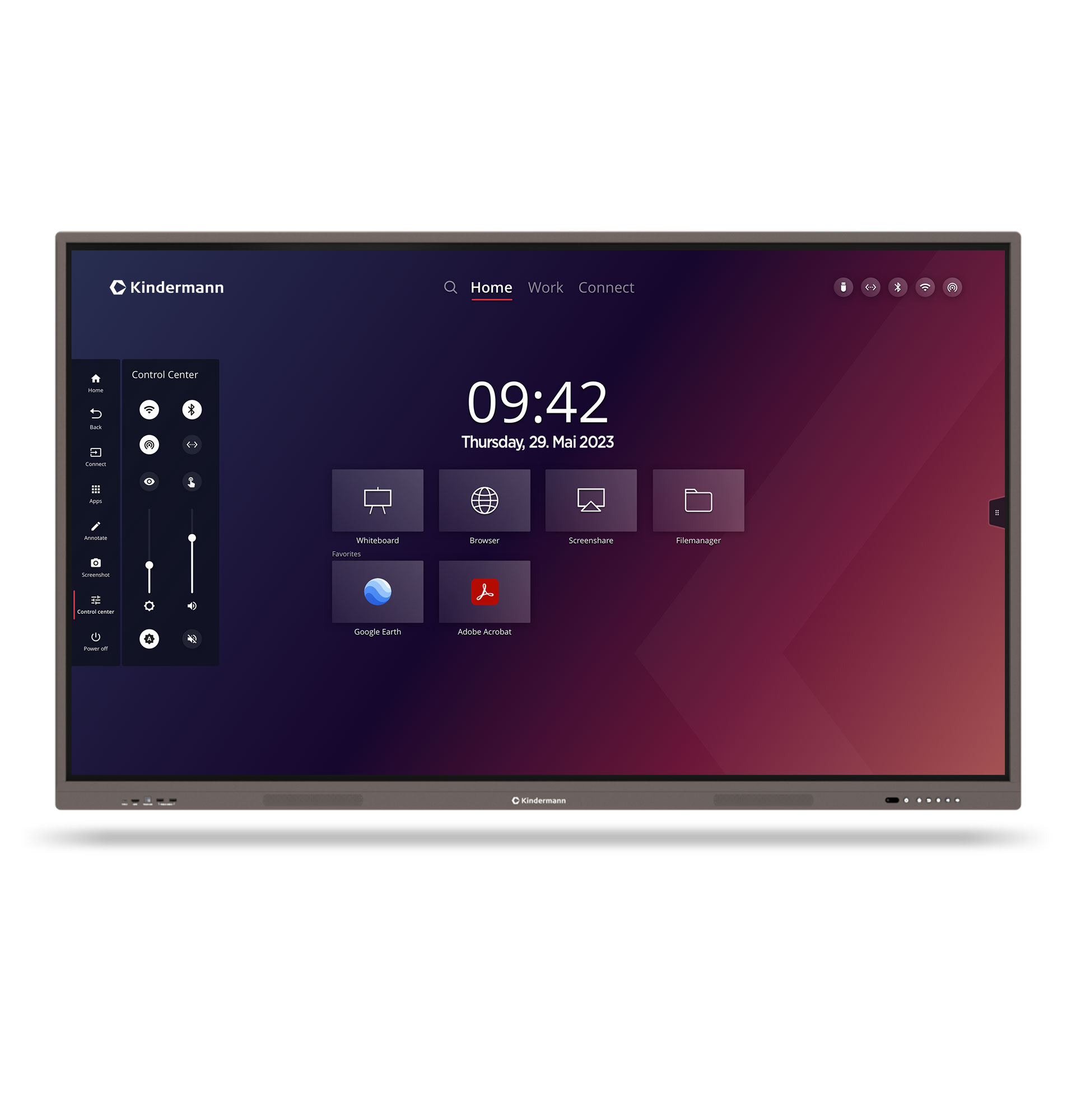
Control Center
This provides quick access to the most important and most frequently used settings.

Details

40 touch points

Zero Gap Technology
Tempered and diffused front glass
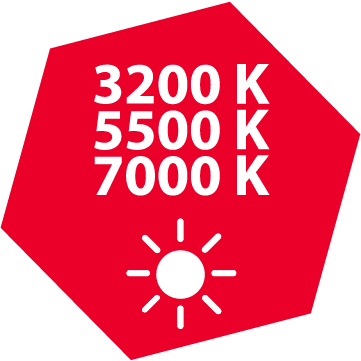
Ambient light sensor & blue light filter

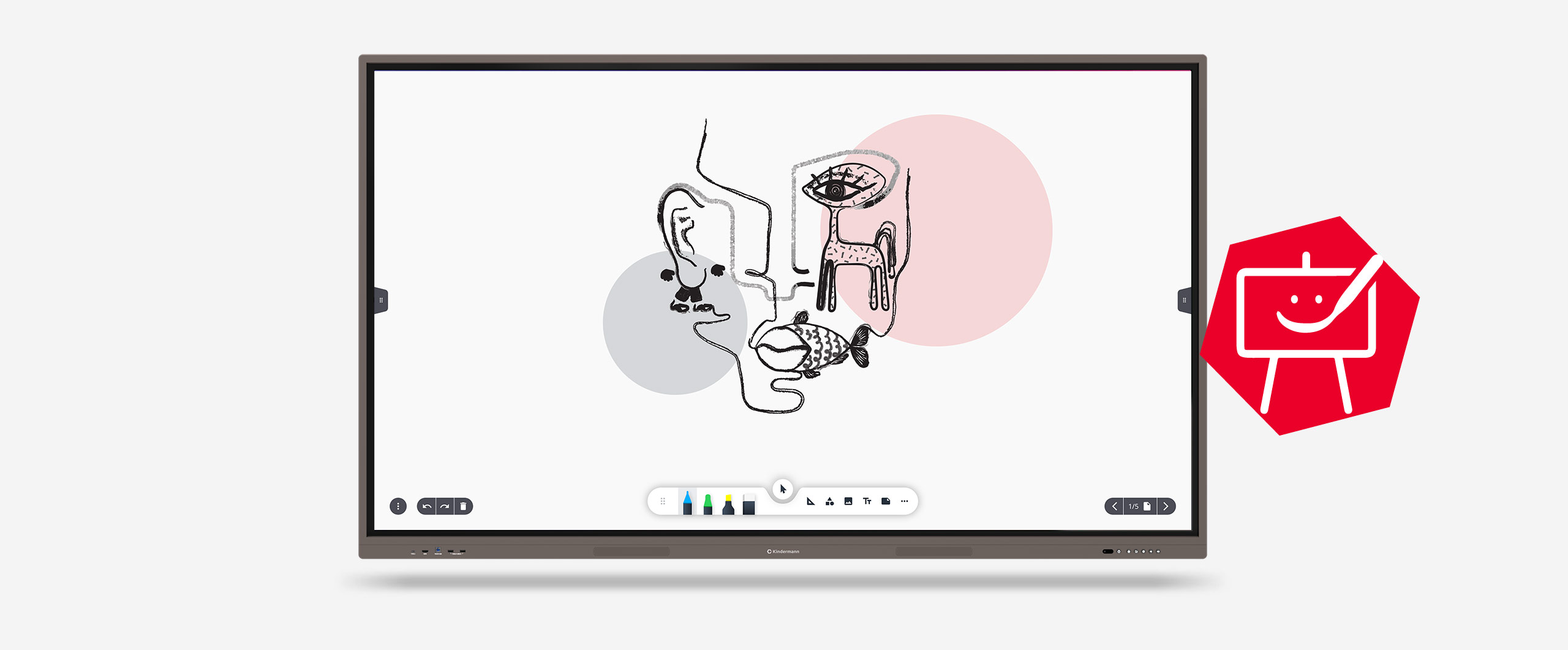
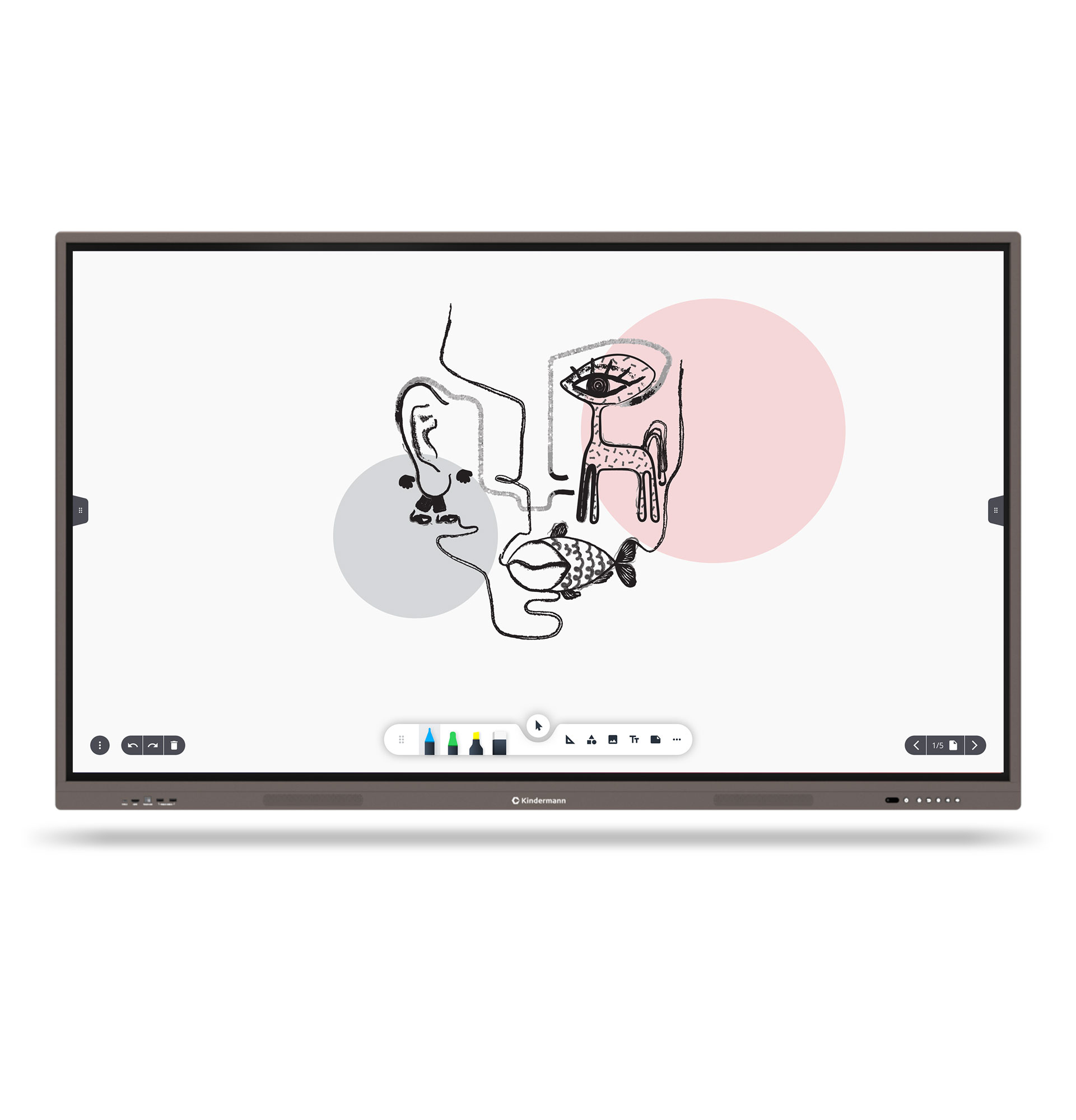
Our whiteboard app - designed by Kindermann

The Kindermann whiteboard application offers you much more than just a drawing surface and that with the simplest operation.

Details

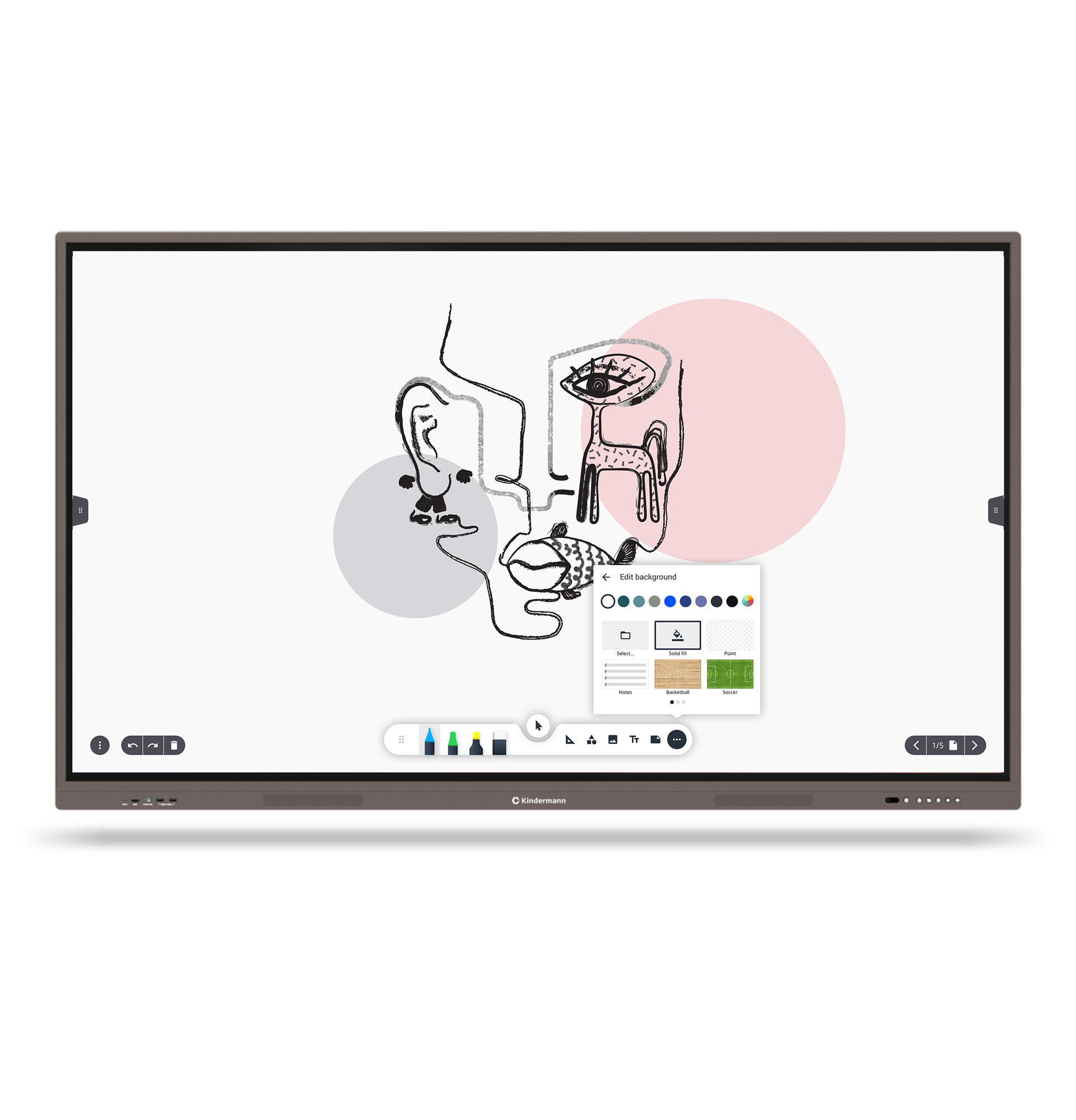
According to your needs, you choose the appropriate background, whether lined, checkered or blank and no matter what color.

Details

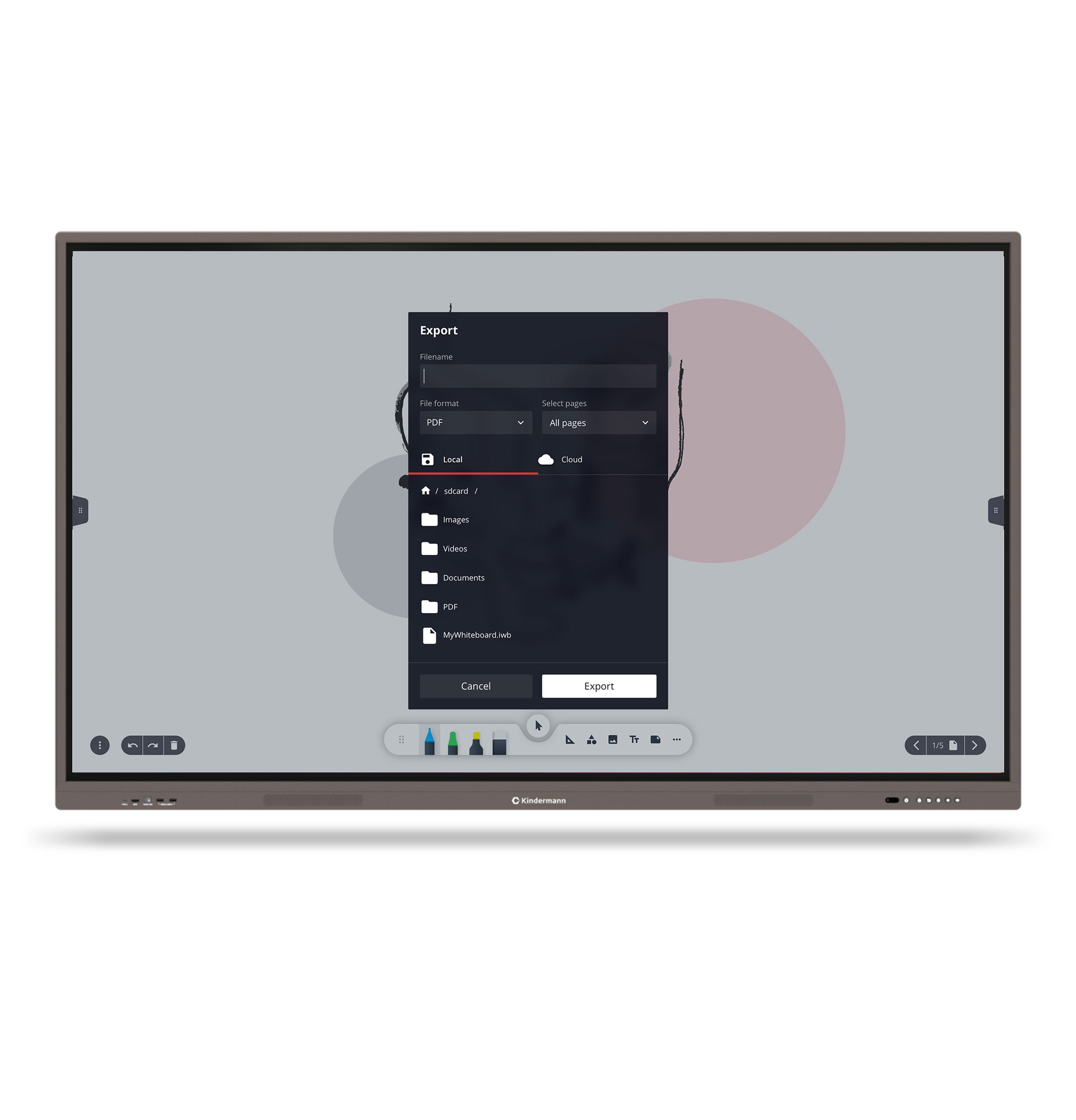
Possibility to save the whiteboard as an image, PDF file or IWB file for later editing.

In addition, the whiteboard can be shared with participants via QR code.

Details

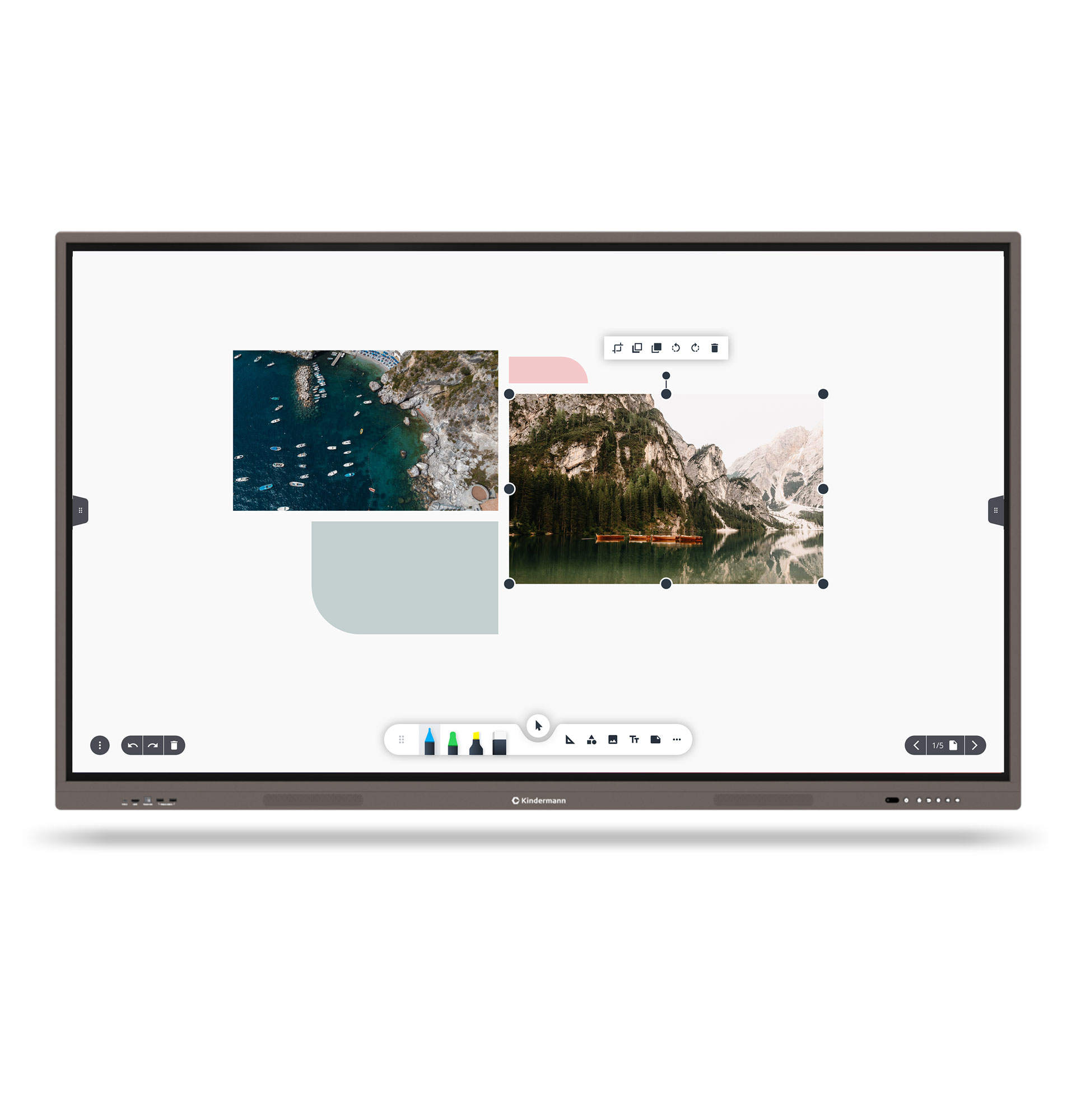
Easily supplement your handwritten content with images, screenshots, and sticky notes, or with content from mobile devices.

Details
FEATURE TD-20xx
Diagonal in inches 65″, 75″, 86″
native resolution pixels 3840 x 2160 px
Format 16:9
Touch points 40 touch points
Operating system Android 9
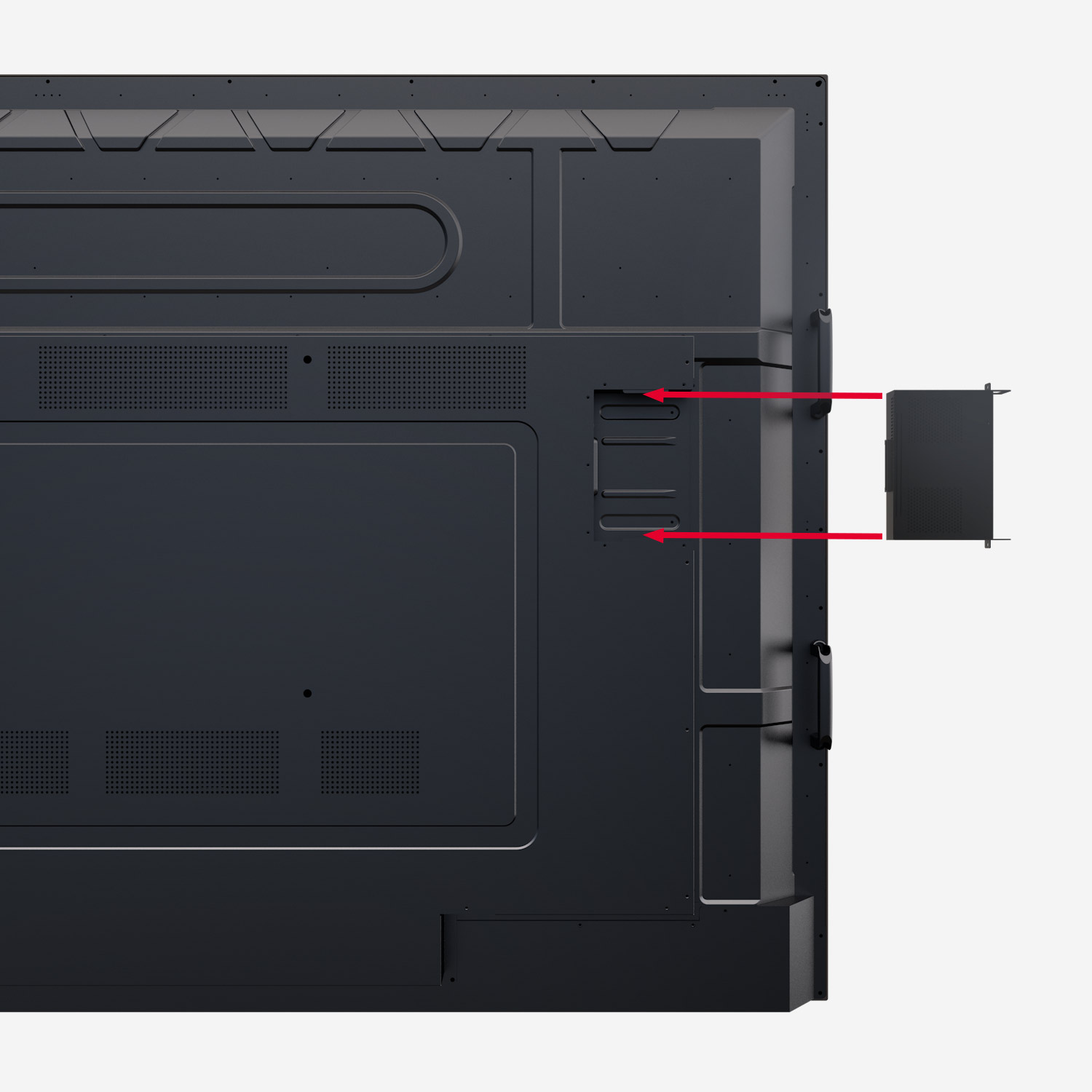
OPS-PC Optional

Includes 1-year license for the RDM software Chimpa

Learn more

TD-30105

The ideal touch display for "New Work" with Canban, Scrumboard and Agile, among others.

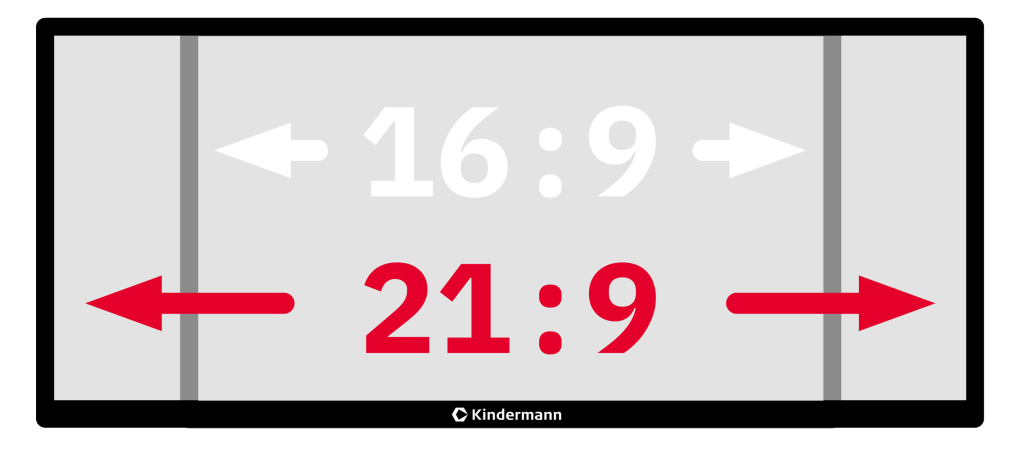
New work environments require innovative equipment. Kindermann understands the demands and delivers its largest touch display to date, the TD-30105-UW, which offers enough space for visualizations with its 105″ size and exceptional 21:9 aspect ratio.

This brings hybrid meetings to life and makes collaboration easier and more productive. The future-proof hardware equipment makes it a worthwhile investment.

Windows 10 Pro

The Windows 10 Pro operating system is preinstalled.

Details

105″ diagonal in 21:9 format

Even more space for your ideas at 105″.

Details

Multicast

Screen sharing via dongle, app, AirPlay & Chromecast.

Details

Screen Mirroring

Mirror the current screen of the touch display.

Details

20 touch points

Zero Gap Technology

Tempered and diffused front glass

Blue light filter

FEATURE TD-30xx
Diagonal in inches 105″
native resolution pixels 5120 x 2160 px
Format 21:9
Touch points 20 touch points
Operating system Windows 10 Pro preinstalled
OPS-PC Included

TD-10xx²

Way ahead of its time.

Whether in companies or in the education sector, touch displays are in vogue.

The Kindermann brand stands for high-quality, innovative products in the presentation/media technology sector and presents its own touch display series in 55, 65, 75 and 86 inch sizes.

At the same time, they impress with their modern design, intuitive operation and the latest, forward-looking technology.

Android 8

Ready to use right away thanks to Android 8.

Details

UHD/4K resolution

With 4K Ultra HD resolution, your audience will recognize even the smallest details.

Details

Splitscreen

Screen sharing via dongle, app, AirPlay & Chromecast.

Details

Screen Mirroring

Mirror the current screen of the touch display.

Details

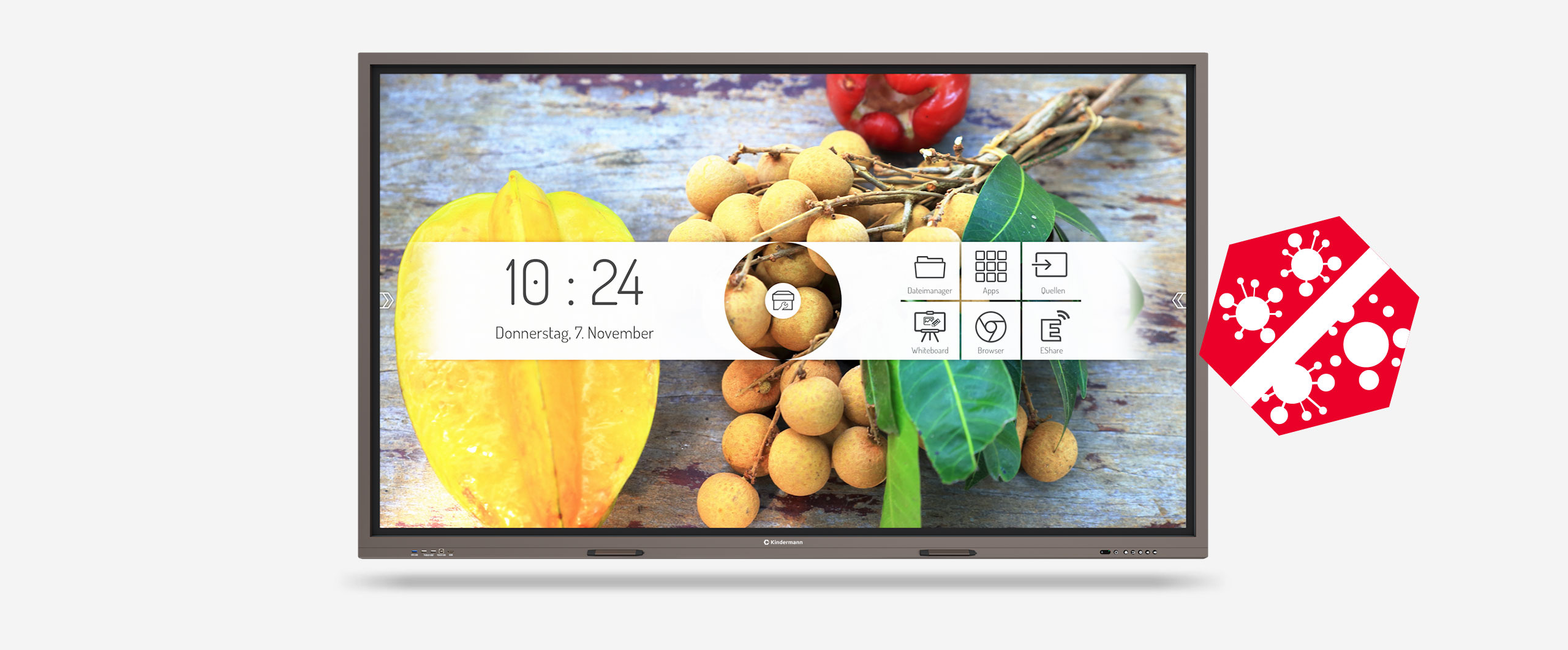
Intuitive user interface

The user interface was developed by Kindermann and is absolutely self-explanatory.

Clear icons with unambiguous (German) designations and easy-to-find setting options ensure that familiarization or training on the technology is unnecessary.

Details

The central ring menu provides access to the most important functions.

- Lock
- Help
- Overview / selection of active apps
- Timer
- Calculator
- Volume control

Details

20 touch points

OTA Updates

ChromeCast

Ambient light sensor & blue light filter

Whiteboard app with annotation function

The app works like a digital flipchart or a digital whiteboard and offers the possibility to make handwritten notes, sketches etc. with digital ink on the display. Various background images and liniatures are available for selection. These can be extended with your own variants if required.

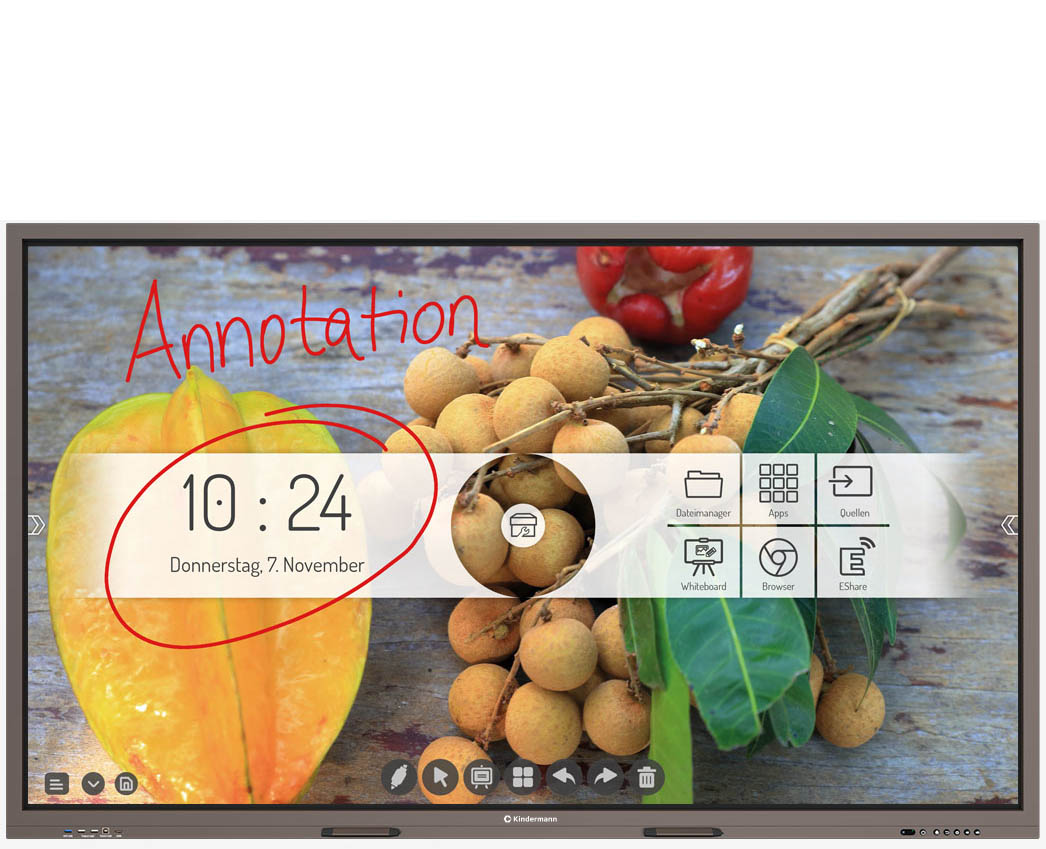
The Annotation function can be accessed via the sidebar. This allows you to make handwritten notes, sketches, etc. on the Android homescreen or any active app.

Details

Common apps are already preinstalled.

- Chromium Web Browser
- WPS Office
- Open Camera
- Adobe Reader
- VLC media player
- and many more...

Not found the right one? Install your app favorites on the display - either via APK or via a free app store.

Details
FEATURE TD-10xx²
Diagonal in inches 55″, 65″, 75″, 86″
native resolution pixels 3840 x 2160 px
Format 16:9
Touch points 20 touch points
Operating system Android 8
OPS-PC Optional

Includes 1-year license for the RDM software Chimpa

Learn more