Without compromise: The new TD-12xx series
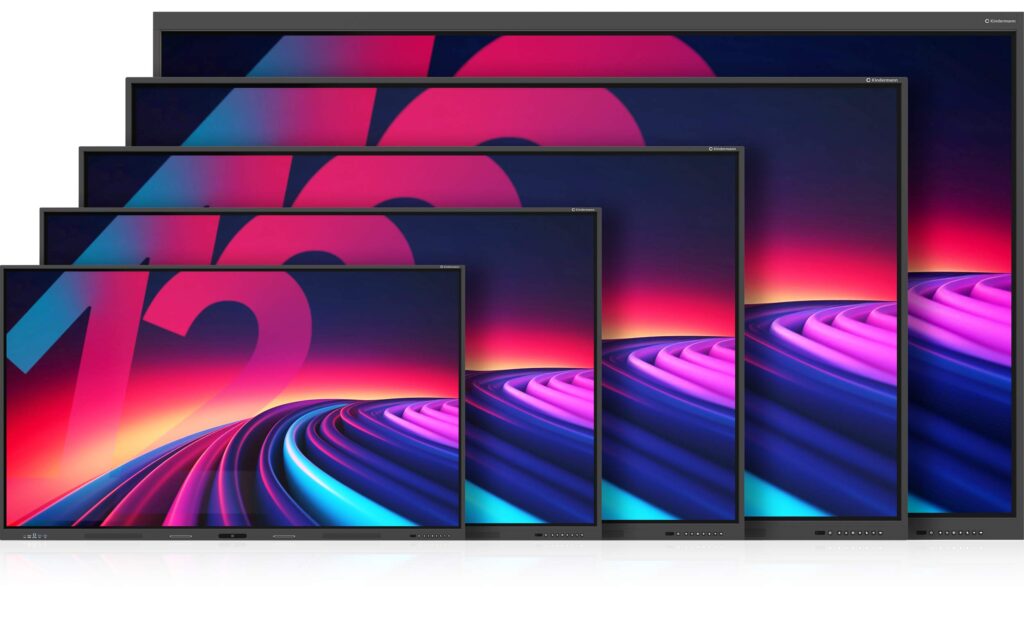
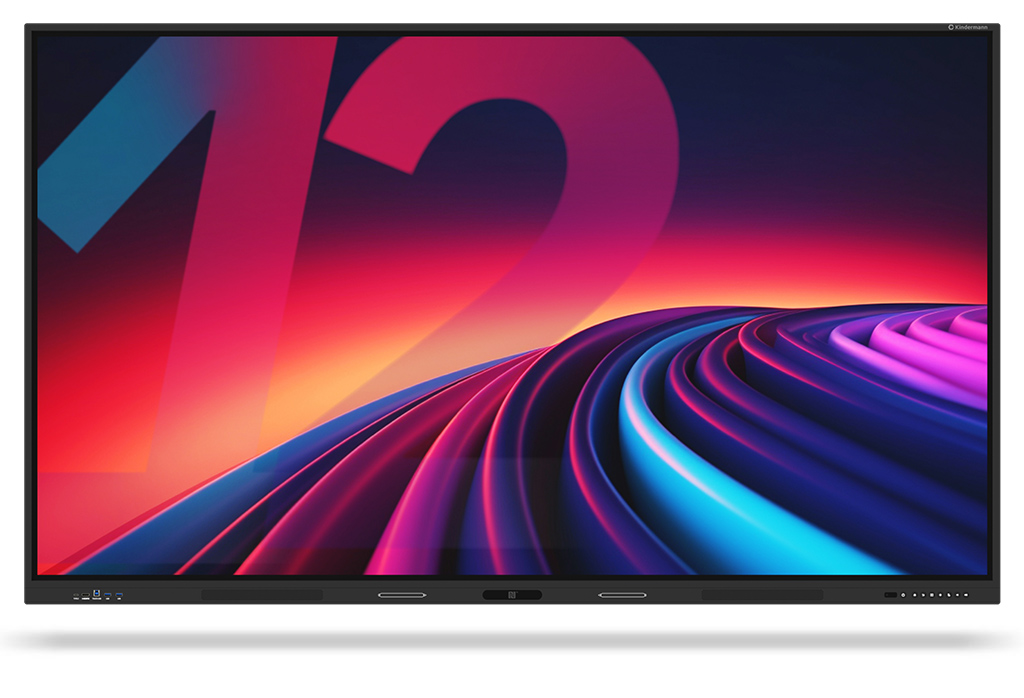
Creative work on 55″, 65″, 75″, 86″... and for the first time even up to 98″ display diagonal.
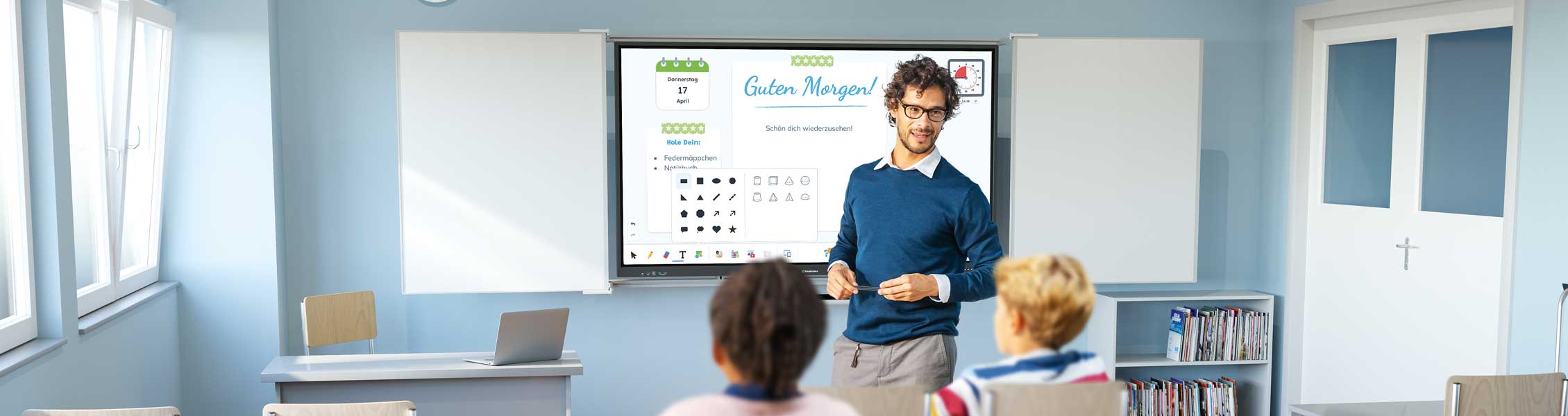
The new generation of touch displays has been developed from practical experience for practical use in education and professional business environments. Intuitive operation, sophisticated functions and applications that really make sense characterize these new models.
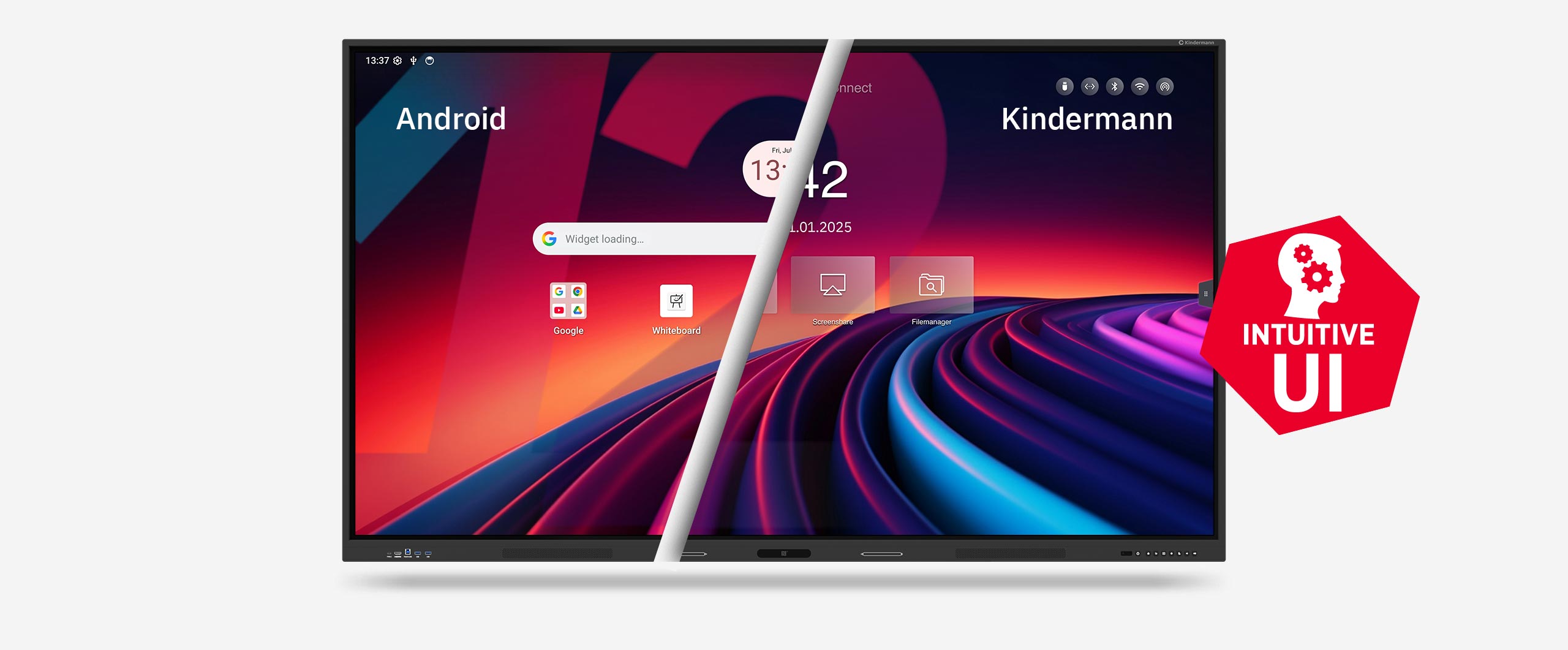
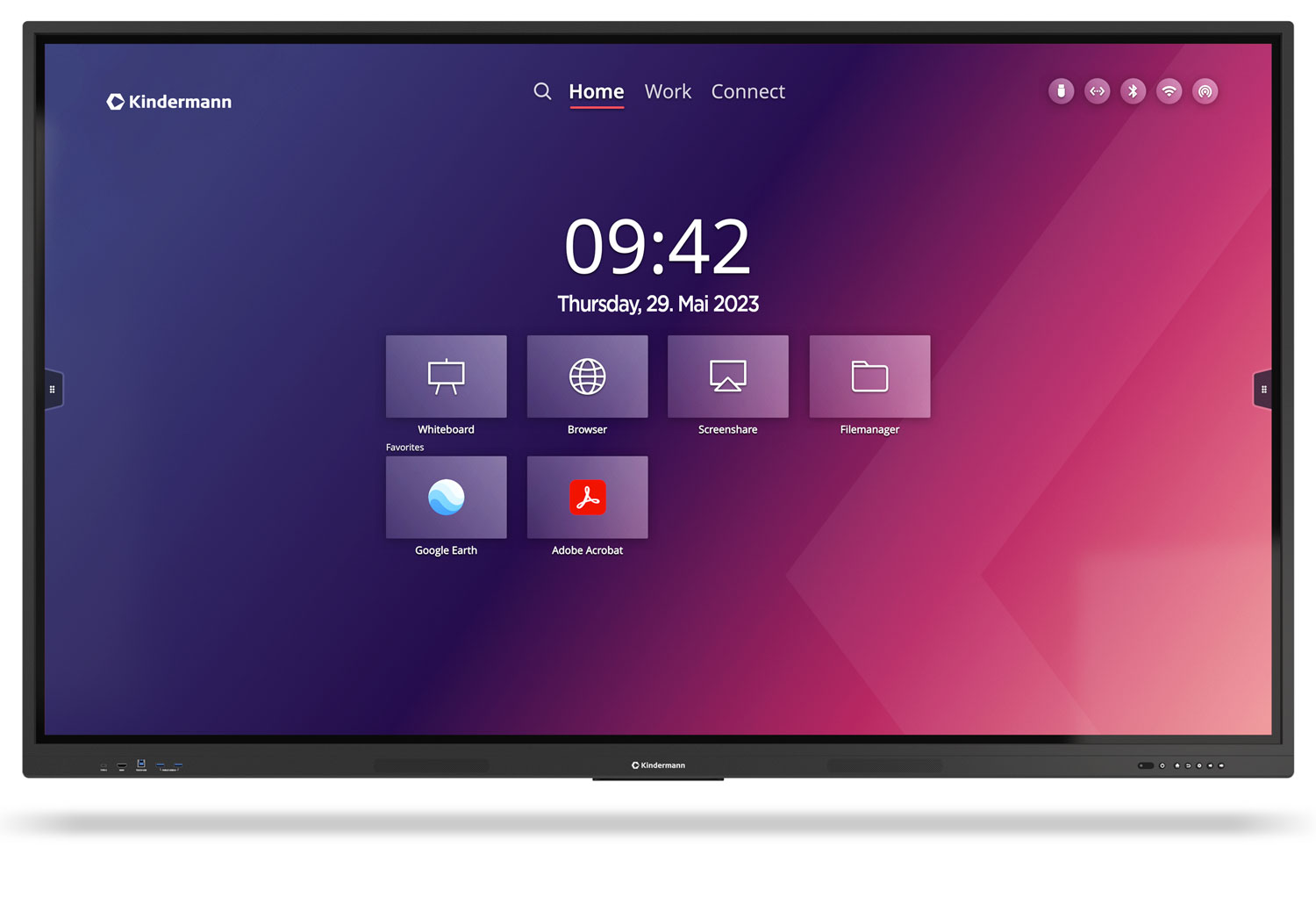
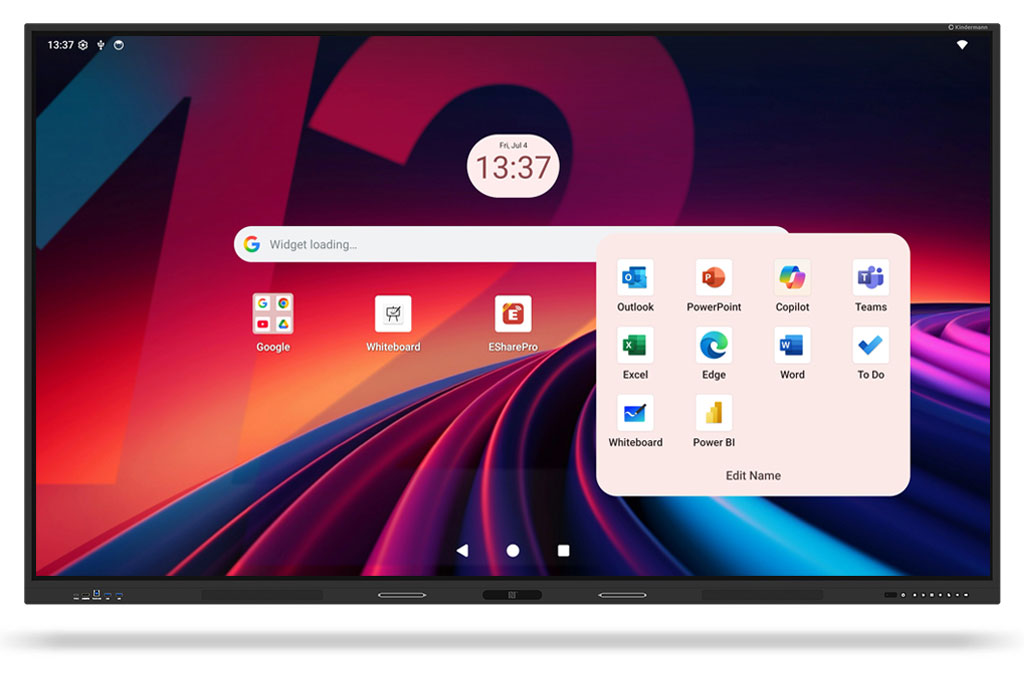
Thanks to the intuitive user interface developed by Kindermann , anyone can find their way around immediately. A wide range of connection options and future-proof equipment at an excellent price-performance ratio leave nothing to be desired.
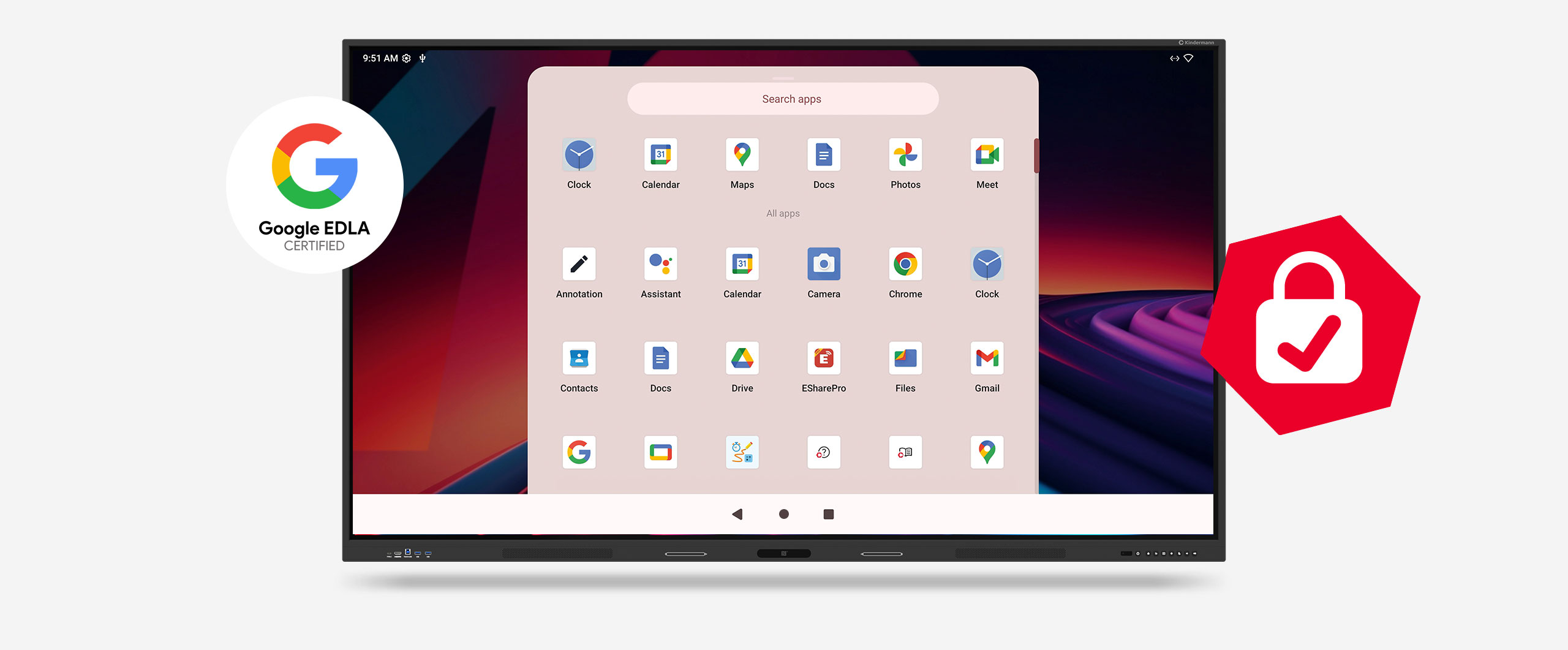
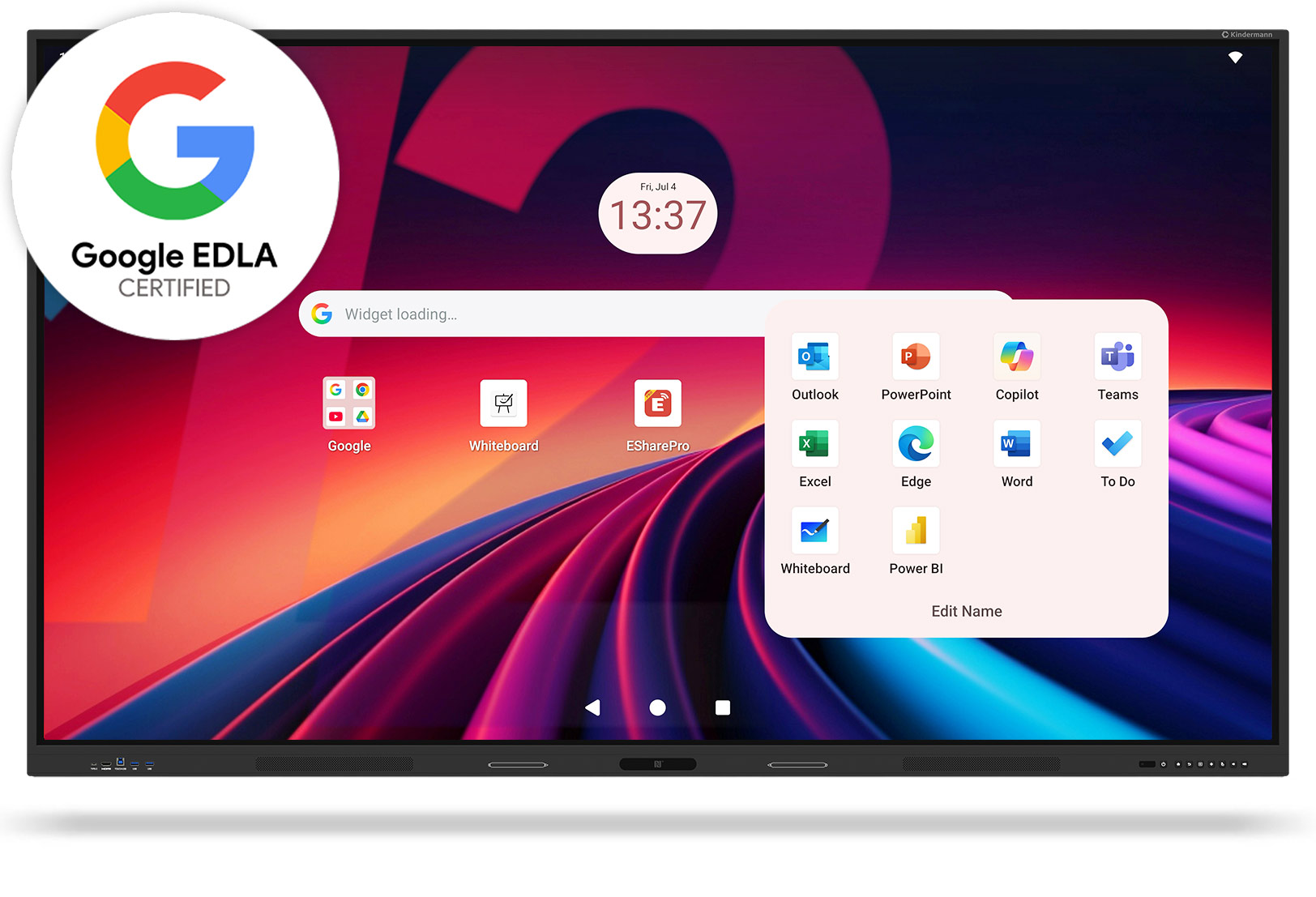
Android 14 with Google EDLA certification
An up-to-date operating system and regular security and feature updates guarantee long-term usability.

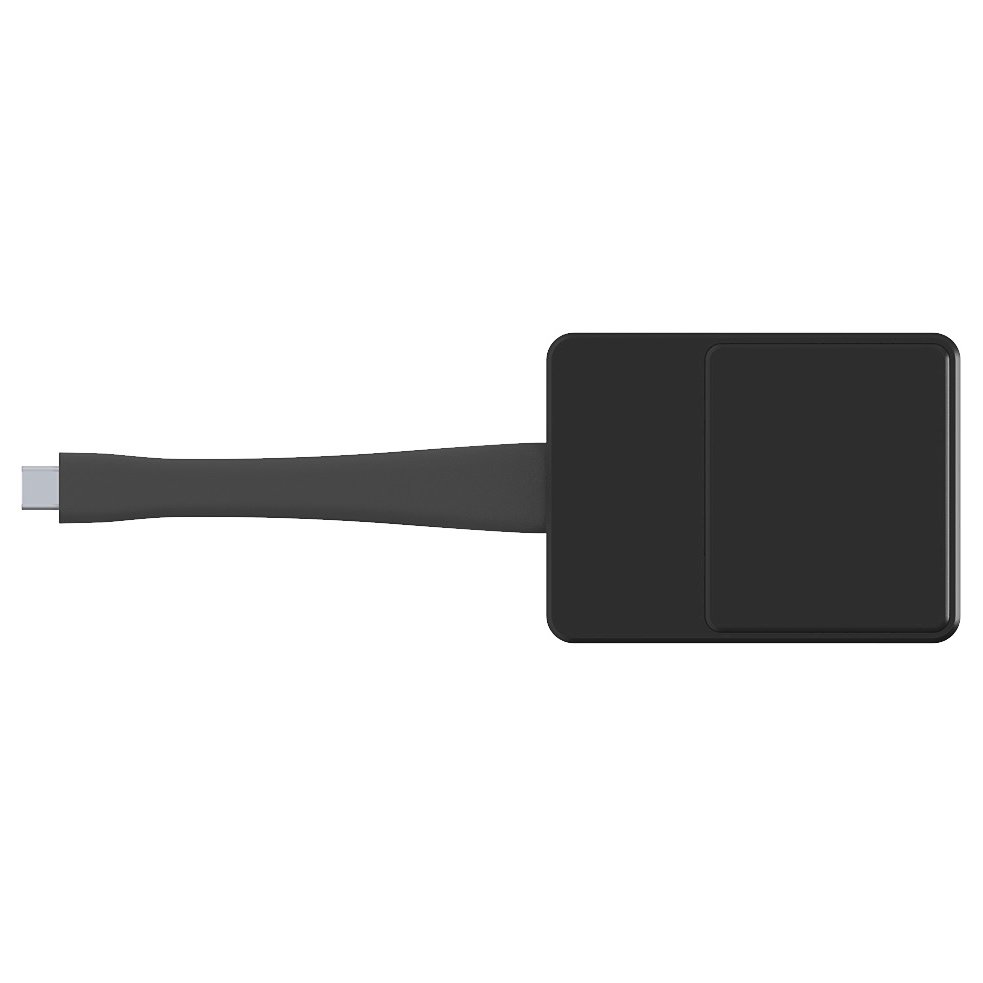
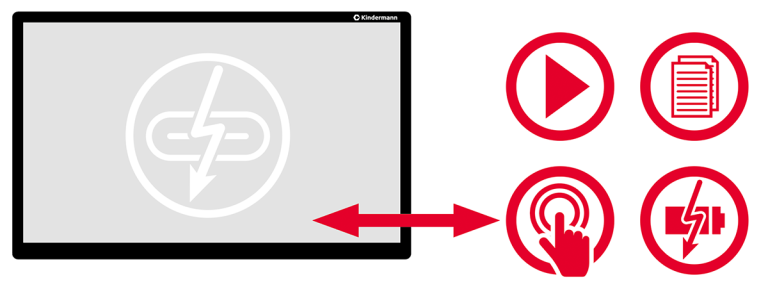
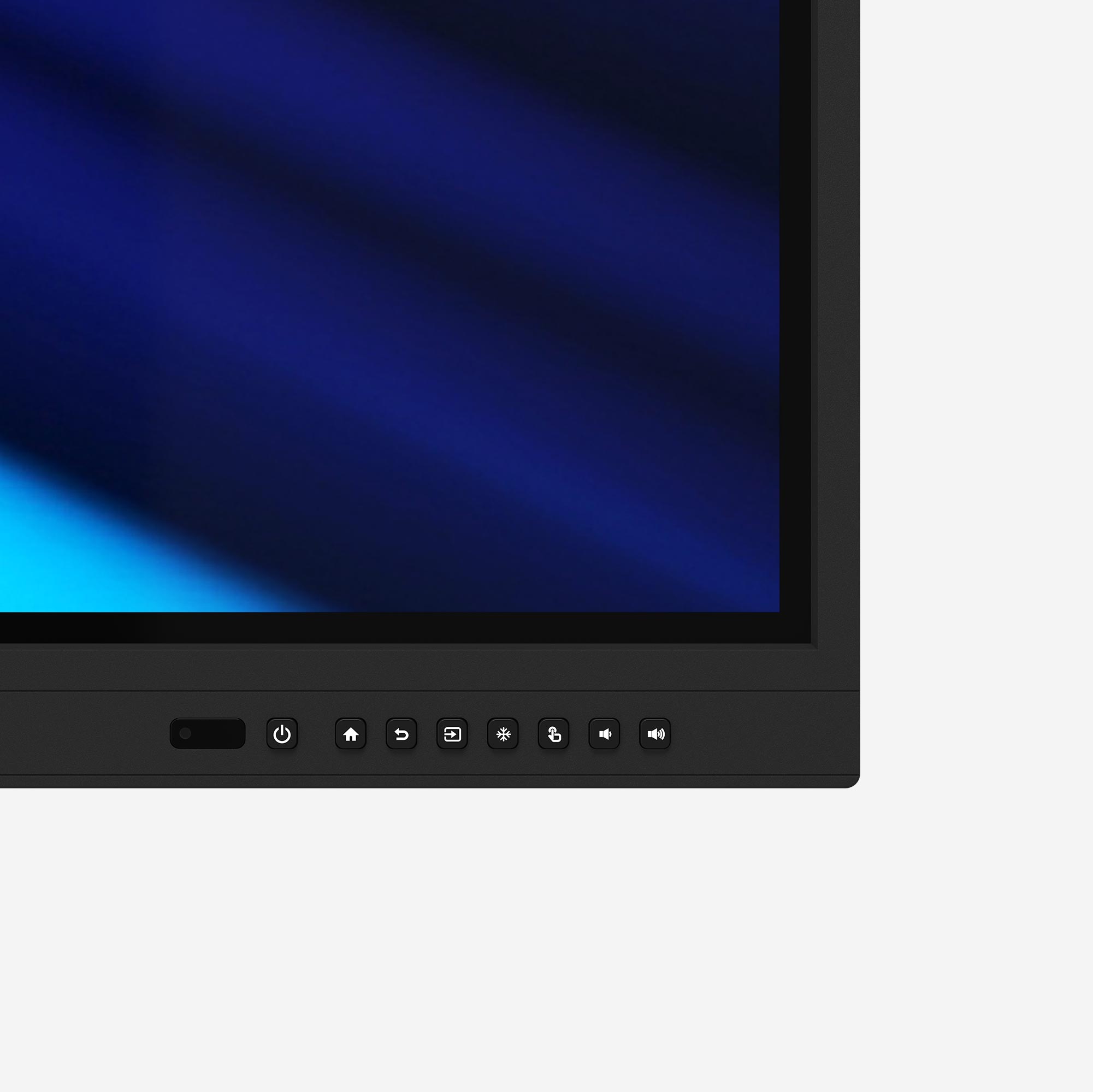
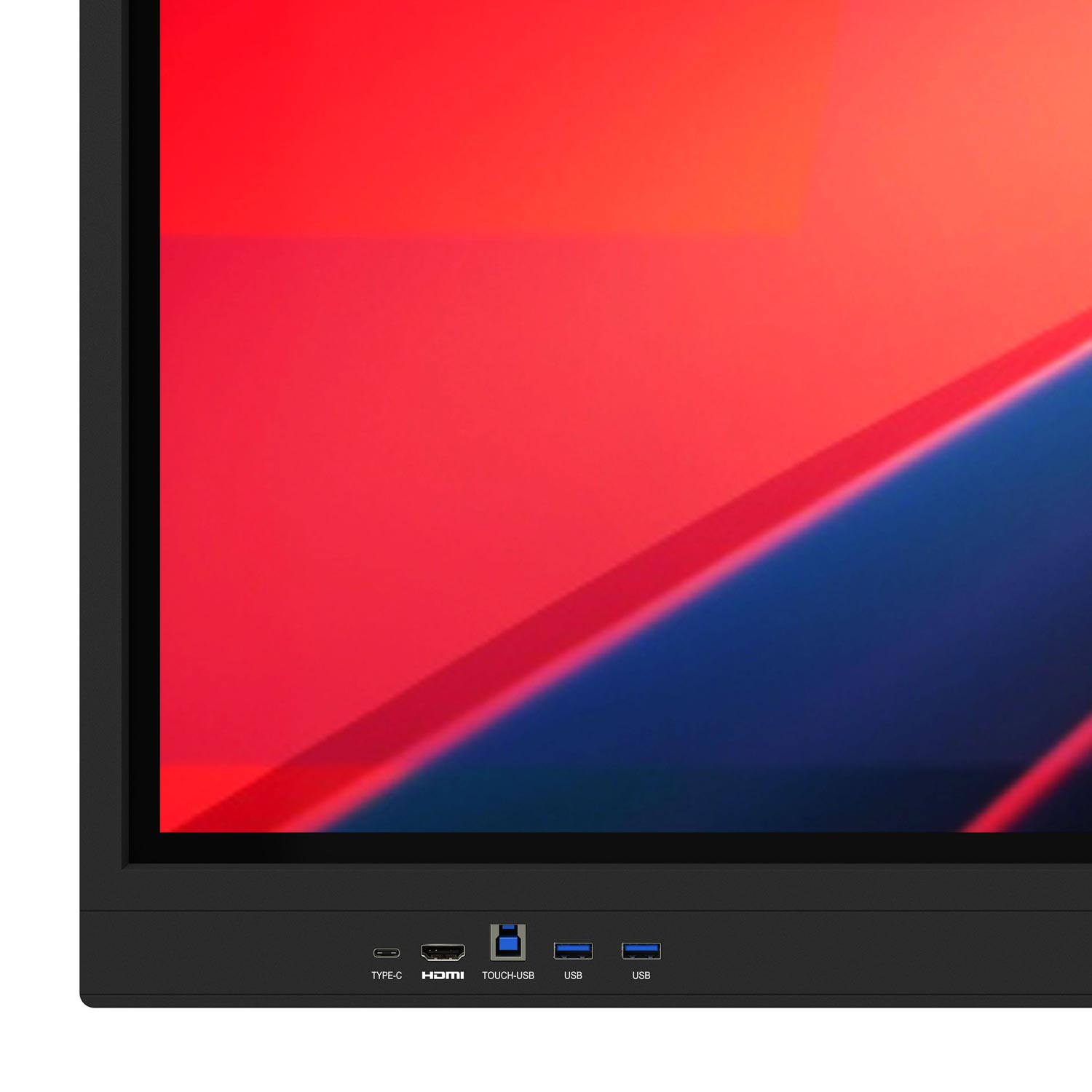
USB Type-C port on the front
Video, touch and charging function (100 and 65 W PD)... with just one cable.

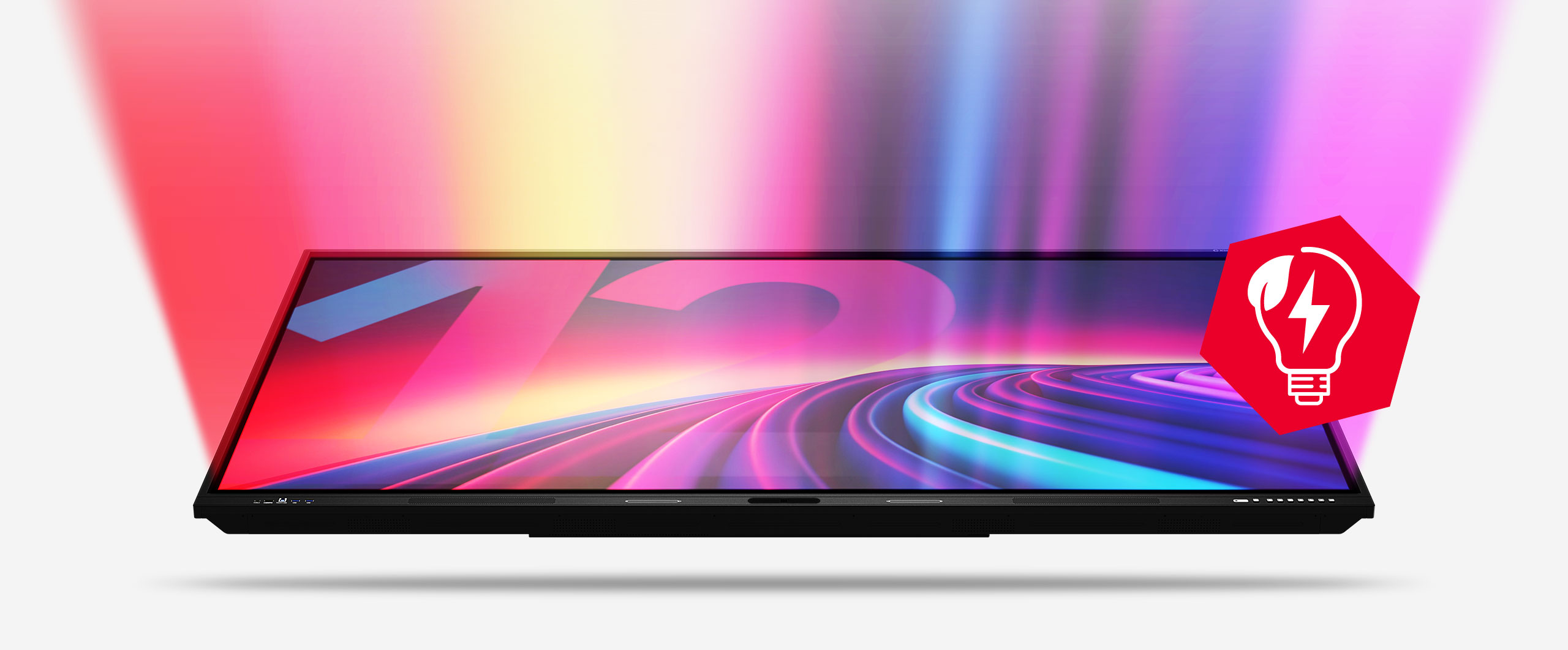
Super bright and yet energy efficient
Even in energy-saving mode, the display is bright enough to impress in bright conference rooms.

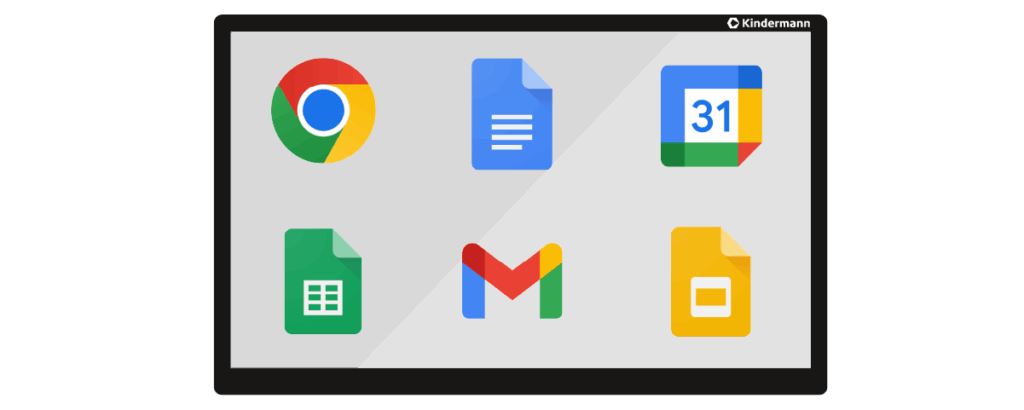
And despite EDLA, maximum safety thanks to SOTI MobiControl
Flexible, platform-independent device management for controlling all IT systems at your school, regardless of manufacturer and operating system.
SOTI MobiControl offers a central platform for managing all school end devices - regardless of the operating system. Whether iOS, Android, Windows, Chrome OS or even interactive whiteboards from a wide range of manufacturers: MobiControl gives you full control over your IT infrastructure.
The solution supports EDLA-compatible devices and enables data protection-compliant Google account management - ideal for use in the education sector. Thanks to open interfaces, MobiControl can be seamlessly integrated into existing school solutions such as IServ, Untis or Apple School Manager. The platform meets the highest GDPR standards and offers data-sovereign hosting - either in the cloud or on your own server. Device registration is quick and easy, e.g. via QR code - perfect for simple integration into the school network.
SOTI MobiControl not only makes digital learning easier, but above all secure, structured and future-proof.
Everything within easy reach...

Maximum precision -
smart functionality
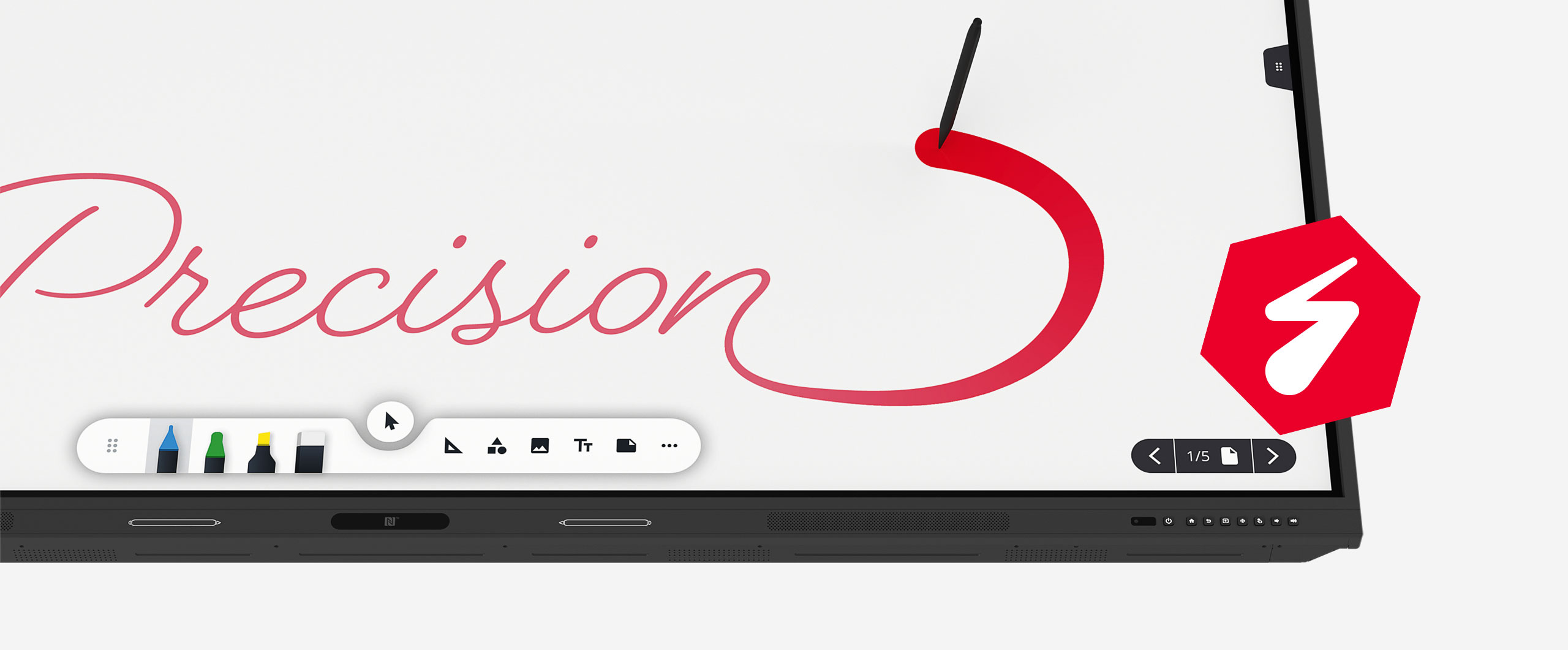
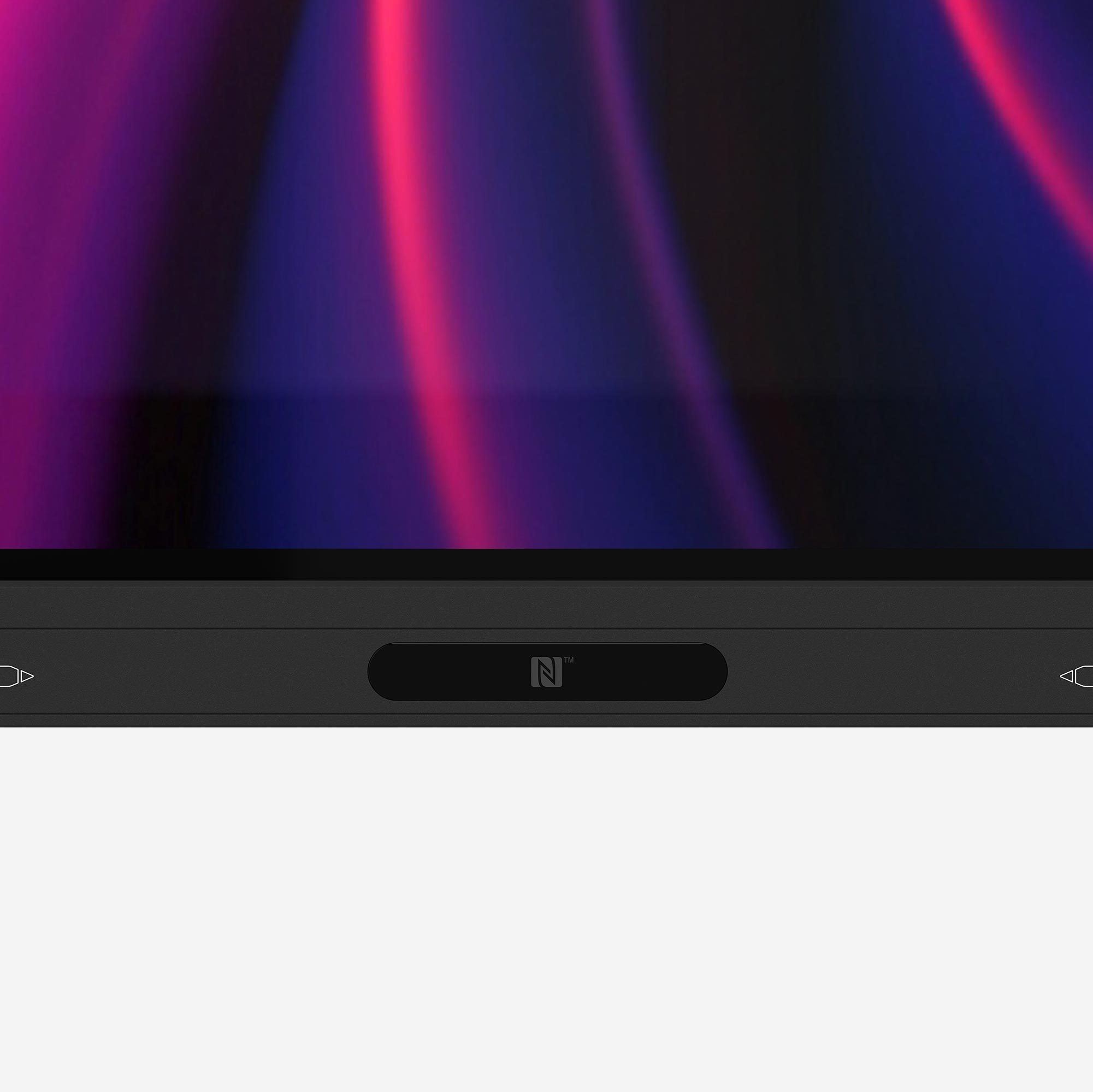
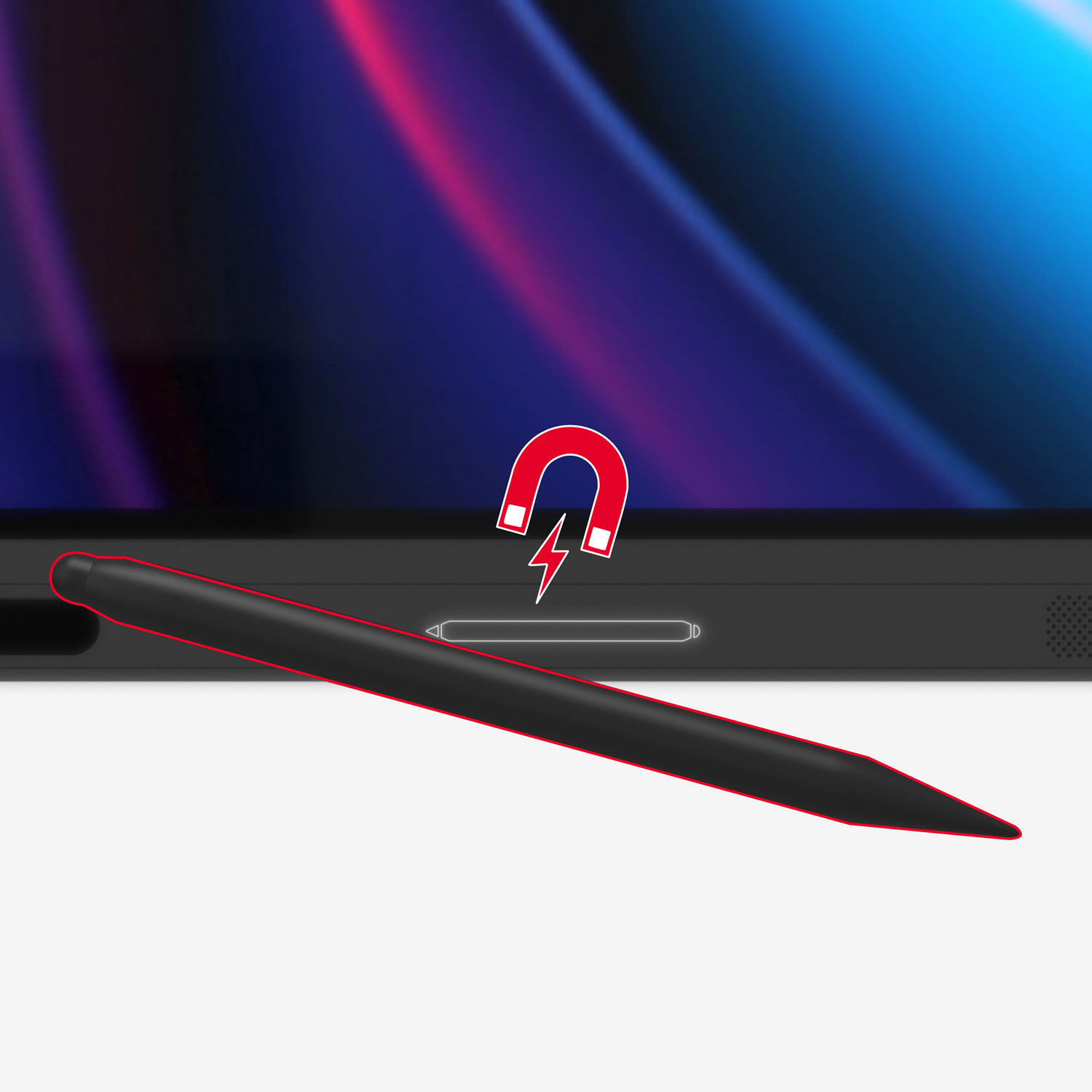
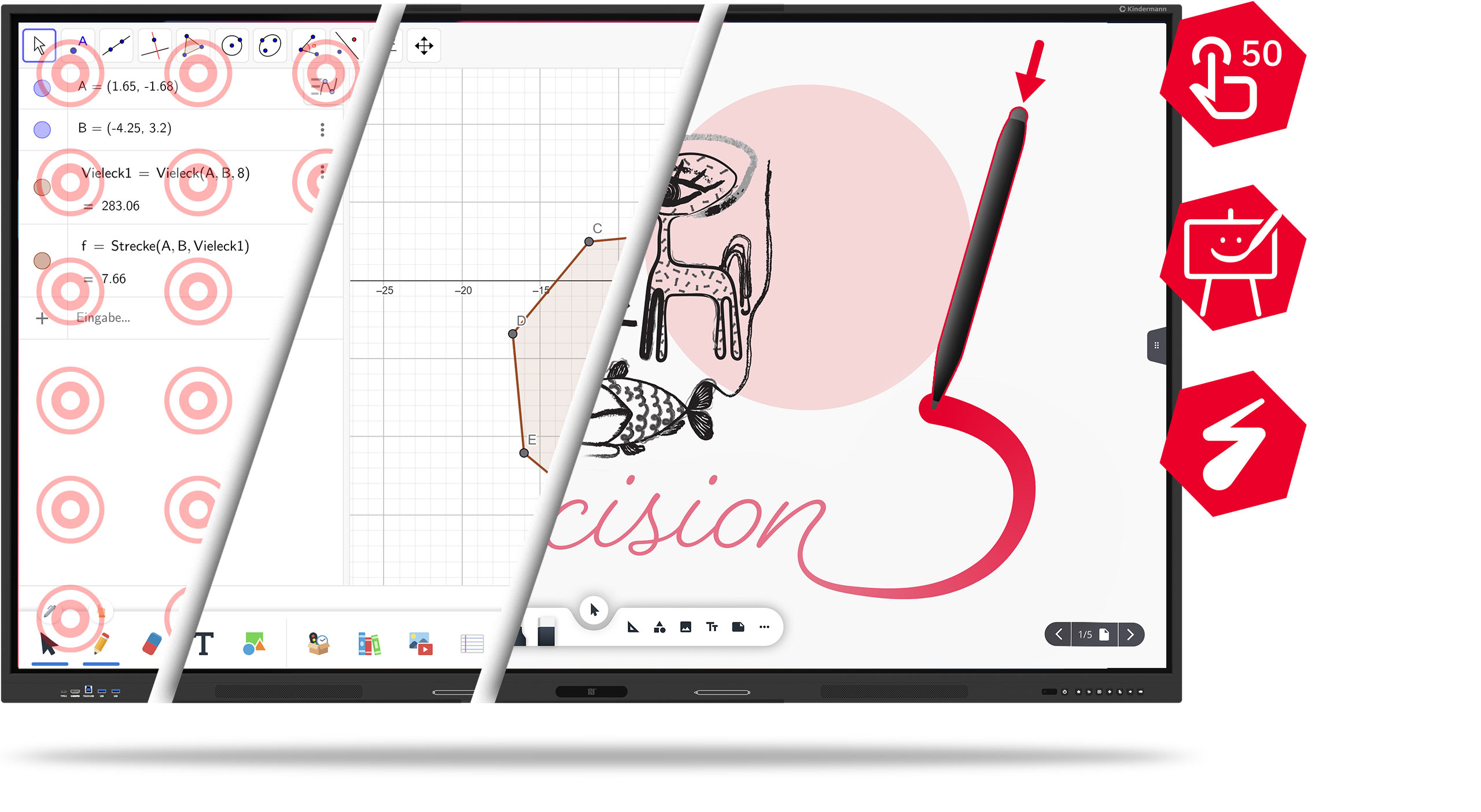
The touch display of the TD-12xx series impresses with up to 50 simultaneous touch points - for maximum accuracy in every application and thanks to pressure-sensitive touch technology, you experience a particularly precise and natural writing experience, almost like on paper.
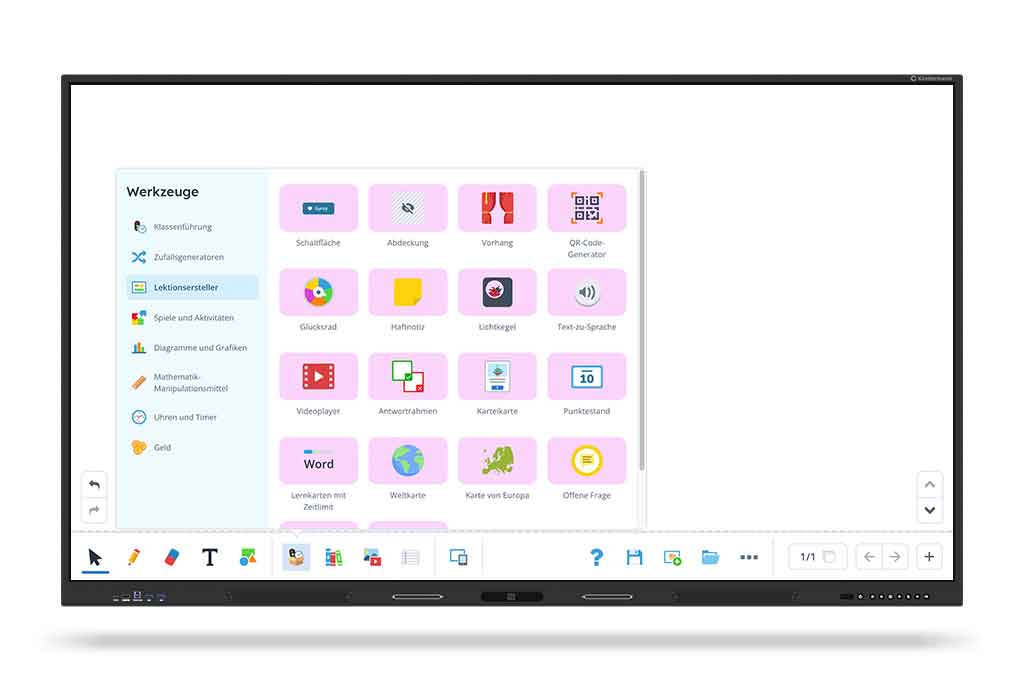
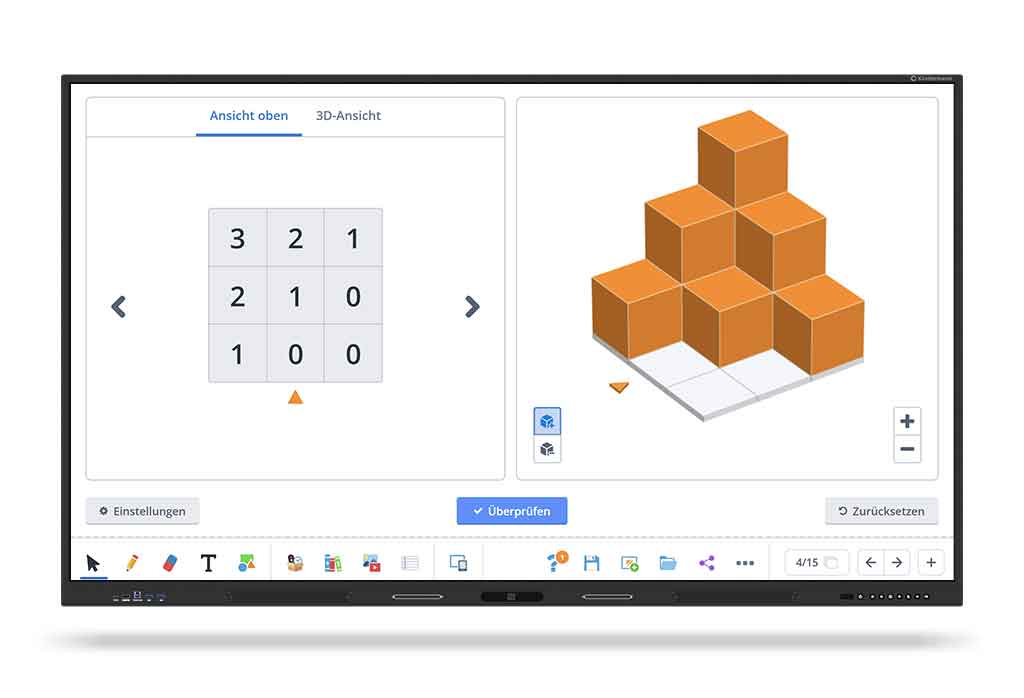
There are also three powerful whiteboard apps on board:
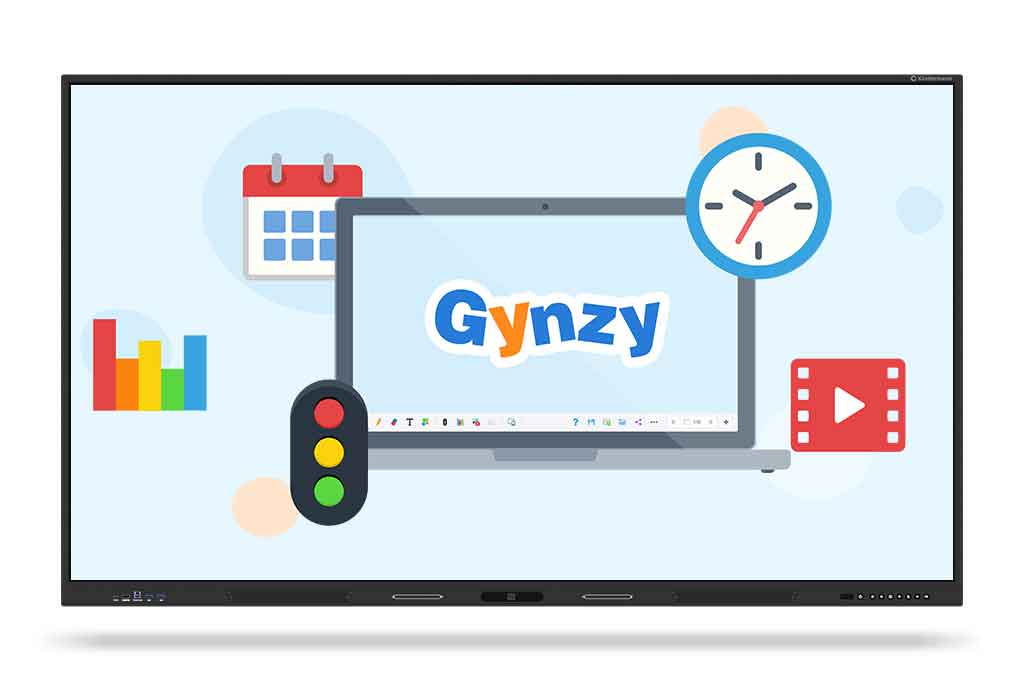
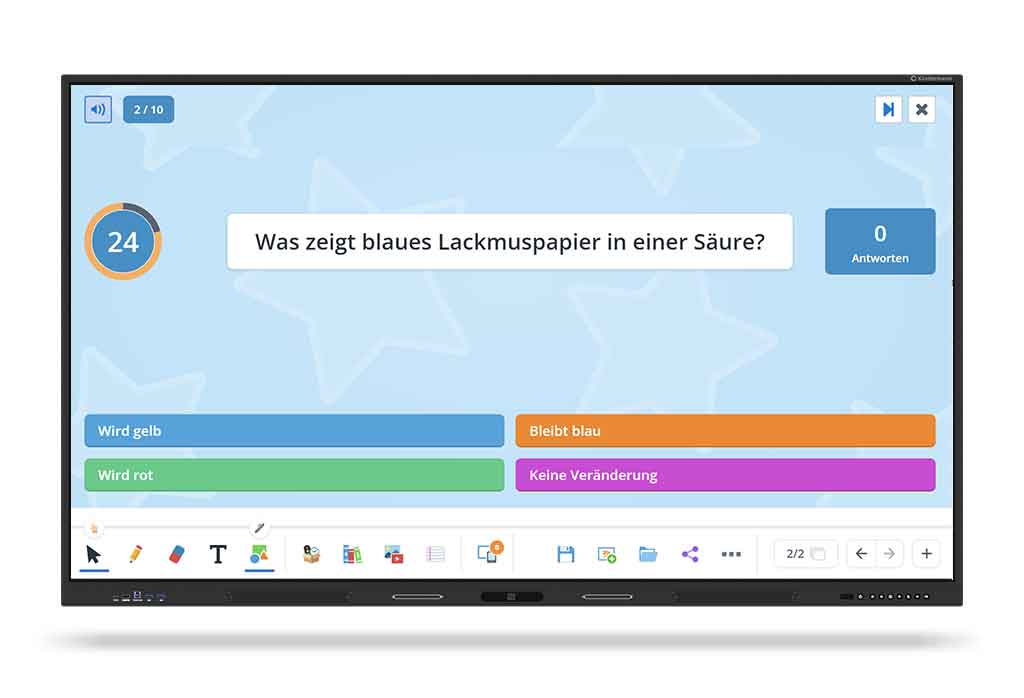
The intuitive Kindermann Whiteboard App, the interactive learning tool Gynzy and the versatile SWrite.
Ideal for lessons, meetings and creative collaboration!
Versatile connections...
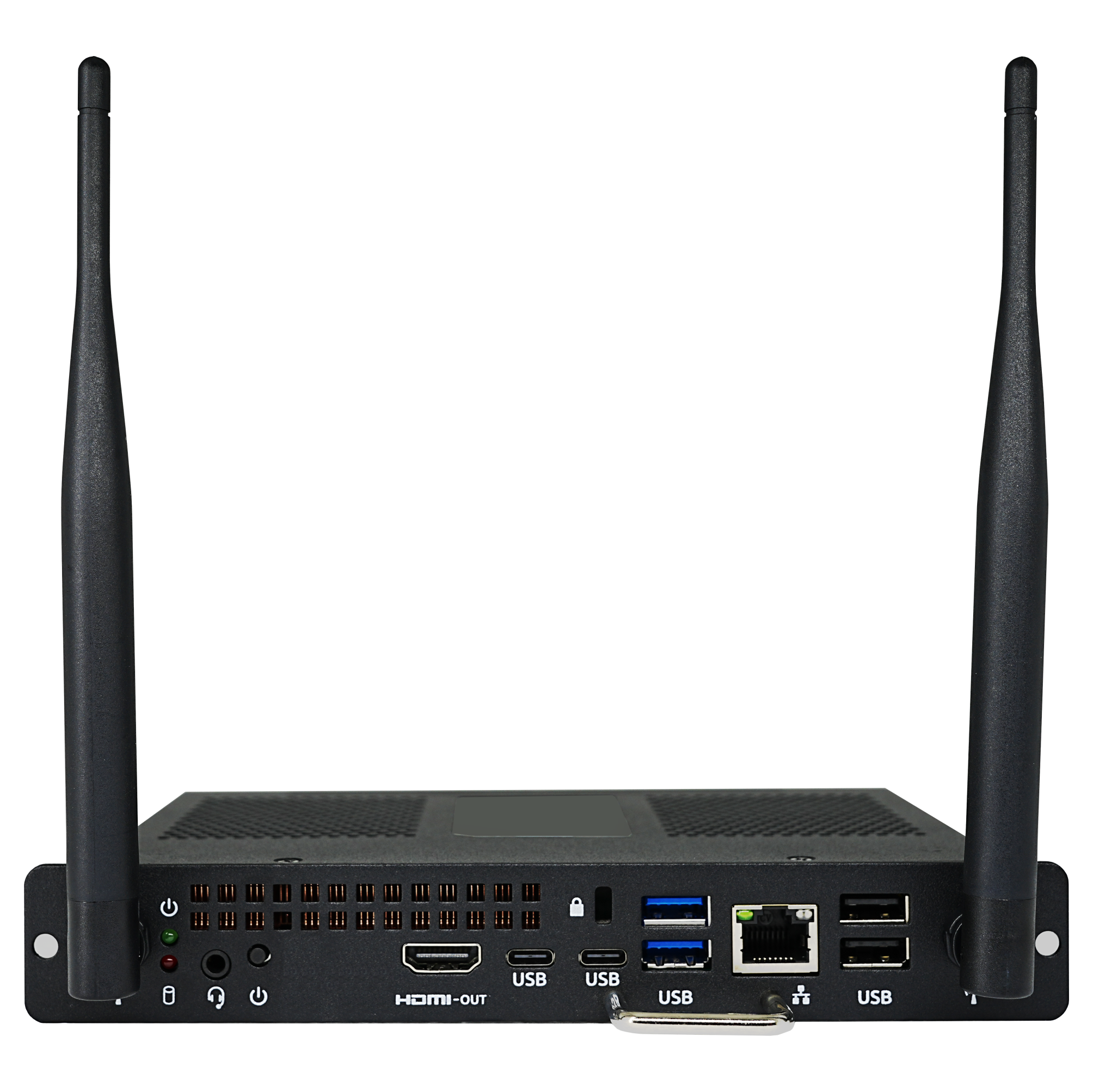
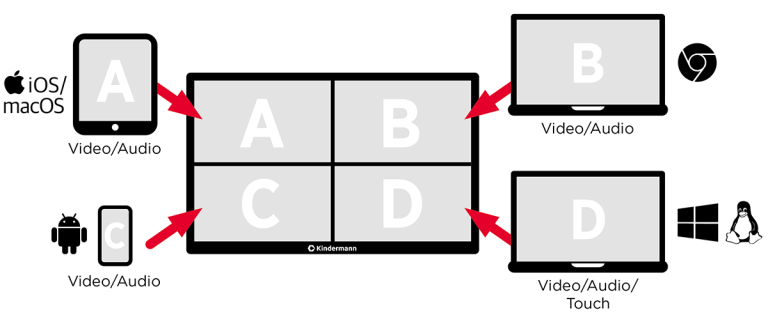
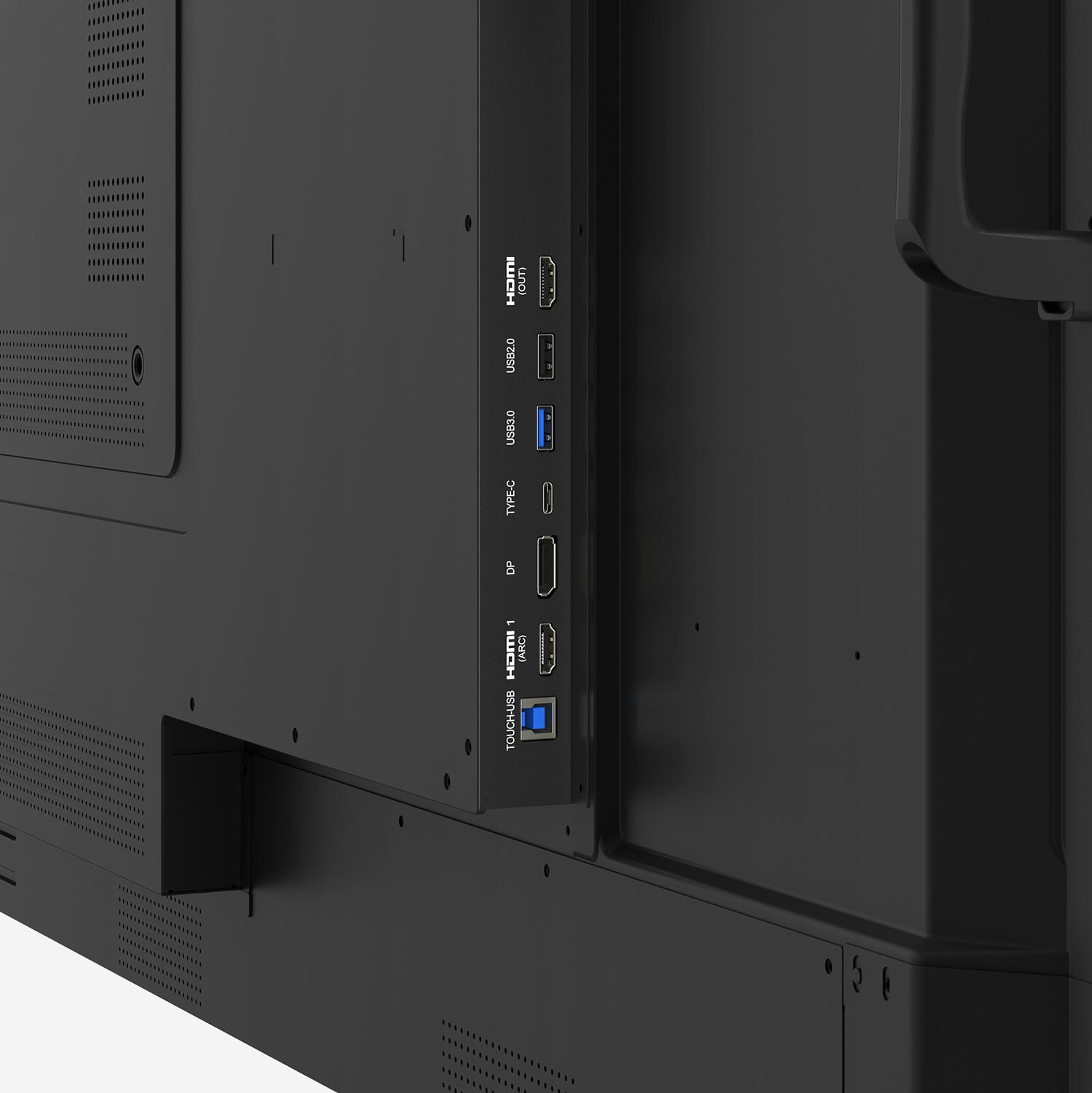
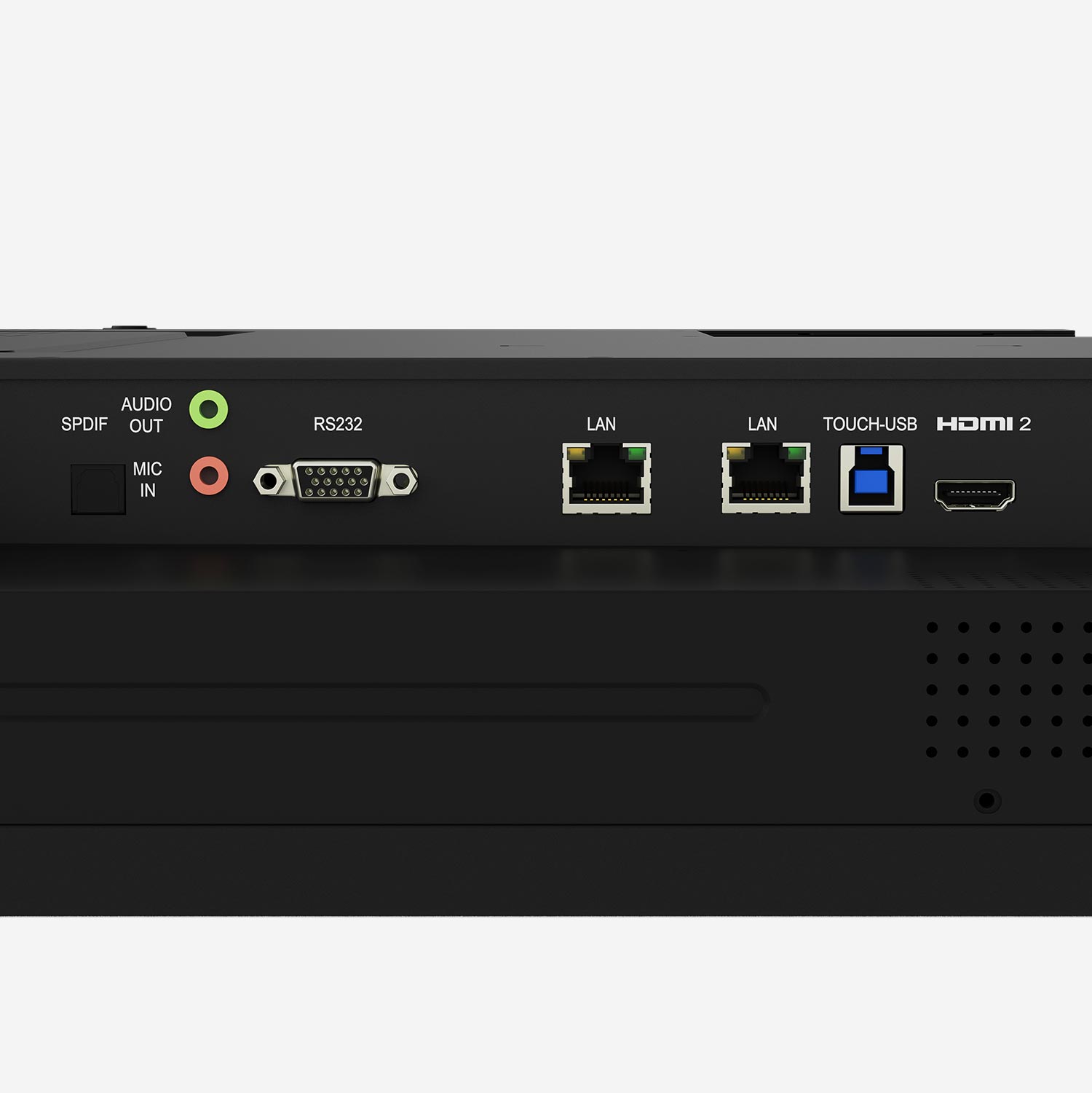
HDMI, USB-C, plug-in PC (OPS) and many other connections offer maximum flexibility and compatibility.
Product presentation
You are currently viewing placeholder content from YouTube. To access the actual content, click the button below. Please note that this will result in data being shared with third parties.
Further informationYou are currently viewing placeholder content from YouTube. To access the actual content, click the button below. Please note that this will result in data being shared with third parties.
Further information| FEATURE | TD-12xx |
| Diagonal in inches | 55″, 65″, 75″, 86″, 98″ |
| native resolution pixels | 3840 x 2160 px |
| Brightness | > 450 cd/m² |
| Touch | Advanced infrared with up to 50 touch points incl. pressure sensitivity |
| Operating system | Android 14, Google EDLA certified |
| Video connections | 2x USB-C for video, data, touch and charging function up to 100 W, 3x HDMI in, 1x DP-in, 1x HDMI-out, 80pin JAE OPS slot 2x USB-C for video, data, touch and charging function up to 100 W, 3x HDMI in, 1x DP-in, 1x HDMI-out, 80pin JAE OPS slot |