
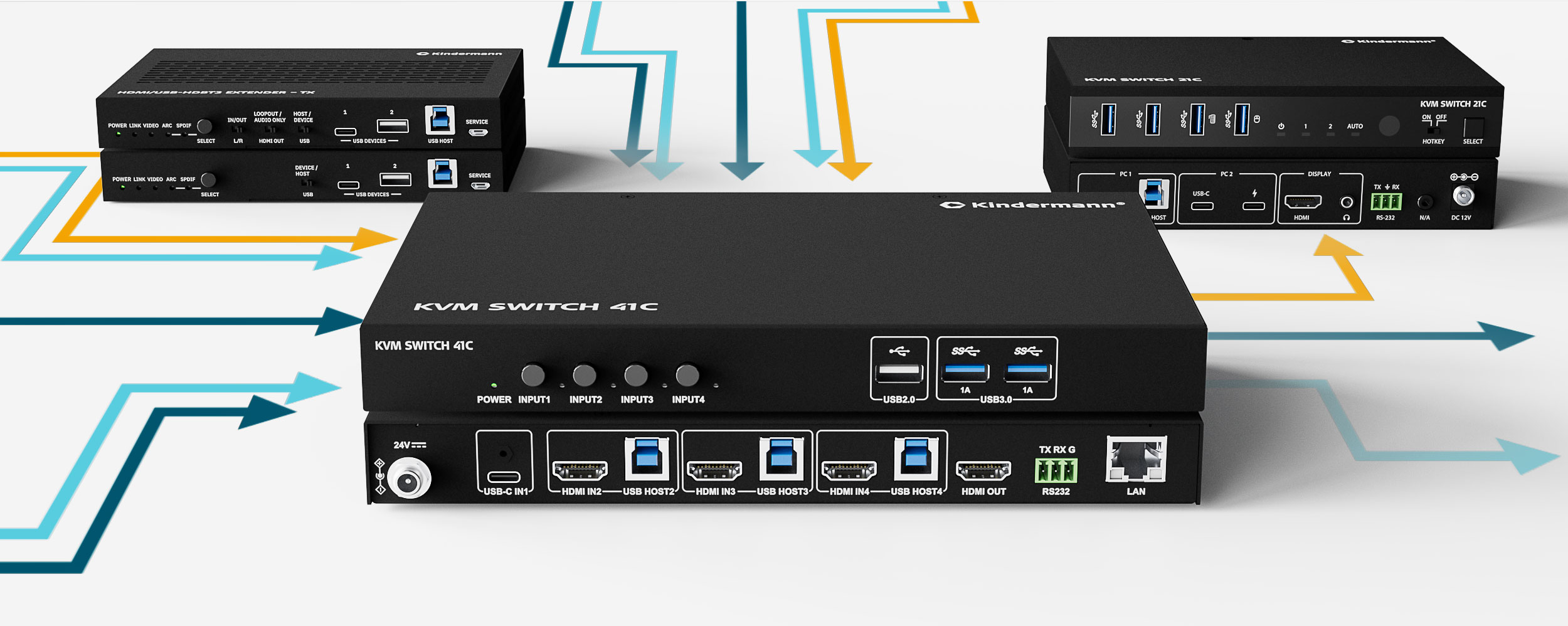
Efficient Signalmanagement is Signalmanagement in modern AV and IT environments—whether in conference rooms, production facilities, or educational institutions.
Users often come across terms such as extender and switch, which describe completely different devices and therefore fulfill different tasks. A basic understanding helps to plan needs-based solutions and ensure the reliability and efficiency of signal distribution.
We clarify:

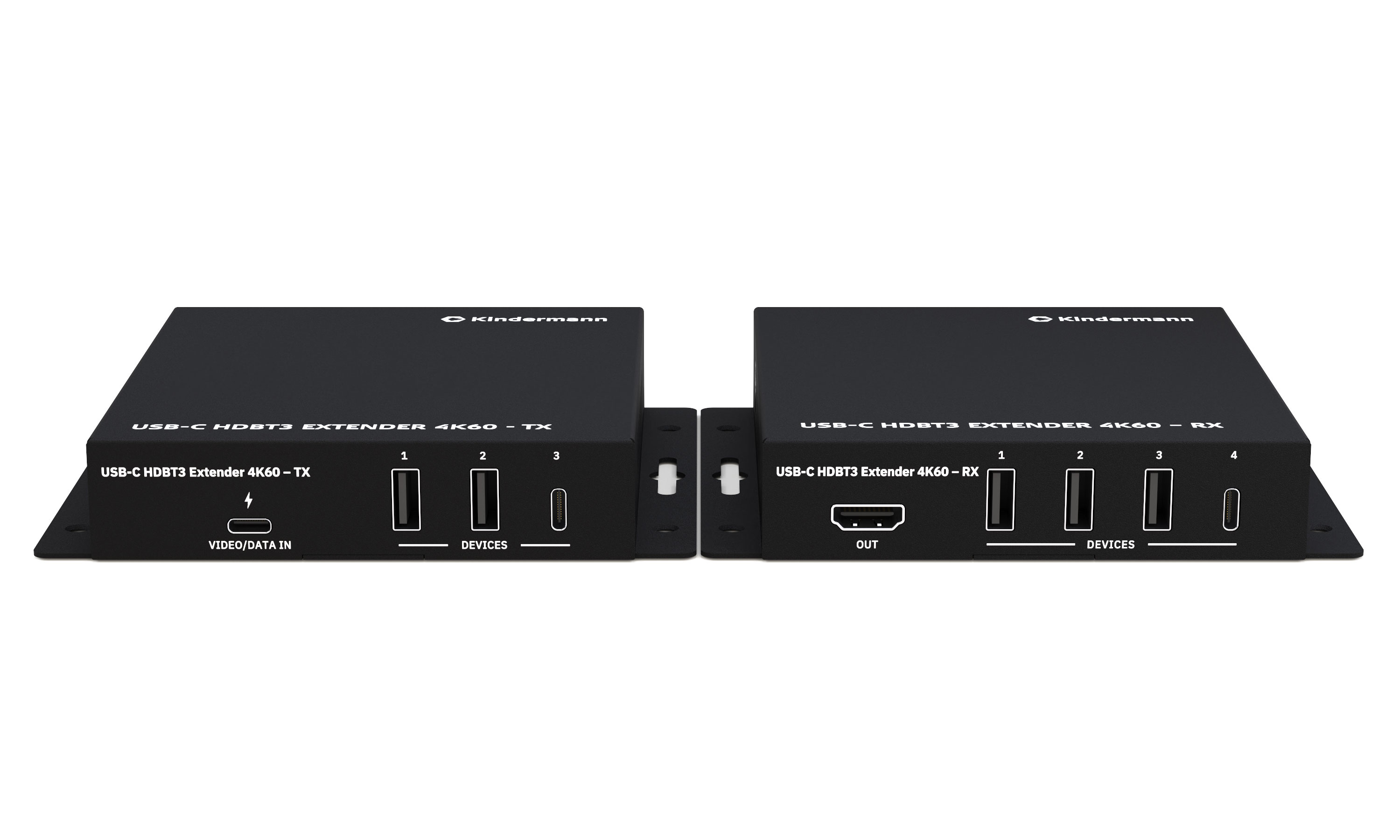
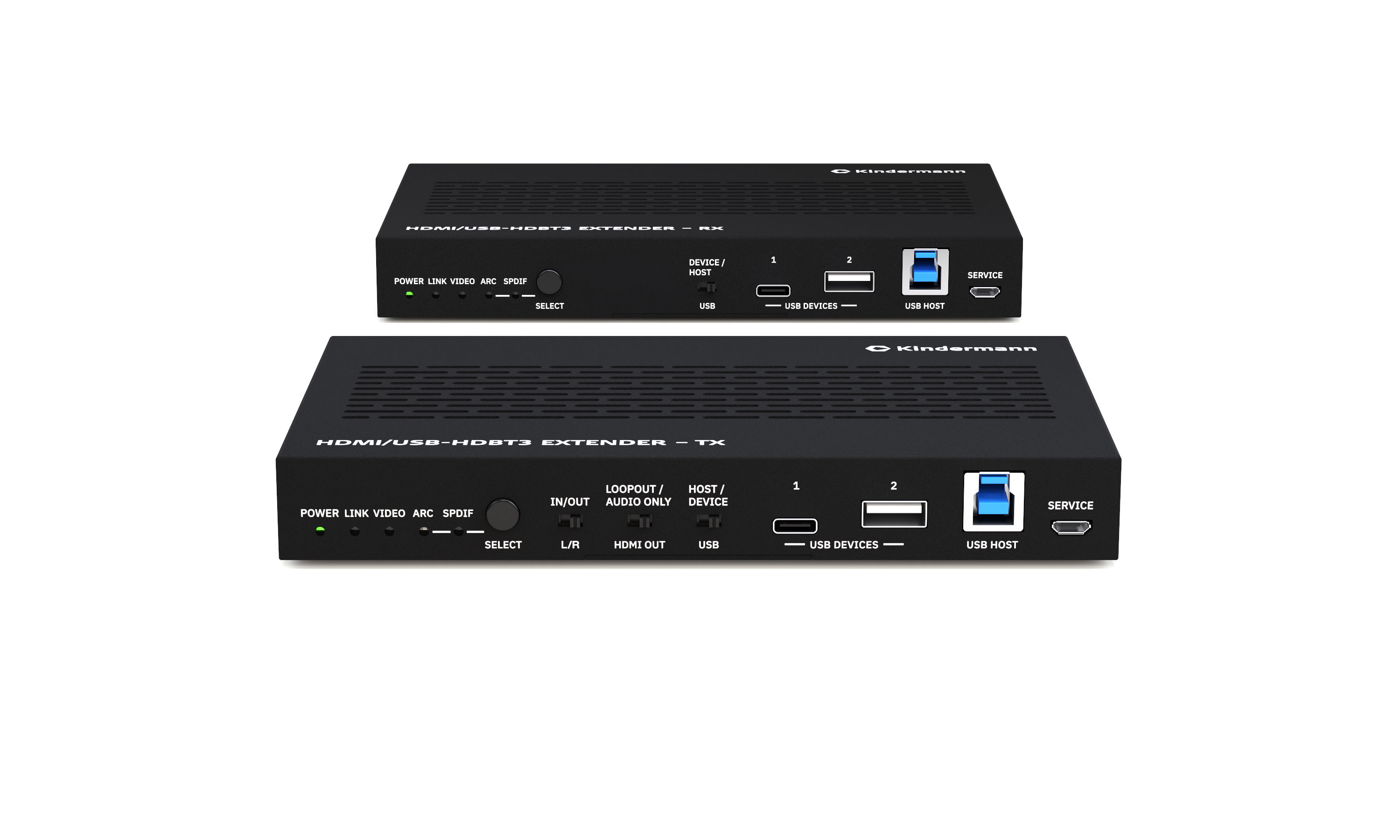
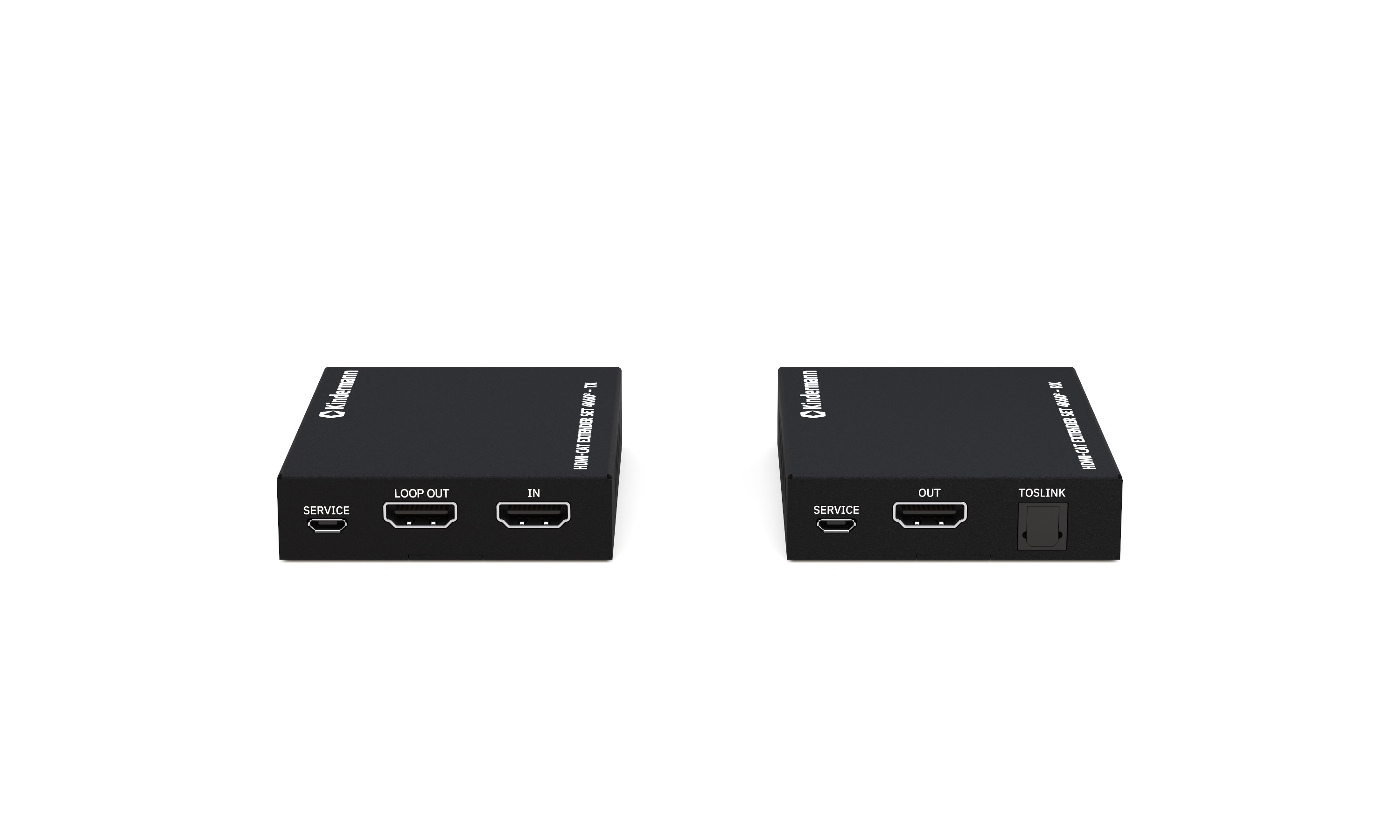
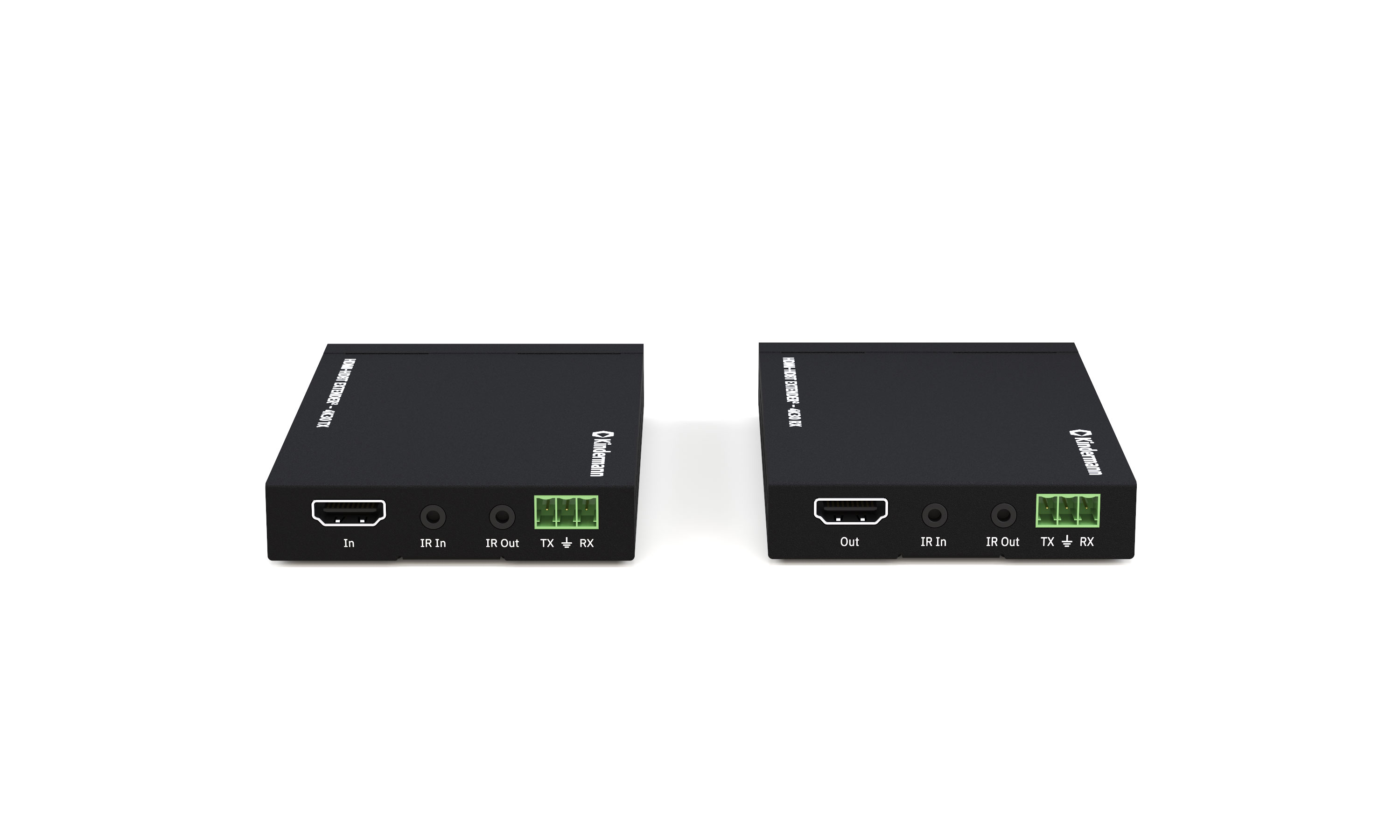
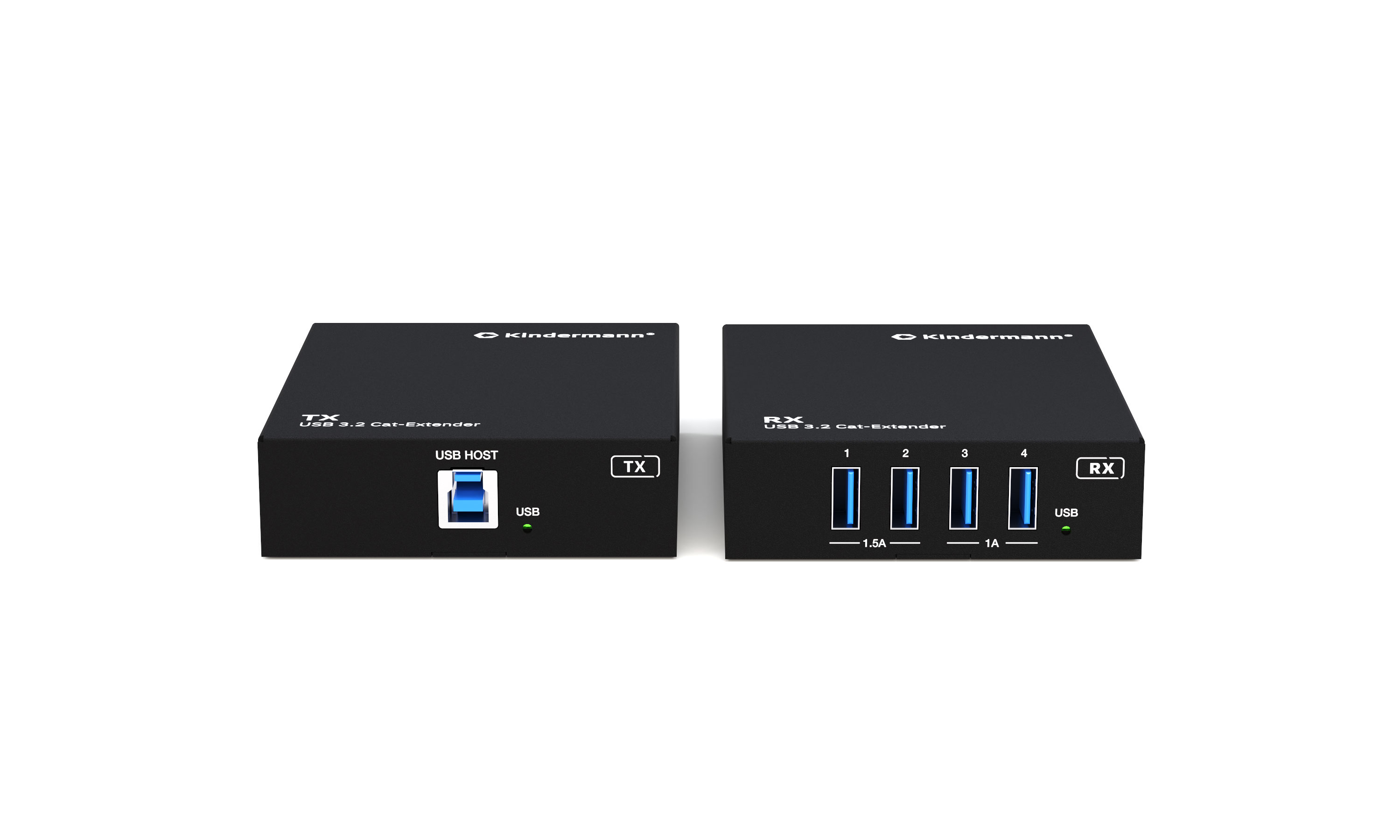
Extender
"Extenders" are used to transmit signals over greater distances than would be possible with standard cables.
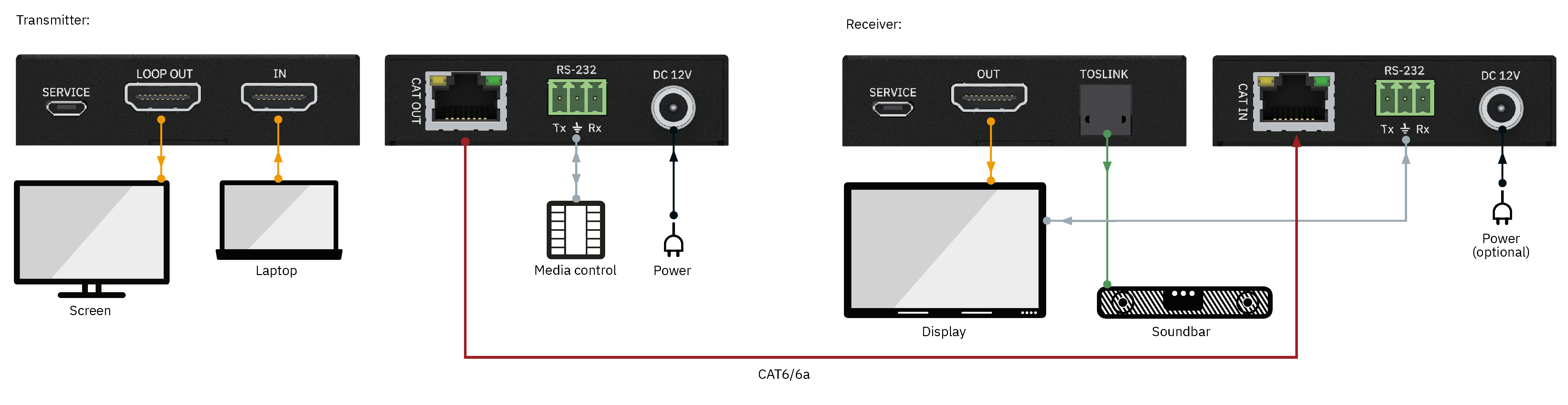
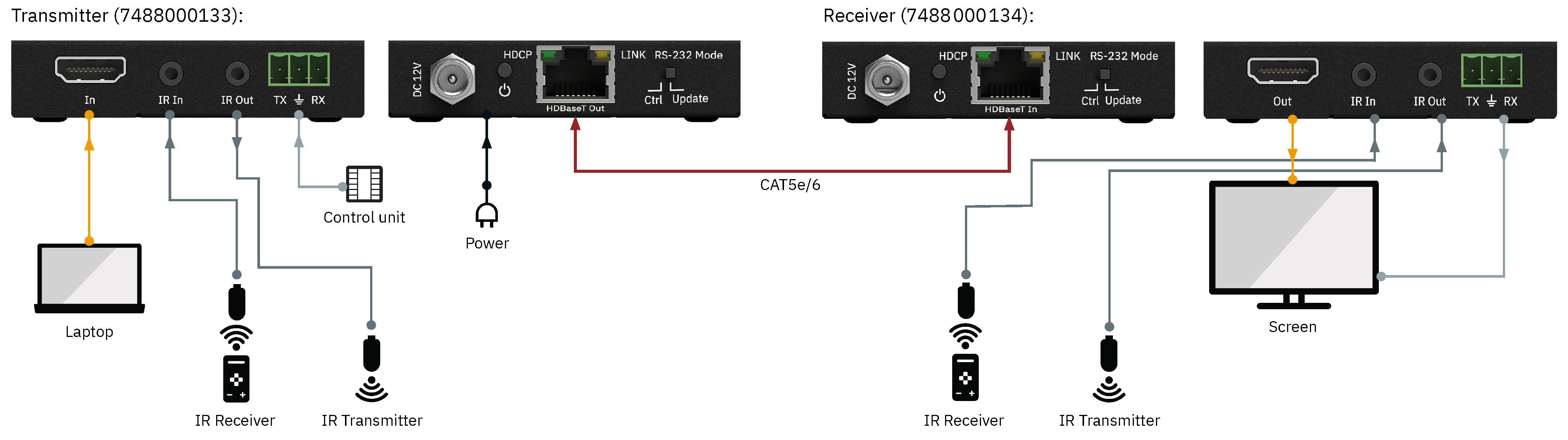
Extenders usually consist of a transmitter and a receiver connected via another medium (e.g., Cat cable, fiber optics, or IP networks).
There are also signal conditioners. These are integrated in the middle of the cable route and recondition the signal. From there, the maximum cable length can be connected again.
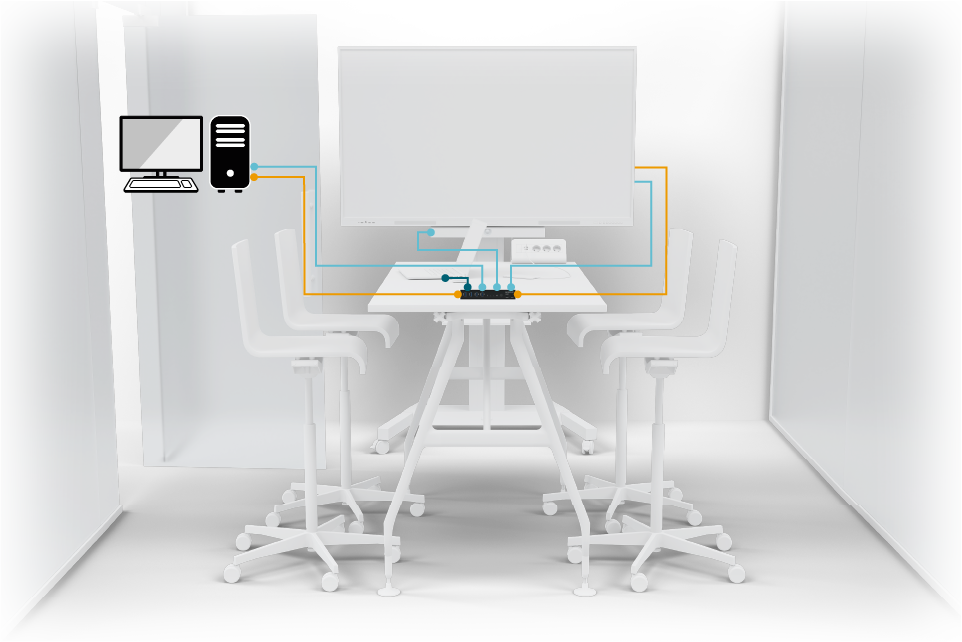
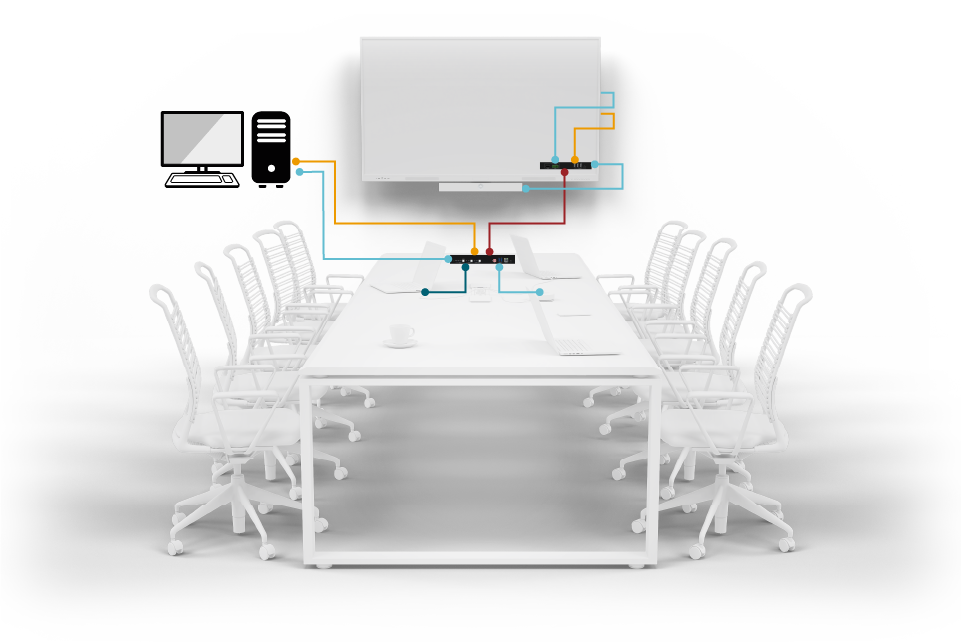
 Room size: Meeting room |
  Range: up to 40 m |
  Technology: Cat6a/7
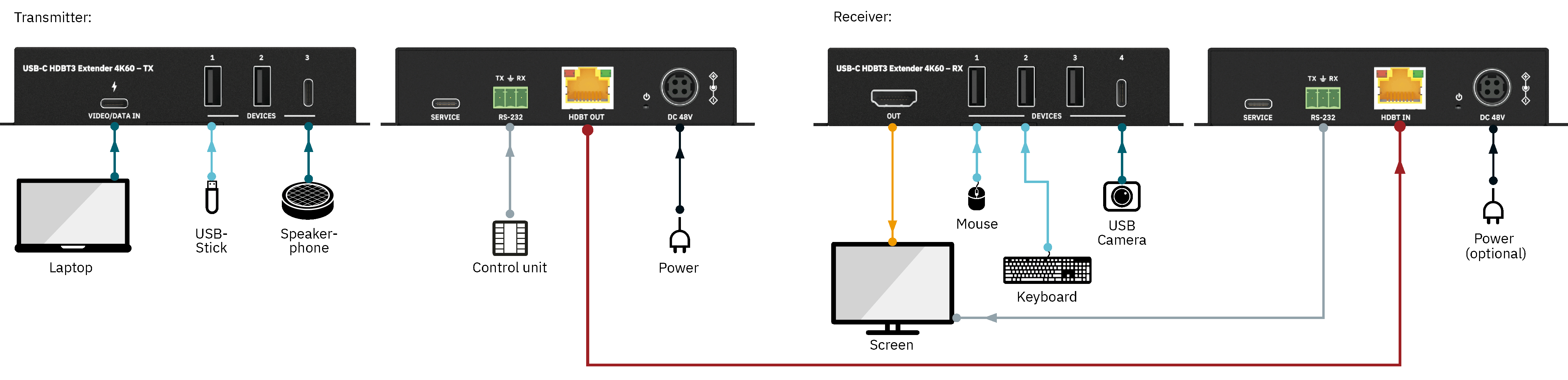
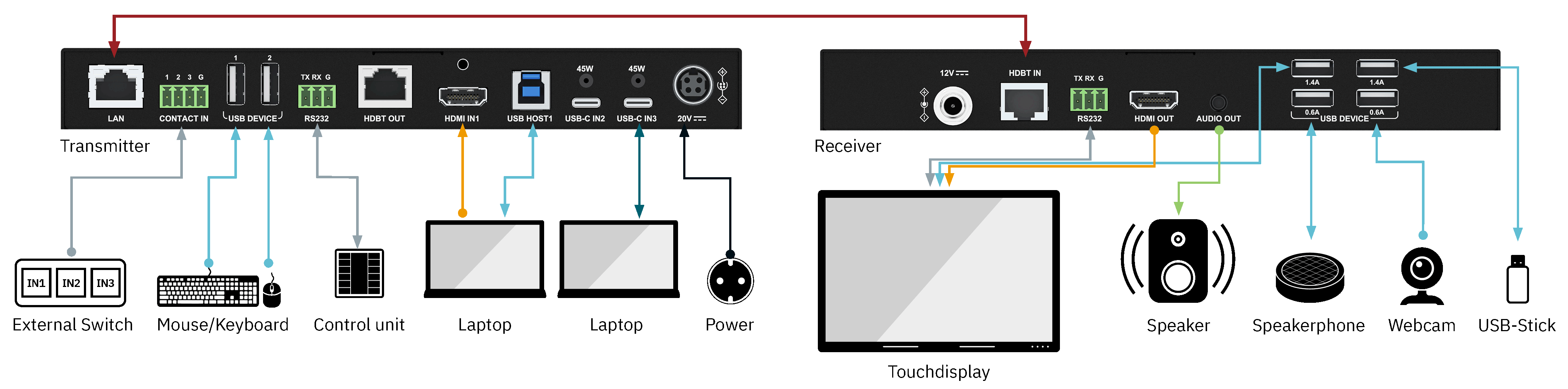
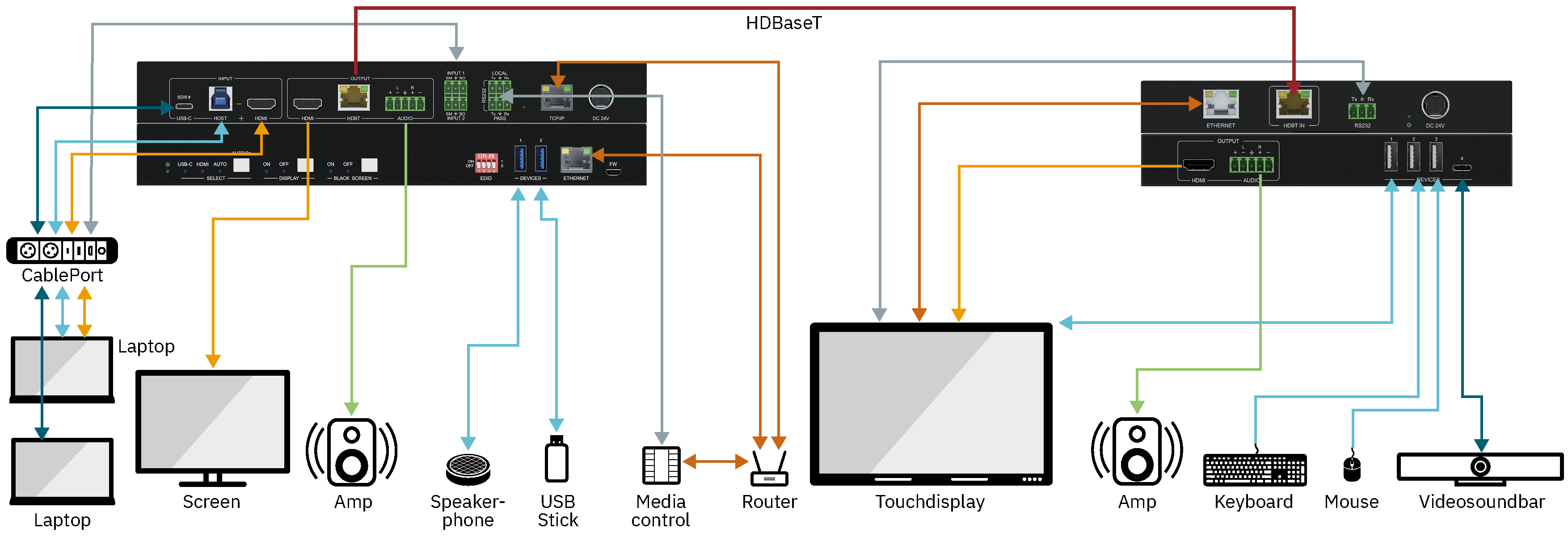
 | USB-C
  | HDMI
  | CAT6A/7
  | RS232
  | Electricity


 | RS232
 | RS232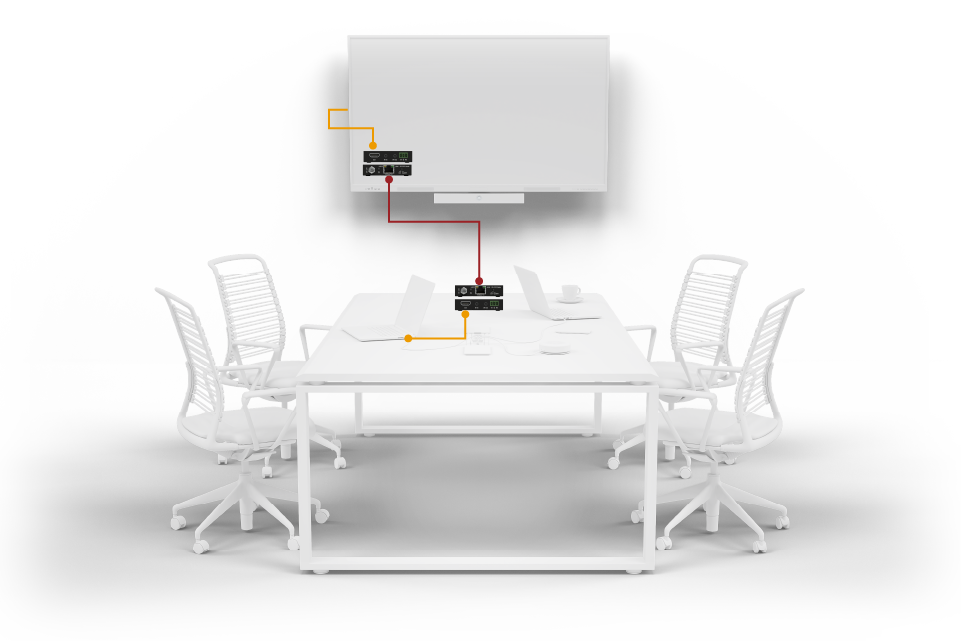
 | Electricity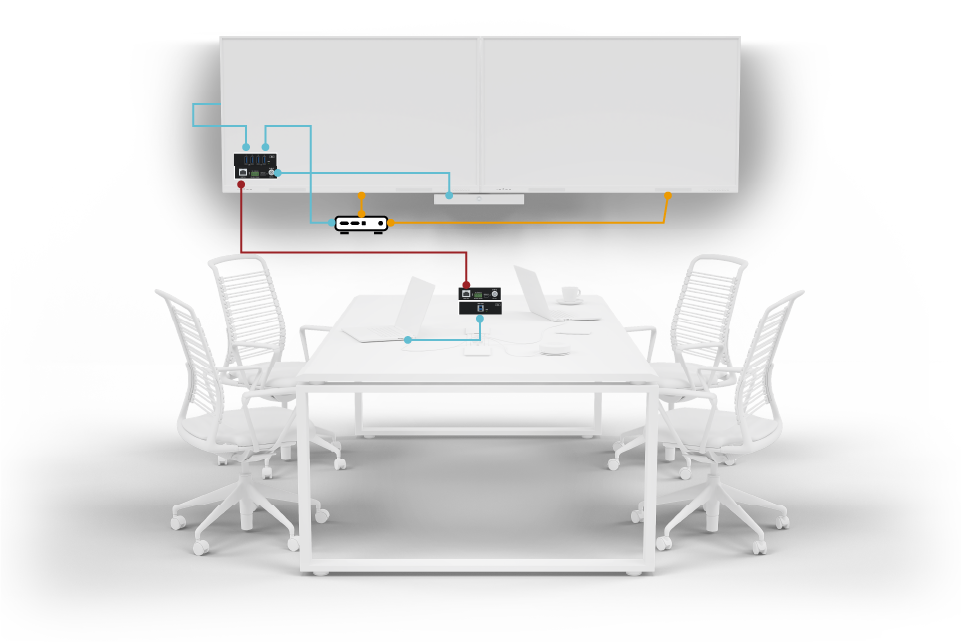


 | USB-C
  | CATx
Switch
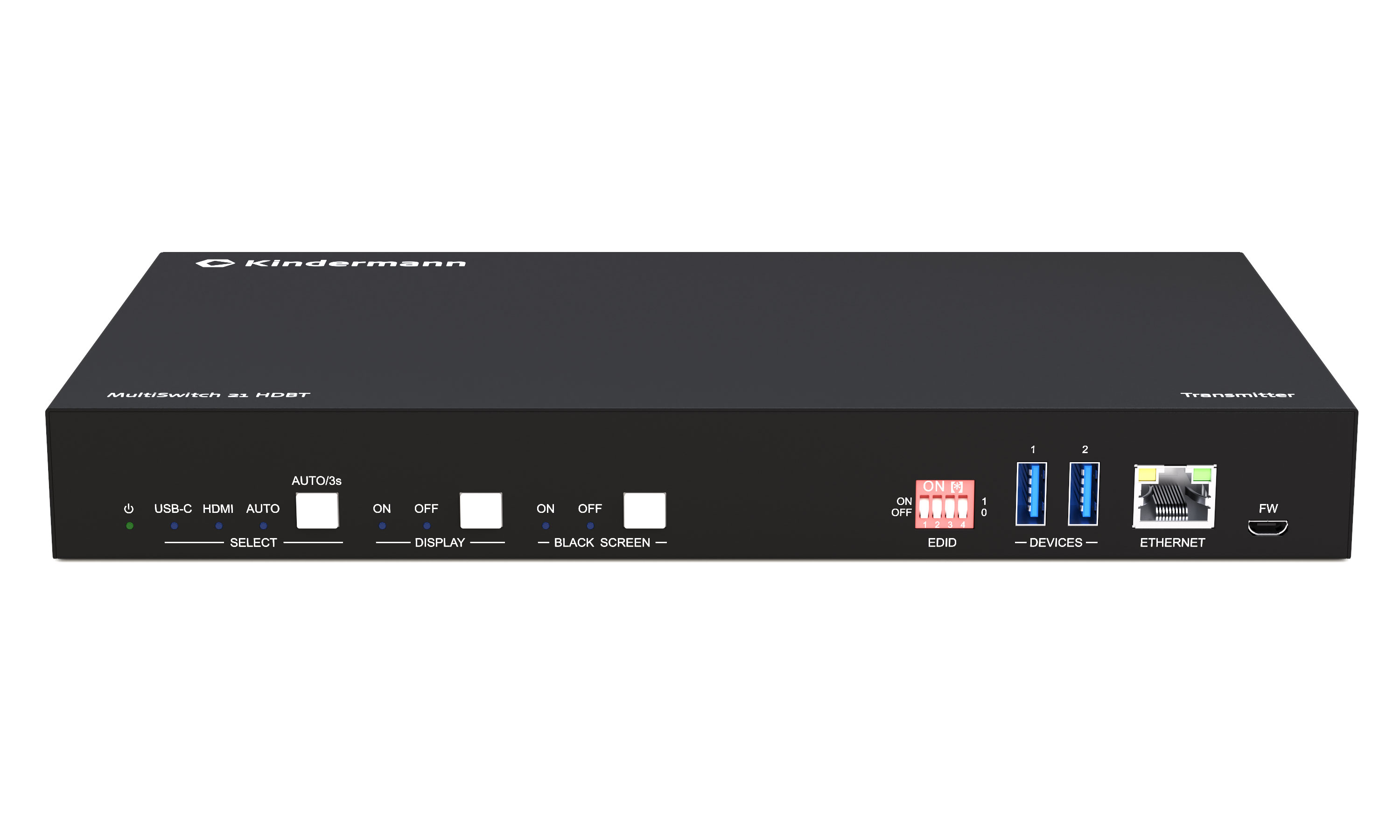
"Switches" allow you to switch signals between multiple sources to a display or projector.
These can switch between the different inputs either manually or automatically.
In addition, modern switches often offer additional features such as integrated scaler processing and EDID management to further optimize signal quality and compatibility.
This makes them a key element when it comes to connecting different devices flexibly, reliably, and without delay.
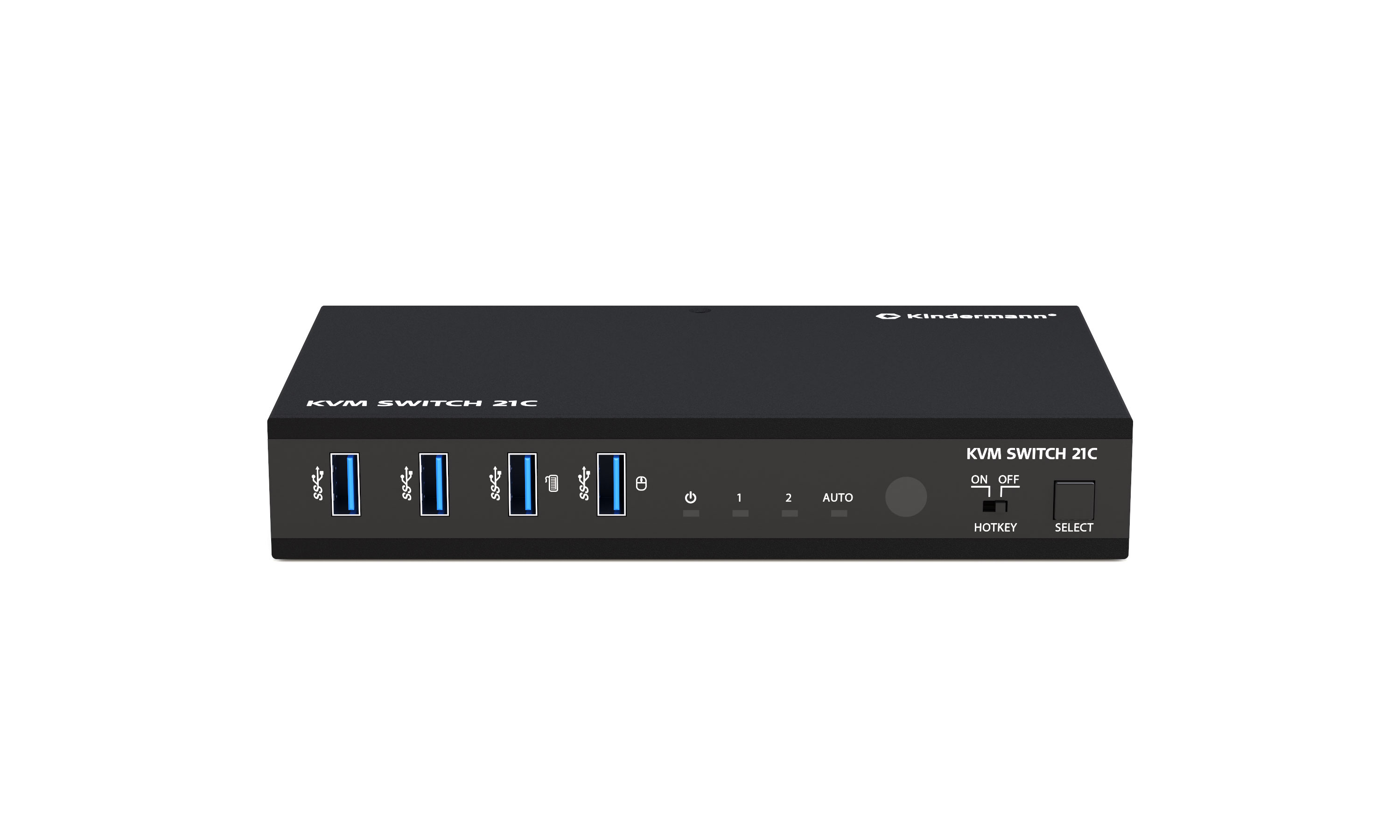
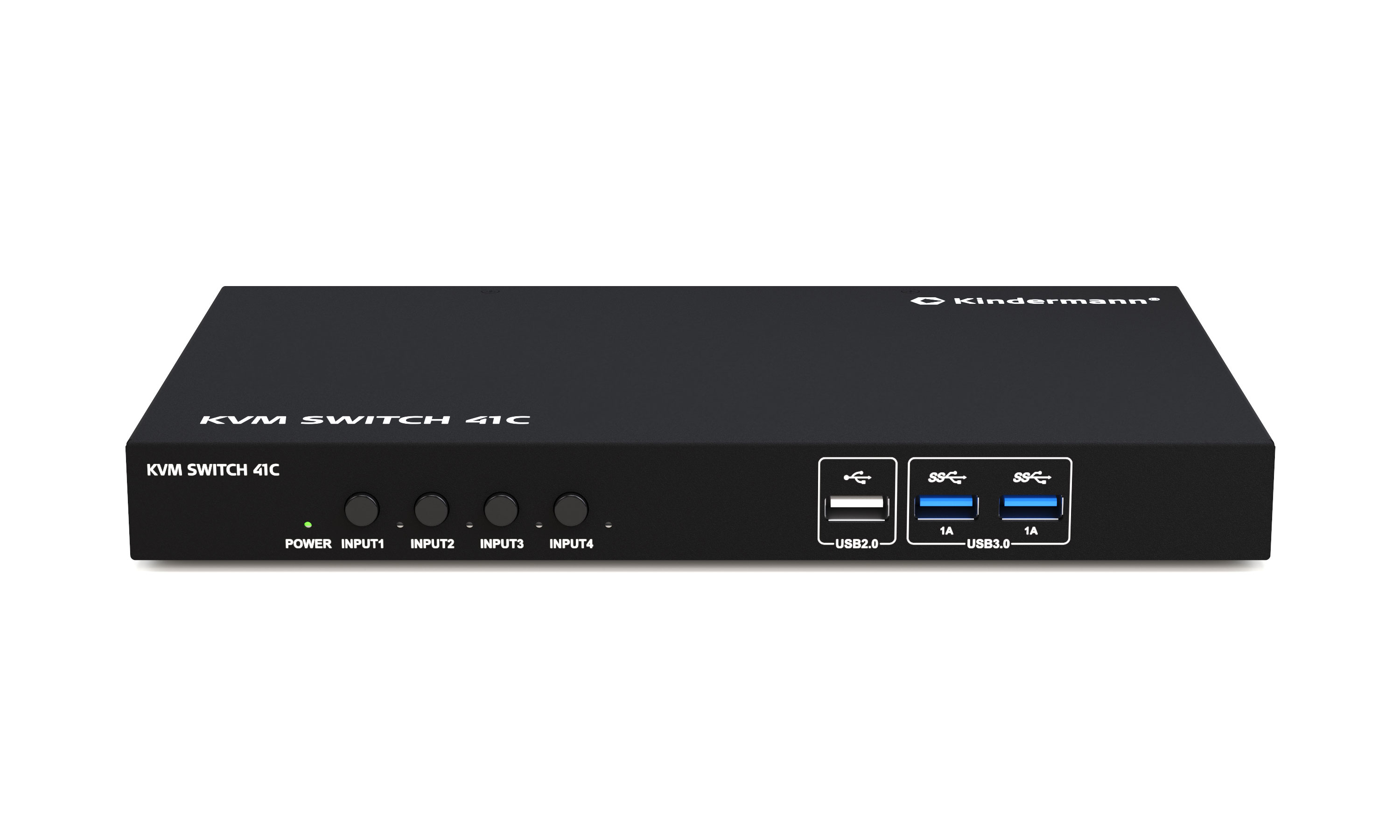
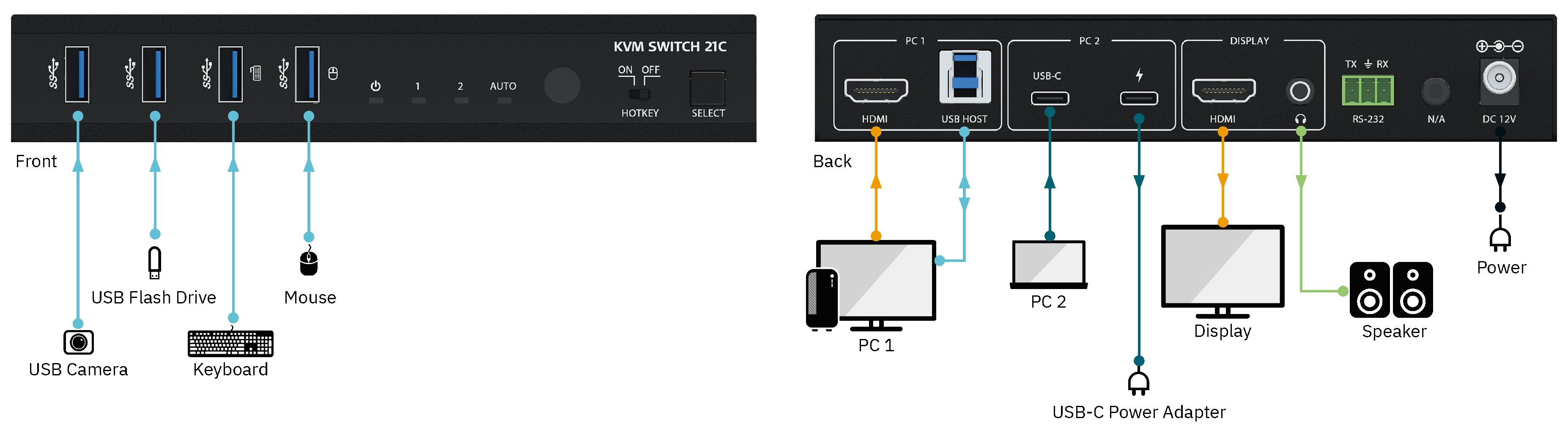
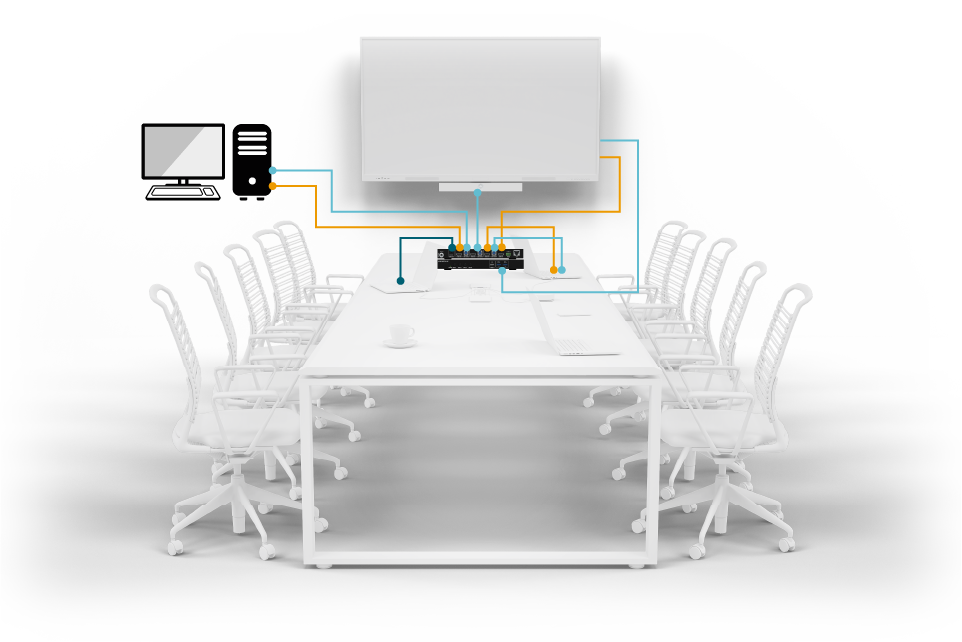



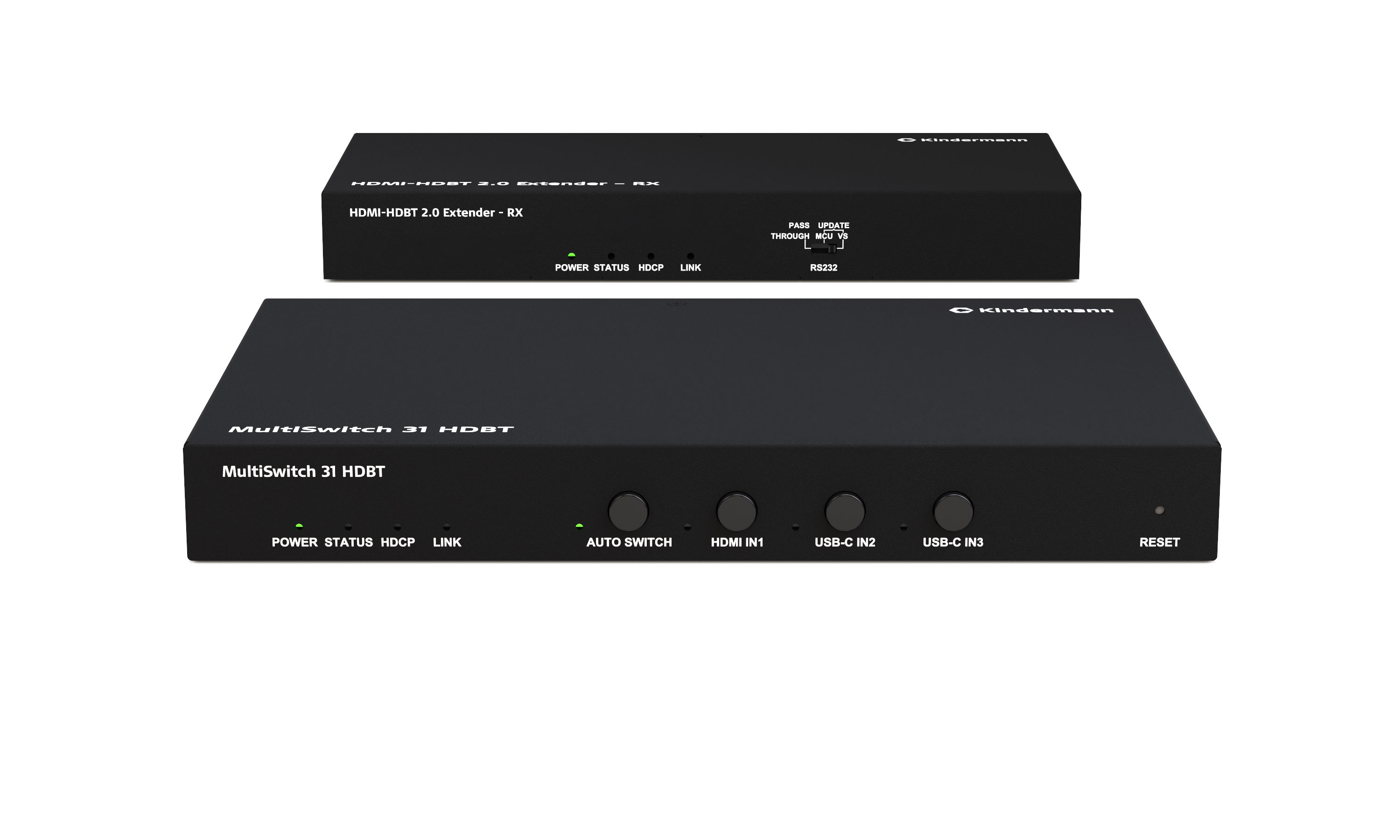
Extender + Switch
These devices serve as both extenders and switches, combining two functions in one device.
You can extend signals over long distances while switching between multiple sources.
This reduces the number of devices required, simplifies installations, and increases flexibility—ideal for complex AV/IT environments with changing signal paths.

Differences between the signal types - HDMI - USB - USB-C
The most important signals in AV environments are HDMI, USB and USB-C signals. But what are the signals actually suitable for and how long can a cable be?
| Feature | HDMI | USB | USB-C |
|---|---|---|---|
| Signal type | Audio + Video (digital) | Data (digital), power supply | Data, video, audio, power (digital, multifunctional) |
| Primary purpose | Transmission of image and sound | Peripheral connection (e.g. mouse, keyboard, data carrier) | Universal interface for data, video, audio, and power |
| Plug type | Type A, Type C | USB-A, USB-B, Micro-USB, Mini-USB | USB-C (symmetrical, small form factor) |
| Video transmission | Yes (up to 8K, depending on version) | No | Yes (via "DPAlt Mode") |
| Audio transmission | Yes | No | Yes (e.g. via USB Audio or DisplayPort Alt Mode) |
| Power supply | Minimal (for EDID, CEC etc.) | Yes (up to 4.5 W with USB 2.0, more with USB 3.x) | Yes (up to 240 W with USB Power Delivery 3.1) |
| Data transmission | No | Yes (up to 40 Gbps with USB 4) | Yes (USB 3.2, USB 4, Thunderbolt 3/4 possible) |
| Maximum cable length | Approximately 5–10 m (without extender) | approx. 5 m (USB 2.0), 3 m (USB 3.x) | approx. 1-2 m (depending on data rate and function) |
With the USB-C interface, it should be noted that all features can be supported, but no feature has to be supported. When choosing a cable, pay close attention to which features are supported.
As maximum cable lengths are rarely suitable for practical use in conference rooms, educational establishments, etc., there are various options for extending the cable length.
HDMI copper - Active - AOC and Cat-Extender (Extender):
| Cable type | HDMI | USB | USB-C Full Featured |
|---|---|---|---|
| Active cable | up to approx. 15 - 20 m | up to approx. 10 -15 m | up to approx. 5 m |
| AOC (Active Optical Cable) | up to 100 m | up to 15 m | up to 15 m |
| Cat extender (via CAT6a/7) | up to 100 m | up to 100 m | up to 100 m |