


Product added to compare
Product Compare added Product Compare

TD-12xx

The touch display that leaves nothing to be desired...

Without compromise: The new TD-12xx series

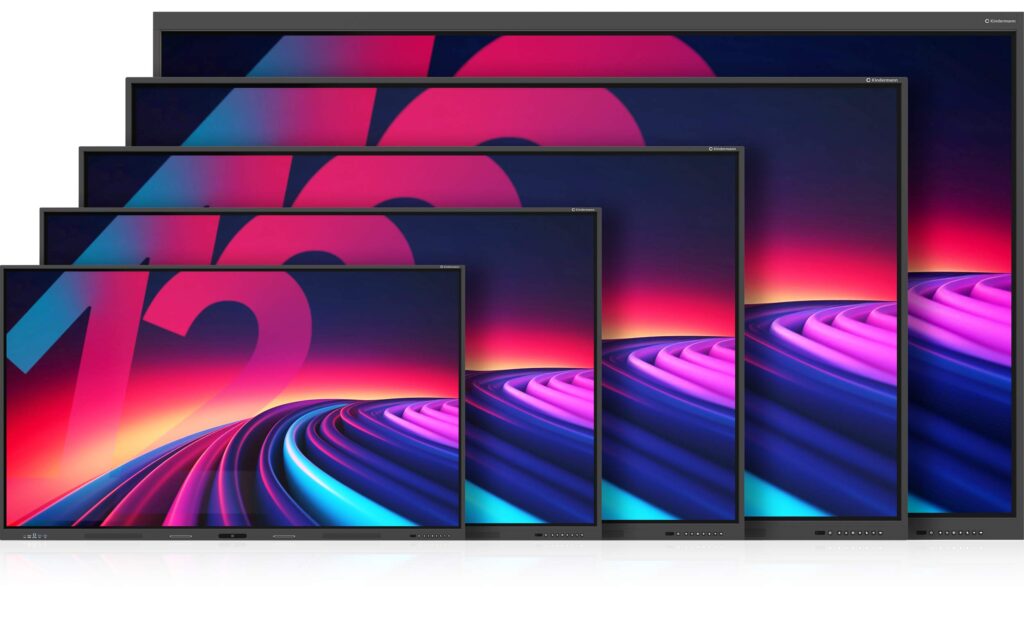
Creative work on 55″, 65″, 75″, 86″... and for the first time even up to 98″ display diagonal.

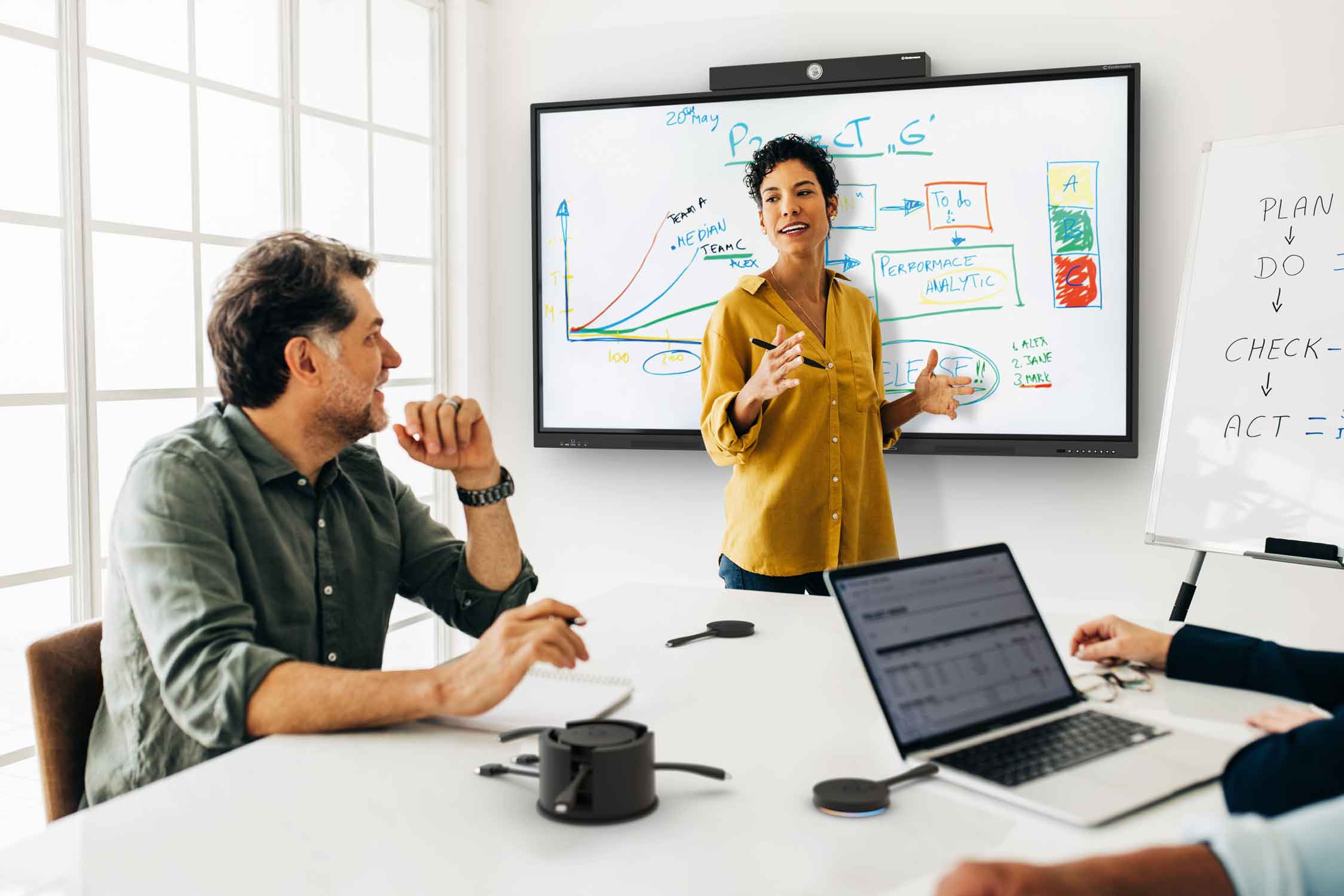
The new generation of touch displays has been developed from practical experience for practical use in education and professional business environments. Intuitive operation, sophisticated functions and applications that really make sense characterize these new models.

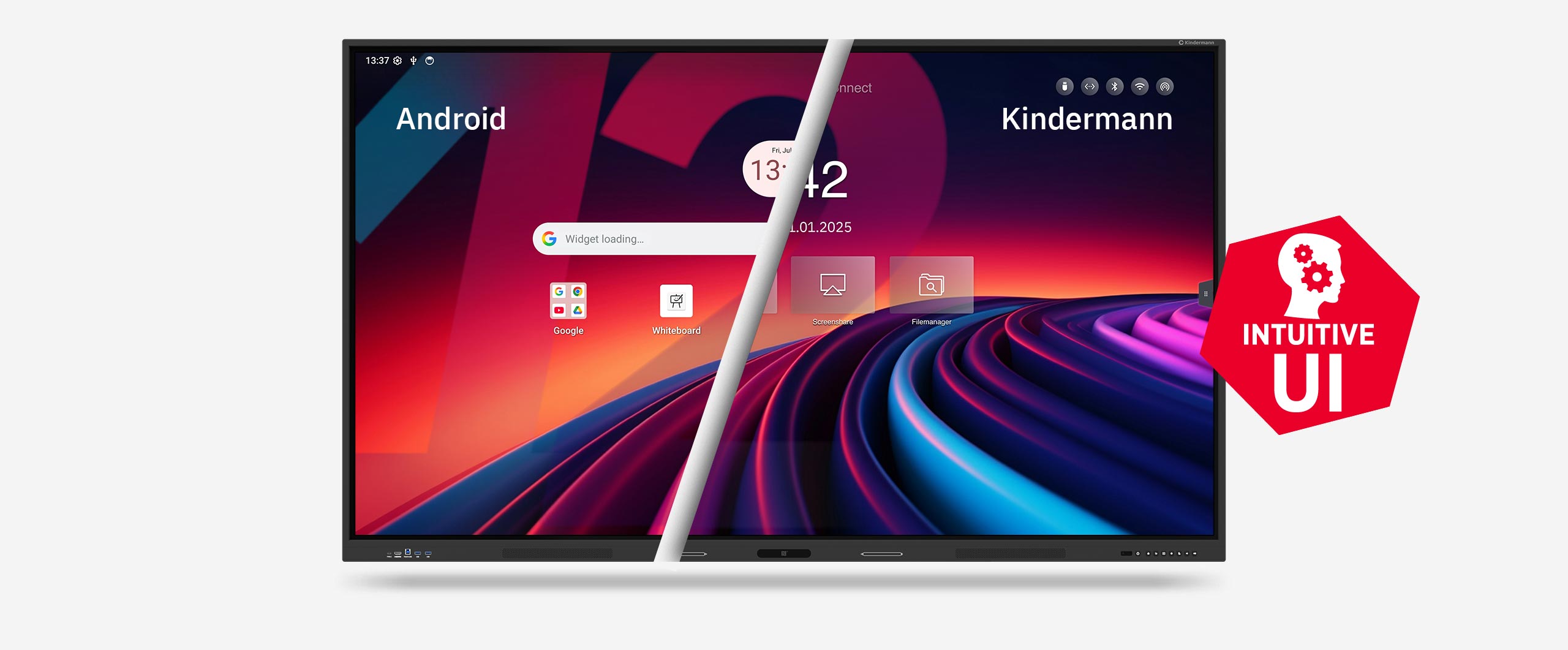
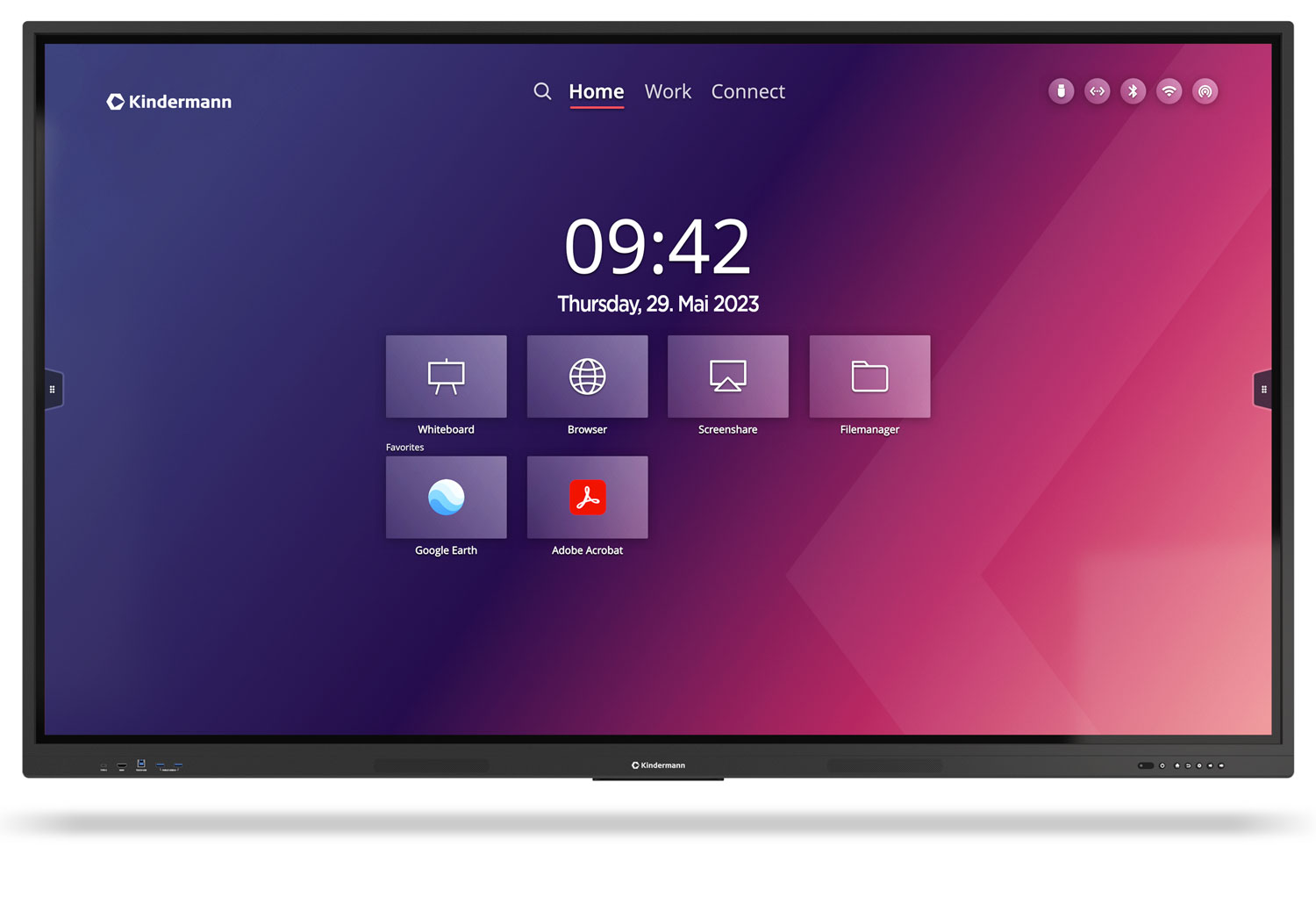
Thanks to the intuitive user interface developed by Kindermann , anyone can find their way around immediately. A wide range of connection options and future-proof equipment at an excellent price-performance ratio leave nothing to be desired.
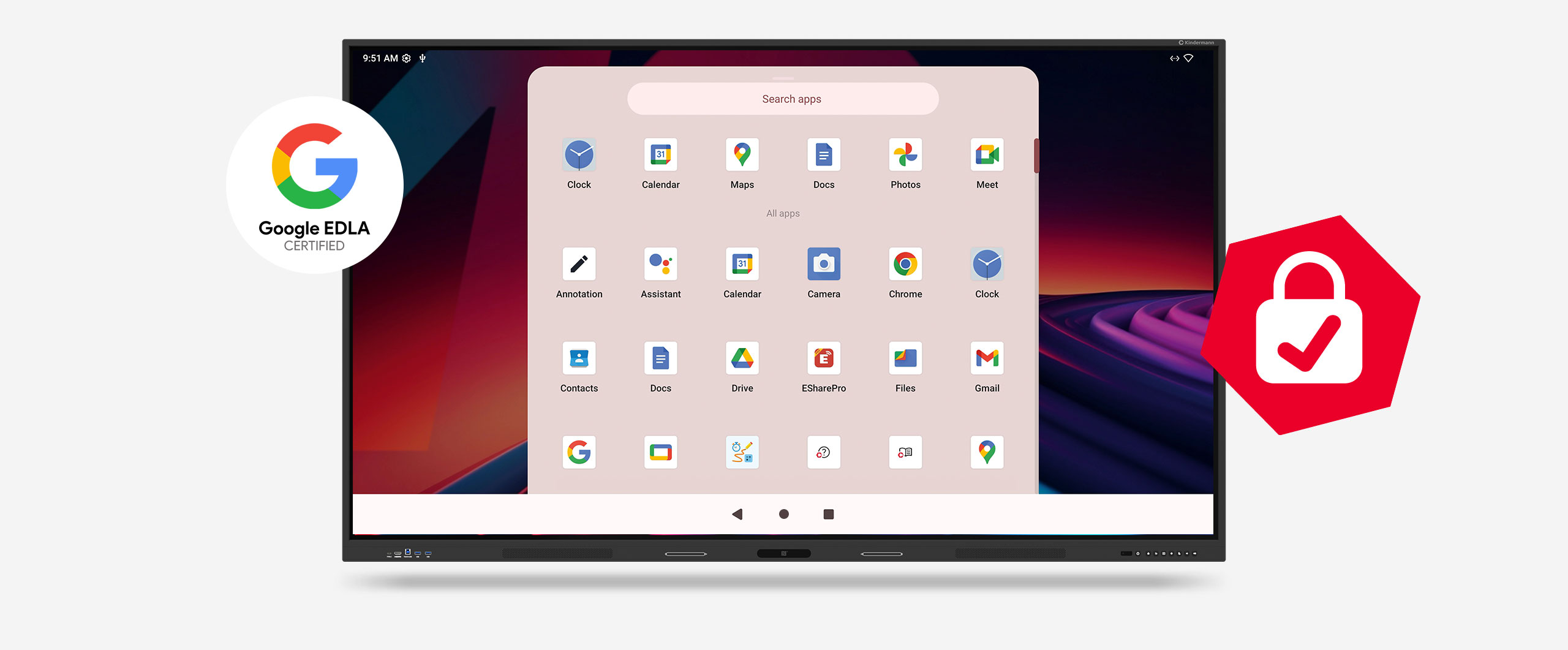
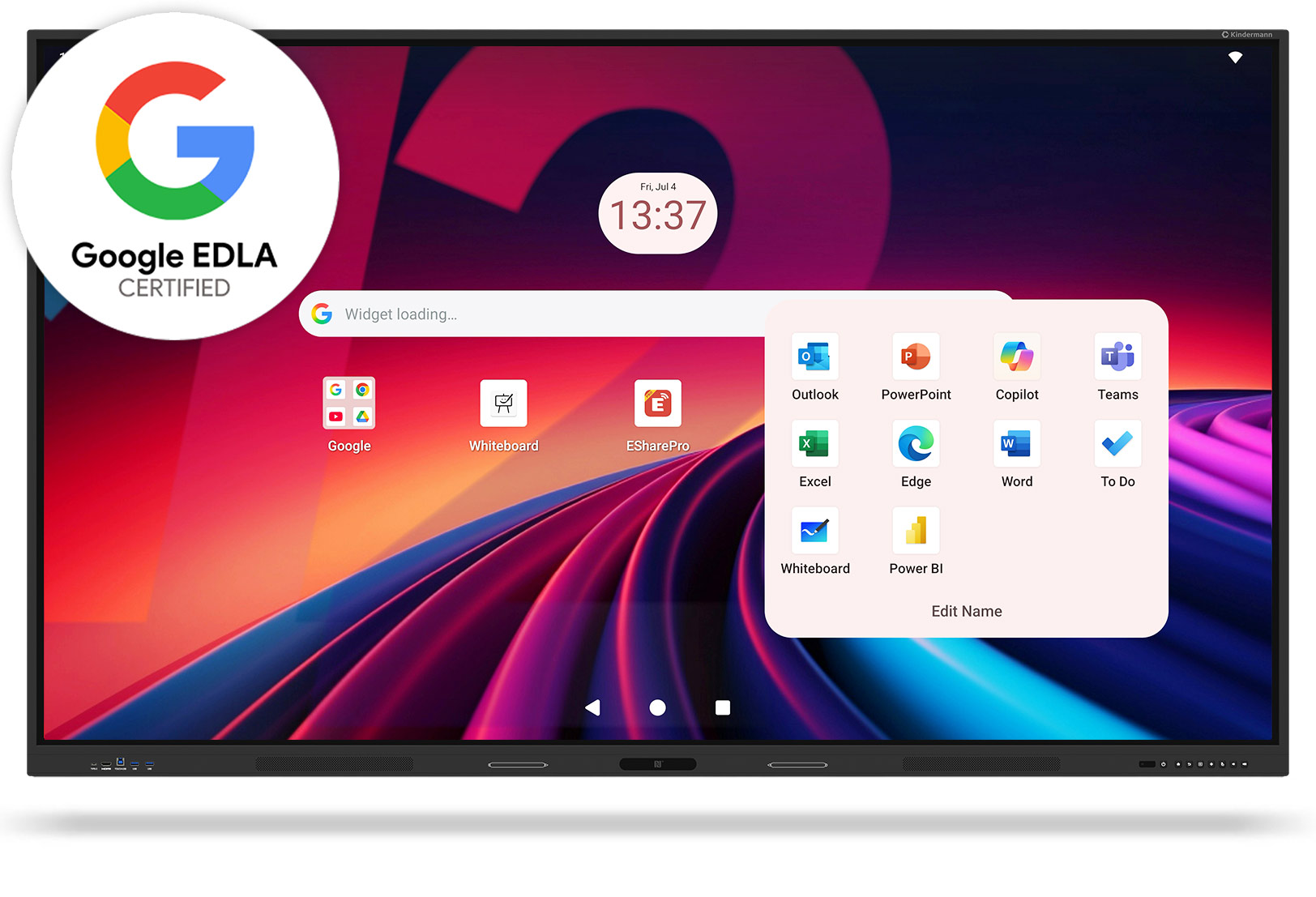
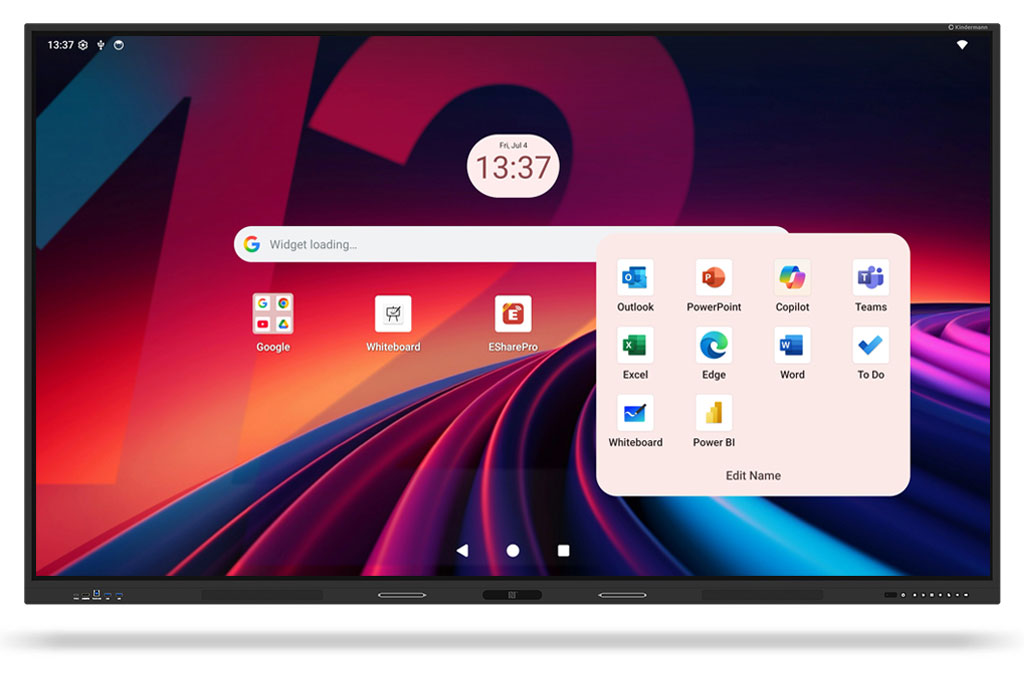
Android 14 with Google EDLA certification

An up-to-date operating system and regular security and feature updates guarantee long-term usability.
Details

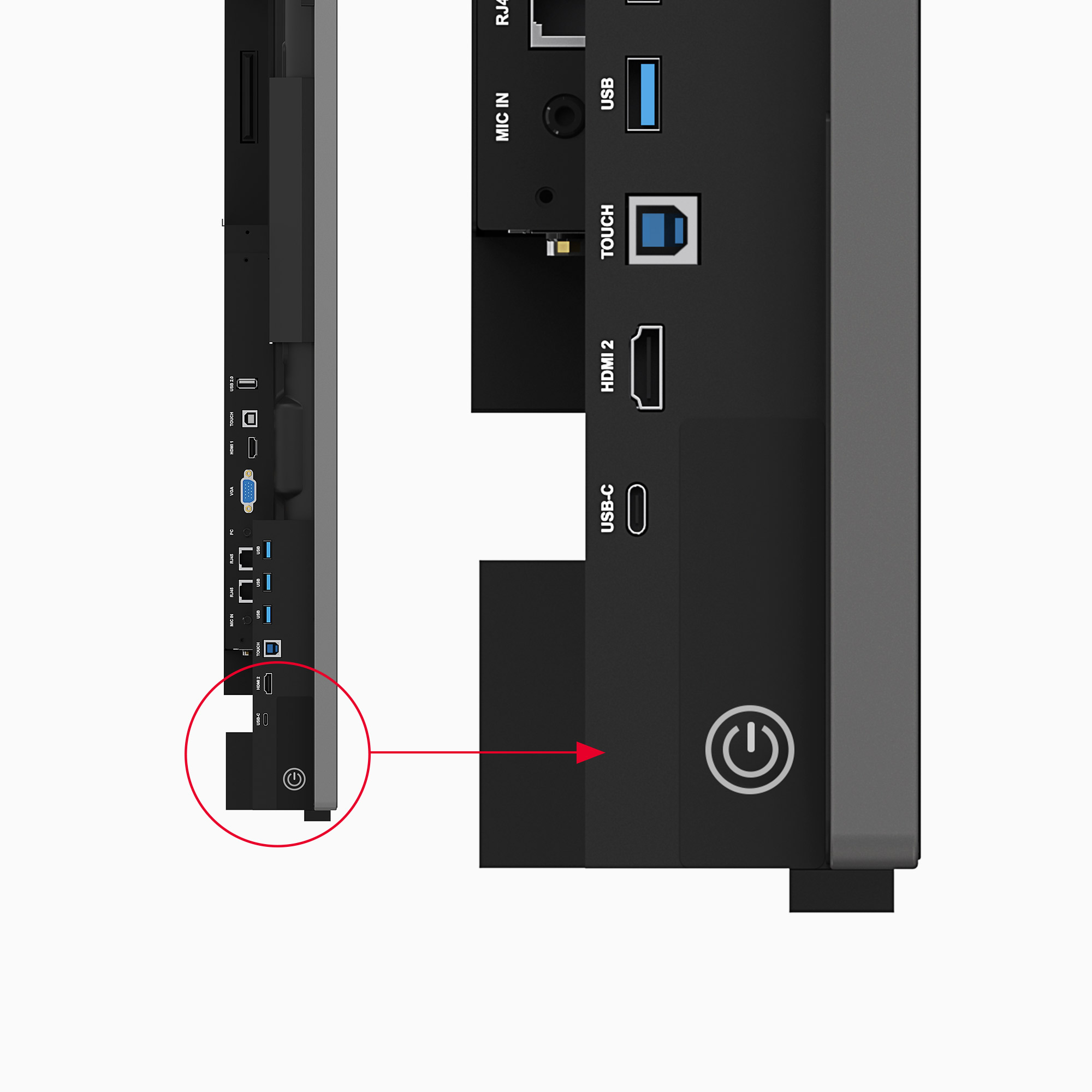
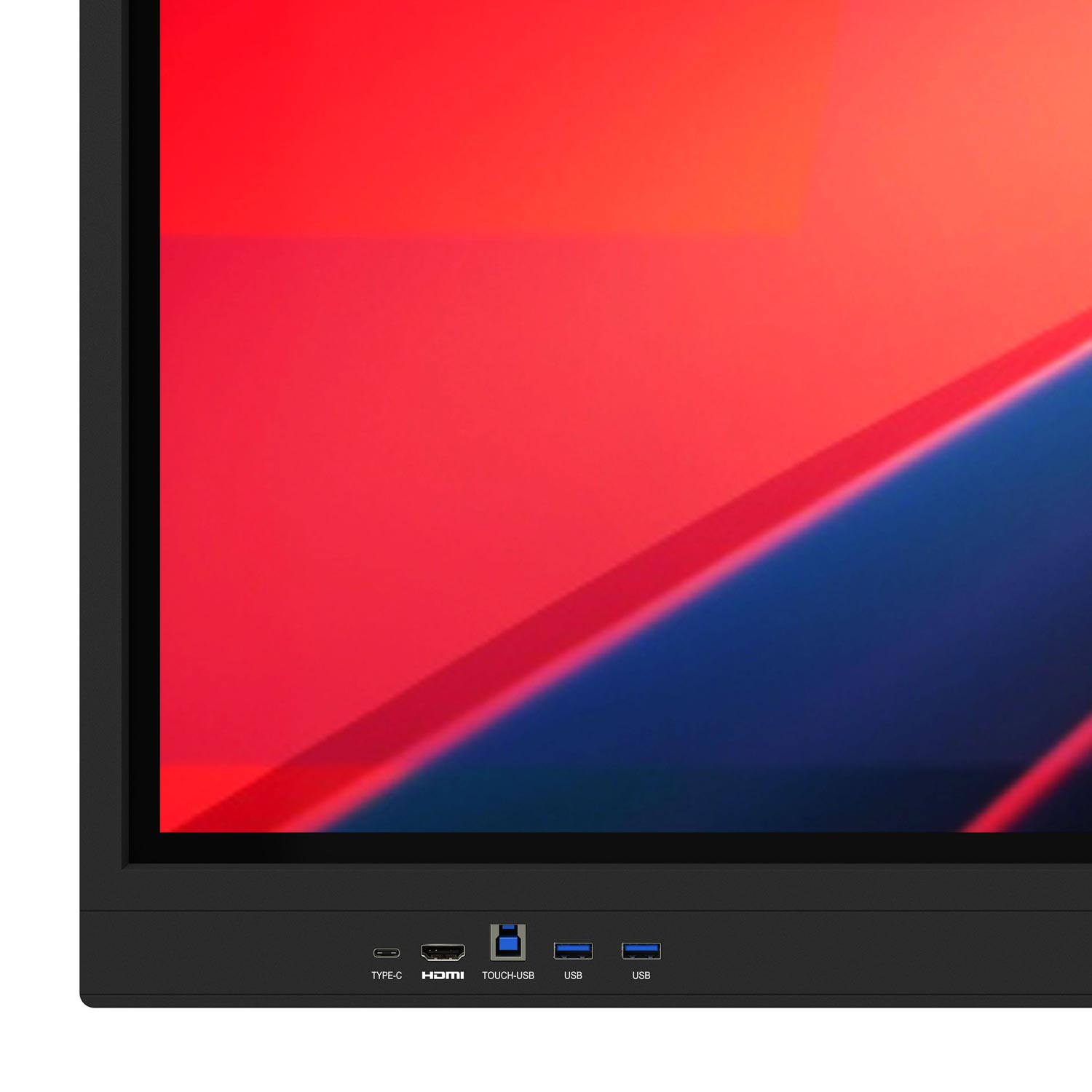
USB Type-C port on the front

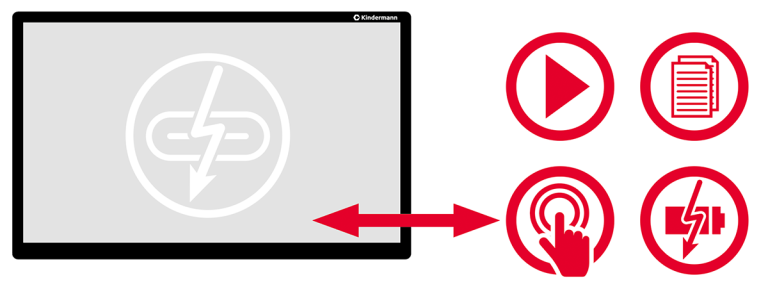
Video, touch and charging function (100 and 65 W PD)... with just one cable.
Details

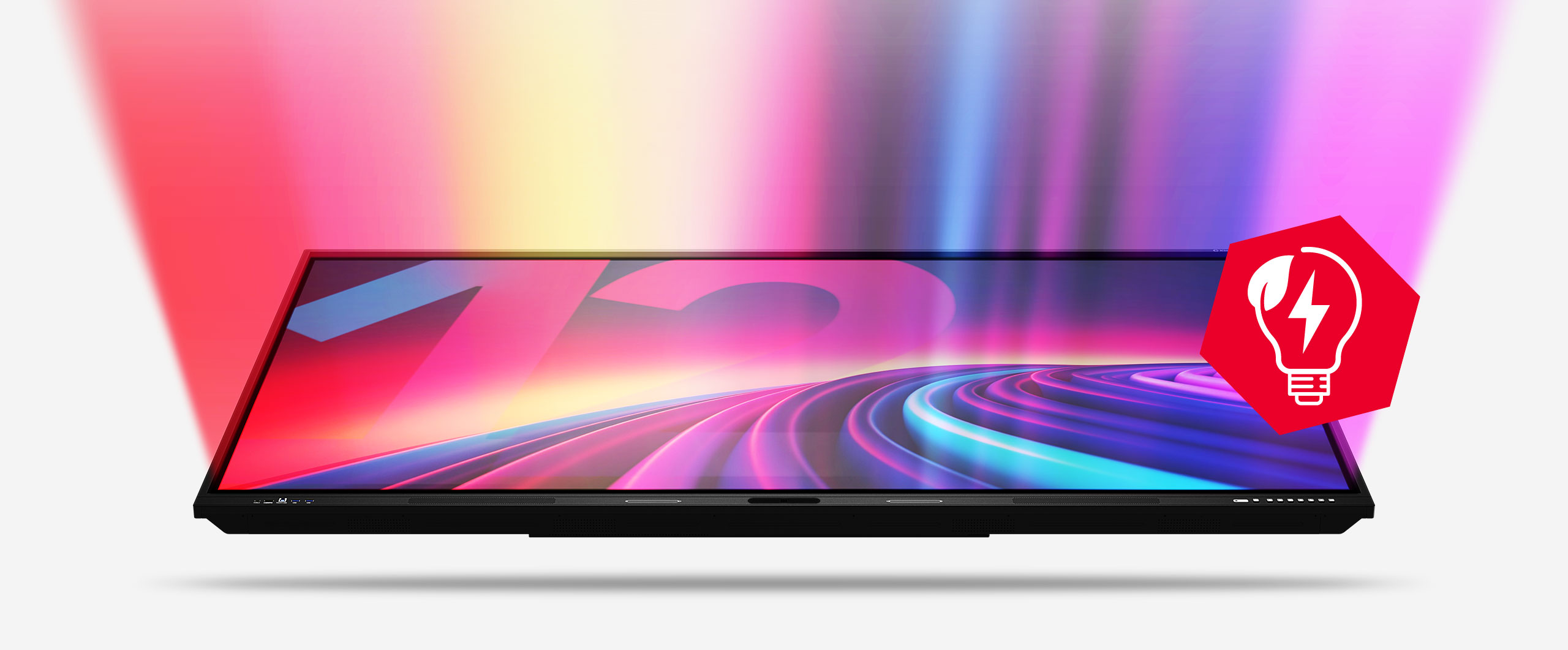
Super bright and yet energy efficient

Even in energy-saving mode, the display is bright enough to impress in bright conference rooms.
Details

Screen sharing included

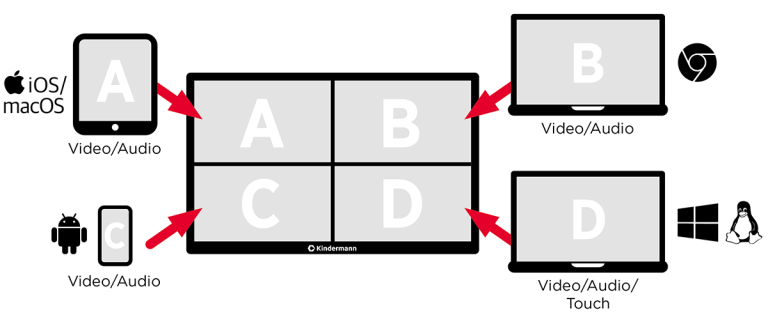
Mirror the current screen of the touch display.

Details

EDLA - MADE TO LAST!

The Kindermann TD-12 is officially EDLA-certified and offers the full range of functions of the Google environment.

The Google certification program EDLA (Enterprise Devices Licensing Agreement) enables interactive displays to access central services such as the Google Play Store, Google Drive or Google Classroom. This makes it easy to integrate digital applications into lessons - a benefit for modern school practice.

Details

Regular updates

EDLA-certified displays receive all important security and function updates directly from Google. This ensures that the operating system is always up-to-date and secure.

Details

Google services

Full access to the Play Store and the integration of Google Workspace enable the use of Office programs as well as uncomplicated data exchange via Google Drive.

Details

Microsoft 365

All relevant Office apps, including PowerPoint, Word, Excel and Teams, are available via the Play Store and can be used directly on the touch display.

Details

EDLA - but data protection compliant

The secure and data protection-compliant use of EDLA displays is particularly important. Managing personalized Google accounts is often time-consuming and can entail security risks.

Details

SOTI MobiControl

The TD-12 can be managed centrally with SOTI MobiControl. This allows an anonymous Google account to be stored centrally so that all displays - even across multiple locations - can be controlled securely and efficiently. This means that no conclusions can be drawn about user behavior and misuse of the associated email address is reliably prevented. The solution also offers data protection-compliant operation of EDLA-certified devices in the school environment

Details

And despite EDLA, maximum safety thanks to SOTI MobiControl

Flexible, platform-independent device management for controlling all IT systems at your school, regardless of manufacturer and operating system.

SOTI MobiControl offers a central platform for managing all school end devices - regardless of the operating system. Whether iOS, Android, Windows, Chrome OS or even interactive whiteboards from a wide range of manufacturers: MobiControl gives you full control over your IT infrastructure.

The solution supports EDLA-compatible devices and enables data protection-compliant Google account management - ideal for use in the education sector. Thanks to open interfaces, MobiControl can be seamlessly integrated into existing school solutions such as IServ, Untis or Apple School Manager. The platform meets the highest GDPR standards and offers data-sovereign hosting - either in the cloud or on your own server. Device registration is quick and easy, e.g. via QR code - perfect for simple integration into the school network.

SOTI MobiControl not only makes digital learning easier, but above all secure, structured and future-proof.
Everything within easy reach...
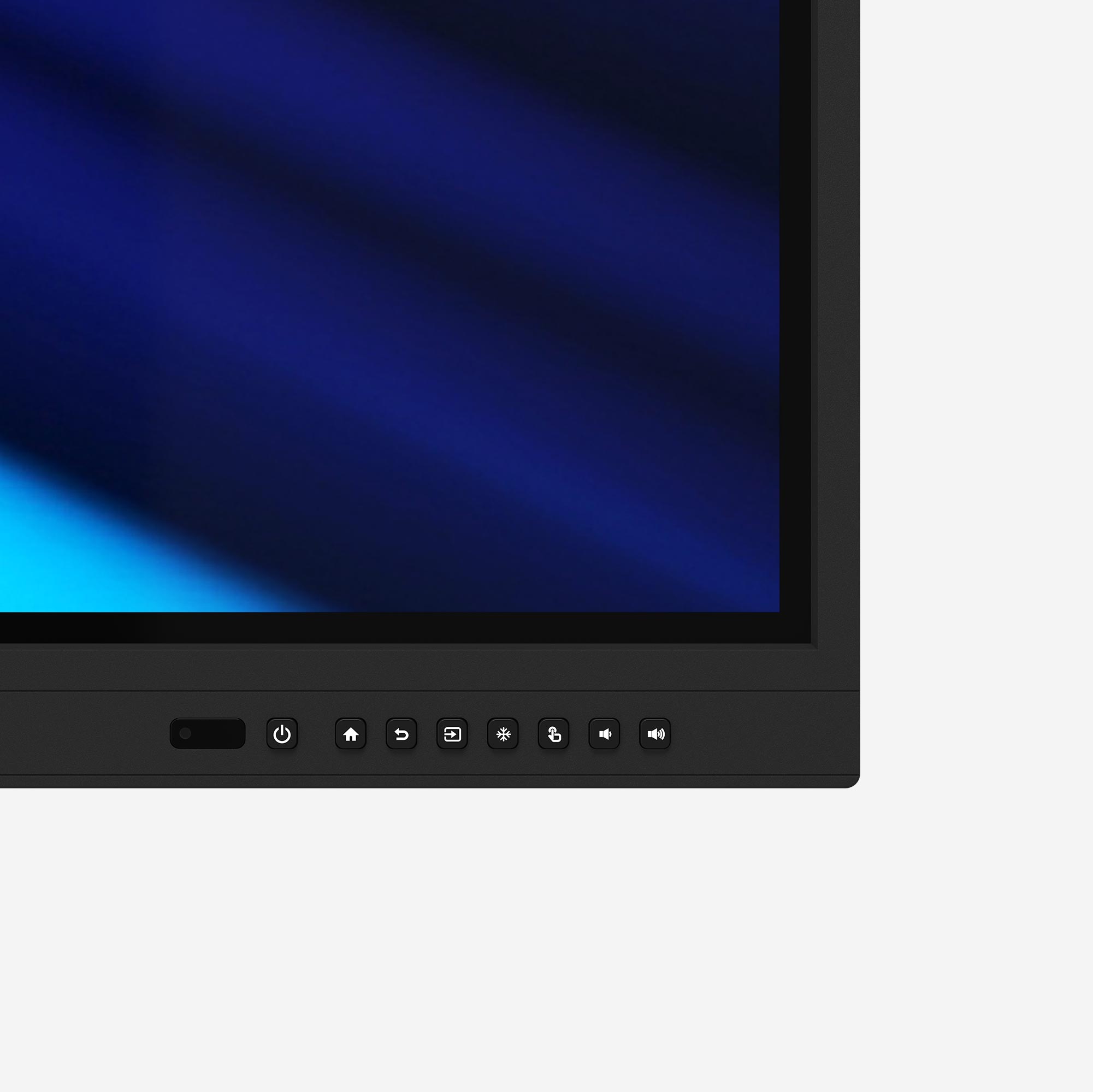
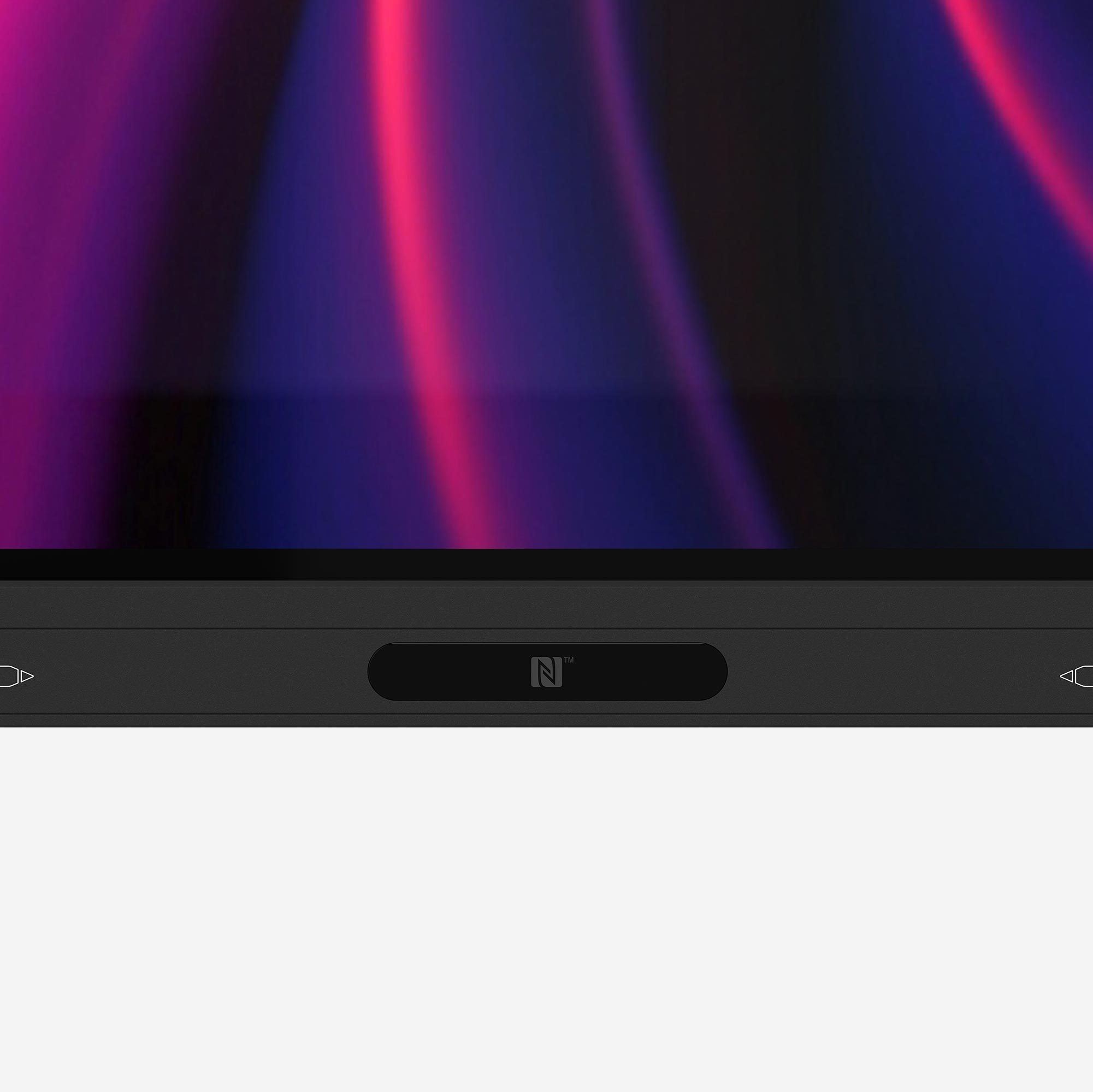
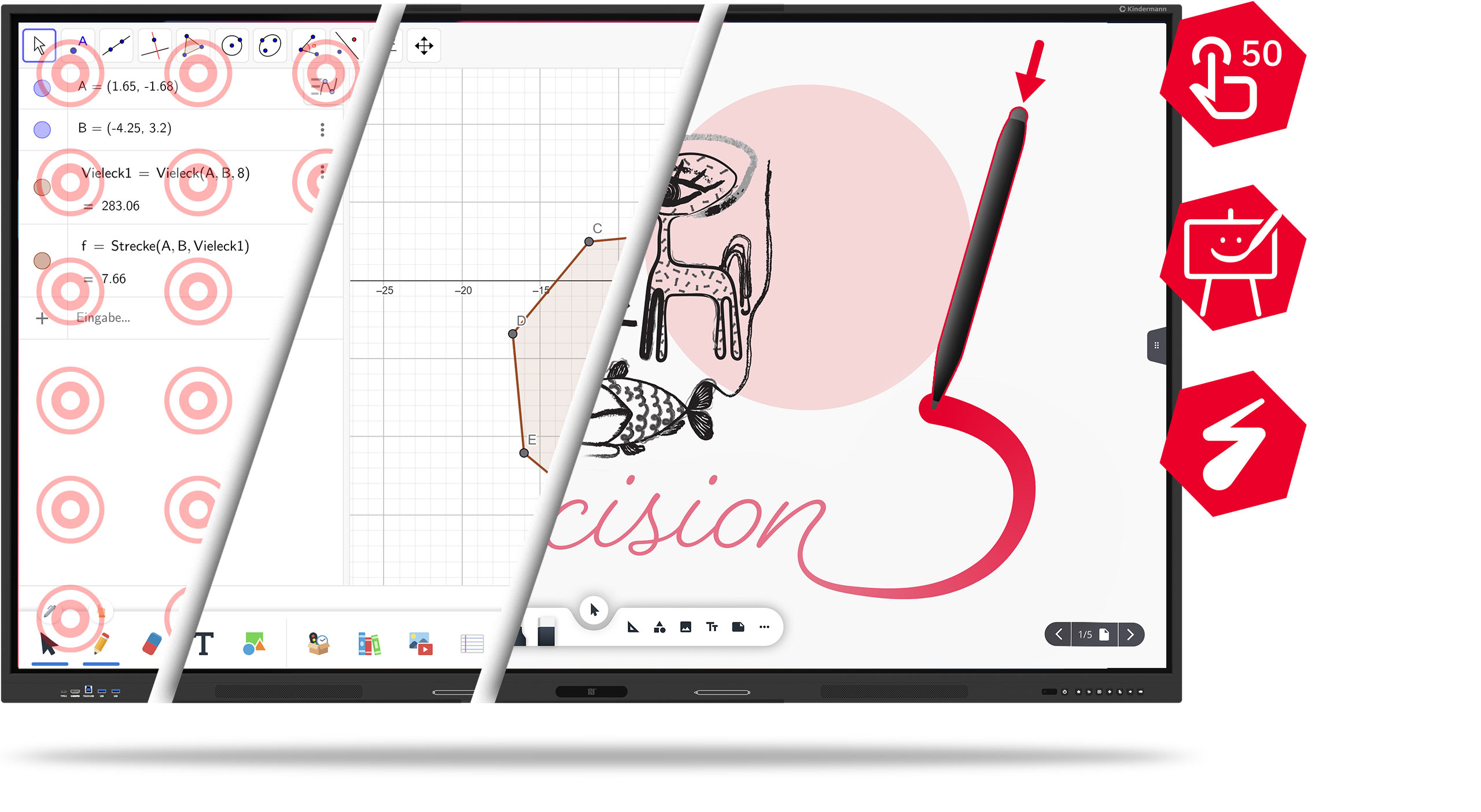
50 touch points
3 Whiteboard apps
Pressure-sensitive touch

Maximum precision -
smart functionality

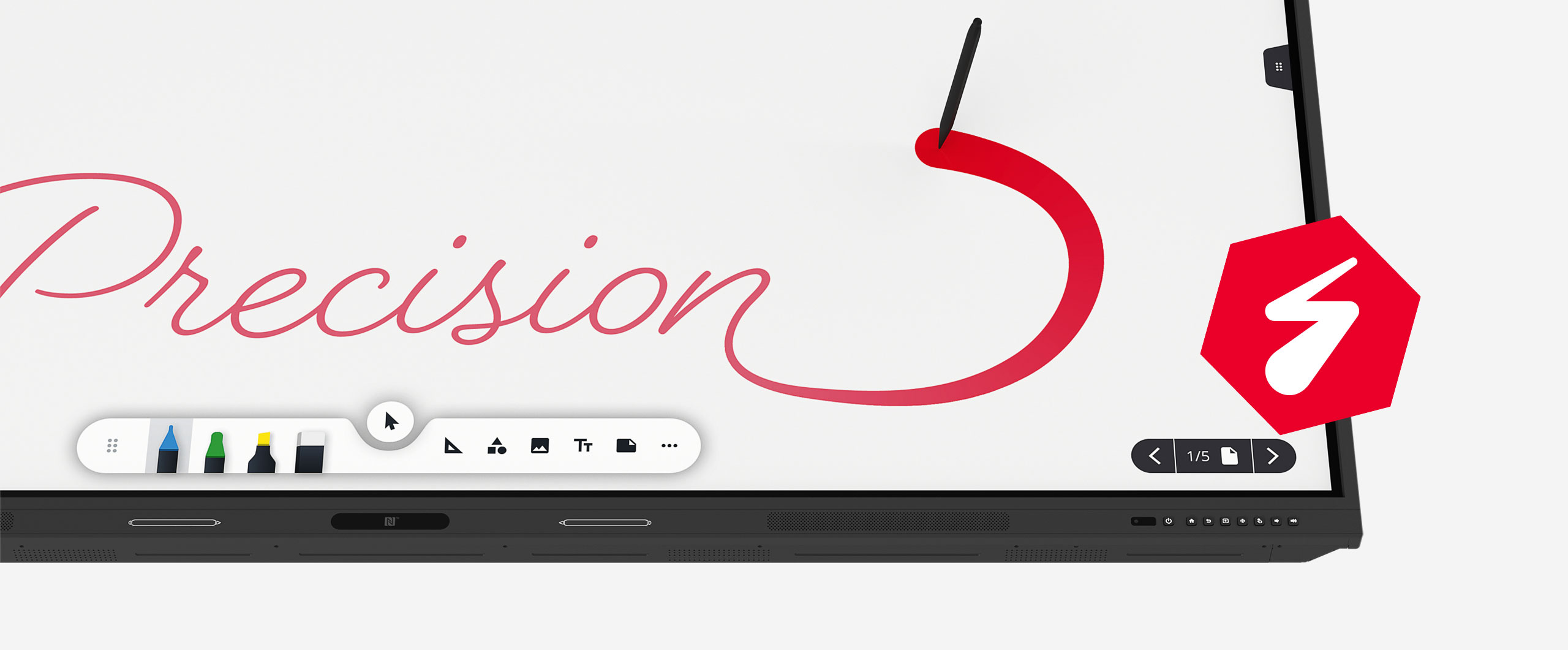
The touch display of the TD-12xx series impresses with up to 50 simultaneous touch points - for maximum accuracy in every application and thanks to pressure-sensitive touch technology, you experience a particularly precise and natural writing experience, almost like on paper.

There are also three powerful whiteboard apps on board:

The intuitive Kindermann Whiteboard App, the interactive learning tool Gynzy and the versatile SWrite.

Ideal for lessons, meetings and creative collaboration!

Versatile connections...

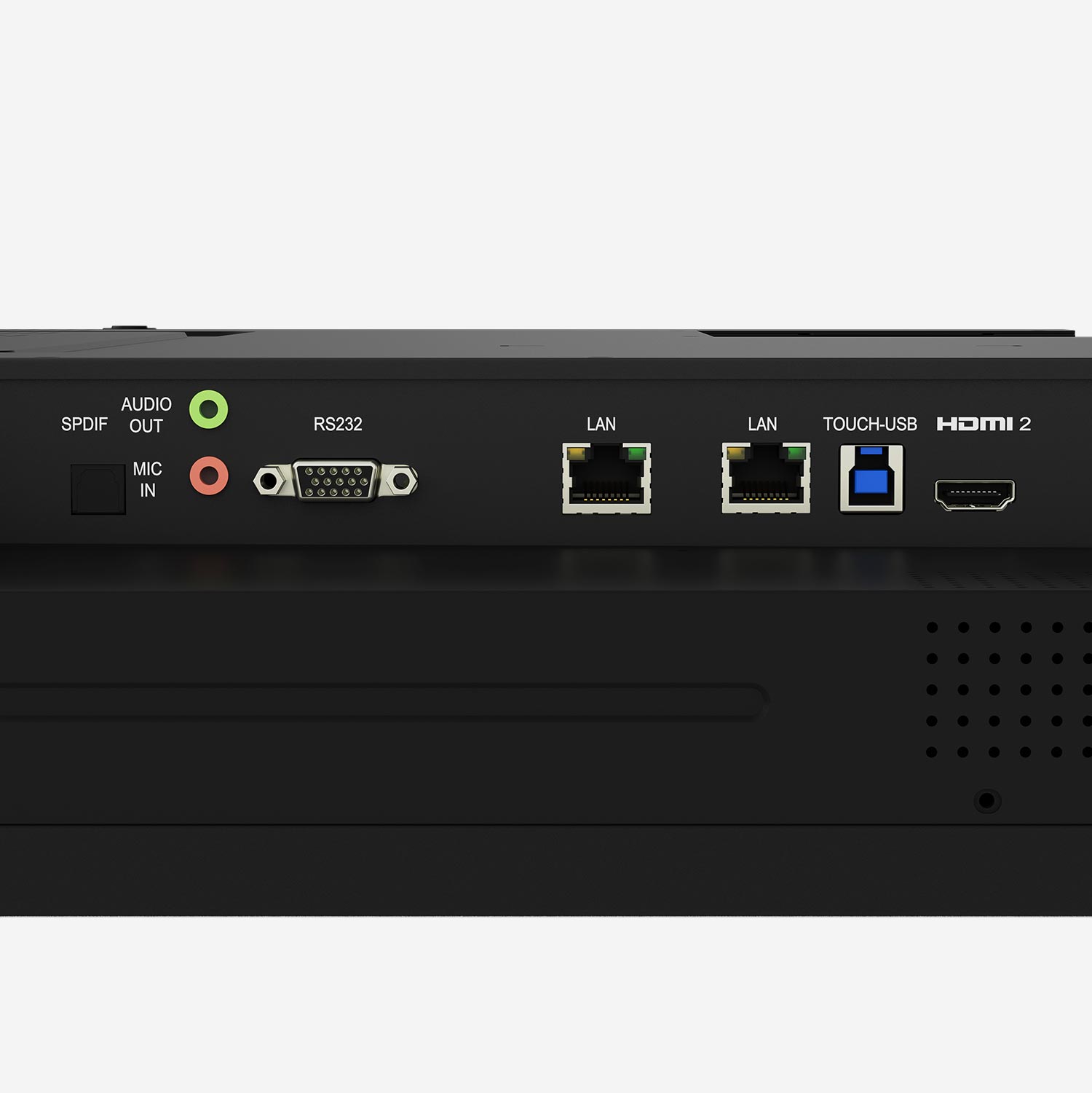
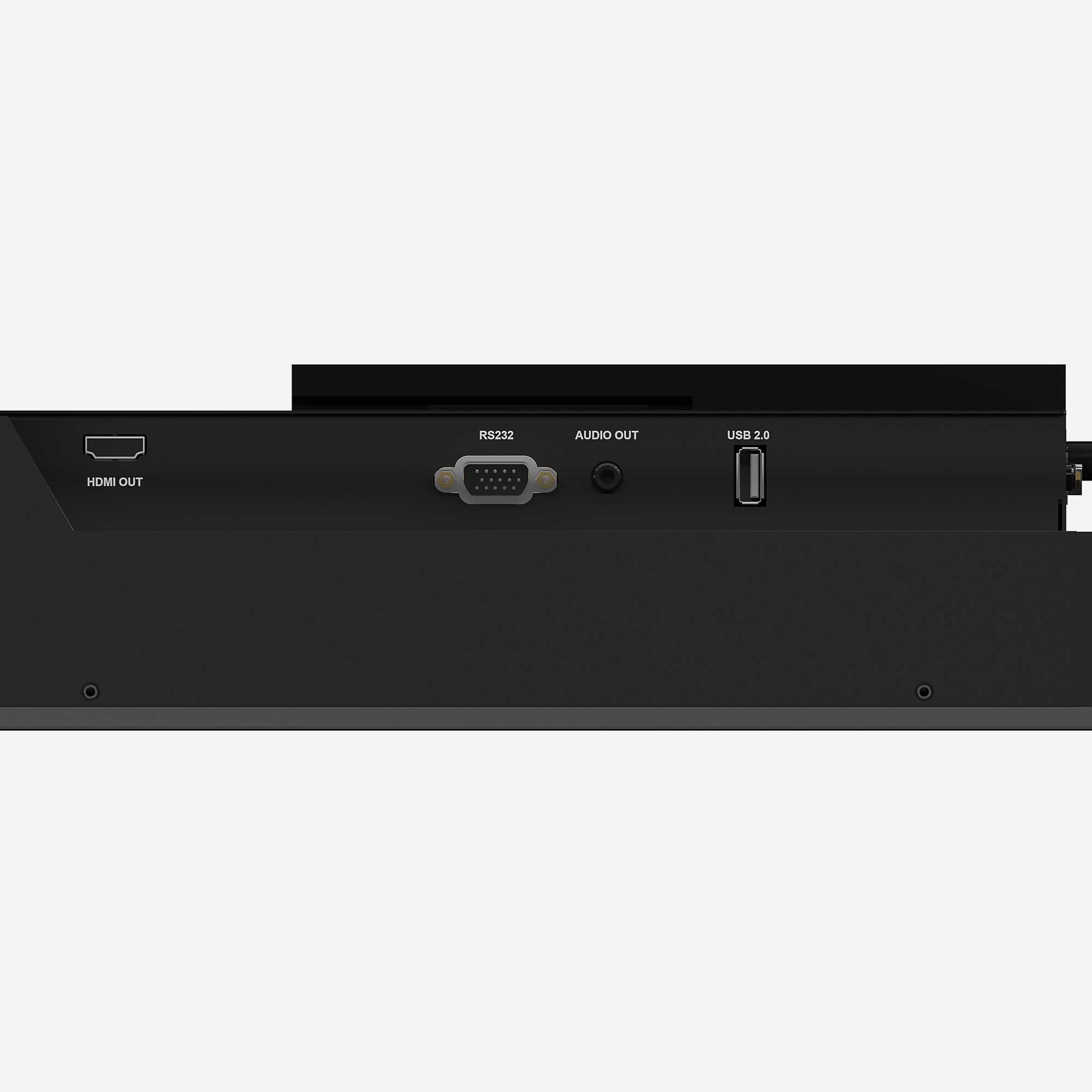
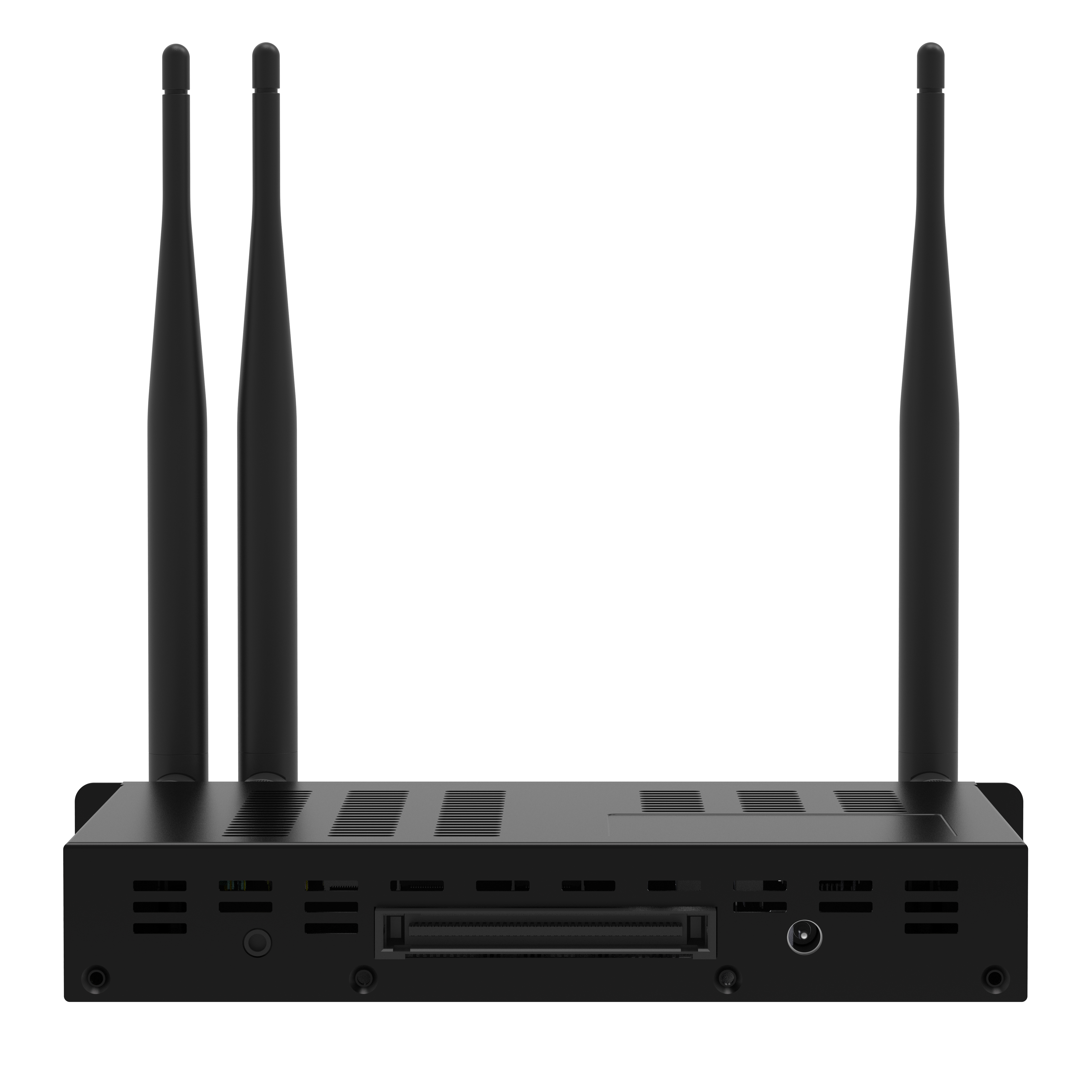
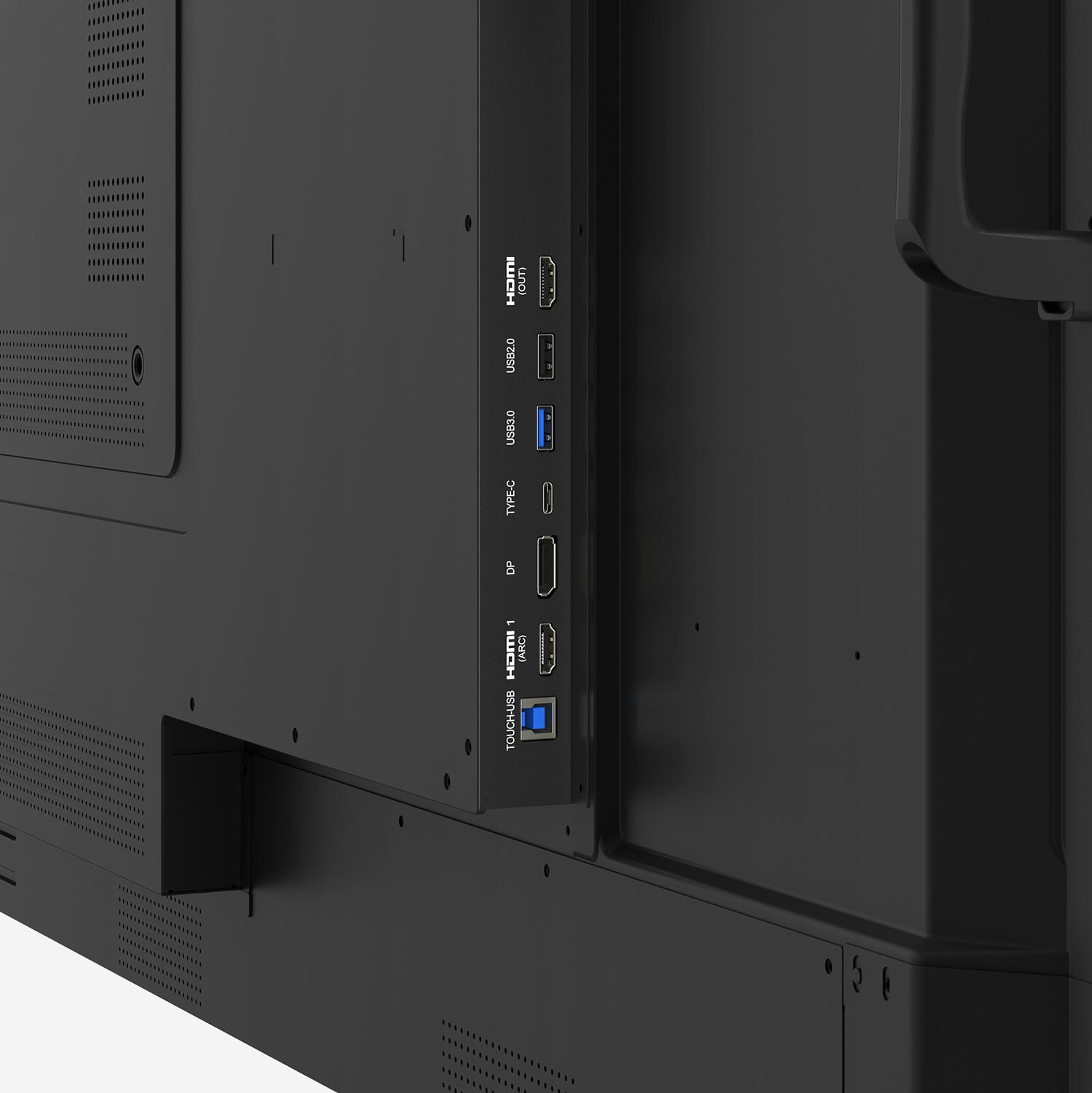
HDMI, USB-C, plug-in PC (OPS) and many other connections offer maximum flexibility and compatibility.
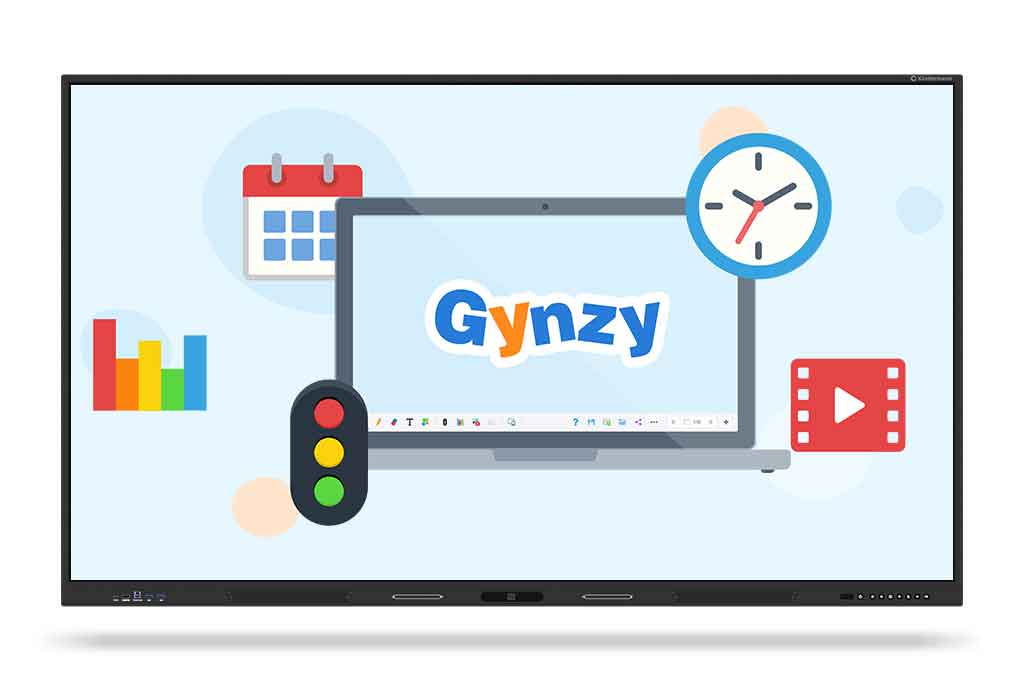
GO GYNZY!

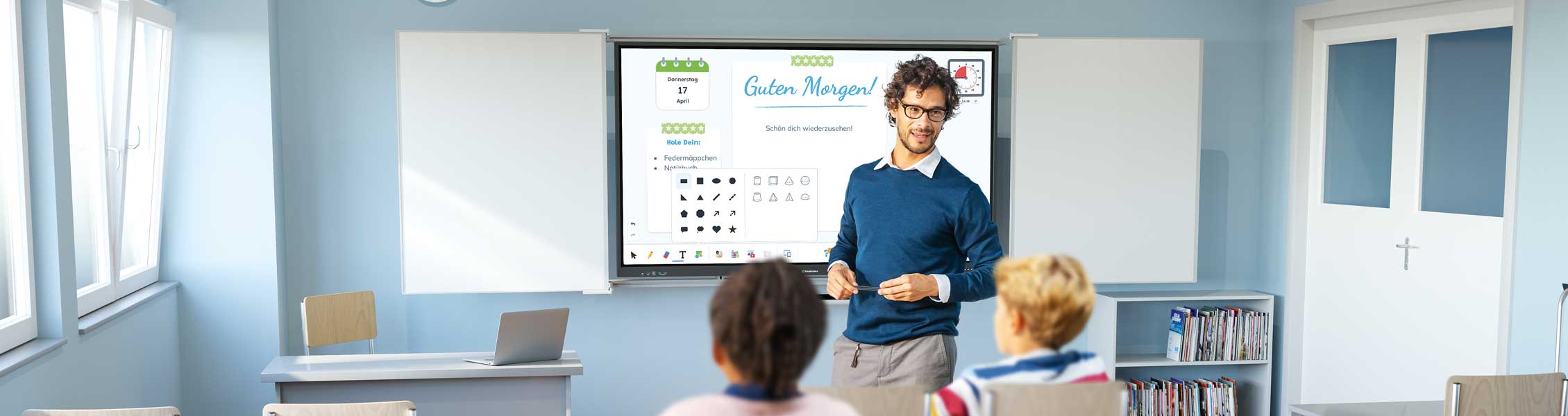
Gynzy is an intuitive teaching software for interactive whiteboards in the classroom. It makes it possible to create a wide variety of materials for presentations, teaching stations, differentiated content or interactive exercises.

Whether for assessing learning progress or for collaborative work - Gynzy supports you in your individual teaching style. The web-based solution can be used both online and offline - your data can be saved locally. Gynzy is system-open and runs on computers, tablets and interactive displays.

Details

Whiteboards
All classic whiteboard functions such as pens, markers, shapes, lines, media management and texts.

Mindmaps
Objects and texts can be connected with lines to create mind maps, for example.

More than 2,000 ready-made lessons
Ready-made teaching units for various subjects and class levels - as a basis for your individual lessons.

Details

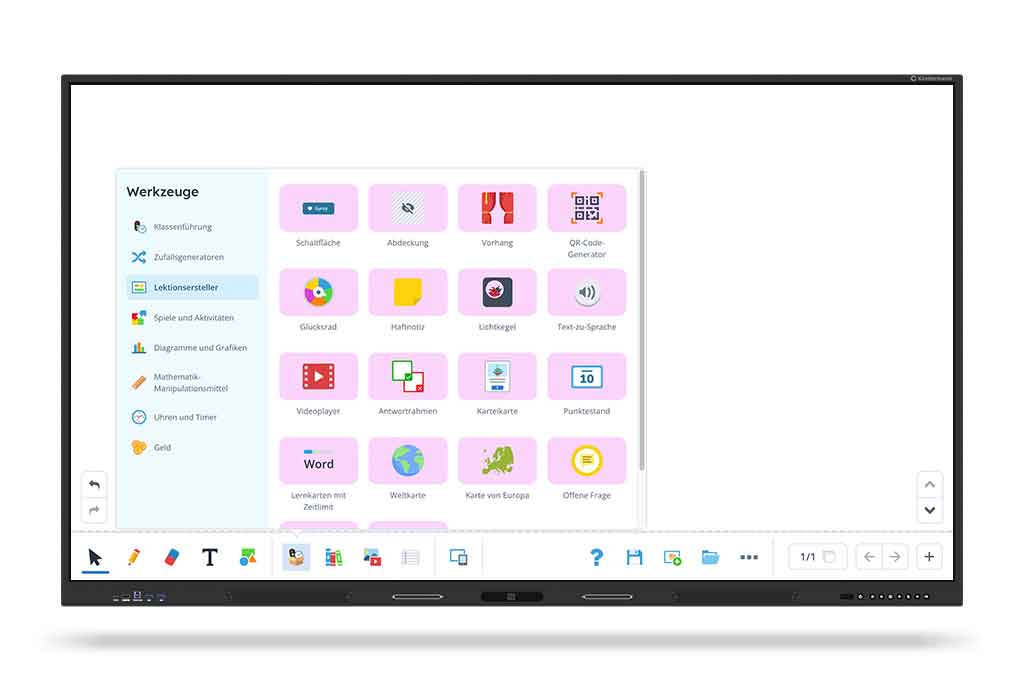
Extensive toolbox
Access a wide range of useful tools.

Widgets
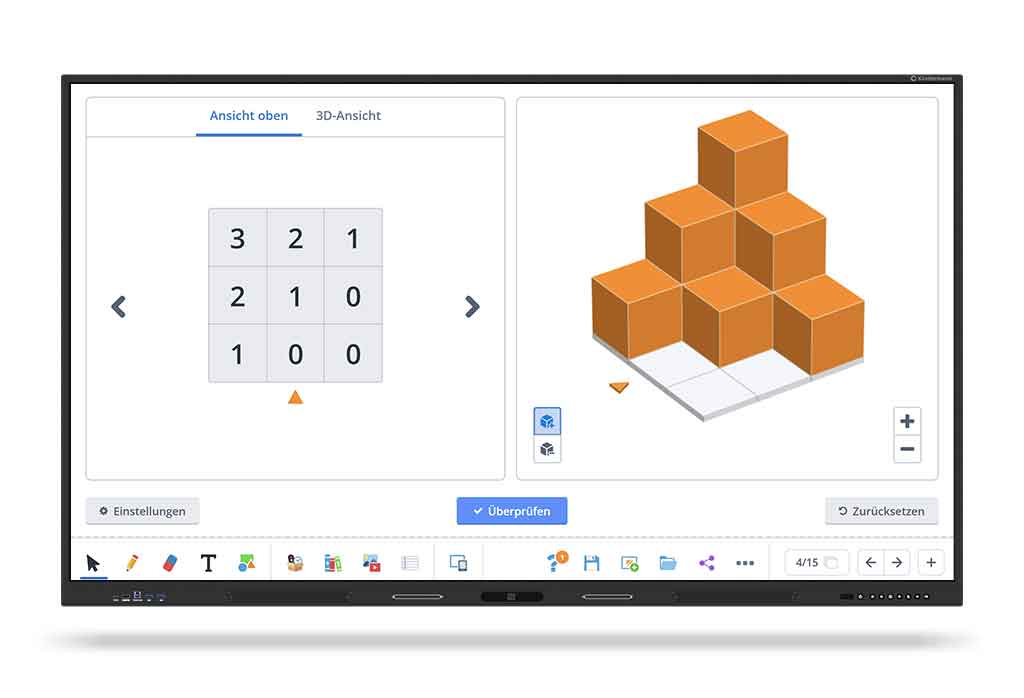
More than 100 interactive widgets help to create appealing presentations.

Play and deepen
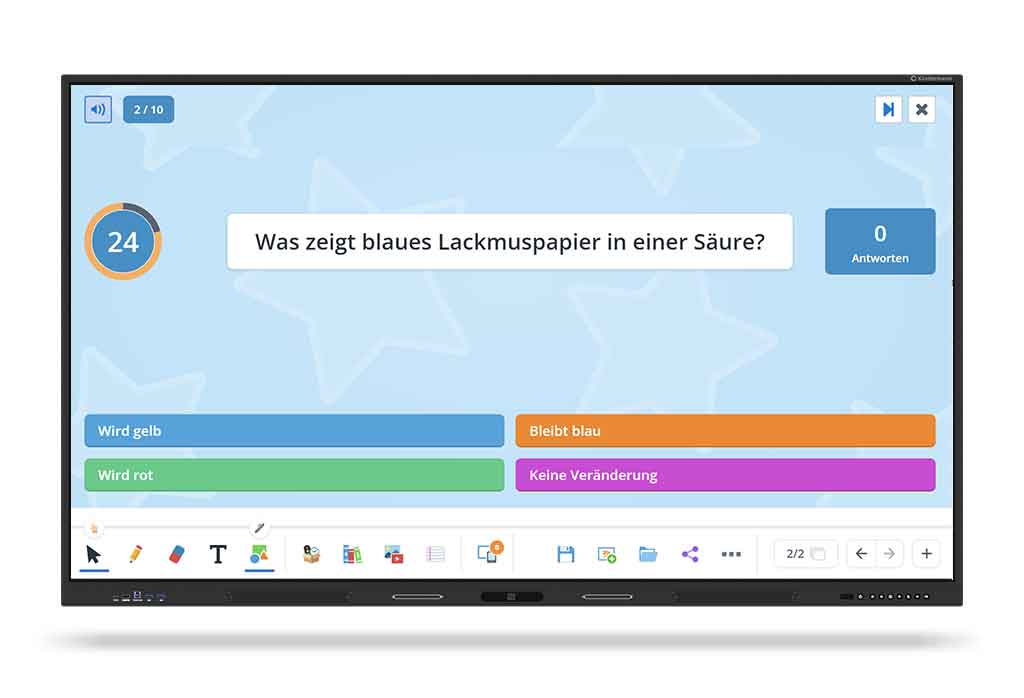
Use playful elements such as quizzes, surveys or open questions to make lessons motivating, obtain feedback and increase the attention of your class.

Details

Simple media integration
Integrate local files or YouTube videos (ad-free). Use the integrated image search to search for public domain images or create your own images with the AI image generator.

Free choice of device
Create your lessons on the device of your choice - PC, Mac, tablet or interactive whiteboard.

Present & collaborate
Use Gynzy for presentations or as a learning station. Share lessons and let students collaborate live.

Details

Single sign-on
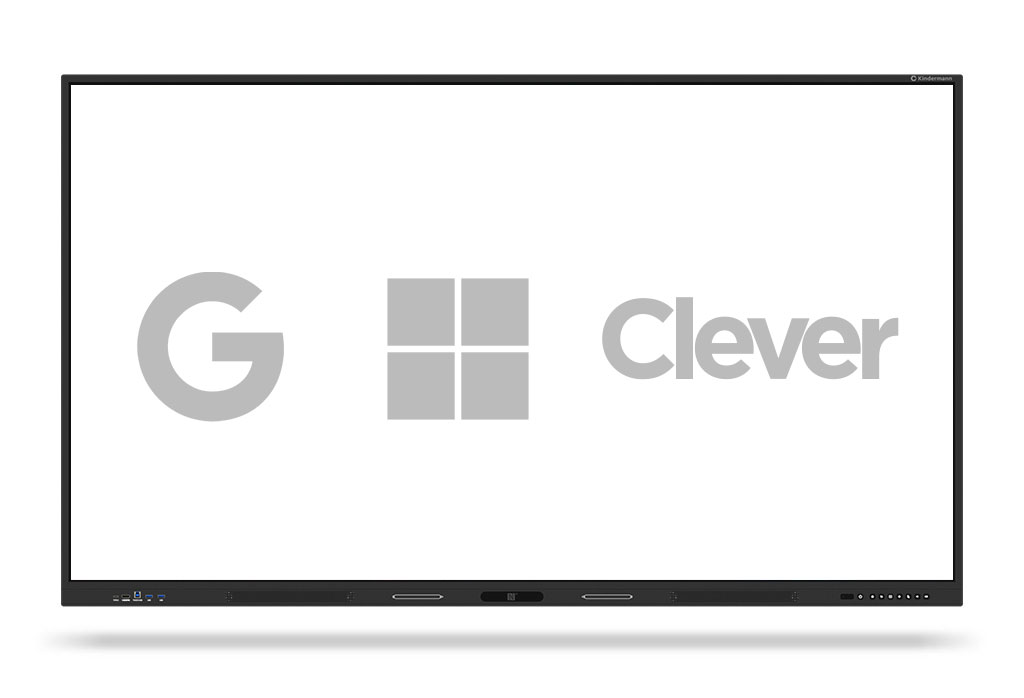
Gynzy supports Google, Microsoft and Clever SSO.
(A QR code login is in preparation.)

Details

Operating system independent
Gynzy is open-system and supports a wide range of operating systems.

Details

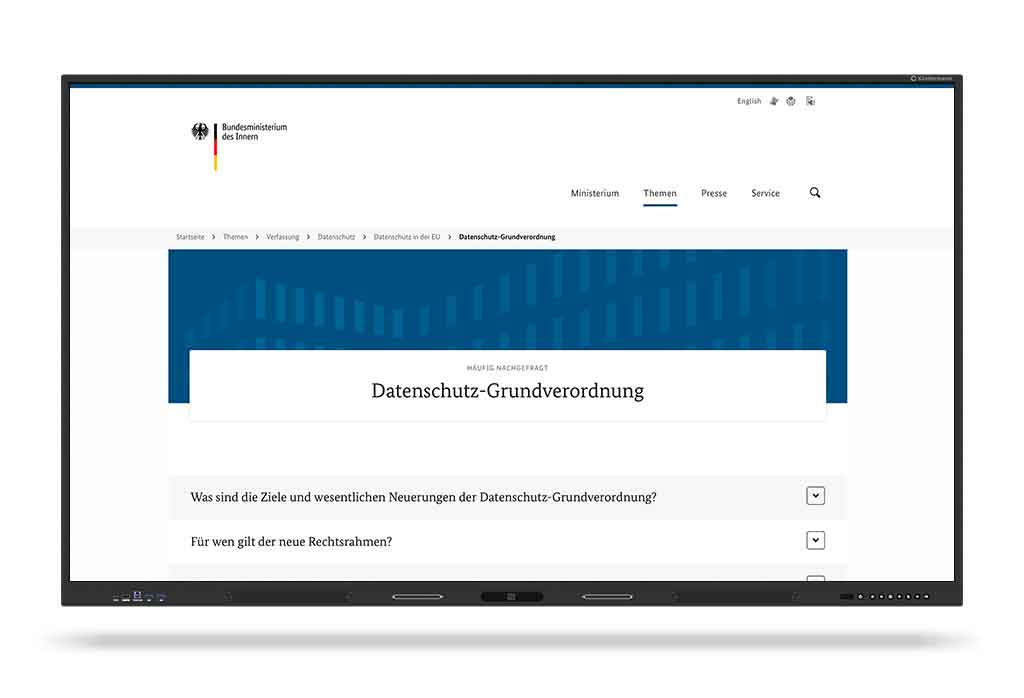
GDPR-compliant and secure Gynzy meets all GDPR requirements.
Data processing takes place in European data centers under the highest security standards and can also be used locally without the cloud.

Details

Product presentation

FEATURETD-12xx
Diagonal in inches55″, 65″, 75″, 86″, 98″
native resolution pixels3840 x 2160 px
Brightness> 450 cd/m²
TouchAdvanced infrared with up to 50 touch points incl.
pressure sensitivity
Operating systemAndroid 14, Google EDLA certified
Video connections2x USB-C for video, data, touch and charging function up to 100 W, 3x HDMI in, 1x DP-in, 1x HDMI-out, 80pin JAE OPS slot 2x USB-C for video, data, touch and charging function up to 100 W, 3x HDMI in, 1x DP-in, 1x HDMI-out, 80pin JAE OPS slot

TD-40xx

Tablet comfort in XXL: creative work on up to 86″.

Interactive and creative collaboration on a new level.

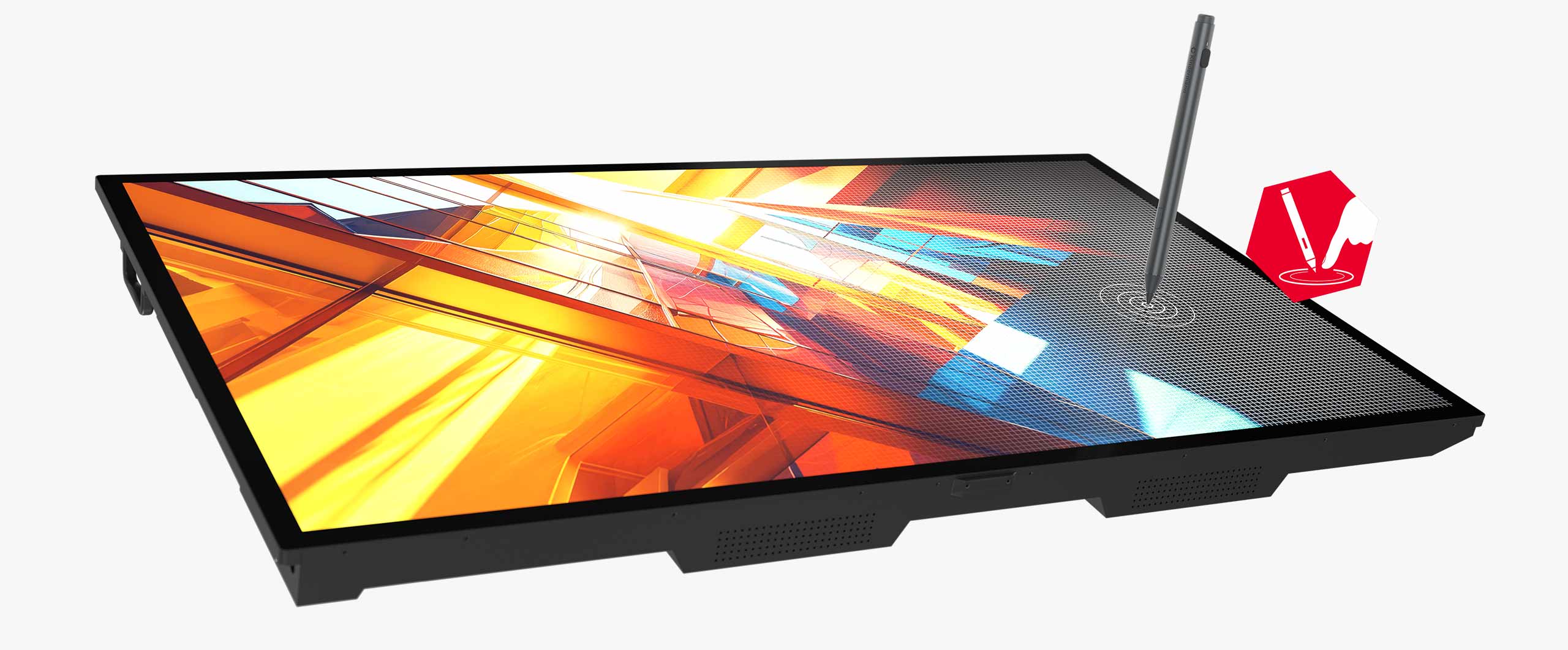
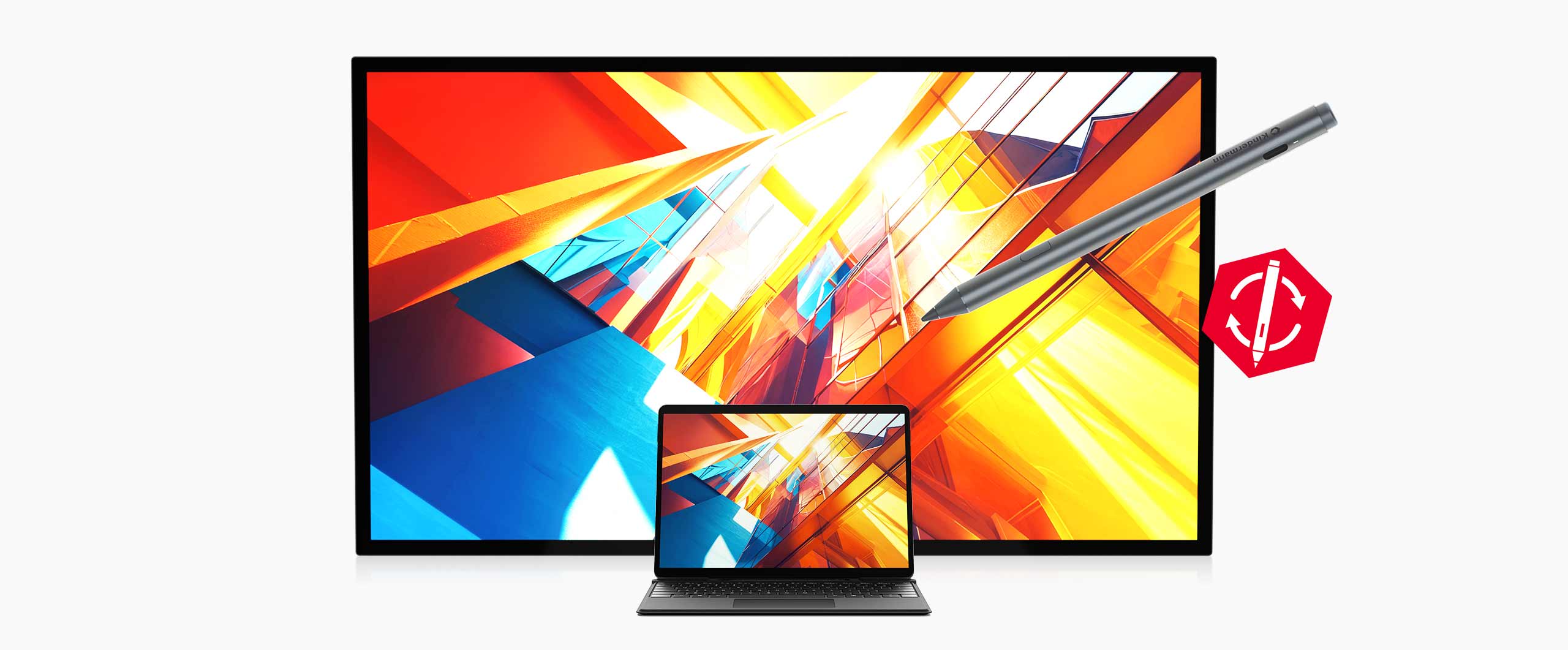
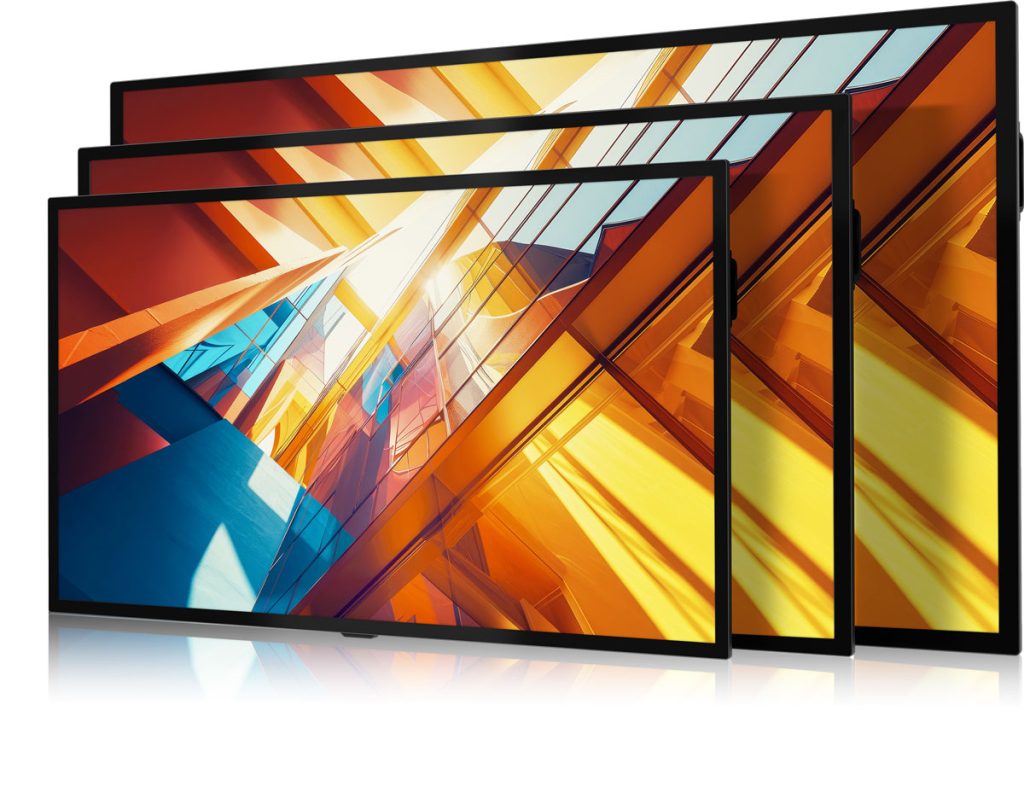
The energy-efficient and bright display series in three sizes from 65" to 86" is impressive in any environment. The capacitive touch surface makes working as natural and easy as on a tablet and the active stylus ensures precise input. The wide range of connections, including USB-C and OPS slot, create flexibility and operation without an operating system increases security.

Simple, secure and precise for every business.
High security

No operating system - no updates - no problems!

Details

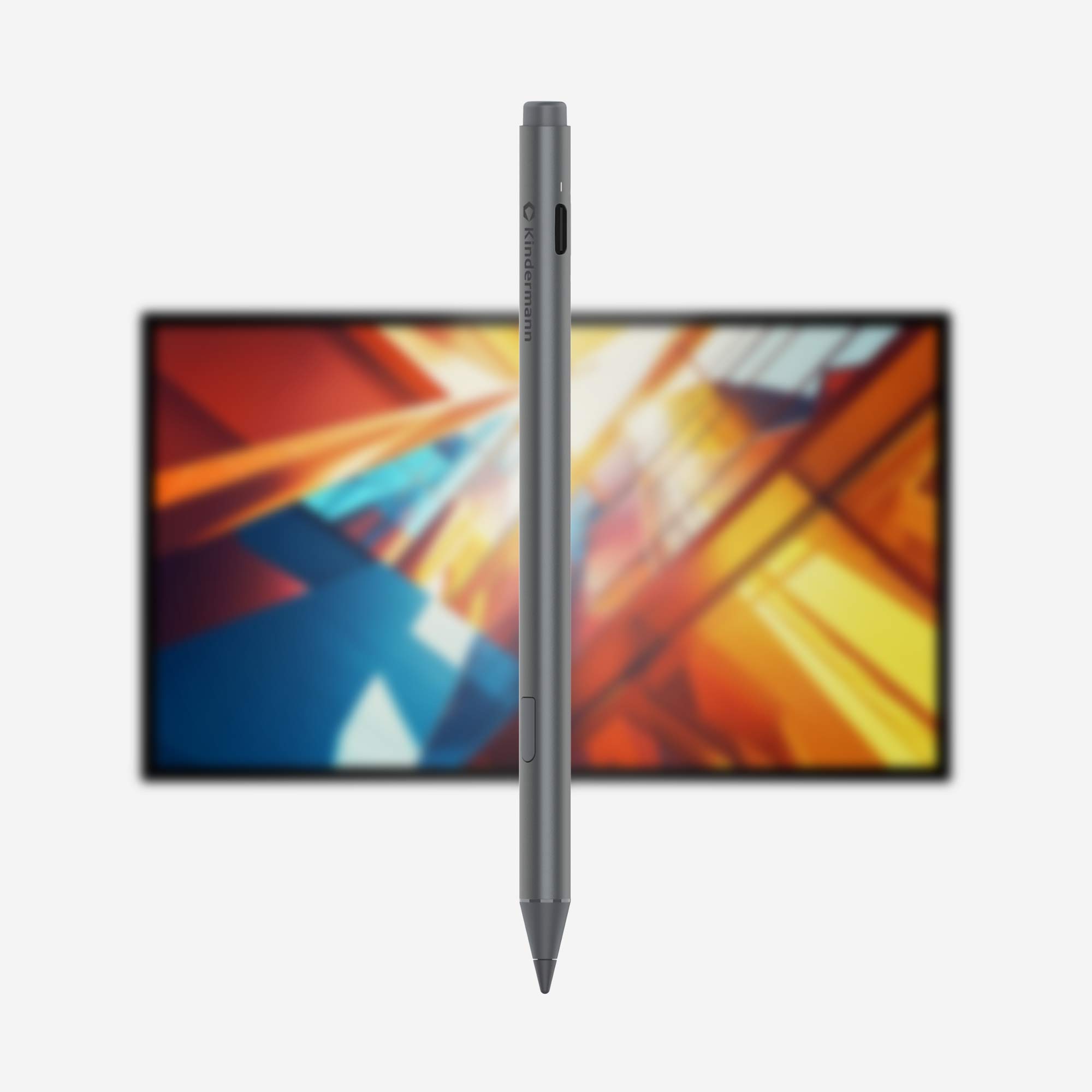
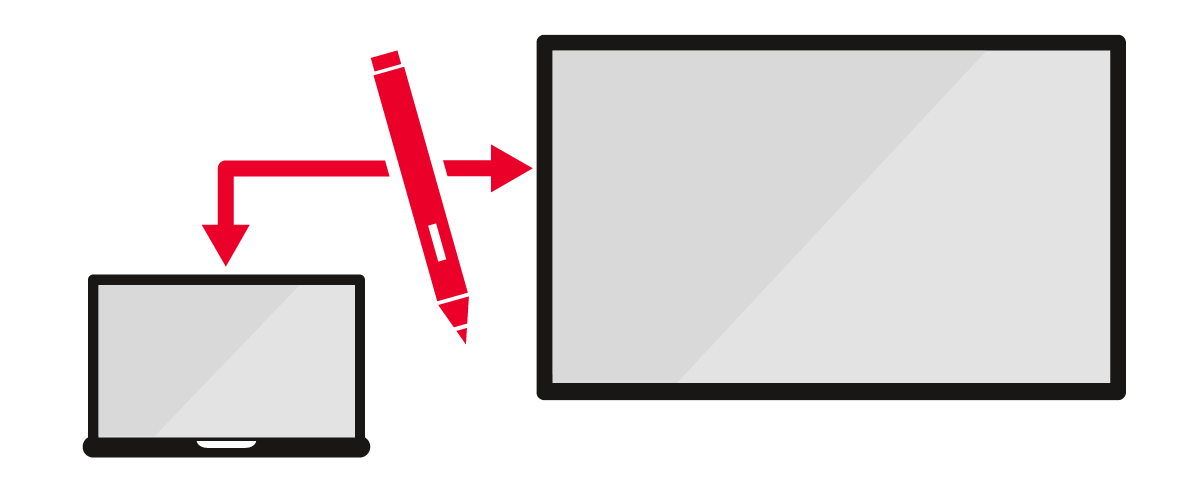
Active stylus

The all-rounder - precise, durable and compatible with other devices.

Details

Energy efficient

Extremely bright and therefore economical.

Details

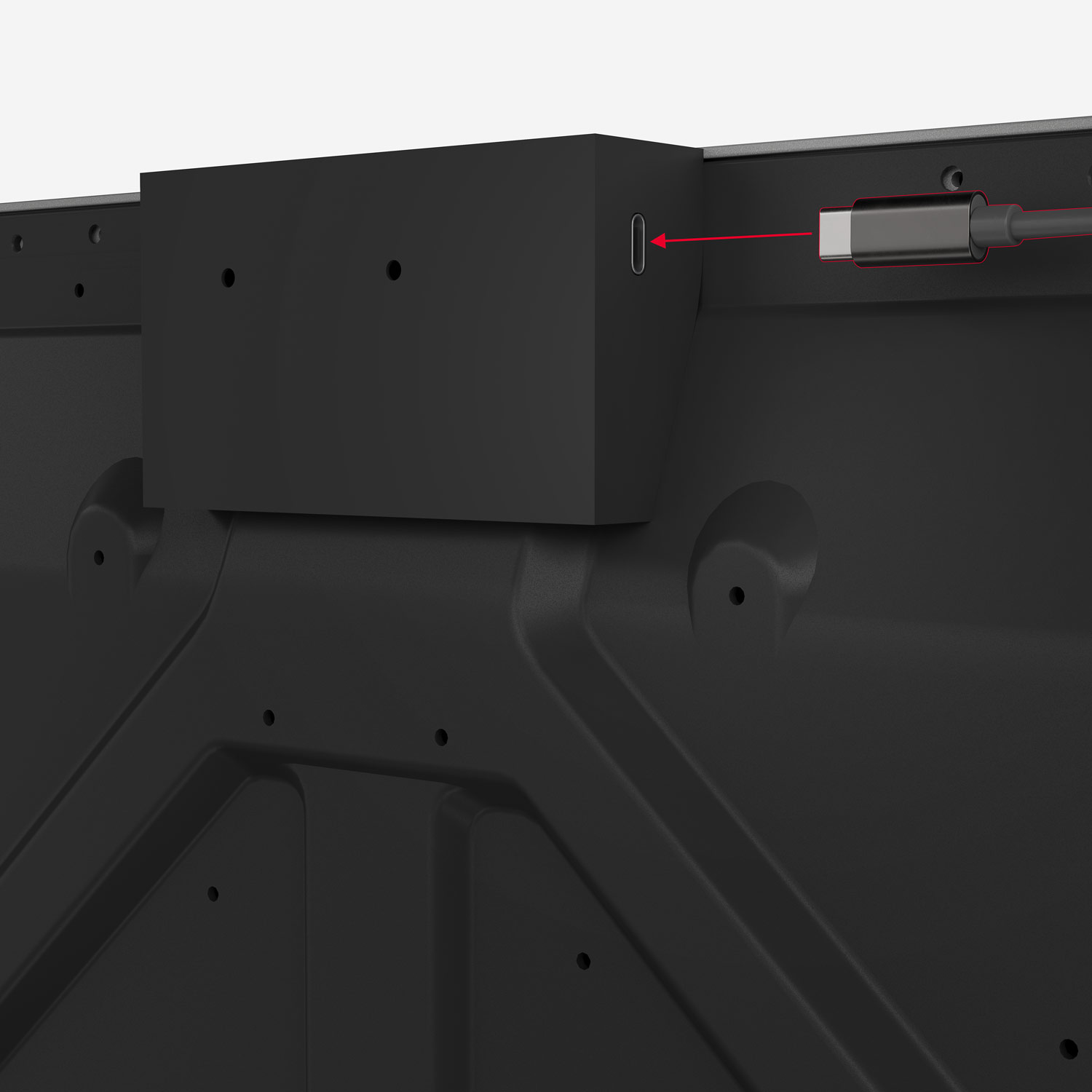
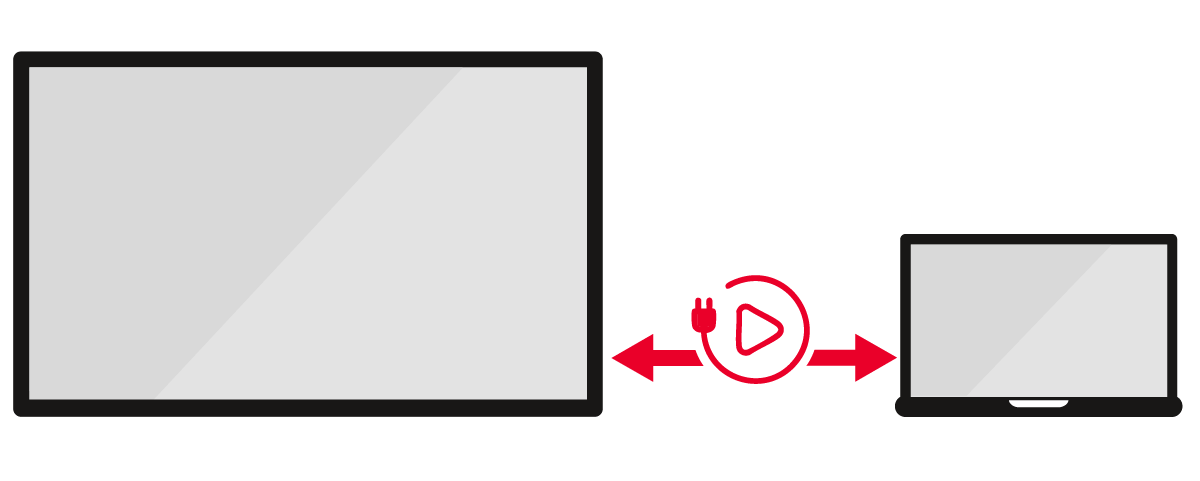
USB-C Plug&Play

Video, touch and charging... with just one cable.

Details

Change of perspective by Kindermann

We've never done that before! We flatten the displays and take off.

The TD-40xx series touch displays can also be supplied ex works in a tilted or completely flat position - ideal for interactive applications in museums or at the point of sale.

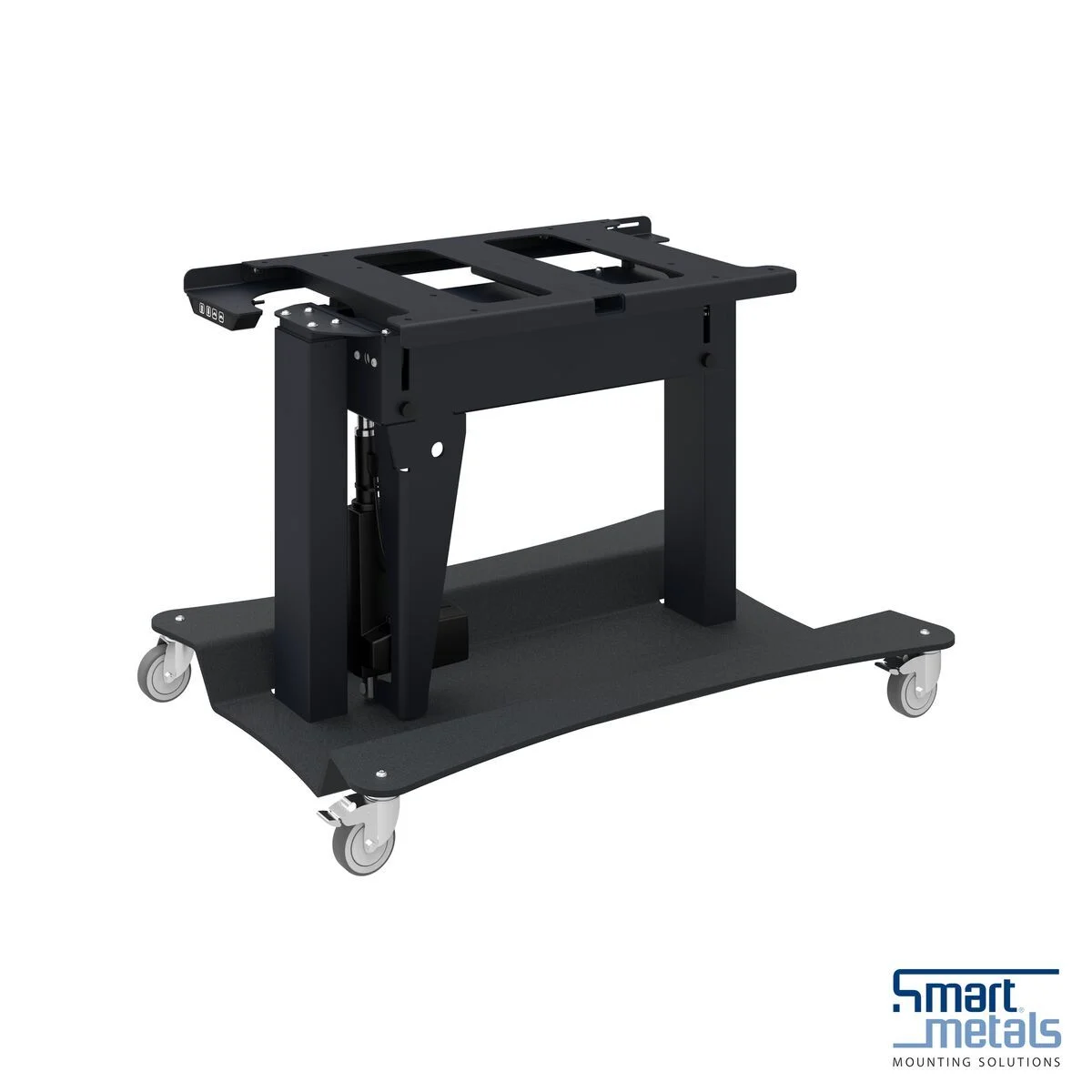
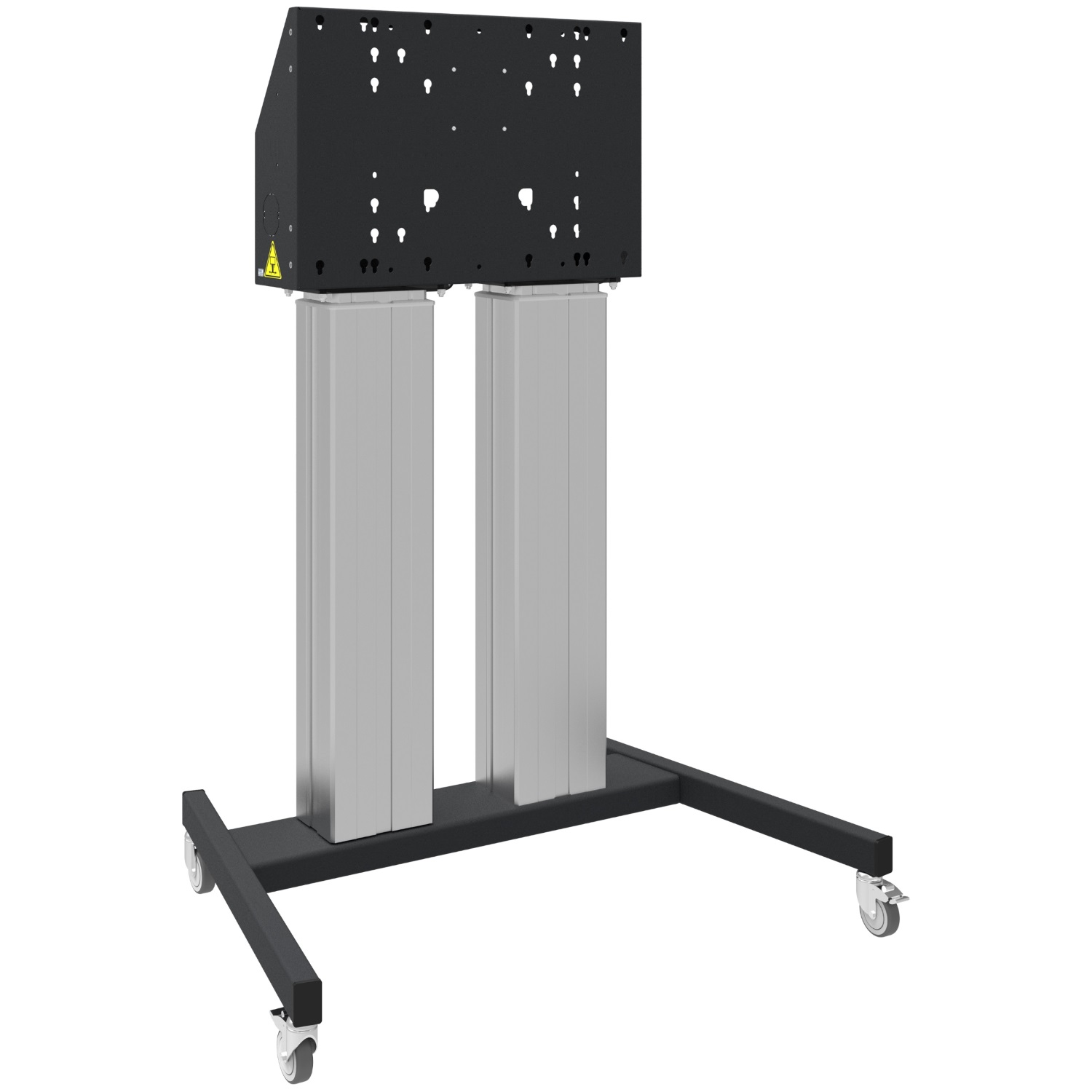
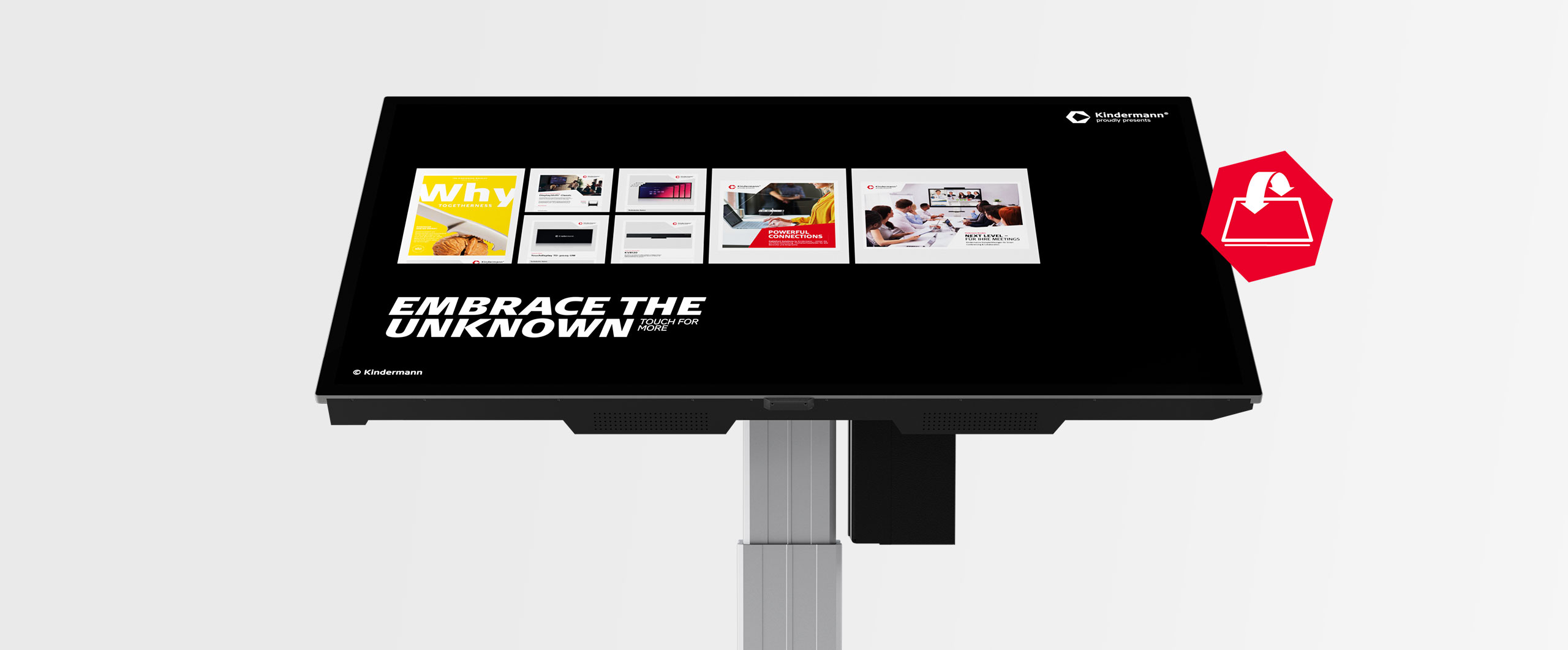
Of course, there is also a matching roll stand that moves the display electrically and steplessly in both height and inclination. This turns the display and roll stand into an interactive solution for many areas of application.

The future-proof touch display

A display that still meets the highest standards even after years of use.

This underlines the company's claim to be a pioneer in terms of safety, sustainability and compatibility.

Details

NoOS

No operating system? Why not two!

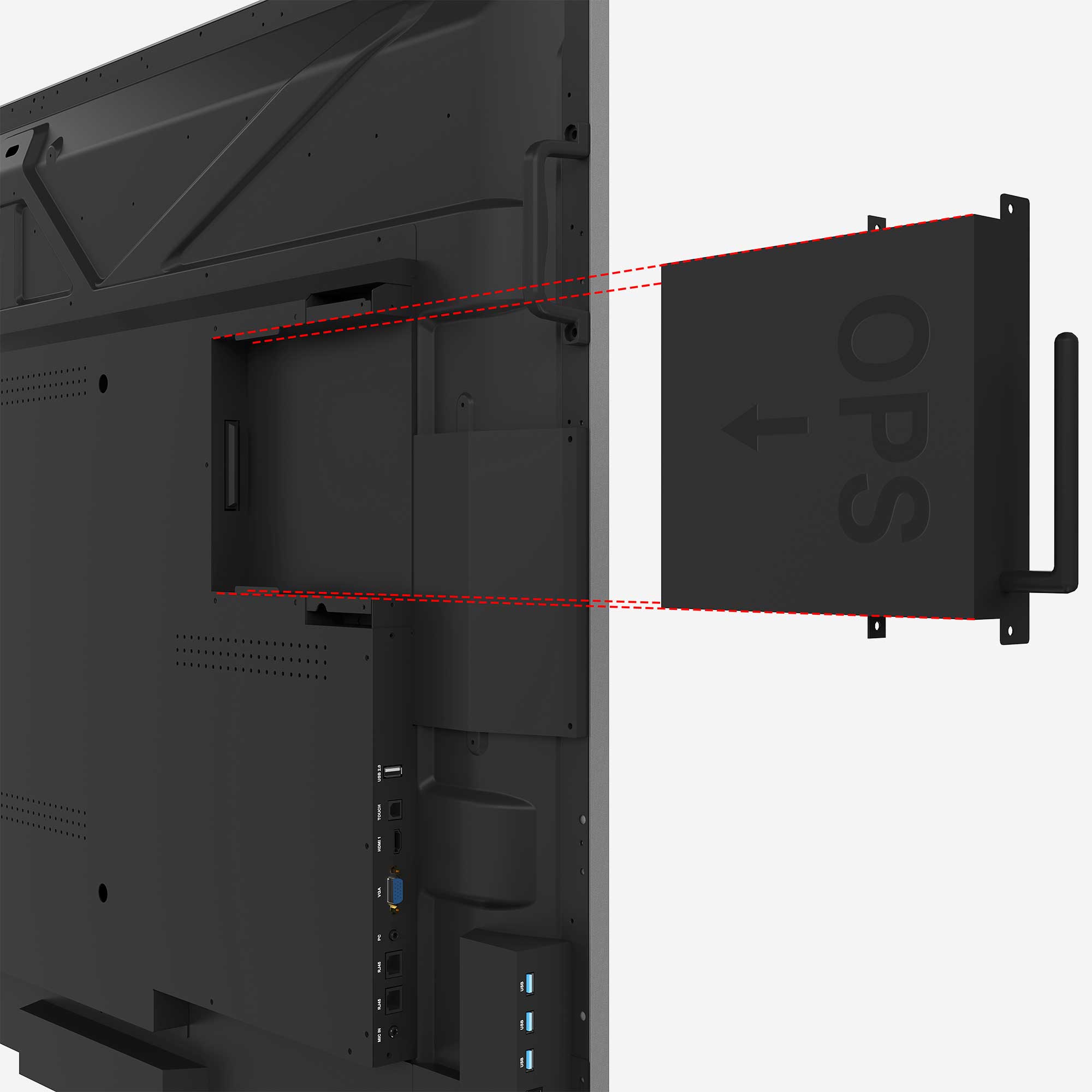
The display itself has no operating system and is immediately ready for connecting external devices. If you want to work in the familiar environment with Android or Windows, the TD-40xx can be equipped with an optional OPS plug-in computer that makes Windows or Android available.

Details

Safe

Without an operating system, the display does not raise any concerns among IT professionals either during installation or after years of use, as no updates are required without an OS, which saves time and nerves.

Details

Sustainable

Software ages, hardware does not.

If the use of Windows or Android requires an update in the first few years of use, the OPS PC can be replaced and the display can continue to be used - which is good for the environment and the budget.

Details

Universal

The user has the choice: whether they want to use external devices or a plug-in PC - the display is optimally prepared and supports both options seamlessly.

Thanks to the integrated Windows Ink protocol, notes and creative ideas can be captured and edited directly in MS Office applications.

Details

Application examples

Whether museum, huddle spaces, Meeting spaces or exhibition rooms ... the areas of application are limitless.

The active stylus

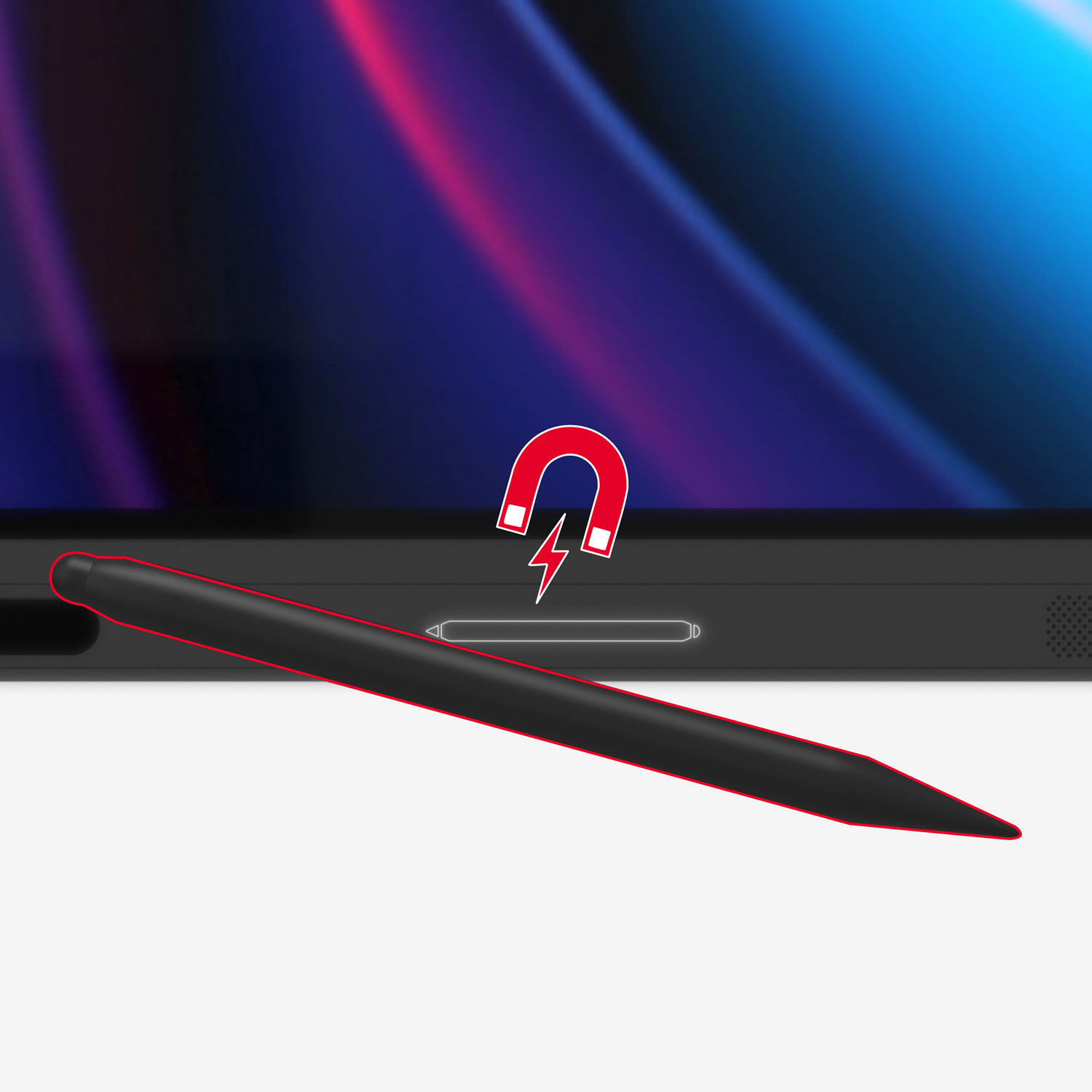
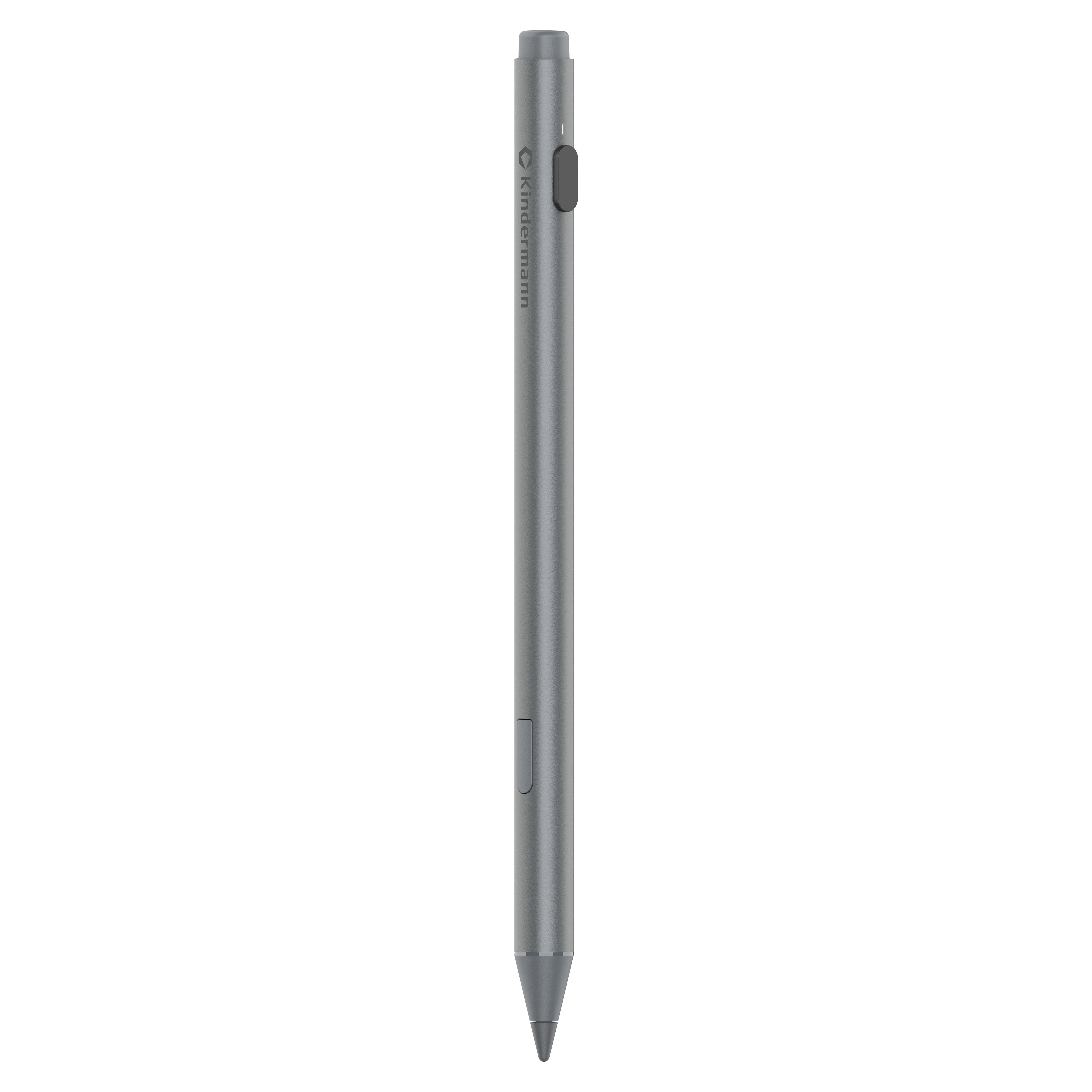
Switching pens is a thing of the past: With the active pen, you can work seamlessly on both the TD-40xx and Microsoft Surface devices.

  1. Eraser: The rear part of the pencil can be used intuitively as an eraser.
  2. USB-C connection: In just 40 minutes, the pen charges for 120 hours of battery life - no pairing required.
  3. button: Works as a left mouse button under Windows.
  4. Tip: The pressure-sensitive pen tip enables even more natural input and can be replaced if necessary.
Optical bonding technology
2.1 audio system with 60W
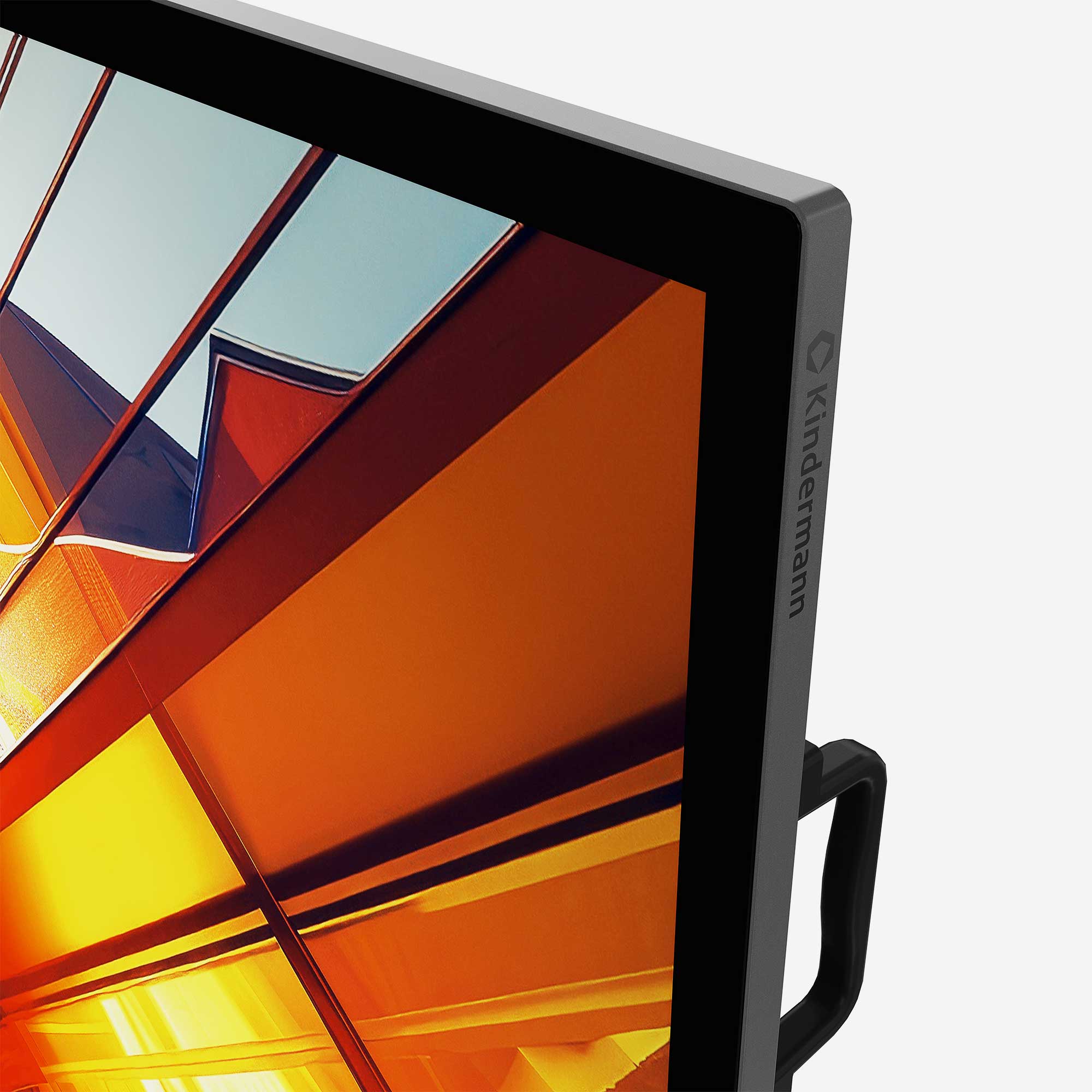
Tempered and diffused front glass
High brightness, over 600 cd/m²

FEATURE TD-40xx
Diagonal in inches 65″, 75″, 86″
native resolution pixels 3840 x 2160 px
Format 16:9
Touch points Up to 20 touch points
Operating system NoOS (no operating system)
OPS-PC Optional