


Support & Downloads

Do you have technical questions about Klick&Show?

Contact now our Customer Support.

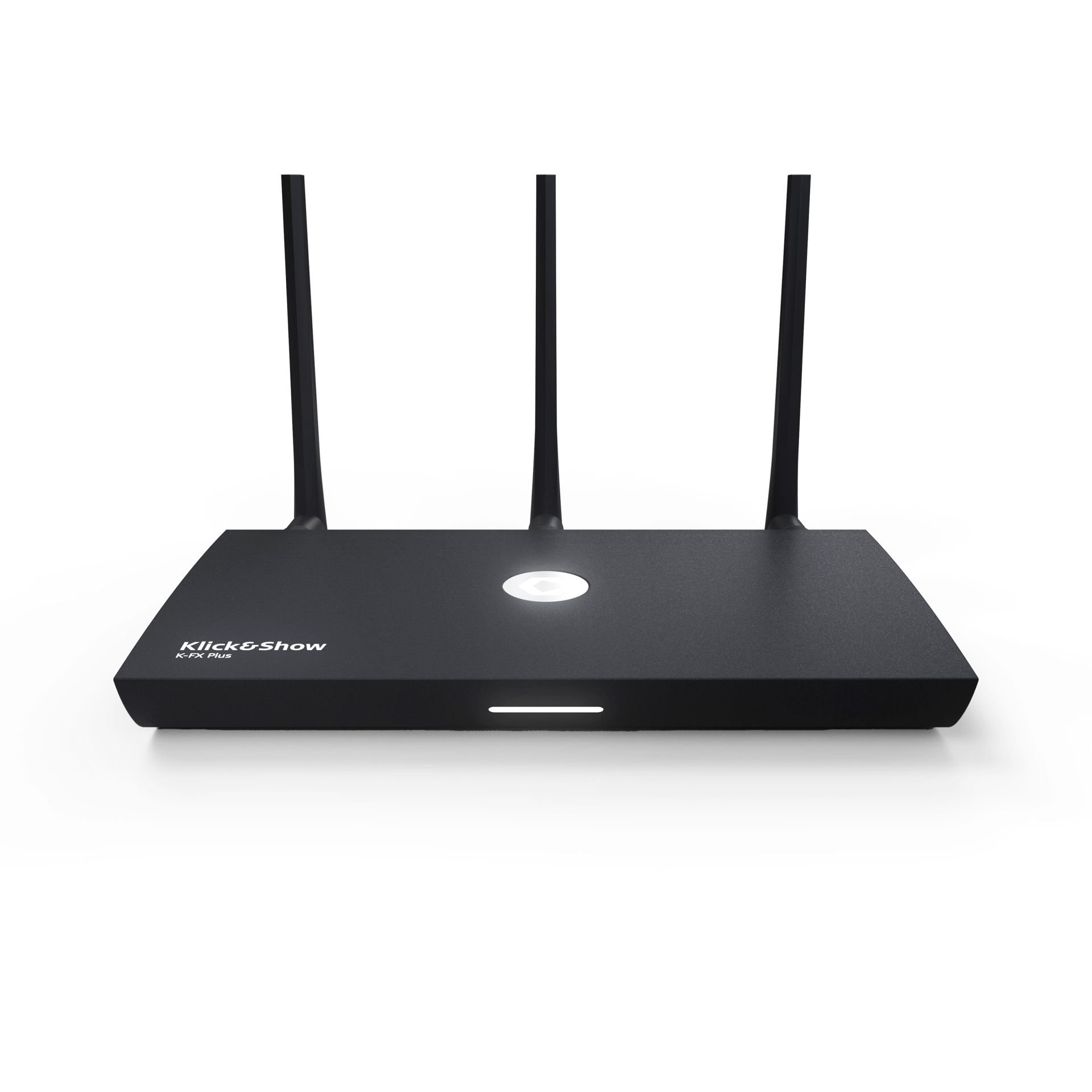
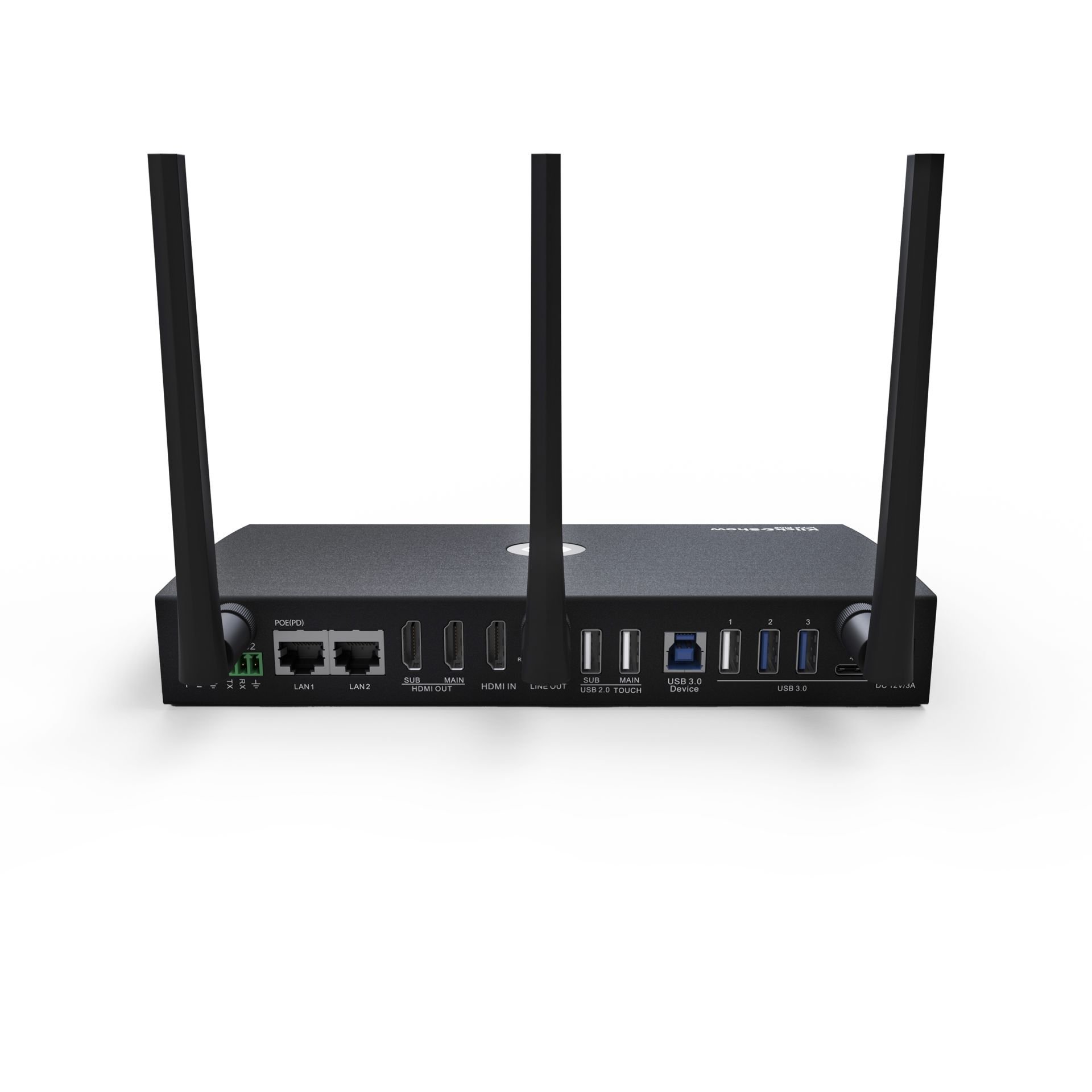
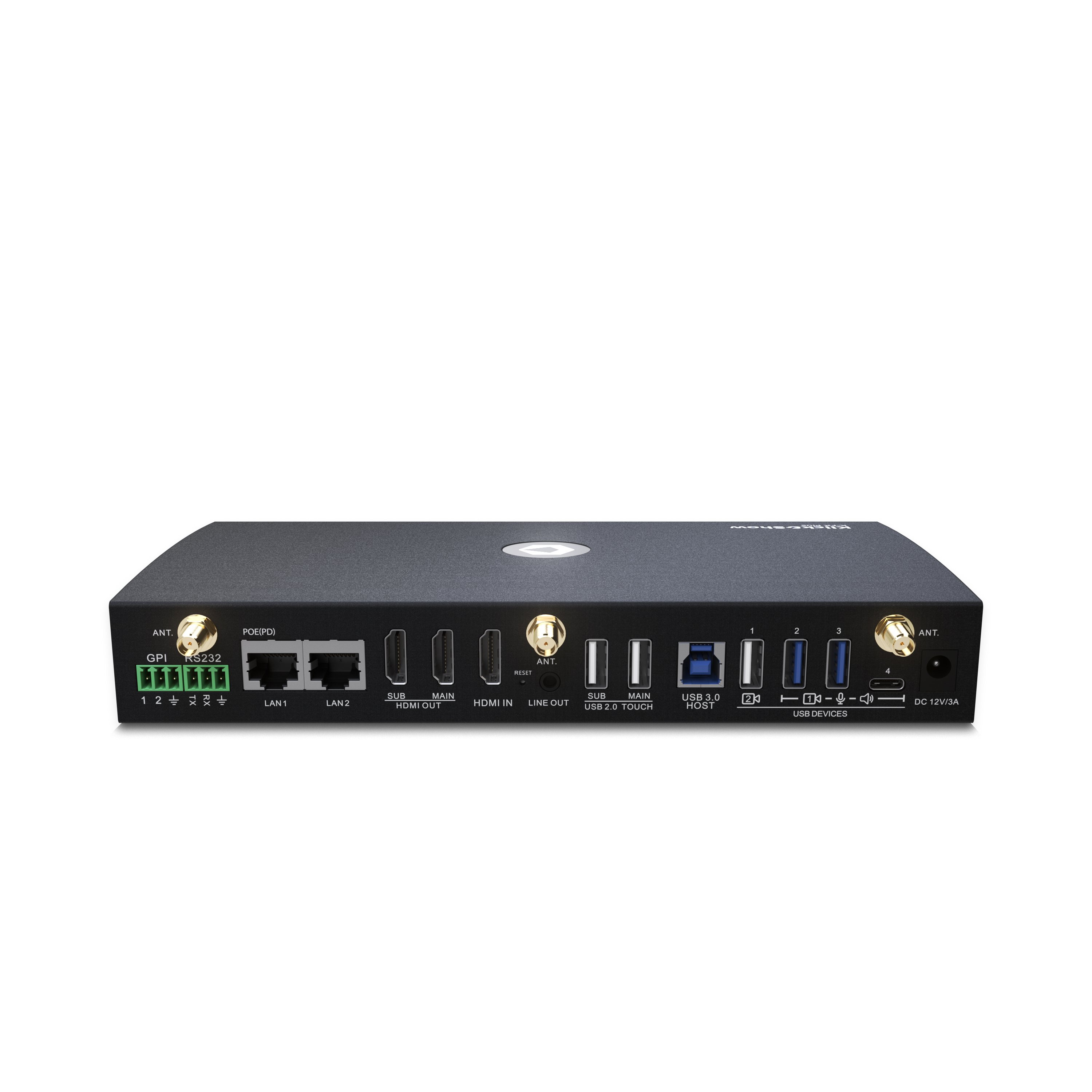
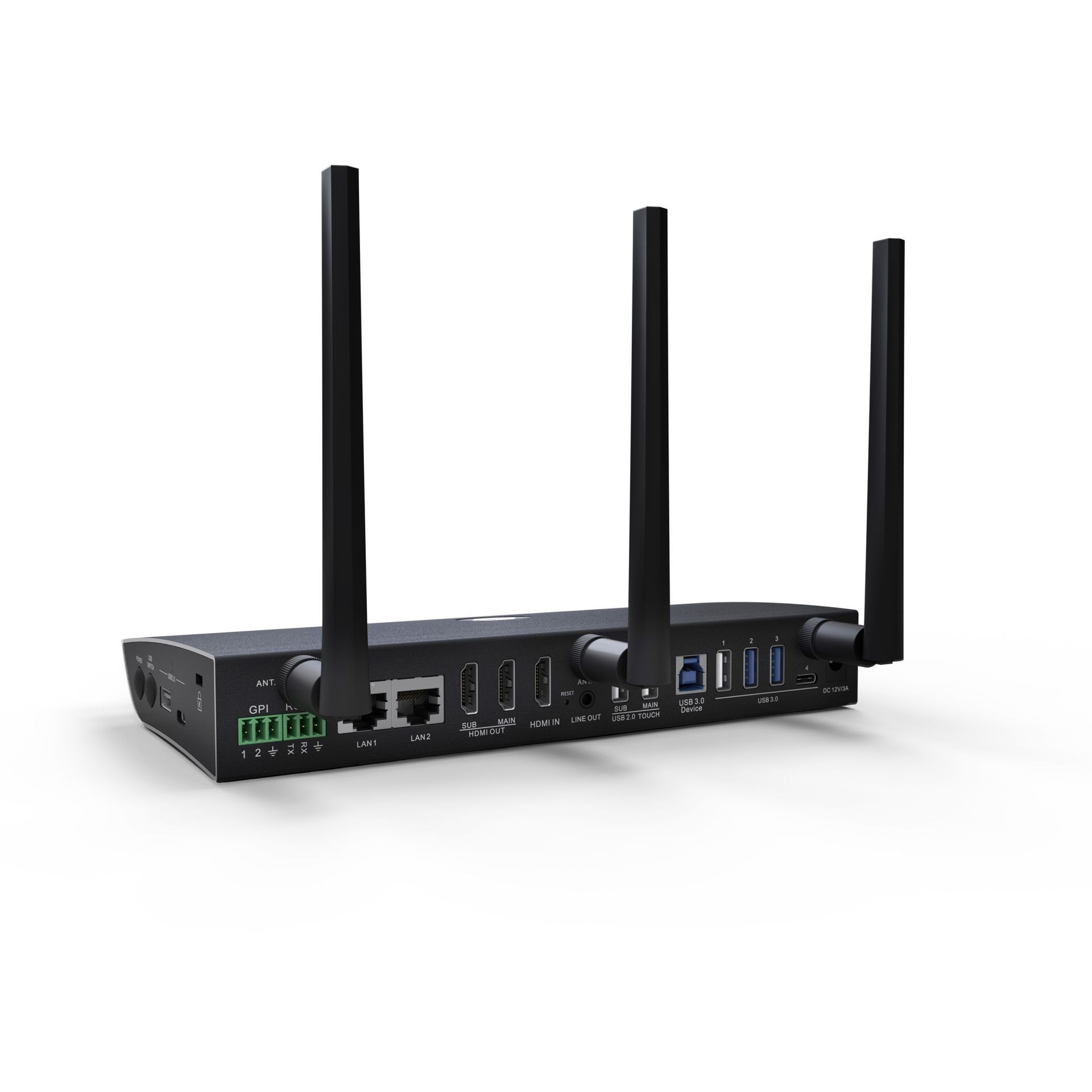
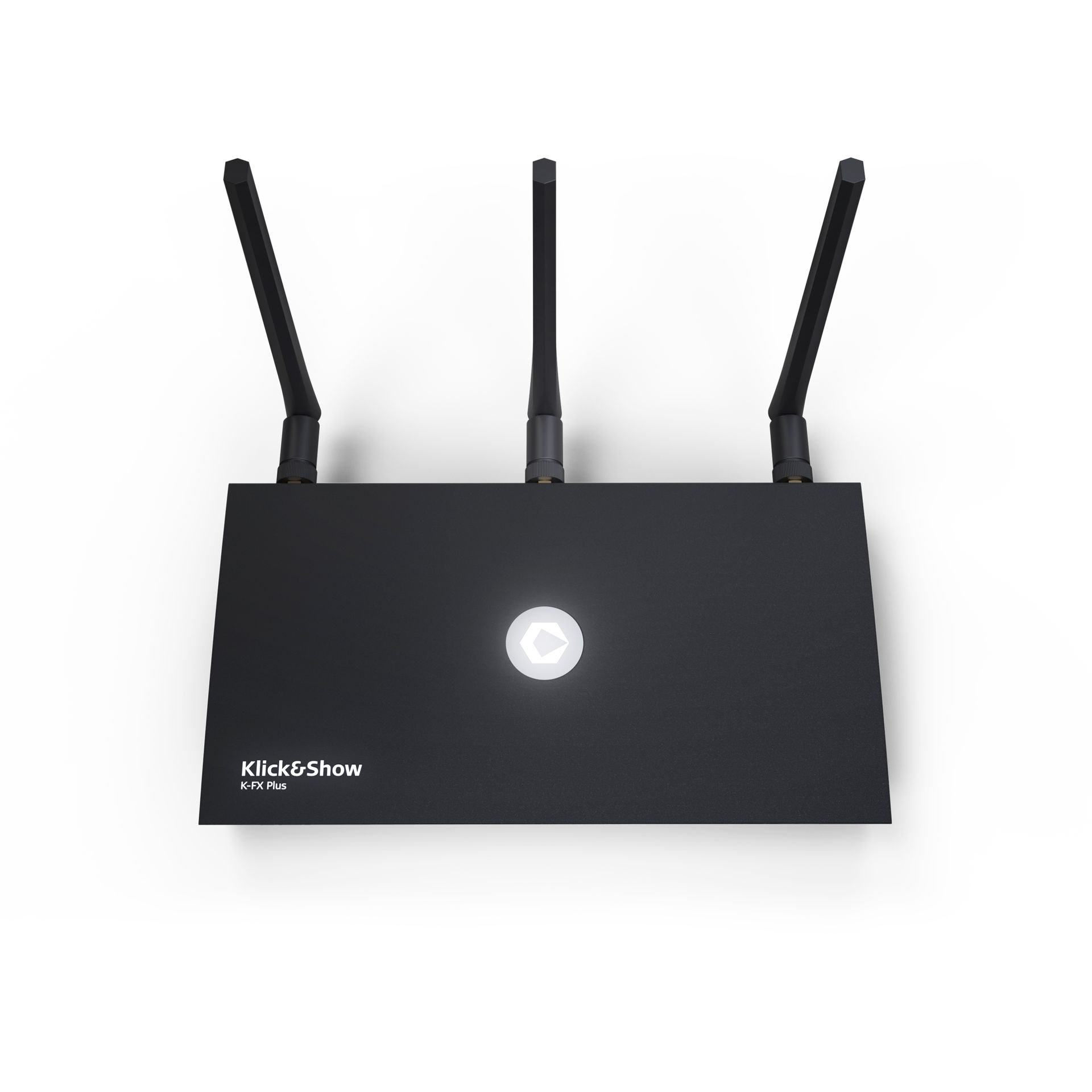
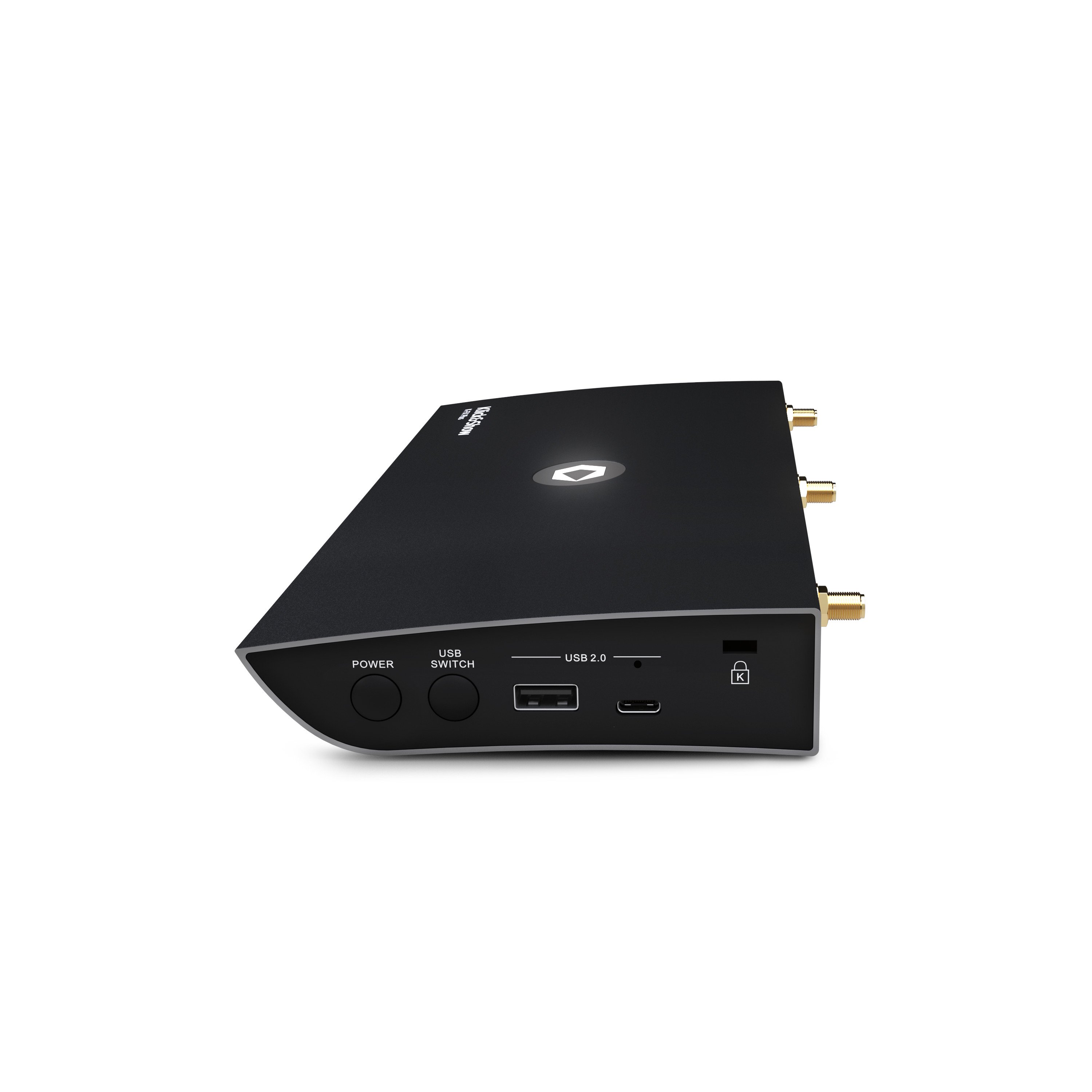
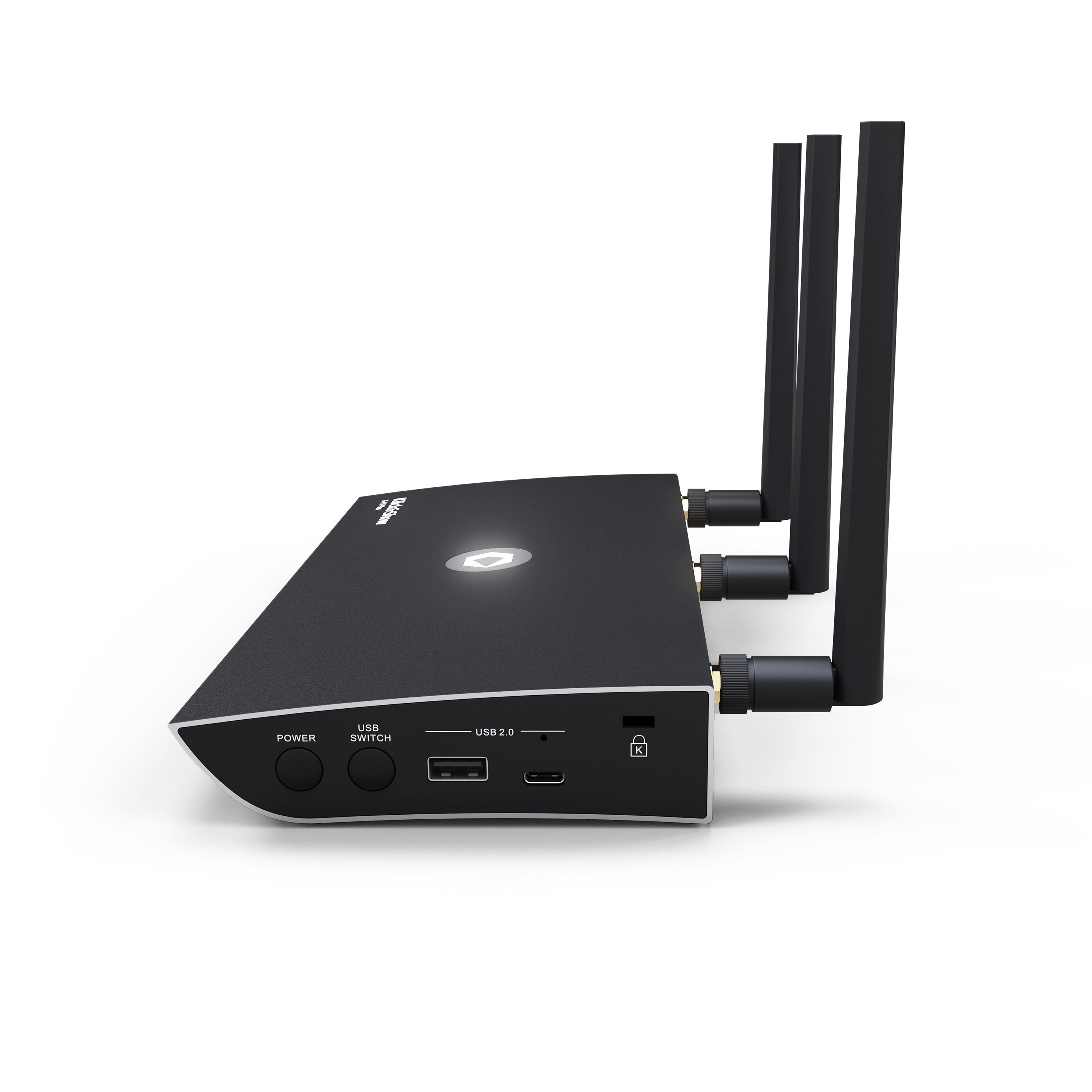
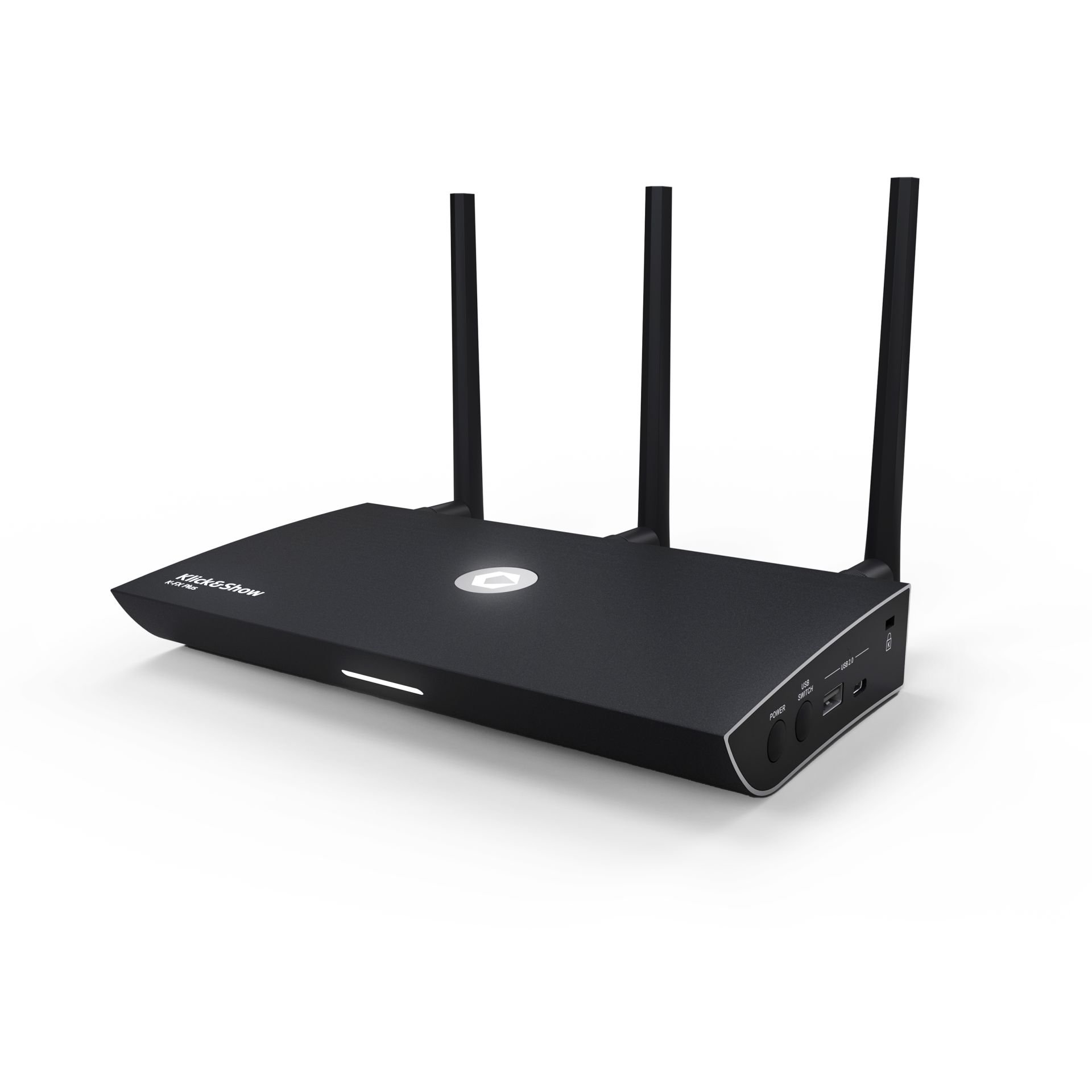
Klick&how K-FX Plus

Firmware

Here you can find the latest firmware versions for the Kindermann Klick&Show product series.


Product compatibility: Klick&Show K-FX Plus
File size: 908 MB
Release date: February 2026
Version: K5223
Changes in this version:

Changes/improvements:

  • Expansion of the digital signage function. In addition to the existing option of playing online content via URL link, images or videos in certain formats can now also be played from a USB stick connected to the base or alternatively from a network storage path. Furthermore, in addition to the existing automatic display of digital signage content after a meeting has ended, it can now also be called up manually during the meeting using individual function settings on the 4K transmitter.
  • Klick&Show optimized for use with a Microsoft Teams Rooms system. To this end, the configurable setting for the "Auto Standby" timer in the WebUI has been supplemented with the particularly short option "3 seconds." With this setting, the Klick&Show base unit can activate/deactivate the HDMI output (sleep mode) almost immediately at the start/end of a meeting, thereby triggering the "HDMI ingest" of a downstream Teams Rooms system. HDMI ingest is typically used on Teams Rooms systems for wired input of user content—which can now also be done wirelessly using Klick&Show .
  • The options for using the "Pause (Freeze)" function have been expanded. For this purpose, the WebUI has been customized to allow Klick&Show home screen, a feature has been added that hides the network status bar, which was previously permanently displayed at the top of the screen, when "Pause (Freeze)" is used. This means that the streamed user content remains fully visible even when frozen.
  • The code query when establishing a Miracast connection has been optimized. When the code query is configured, a 4-digit code is now also temporarily displayed over existing content on the main display, making it easier to establish a connection.
  • The display duration of the 4-digit connection codes for Airplay and Miracast on the main display has been optimized.
  • Various optimizations to the Klick&Show apps for Windows and macOS.

Bug fixes:

  • Due to a bug in Apple's iOS26 operating system, Airplay connection establishment could fail in certain cases when security level 2 with required Airplay code entry is preset. A workaround already implemented in firmware K4215 has now been further optimized for improved reliability and speed when establishing Airplay connections.
    Please also ensure that you are using Apple iOS operating system version 26.2 or higher on your iOS device.
  • Various minor bug fixes.

Known errors:

  • no entries

Other:

  • This firmware version represents a comprehensive upgrade with important improvements and is therefore recommended for all users.
    After installing the firmware, it is strongly recommended that you perform a reset to correctly initialize the parameters of new functions.
    Only then should you pair existing transmitters and perform further configuration.


Product compatibility: Klick&Show K-FX Plus
File size: 925 MB
Release date: November 2025
Version: K5218
Changes in this version:

Changes/improvements:

  • Implementation of the near-field detection function. The Klick&Show base units use a combination of ultrasound and Bluetooth to enable the user's laptop to identify the base unit located in the room and, if desired, even establish the connection automatically, thus simplifying the connection process for purely software-based use.
    Note: The near-field detection functions are available for K-FX Plus base devices with item number 7488000362 (hardware version 2), which will be commercially available from November 2025, but not for K-FX Plus base devices with item number 7488000360 (hardware version 1).
  • Integration of a WiFi analyzer in the web menu of the Klick&Show base unit, which simplifies the search for a free WiFi channel during commissioning if the base unit is to be operated in access point mode.
  • An option for selecting the Wi-Fi channel width has been added. This allows administrators to select the specific channel width for wireless connections, including settings such as HT20, HT40, and HT80.
  • The UCC Device Manager now offers an optimized speaker test signal in the USB Audio section to better assess the playback quality for human speech in online meetings.

Bug fixes:

  • Fixes a bug where, under Windows, the extended desktop was not transferred when using purely software-based Klick&Show app.
  • Fixes a bug in Klick&Show app for MacOS, which caused the manual IP-based search and the "A-Z" sorting of base stations found on the network to not work correctly.
  • Fixes a bug where establishing a Miracast connection in Windows would fail in rare cases, causing the Klick&Show base device.

Known errors:

  • Due to a bug in Apple's iOS26 operating system, establishing an Airplay connection may fail in certain cases if security level 2 is preset with the required Airplay code entry. Without code entry (in security level 1), the problem does not occur. A workaround already implemented in this firmware minimizes the frequency of the phenomenon.

Other:

  • This firmware version represents a comprehensive upgrade with important improvements and is therefore recommended for all users.
    After installing the firmware, it is strongly recommended that you perform a reset to correctly initialize the parameters of new functions.
    Only then should you pair existing transmitters and perform further configuration.

Klick&how K-FX Plus

Images