
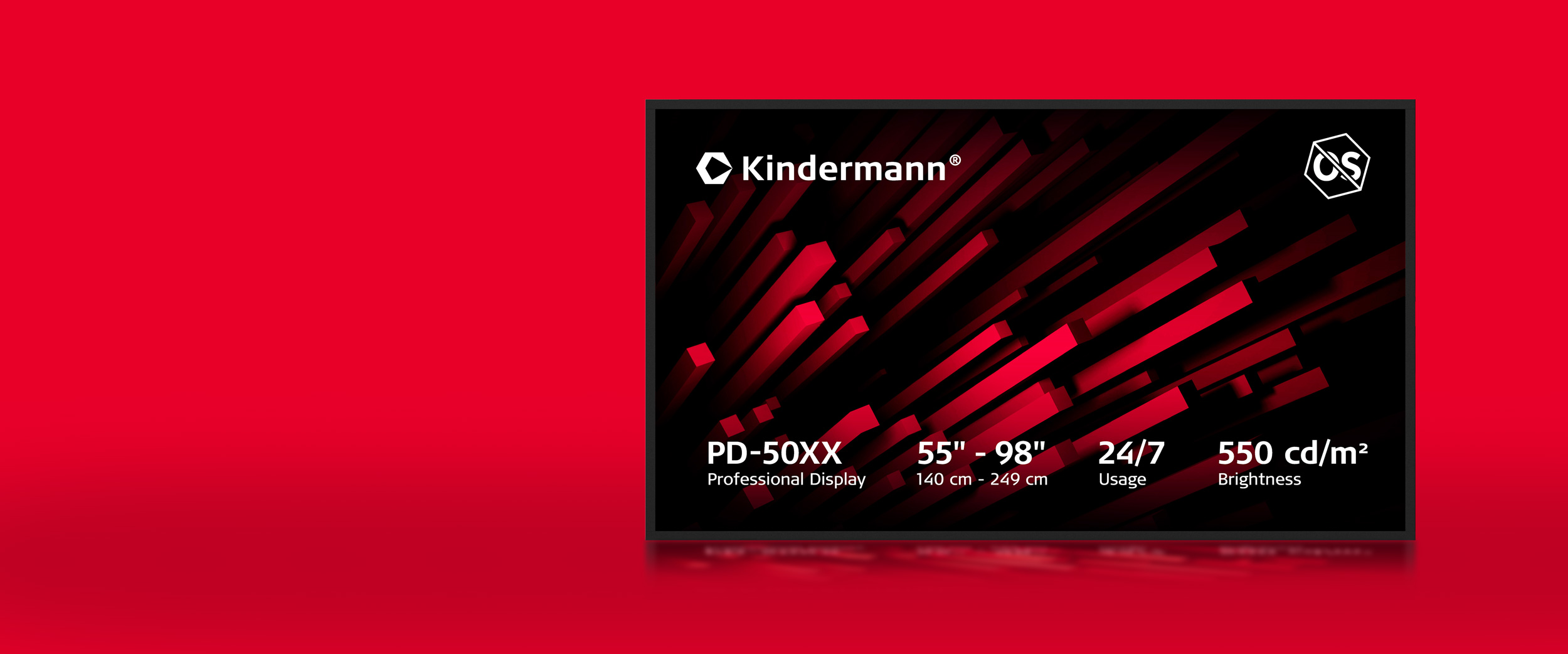
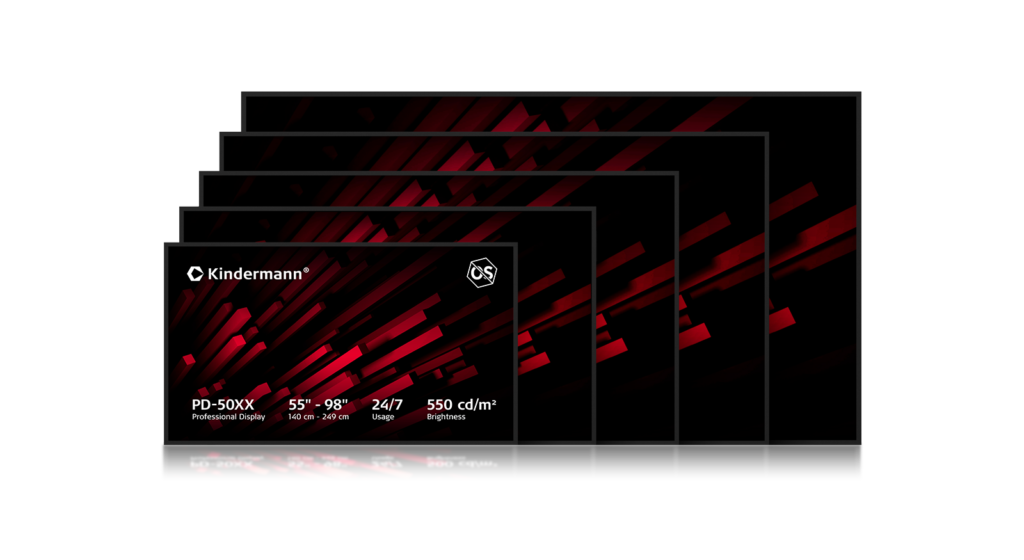
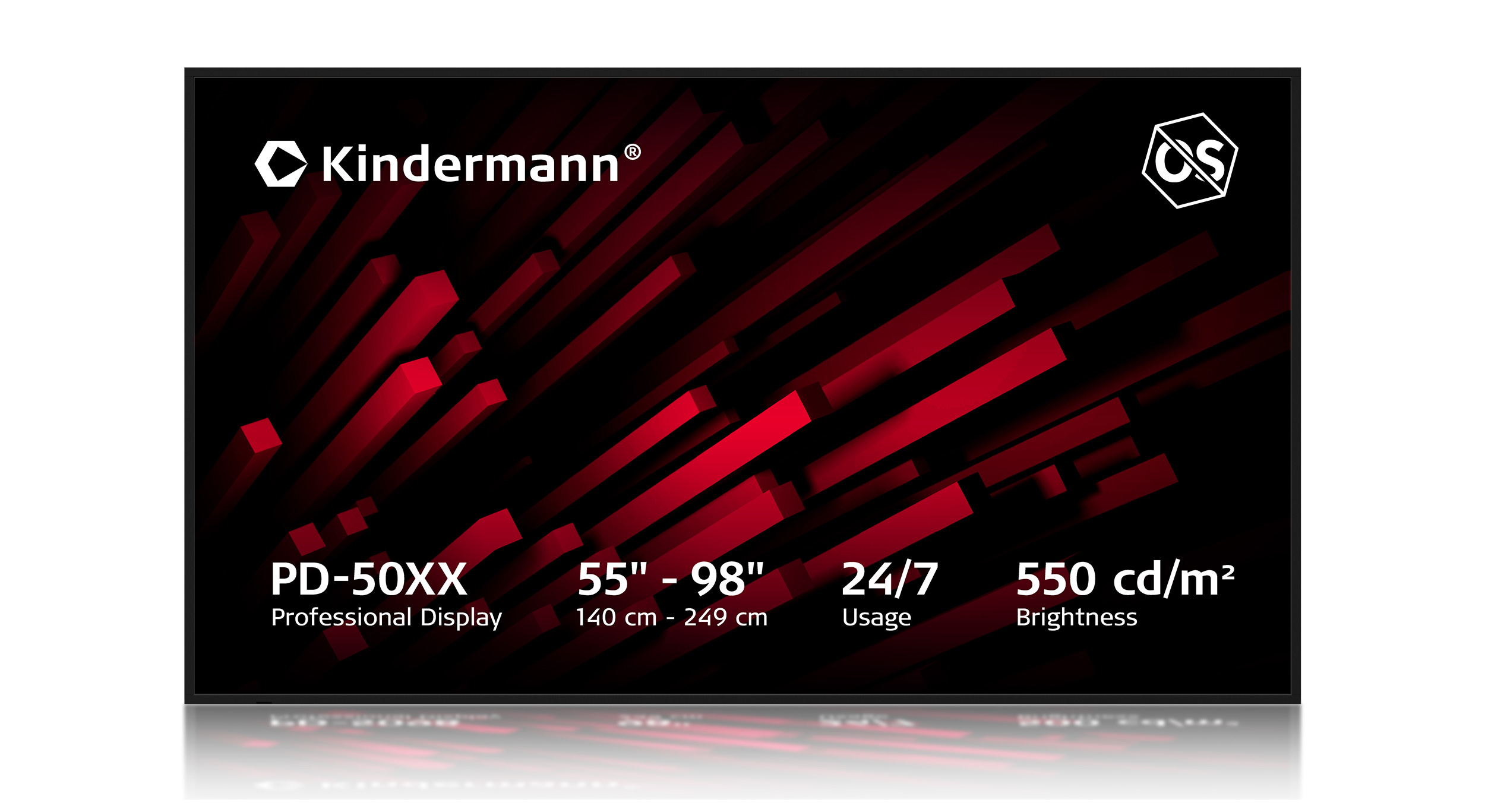
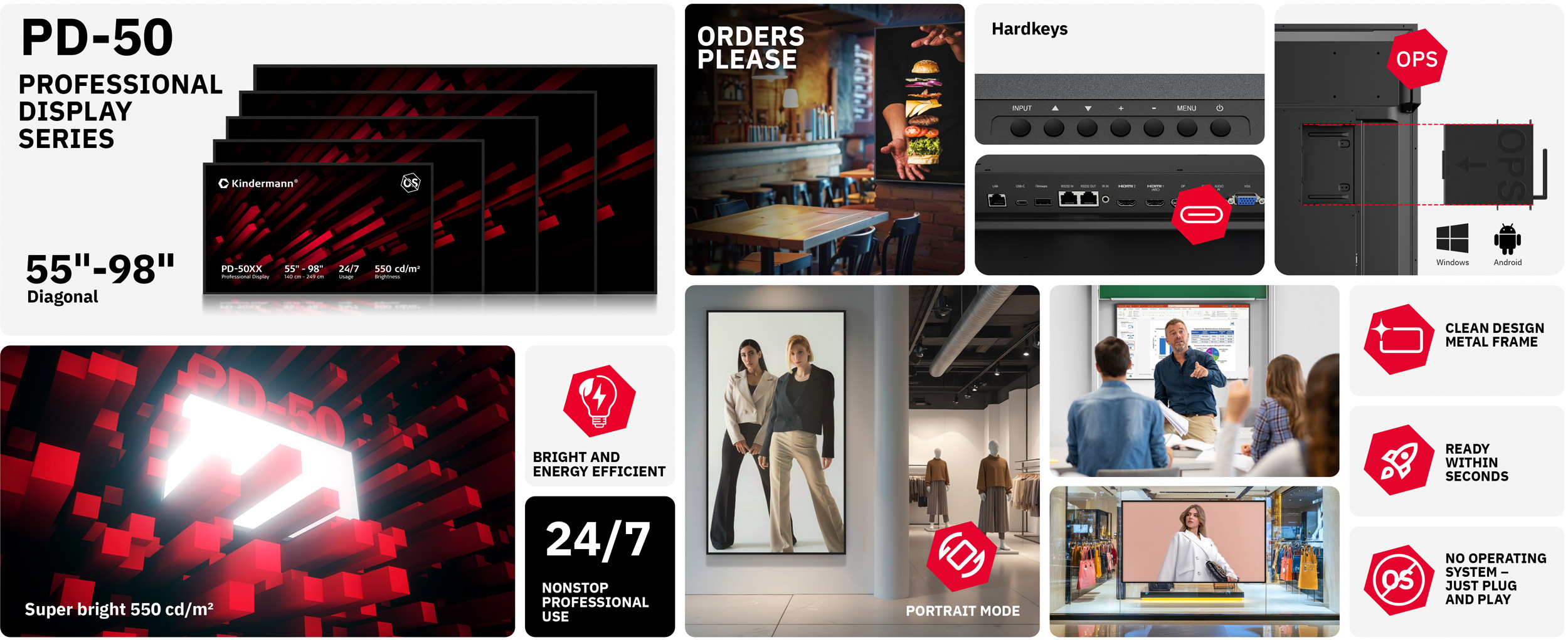
The Kindermann PD-50xx Professional Display was developed without compromise for applications where reliability, safety and integration capability are crucial.
Without an integrated operating system, but with robust industrial hardware and professional connectivity options, the PD-50xx is the ideal platform for digital signage, education, corporate communications and safety-critical environments.
With 550 cd/m² brightness, USB-C with charging function and OPS integration, it offers maximum flexibility for integrators, resellers and IT departments.


Safe and controllable – without an operating system
Without an integrated operating system, there are no additional software dependencies, updates, or security risks.

Ready to use quickly – no boot time
Since the PD-50xx operates without an operating system, long start-up or boot times are eliminated.

Flexible integration thanks to OPS slot
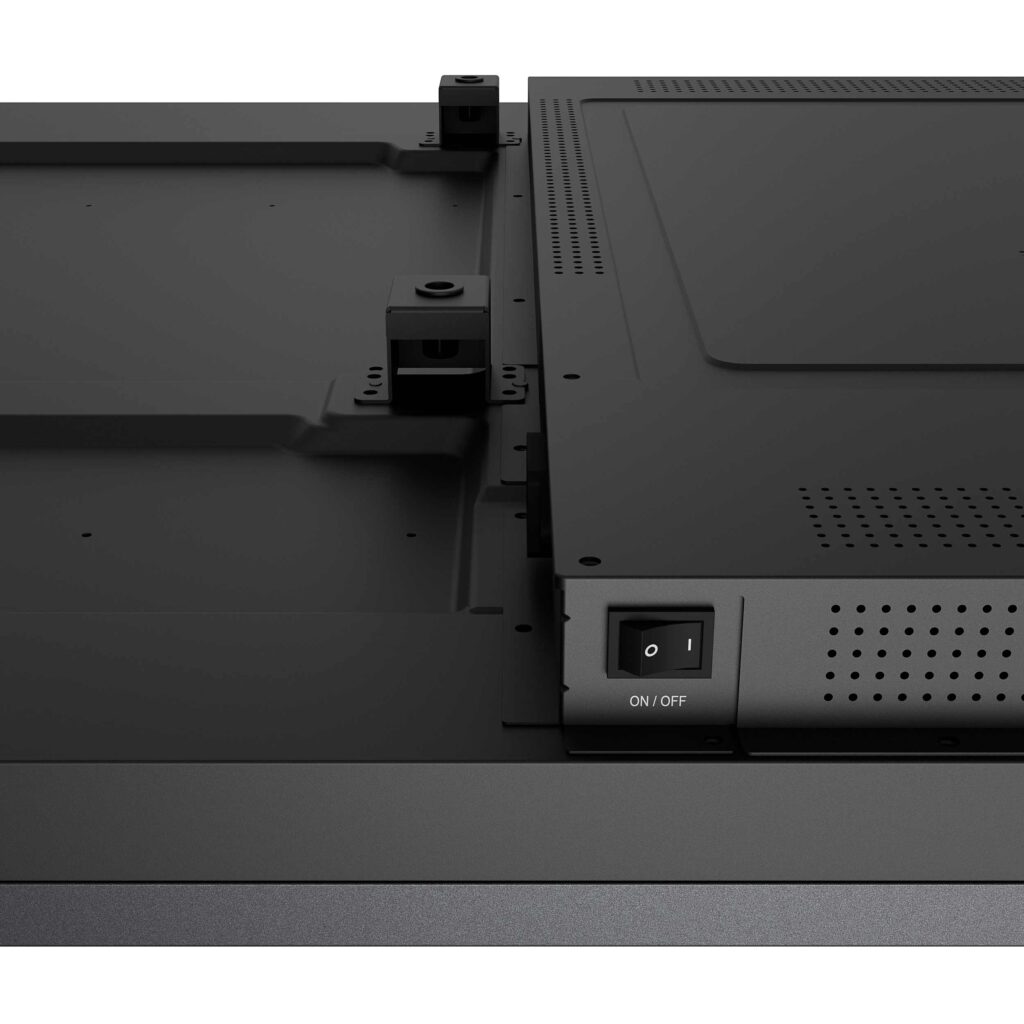
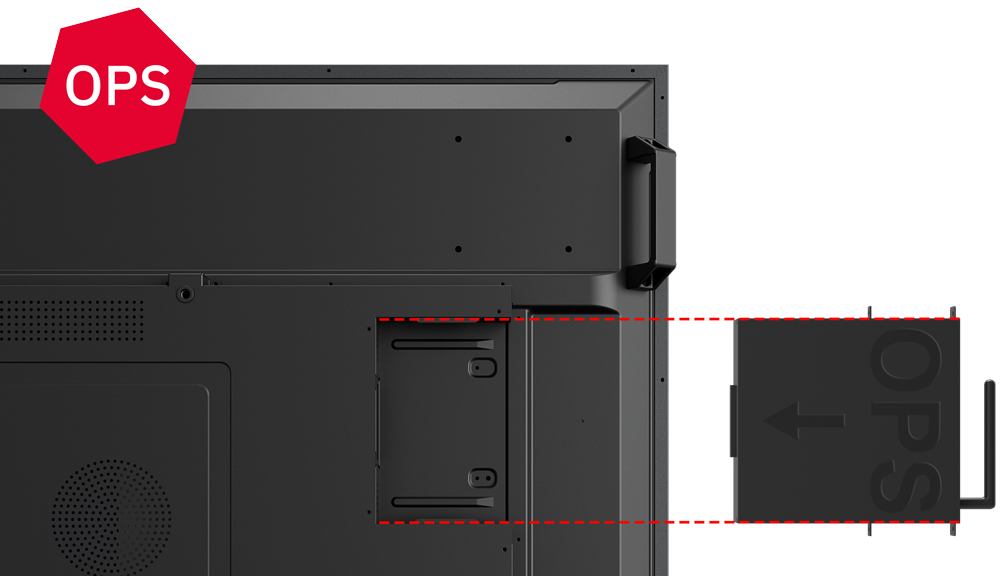
The integrated OPS slot allows for the seamless integration of a PC module directly into the display.

Modern and future-proof connectivity with USB-C
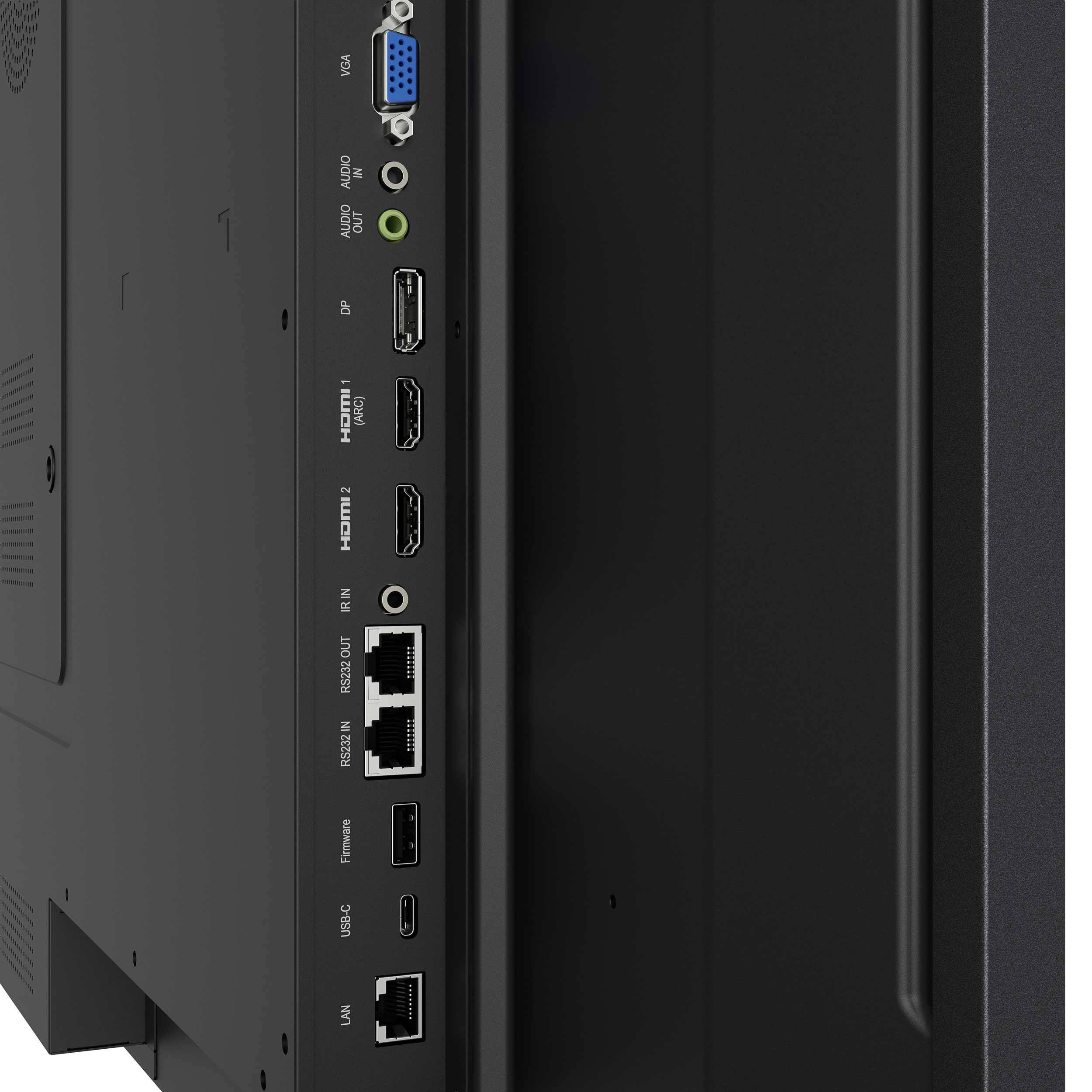
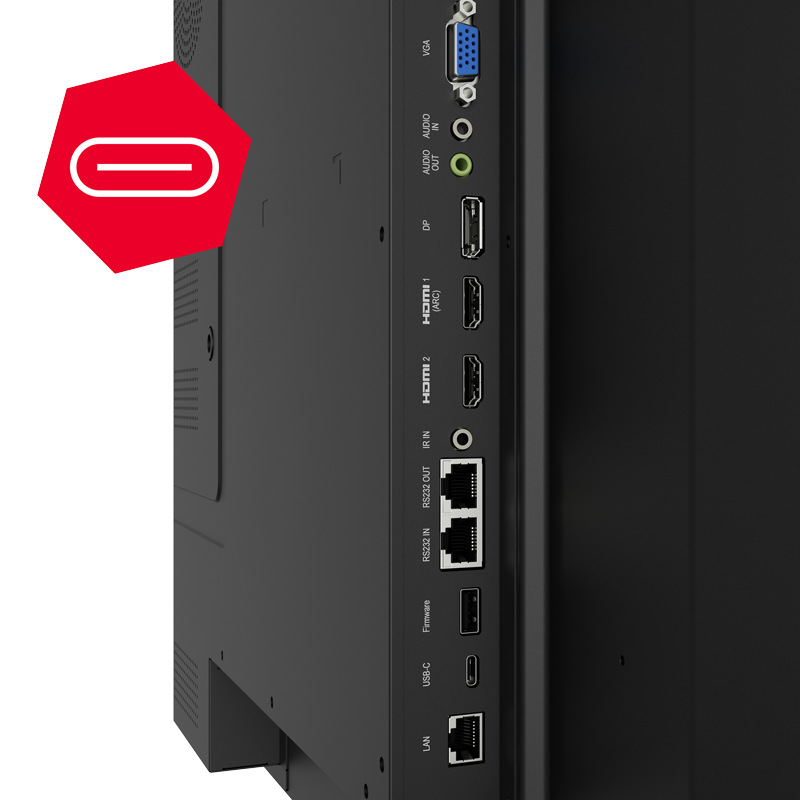
The USB-C video input with charging function connects modern devices via just one cable.

Clear vision in all lighting conditions
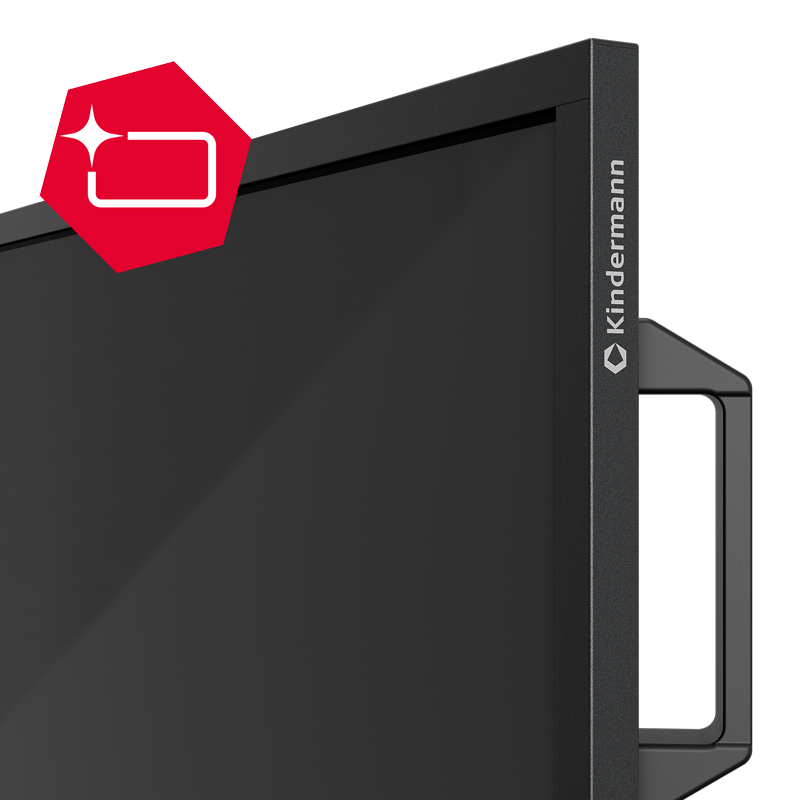
With a brightness of 550 cd/m² and a 25% haze anti-glare surface, content remains clearly visible even in difficult lighting conditions.

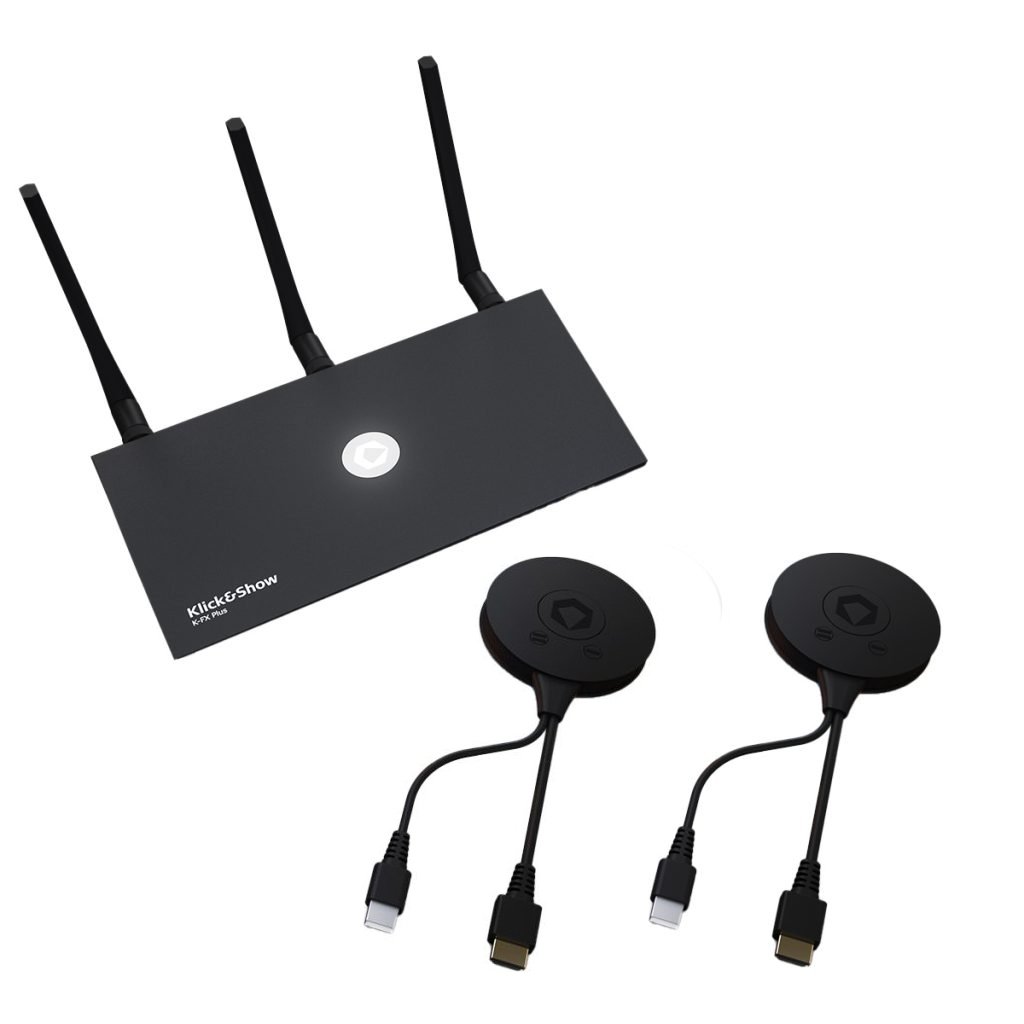
Works best with: Kindermann Klick&Show
Expand the PD-50xx into a wireless presentation solution.

Flexible installation options
Portrait mode and tilting up to 30° allow for versatile and creative installations.

Application areas
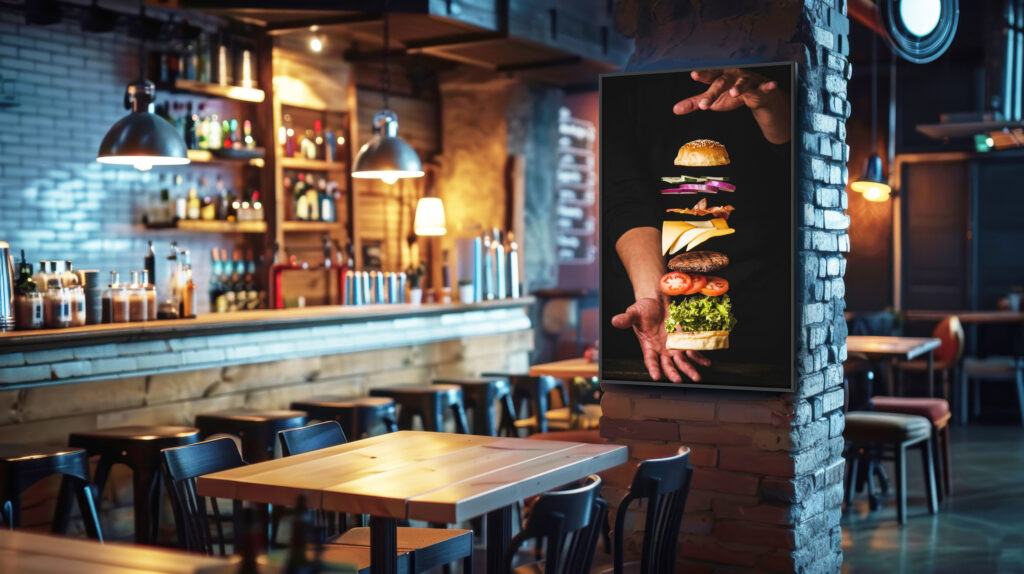
Eye-catching menus. Technology that runs in the background.
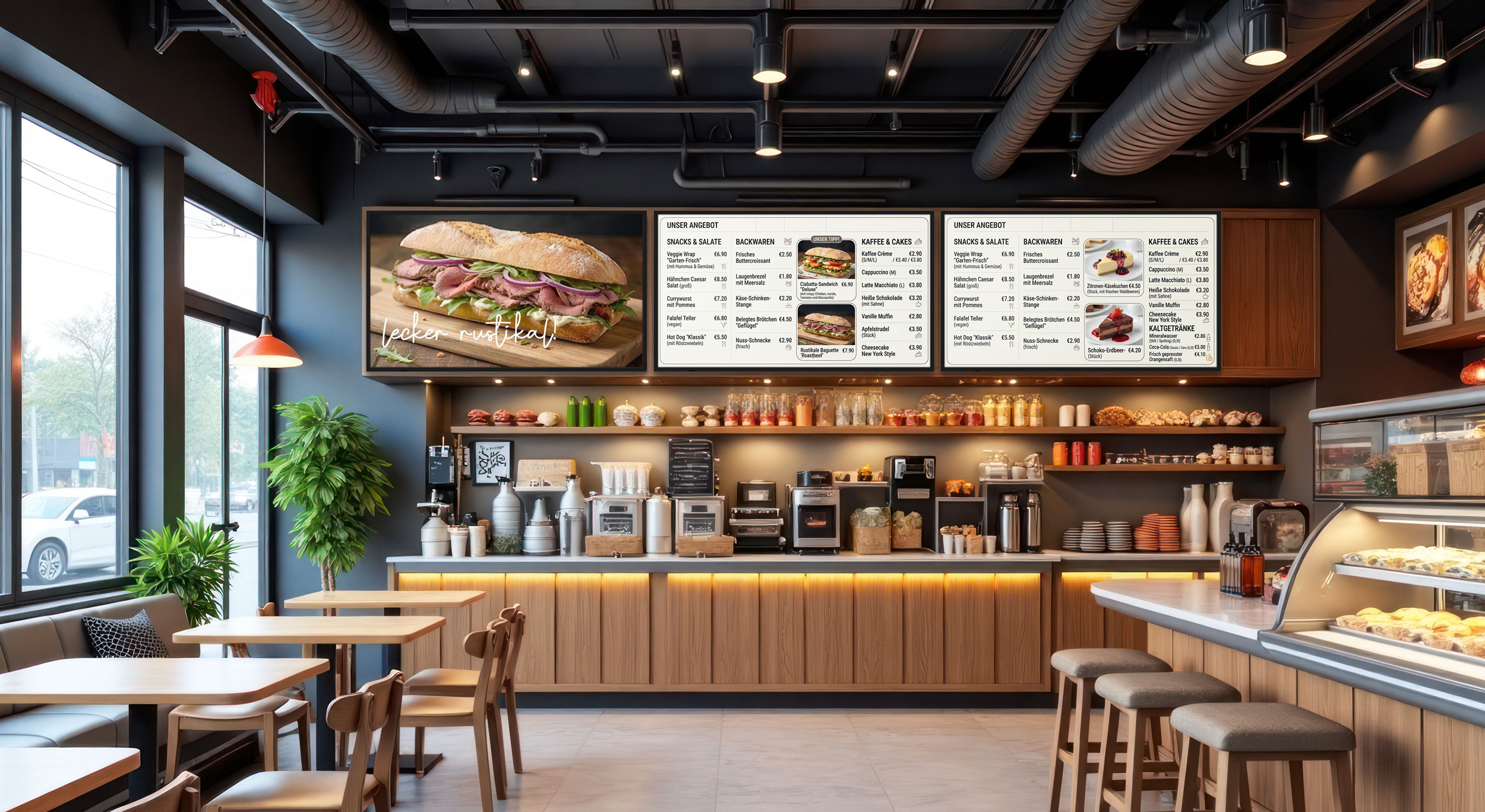
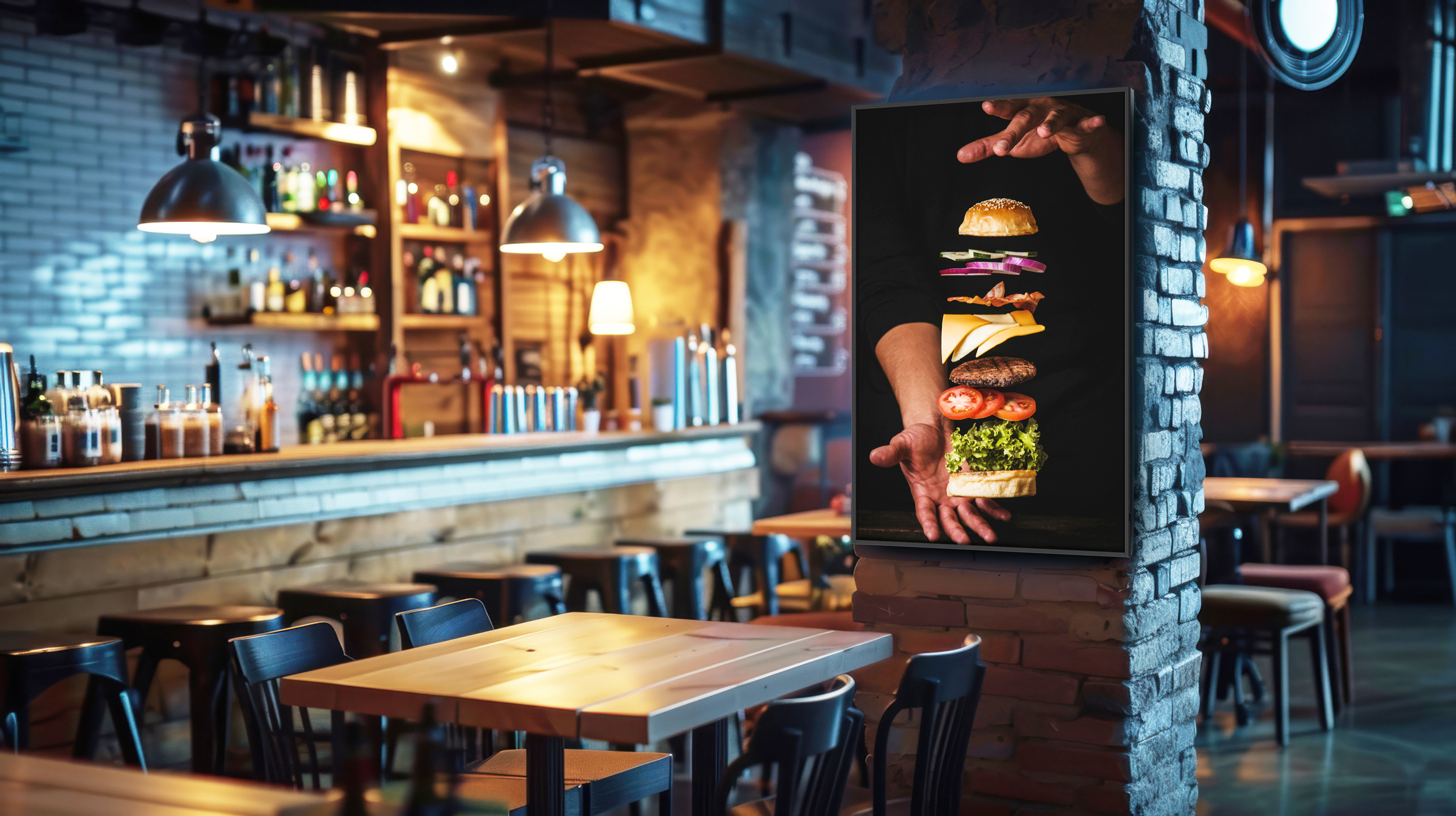
Perfect for digital menu boards and information displays : The PD-50 impresses with clear readability , flexible installation options and a tidy setup – ideal for daily use in the catering industry.
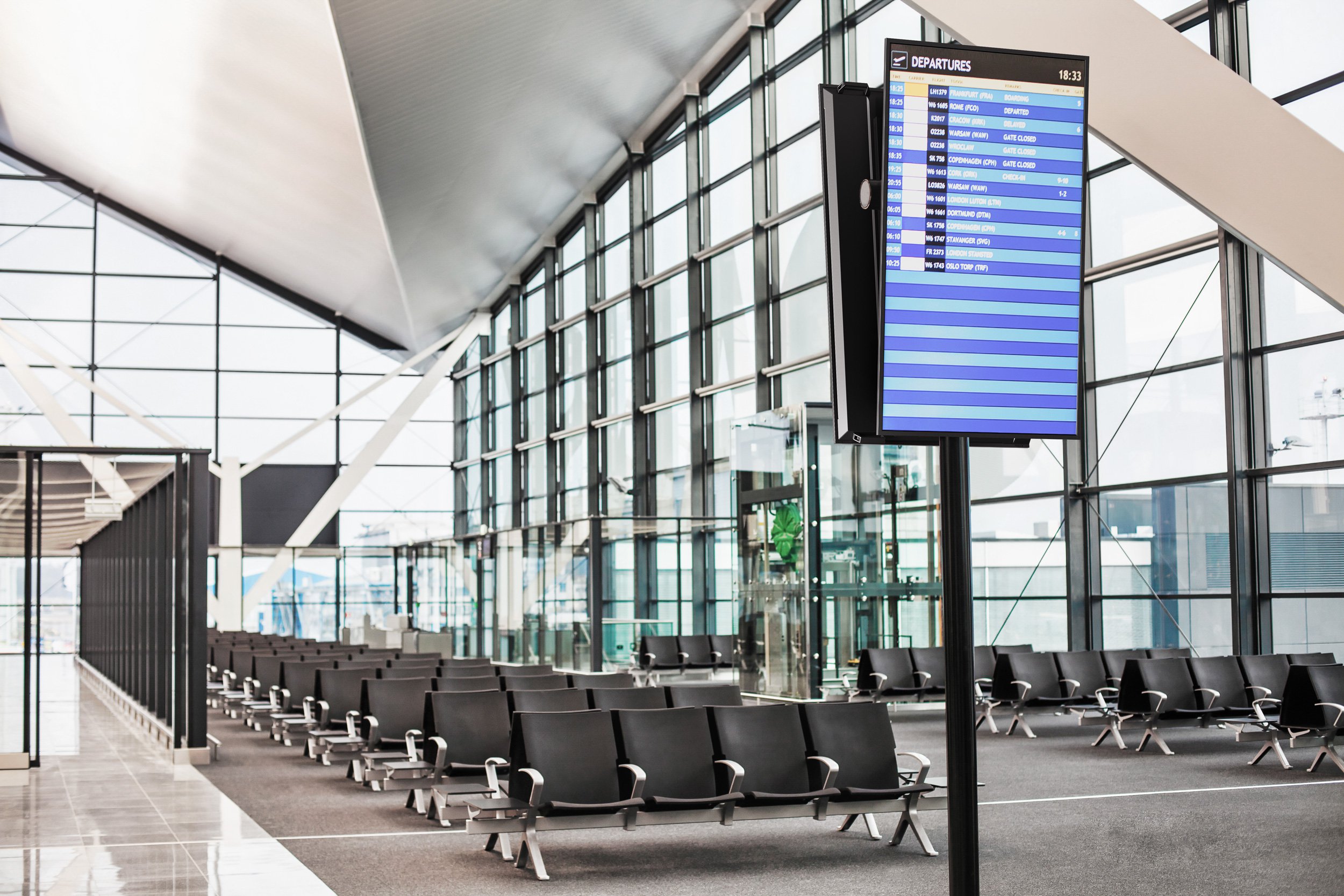
Information that gets through. Around the clock.
Whether in train stations, airports, or waiting areas – the PD-50 ensures reliable information display in 24/7 operation . Clear content, high visibility, and stable performance make it the ideal solution for high-traffic environments.

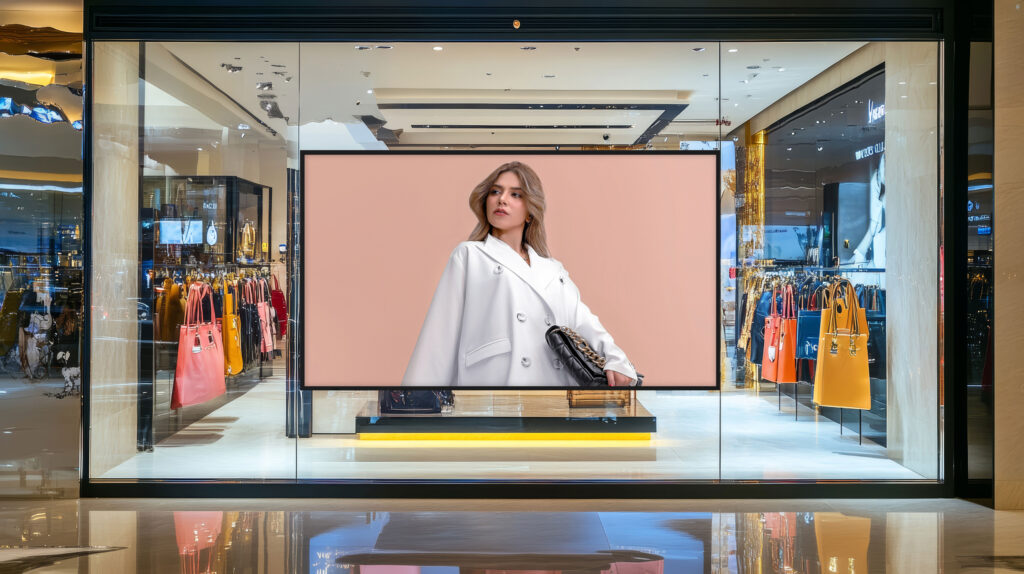
Increased attention at the point of sale.

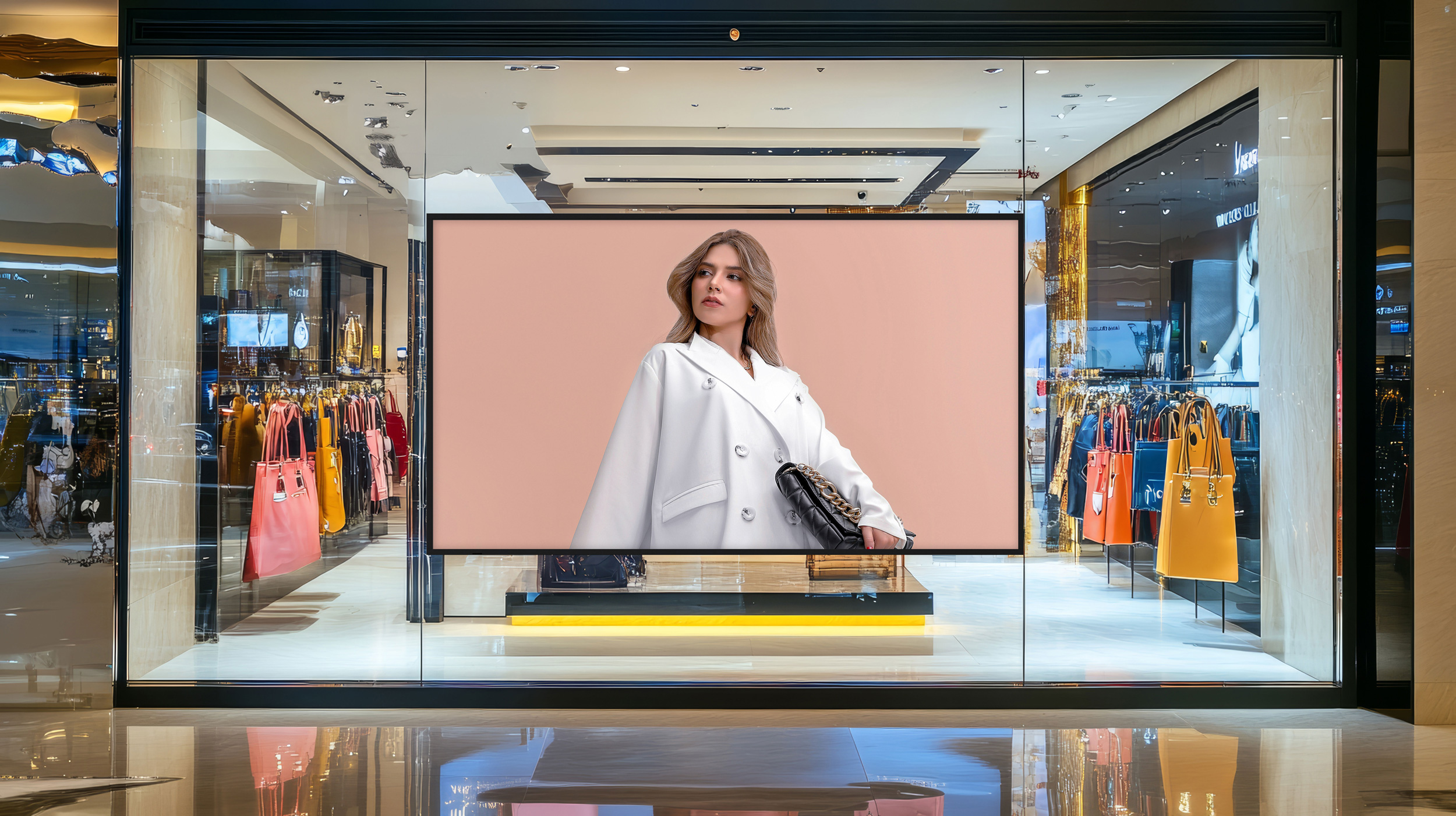
In retail settings , the PD-50 effectively showcases products and messages. Bright, easily readable content and flexible installations support modern customer engagement directly at the point of sale.
Clear communication for modern learning environments.
In schools, universities, and further education institutions, the PD-50 offers a reliable and controllable display solution . Ideal for information systems, room displays, or digital communication in campus environments.

Uncomplicated meetings. Safe and flexible.
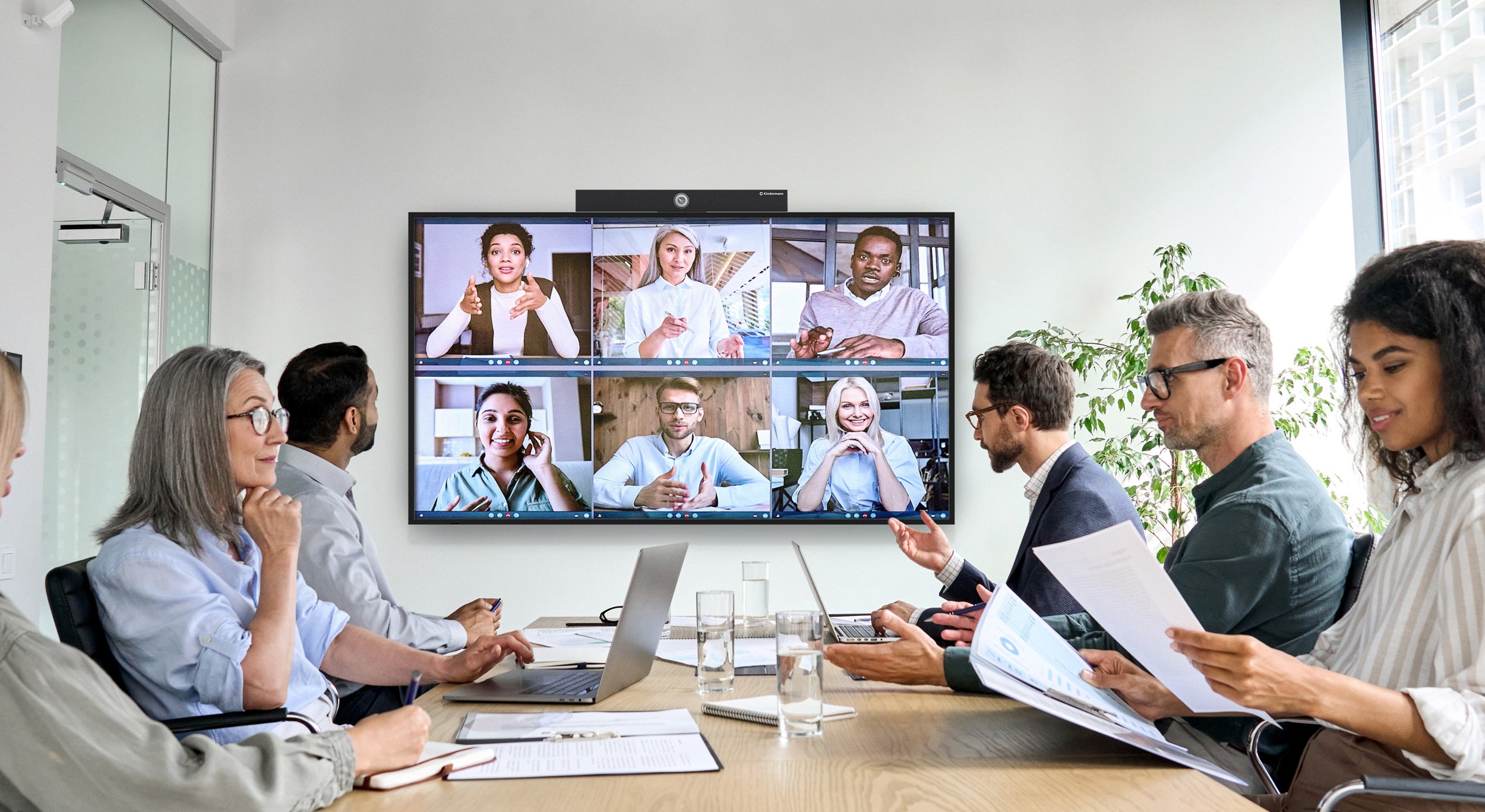
The PD-50 is the ideal display solution fortraditional conference rooms wheresecurity and easy integrationarekey. Without a built-in operating system, the IT environment remainsfully controllable and free of additional risks. In combination with Klick & Show , it creates astraightforward, wireless presentation solution that integrates seamlessly into existing systems and significantly simplifies everyday meetings.
Key Features
Missed the launch?
No problem!
You are currently viewing placeholder content from Vimeo. To access the actual content, click the button below. Please note that this will result in data being shared with third parties.
Further informationYou are currently viewing placeholder content from Vimeo. To access the actual content, click the button below. Please note that this will result in data being shared with third parties.
Further information- 2.1 channel soundbar with built-in subwoofer
- 3-fold sound mode (Music/Cinema/Normal)
- Output power: 60 W
- Frequency response: 60 Hz - 20 KHz
- Sound pressure level: 95dB
- Inputs
- 1 x RCA 3.5mm jack,
- 1 x Aux 3.5 mm jack,
- 1 x optical (Toslink)
- 1 x ARC (HDMI)
- 1 x USB (for USB memory)
- 1 x Bluetooth 5.0
The KVB120 is an all-in-one video soundbar.
Thanks to the built-in UHD camera, the 6-way microphone array and the 2 x 7 W speakers, small Meeting spaces or huddle spaces become video conferencing capable in no time.
The camera image always adapts to the participants through autoframing and voice localization, bringing the speaker into focus.
The CommuniKam K120M UHD camera makes it easy to enter the world of software-based video conferencing.
Only a USB 3.0 cable has to be connected to a PC for commissioning. Resolutions up to 2160p / 30 Hz are possible.
In addition to the wide-angle lens with 120° field of view, 2 microphones with up to 12 meters range are installed. The camera can be mounted on almost any monitor or even free-standing.
- 8x digital zoom with ePTZ
- Plug & Play (UVC 1.0 ~ UVC 1.5)
- Operating systems: Windows 8.1 & 10, macOS 10.10, Google Chromebook version 29.0.1547.70 and Linux
- Dimensions without holder (WxHxD): 19.4 x 3.4 x 4.2 cm
At the HDMI output of a playback device, the dongle works like an external monitor, via Plug & Play.
The USB port provides the power supply. Connected to a computer with Windows or MacOS, the USB port also supports touchback, i.e. the computer can be controlled remotely via the touchscreen.
Simply work quickly and ergonomically!
The Classic models can be permanently mounted on the wall or optionally used as mobile units in conjunction with a rolling stand.
The system is compatible for all common displays and touch displays in the weight range of approx. 51 - 74 kg.
OPS rack-mount computer with 10th generation Intel processors.
- Available with Intel Core i3, i5, i7
- 8/16 GB DDR4 RAM
- 250/512 GB SSD
- Integrated Intel® HD Graphics 620
- Supports 4096 × 2304 @ 60Hz on DP and HDMI
- External interfaces:
- USB Gen3.2 Gen2 as USB-C and USB-A
- HDMI
- 1 x RJ45 Gigabit Ethernet
- 2-in-1 headset connector (3.5 mm jack)
- Incl. Wifi5 and Bluetooth 5.0
- Incl. Windows 10 Pro preinstalled, license optional
Other configurations on request.
The dongle also works like an external monitor on the USB-C port, i.e. via Plug & Play.
It is also supplied with power via the USB-C interface. The touchback function is also available on a compatible device, i.e. the computer or a tablet can be controlled remotely via the touchscreen.