








| FEATURE | TD-40xx |
|---|---|
| Diagonal in inches | 65″, 75″, 86″ |
| native resolution pixels | 3840 x 2160 px |
| Format | 16:9 |
| Touch points | Up to 20 touch points |
| Operating system | NoOS (no operating system) |
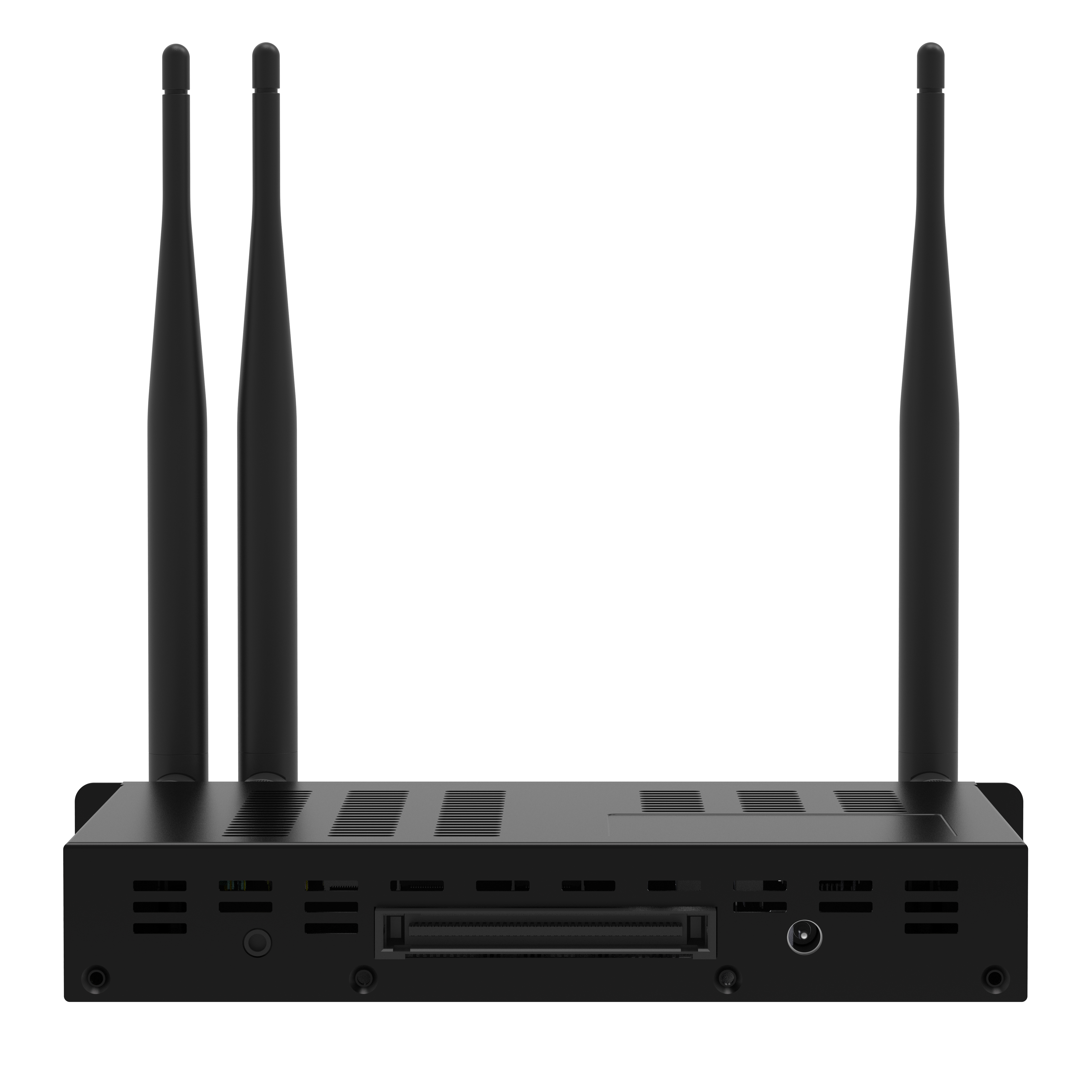
| OPS-PC | Optional |
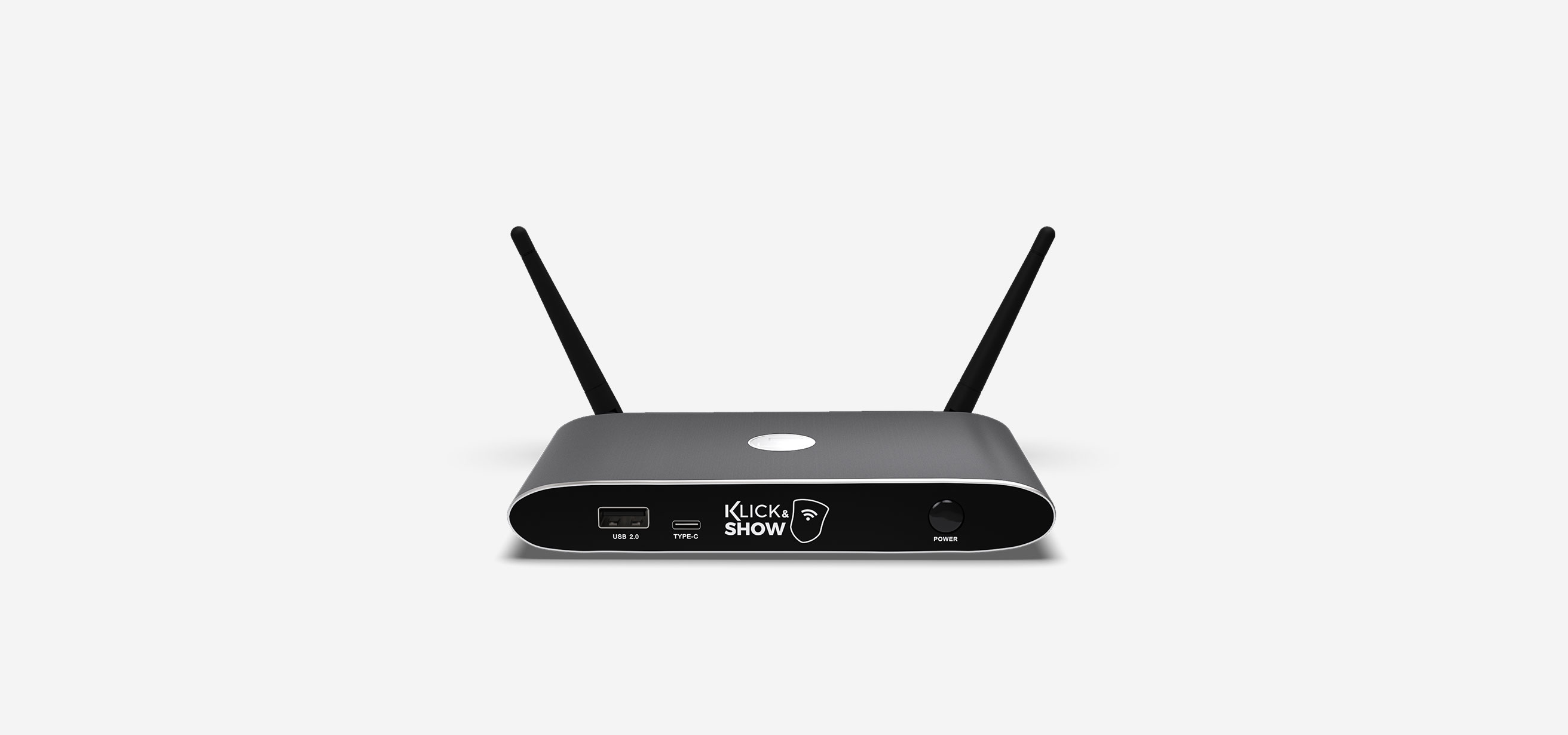
The universal wireless presentation system that fits perfectly in meeting rooms, huddle spaces, classrooms, and training rooms, and supports BYOD (bring your own device).
With Klick&Show , users can easily share audiovisual content from their laptops or mobile devices—no cables, no hassle, and no time wasted.
| Item number | 7488000315 |
| Compatible transmitters | 4K HDMI, 4K USB-C |
| Transmitter (included) | Not included in delivery, optionally available |
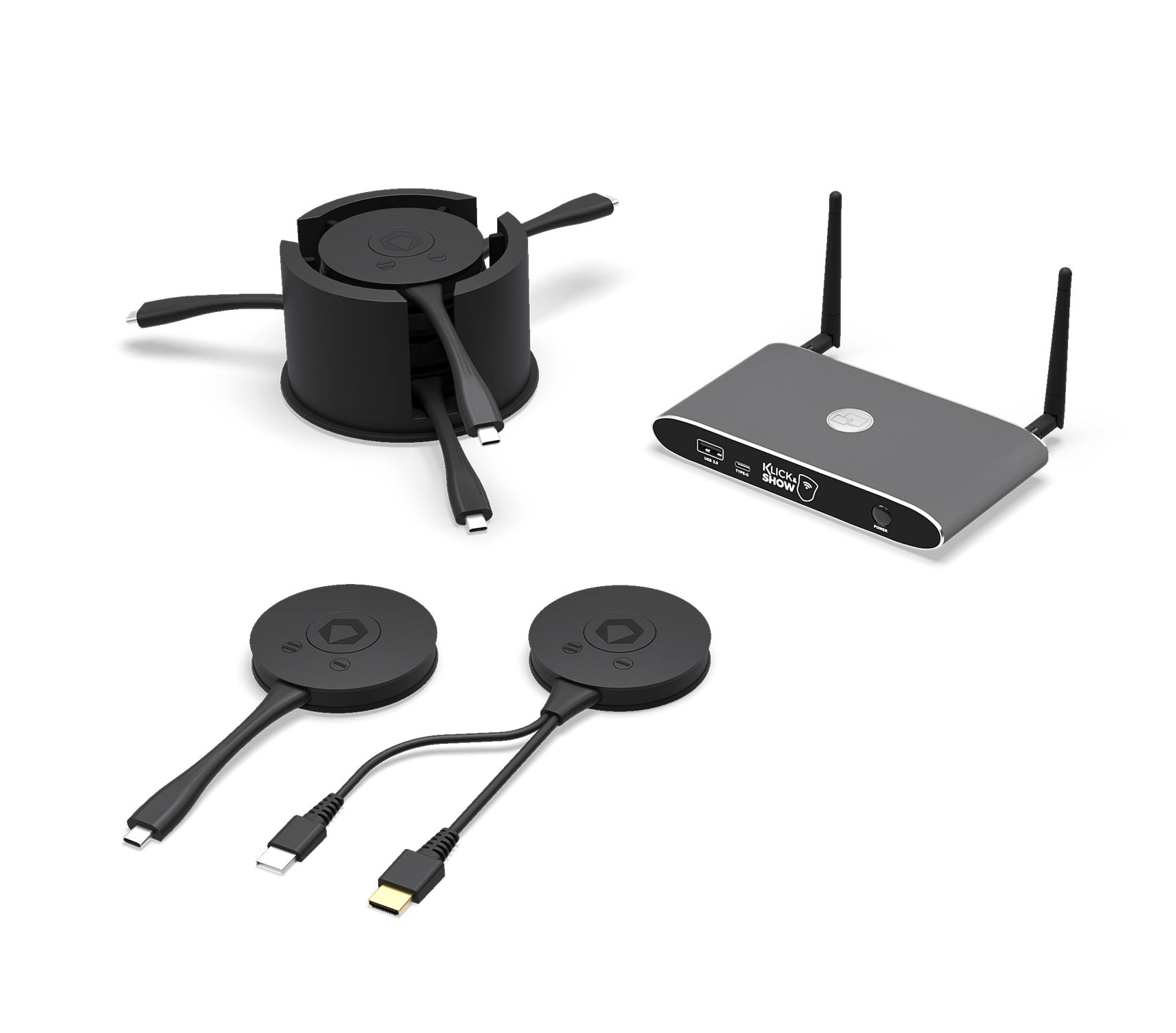

Universal, cross-platform BYOD solution
From Windows, macOS, and Linux to iOS or Android—present however you want!
Klick&Show was developed as a highly device-compatible, platform-independent presentation system for commercial use that supports all major operating systems, including native support for Apple AirPlay, Miracast, and Google Cast.

Plug & Play
Klick&Show HDMI and USB-C transmitters are true plug-and-play devices.
Using it is as simple as connecting an external PC monitor: connect the transmitter to the video port of your computer or compatible HDMI or USB-C device and click the Show button to share live content wirelessly to the main display. In addition, a software PC client can also be used for software-based access to the meeting.

Low-latency radio transmission
Despite wireless signal transmission, your screen is mirrored in brilliant quality with up to 4K resolution and virtually no visible latency, which is an outstanding feature of Klick&Show .

High-resolution 4K split-screen output
With Klick&Show , you can display and compare content from up to 4 different devices simultaneously on one main screen for more productive meetings. The split image is displayed in high 4K resolution for optimal readability, even for detailed content.


Interactive touch-back function
The Touch-Back function from Klick&Show allows you to control your laptop from any compatible large-format interactive display or interactive whiteboard used as the main display device in the room, enabling more interactive meetings.
The Touch-Back function from Klick&Show even works in split-screen mode to control multiple laptops simultaneously, with minimal latency for an intuitive workflow.
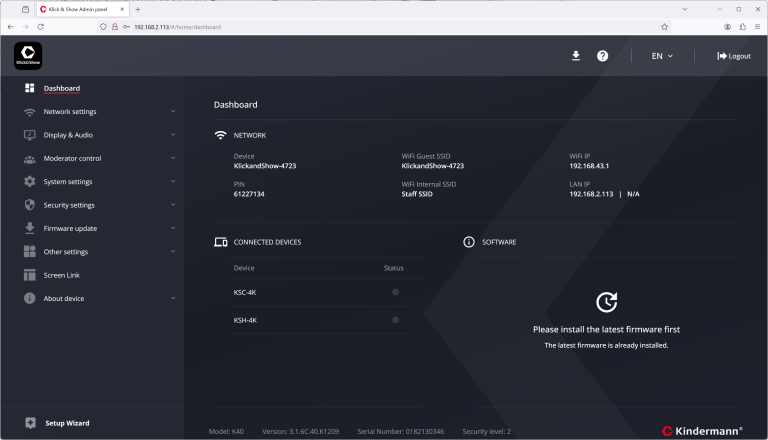

Modern and clear web interface
The WebGUI of the Klick&Show K-40 can be accessed via a browser and allows users to download the software locally.
Moderators retain control over the meeting process, and administrators have the ability to configure the entire system.
Complete your Klick&Show system with the matching Klick&Show 4K WiFi transmitters.
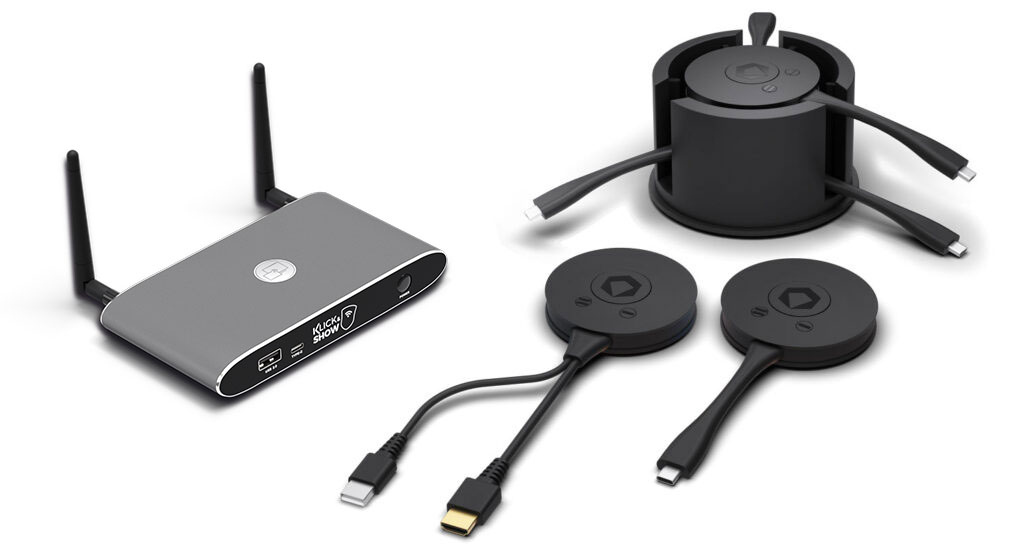
Simply connect the transmitter to your device and press the Show button to mirror live content to the main screen.
The TRAY-4K, featuring a matching design, helps keep the conference table tidy.
| 4K transmitter | Item number |
| 4K HDMI transmitter | 7488000364 |
| 4K USB-C Transmitter | 7488000365 |
| Accessories | Item number |
| K-40 Miracast WiFi Transmitter | 7488000323 |
| TRAY-4K | 7488000363 |
| TRAY-mini | 7488000367 |
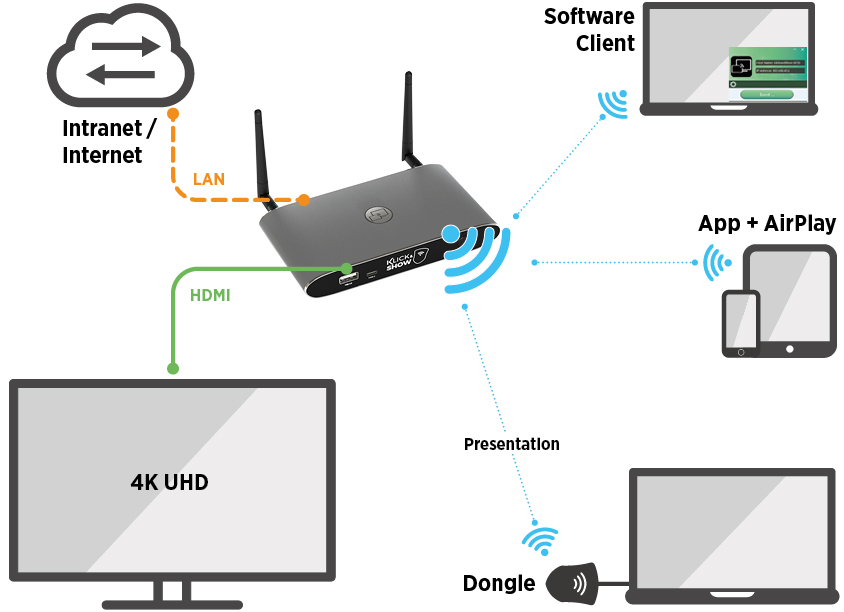
Use without transmitter, directly via app.
Laptop users without a transmitter simply start the Klick&Show client app for Windows or macOS to mirror content to the main screen. Content from mobile phones and tablets can be shared just as easily via AirPlay, Miracast, Google Cast, or the free Android app.

Present however you want:
with or without a WiFi transmitter – with or without a PC client – all mixed together in the same meeting!

Whiteboarding & Annotation
Klick&Show is fully equipped with essential tools for more productive meetings


Include 30 participants in the meeting
Up to 30 devices can be connected simultaneously with one Klick&Showbase.


Integration into corporate networks and administration
Quick and easy plug-and-play setup in typical environments.

Digital signage function
Display your Klick&Showsystem, even when no meetings are taking place.
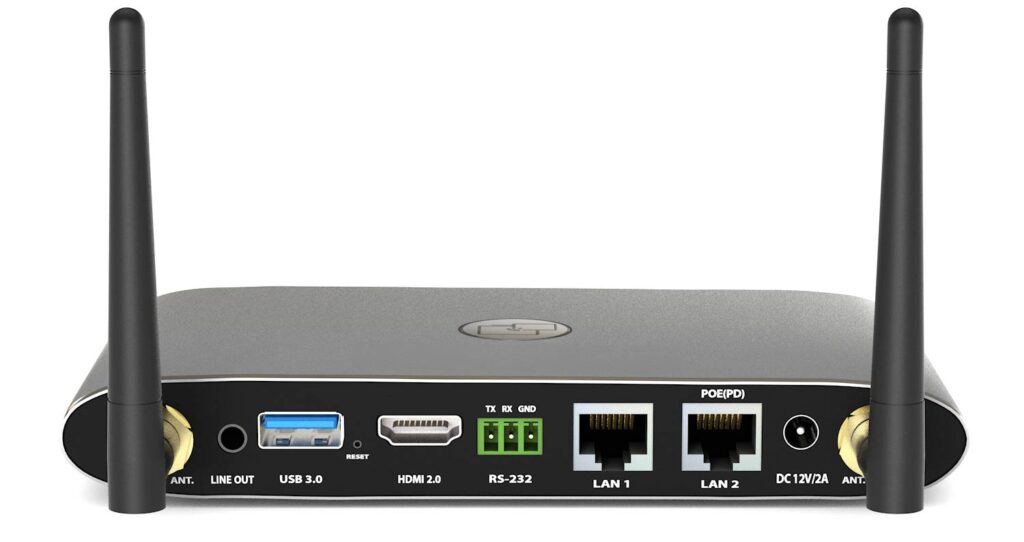
Technical data
| Item number | 7488000315 |
| Transmitter included in delivery | - |
| Wireless mirroring of image content (BYOD) | Yes |
| Wireless transmission from USB camera/audio (BYOM) | - |
| Compatible transmitters | HDMI, USB-C, 4K HDMI, 4K USB-C, USB-A |
| Windows 10 / 11 | Transmitter / Klick&Show App for Windows / Google Cast / Miracast (with optional Miracast USB WiFi adapter) |
| macOS | Transmitter / Klick&Show App for Windows / Google Cast / Miracast (with optional Miracast USB WiFi adapter) |
| Mobile devices | USB-C transmitter (DP Alt Mode required) / Android app / AirPlay / Google Cast / Miracast (with optional Miracast USB Wi-Fi adapter) |
| Miracast support | Optional, supports Miracast Direct (P2P) and Miracast over Infrastructure (MS MICE) |
| Maximum resolution, wireless | 4K: with 4K transmitter / Klick&Show app; 1080p: with Full HD transmitter / Airplay / Miracast / Google Cast |
| Simultaneous connections RJ45 | > 30 |
| Simultaneous connections internal WLAN | ≦ 16 |
| Splitscreen | up to 4 simultaneously, layout adjustable |
| Mouse pointer with low latency | Yes, USB-A transmitter and Klick&Show app for Windows / macOS |
| Touch-Back /USB-HID support | Yes, e.g., for use with interactive displays (touchscreens), whiteboards, or projectors |
| WiFi frequency band | 2.4 / 5 GHz |
| WiFi Standard | WiFi 5 (IEEE 802.11b/g/n/ac) |
| WiFi antennas | 2×2 MIMO |
| WiFi bandwidth | up to 1200 Mbps |
| safety standard | WiFi: WPA PSK, WPA2 PSK - video transmission encrypted with AES-256 bit + RSA1024 bit |
| HDMI output | 1× HDMI 2.0 / 3840×2160@60/30 Hz, 1920×1080@60Hz, 1280×720@60Hz |
| HDCP version | HDCP 1.4, HDCP 2.0 |
| HDMI input / max. resolution | - |
| Audio input | Transmitter / Klick&Show App / AirPlay / Google Cast / Miracast (with optional Miracast USB WiFi adapter) |
| Audio output (analog) | 1x 3.5 mm stereo jack |
| USB 2.0 (type C) | 1x (front) |
| USB 2.0 (type A) | 1x (front) |
| USB 3.0 (type A) | 1x (back) |
| LAN (RJ45) | 1x 1000 Mbps with PoE, 1x 100 Mbps |
| PoE standard | PoE – IEEE802.3af |
| Control system | Network: Web GUI, Telnet; RS232: 1× 3-pin Euroblock (rear panel) |
| Housing / Color | Aluminum, plastic / similar to space gray, black |
| Dimensions (W x D x H) | 165 x 95 x 25 mm (incl. antennas 165 x 215 x 25 mm) |
| Weight | 0.38 kg |
| Power supply unit | Plug-in power supply with interchangeable plugs (Euro AV, UK, US), 12 V / 1.5 A |
| Power consumption | max. 18 W |
Interactive and creative collaboration on a new level.
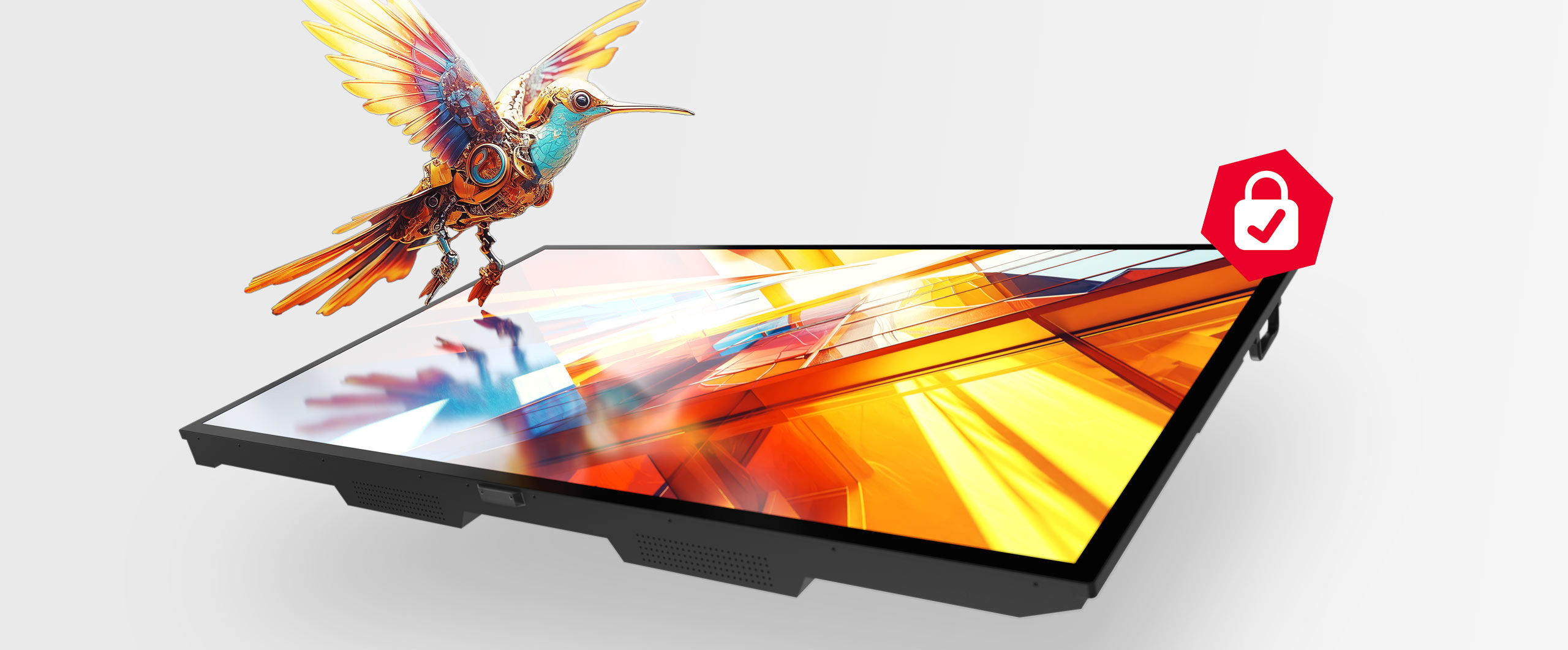
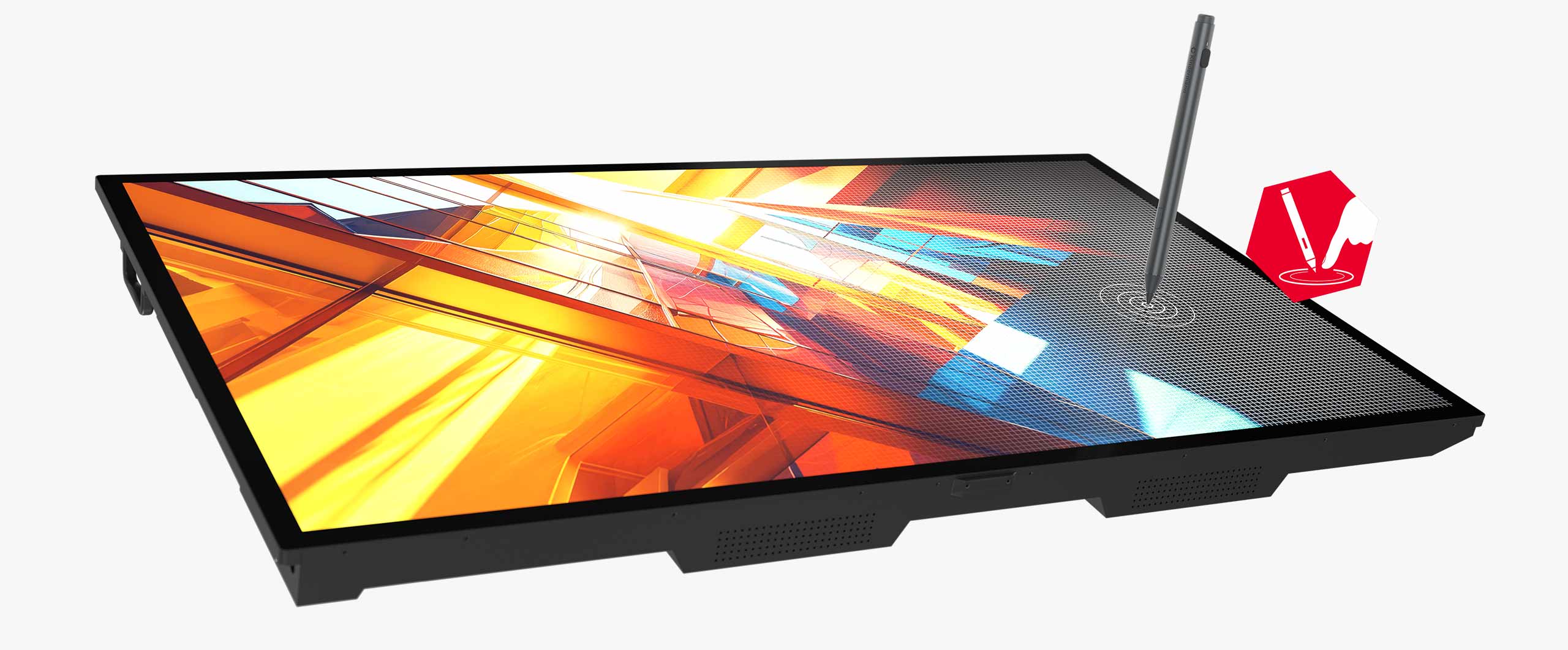
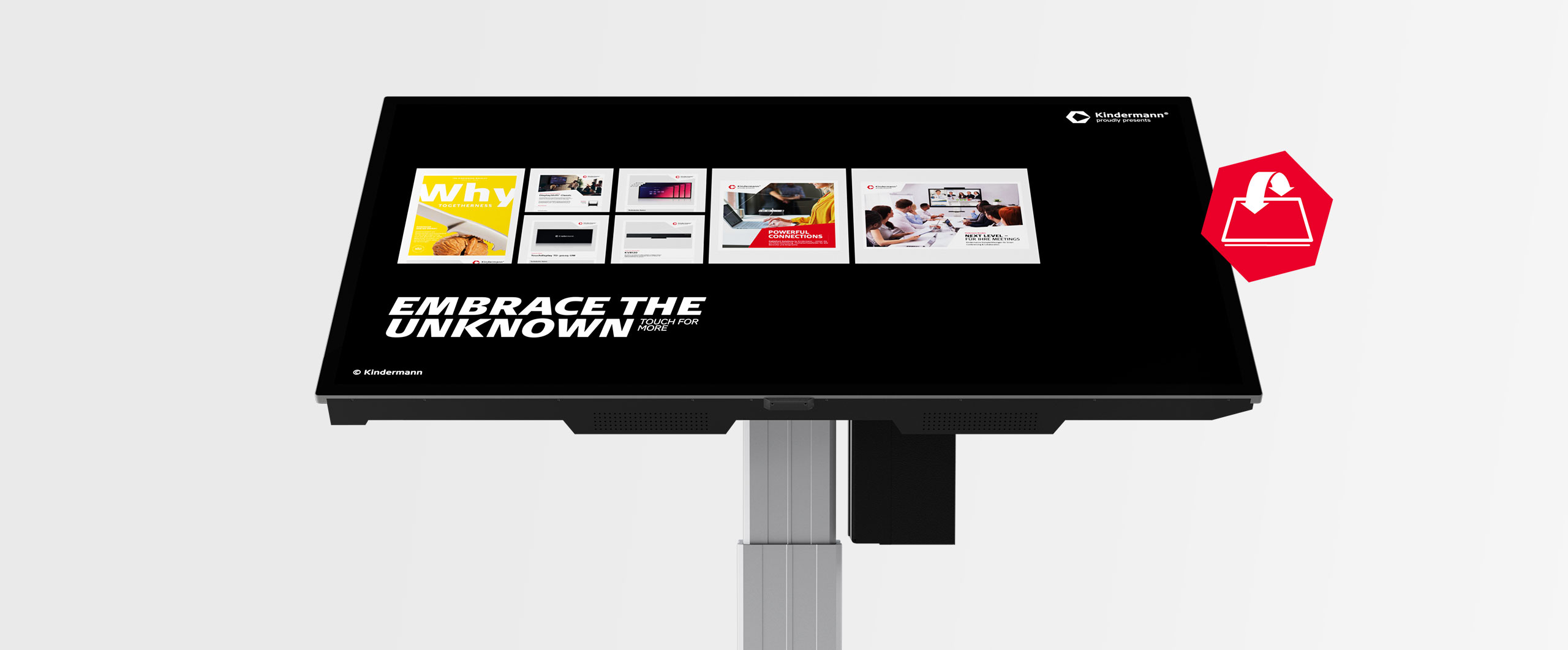
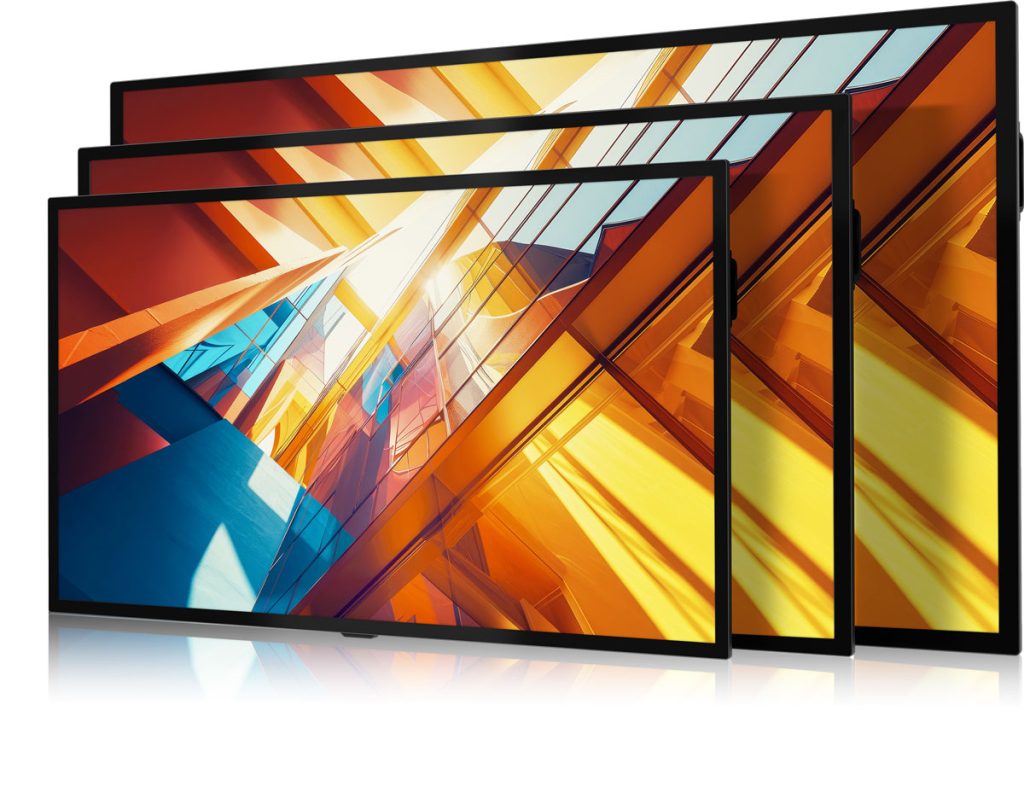
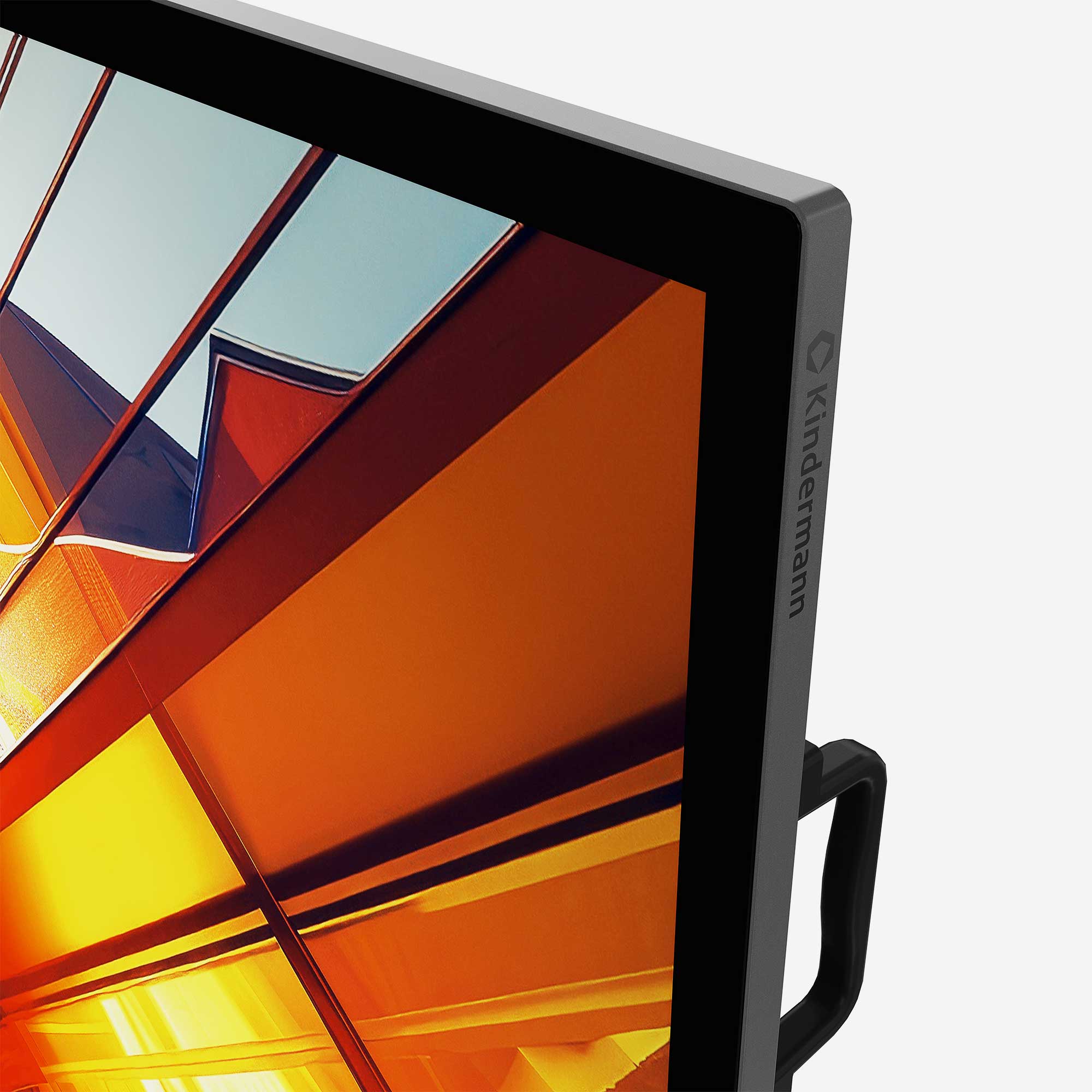
The energy-efficient and bright display series in three sizes from 65" to 86" is impressive in any environment. The capacitive touch surface makes working as natural and easy as on a tablet and the active stylus ensures precise input. The wide range of connections, including USB-C and OPS slot, create flexibility and operation without an operating system increases security.
Simple, secure and precise for every business.




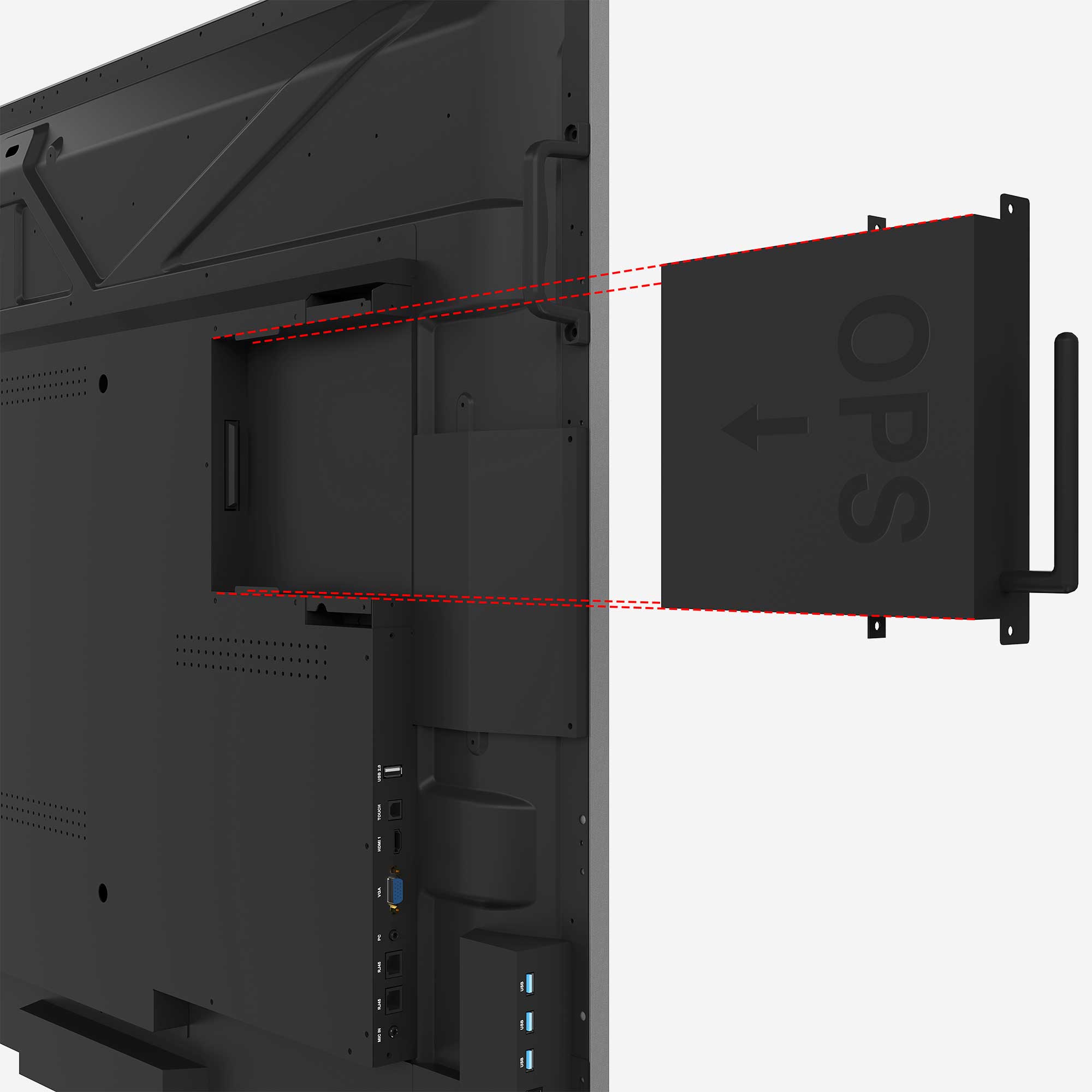
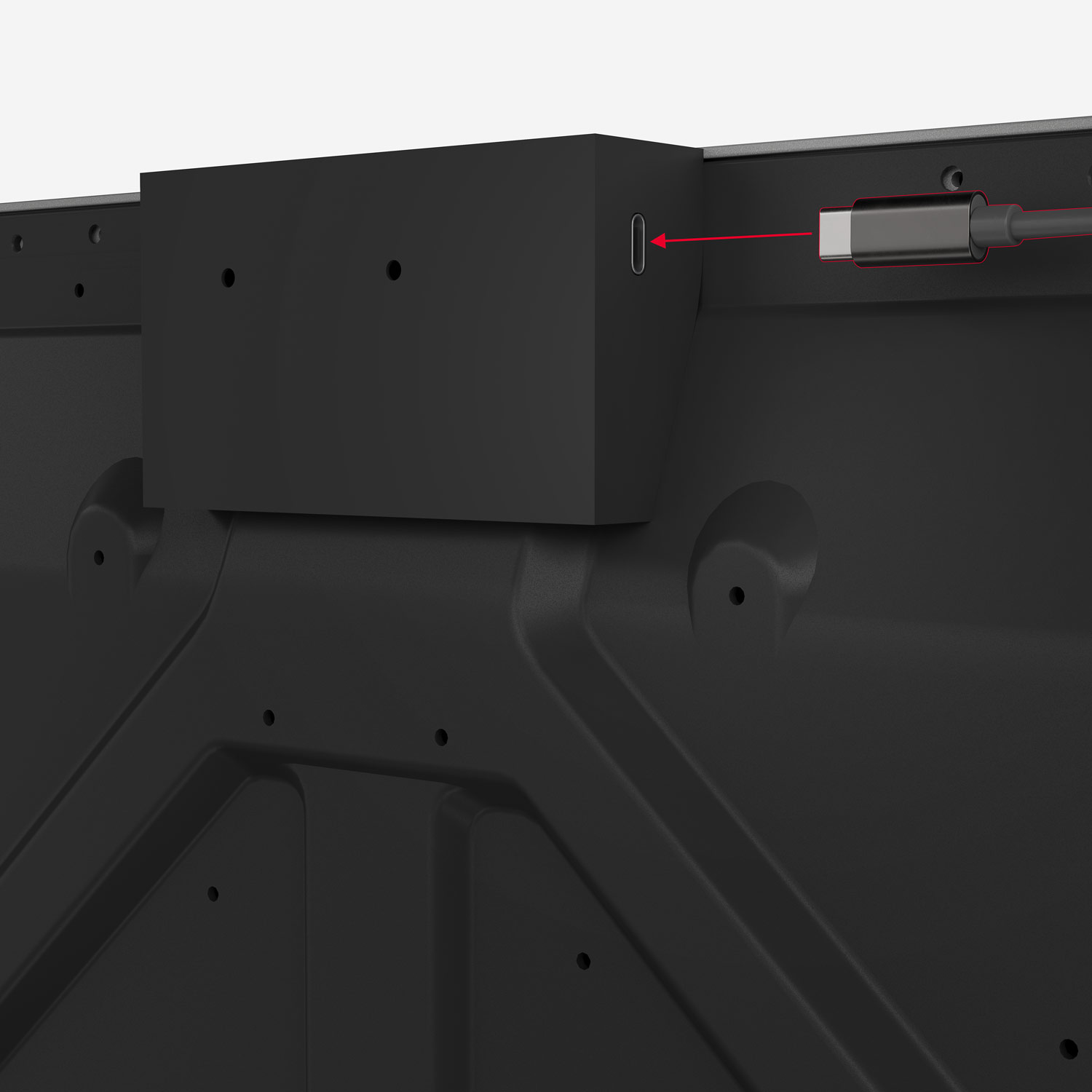
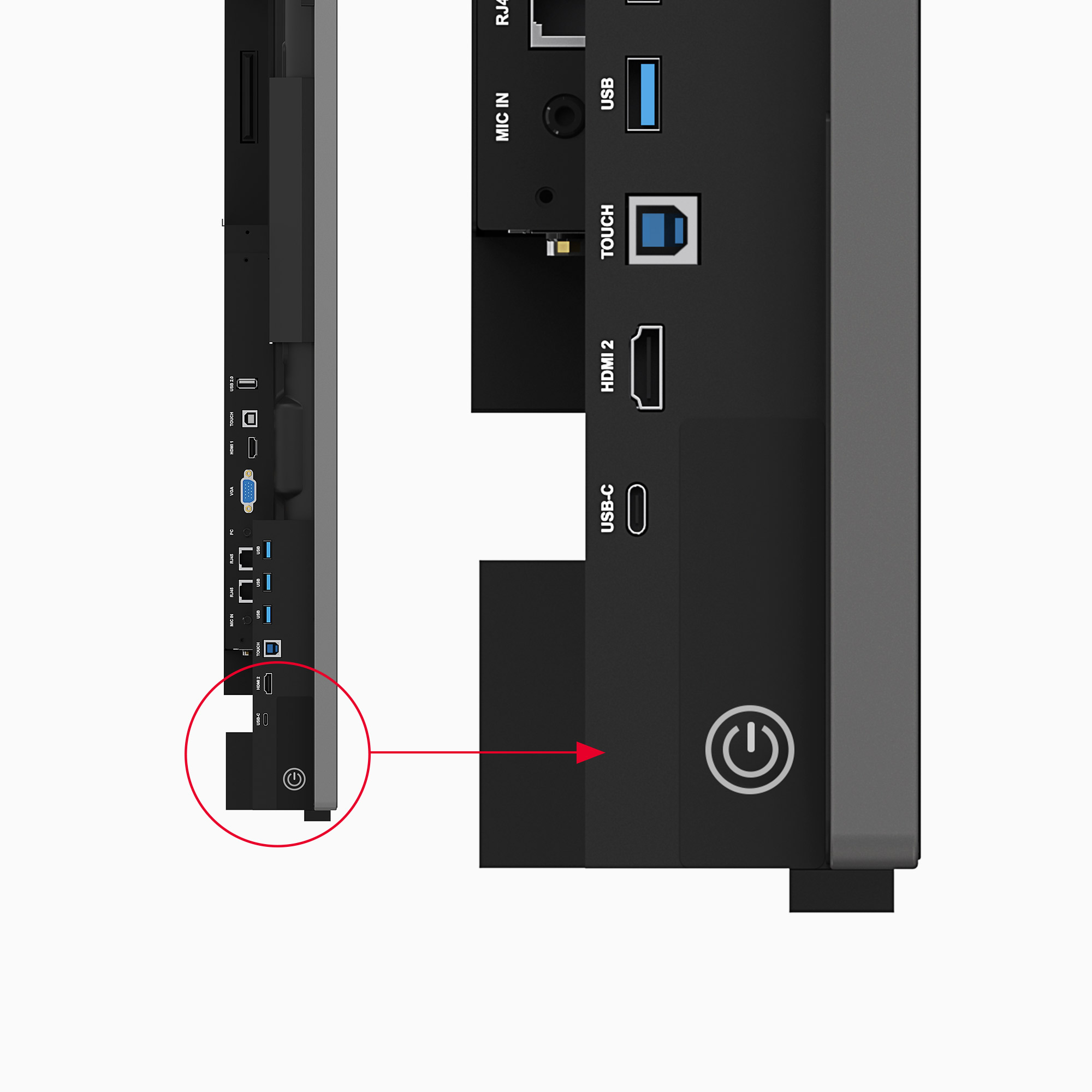
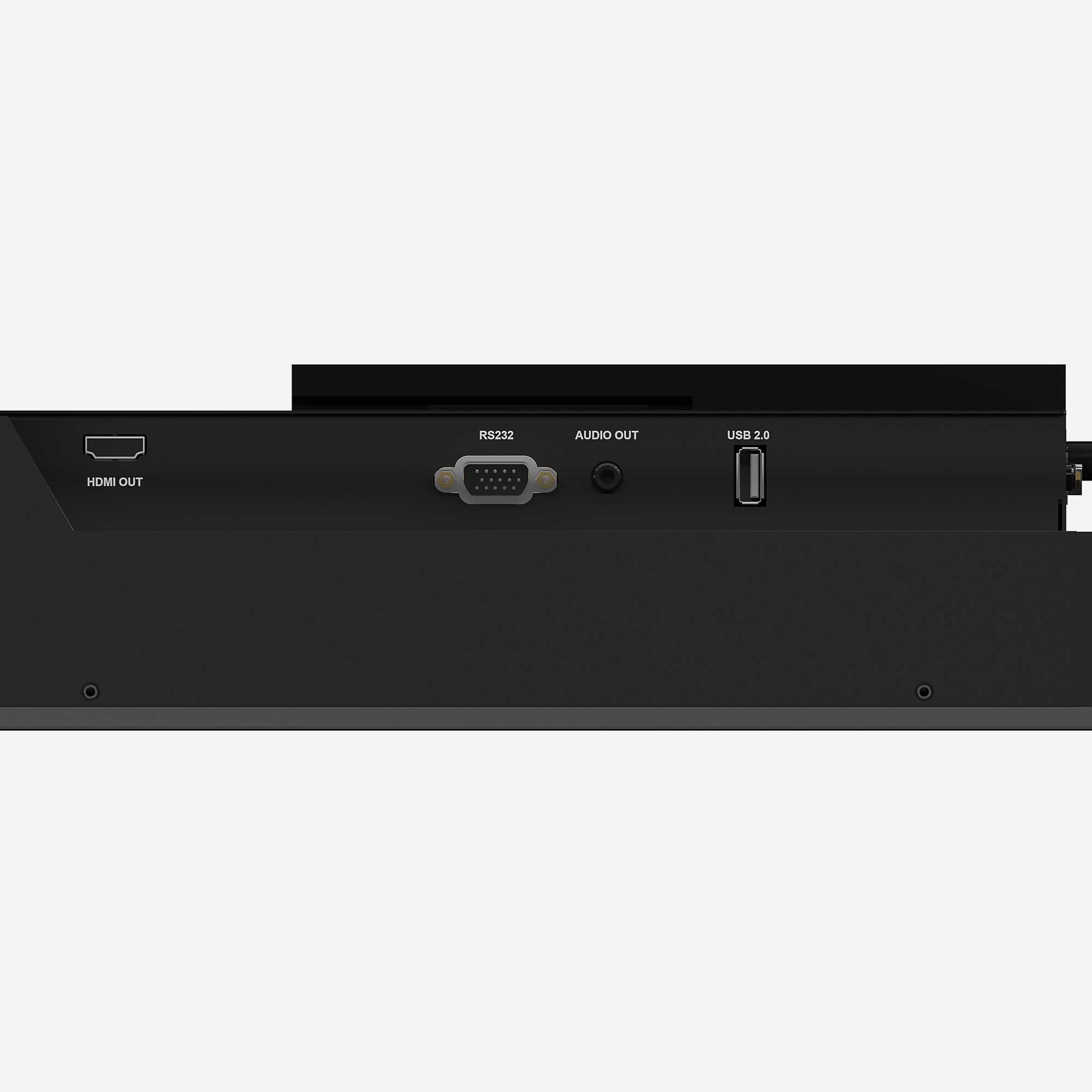
Application examples
Whether museum, huddle spaces, Meeting spaces or exhibition rooms ... the areas of application are limitless.


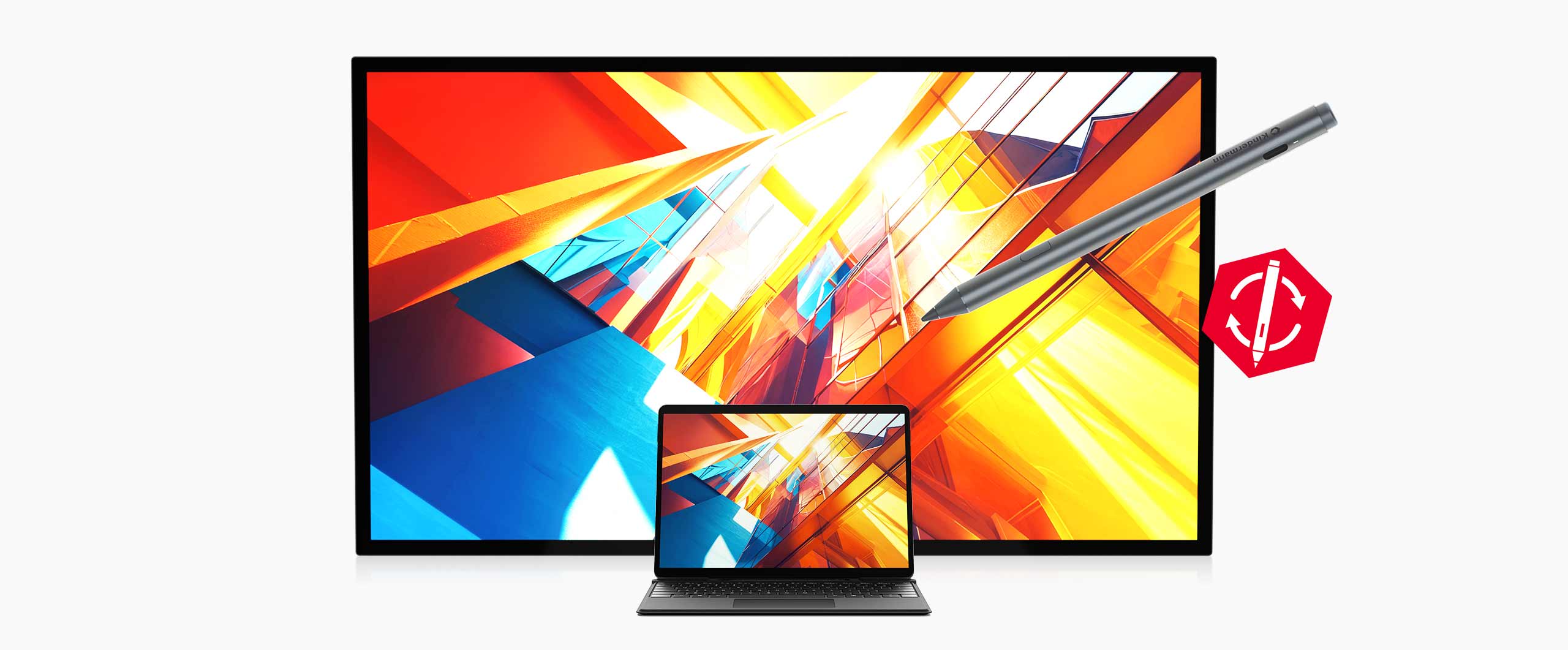
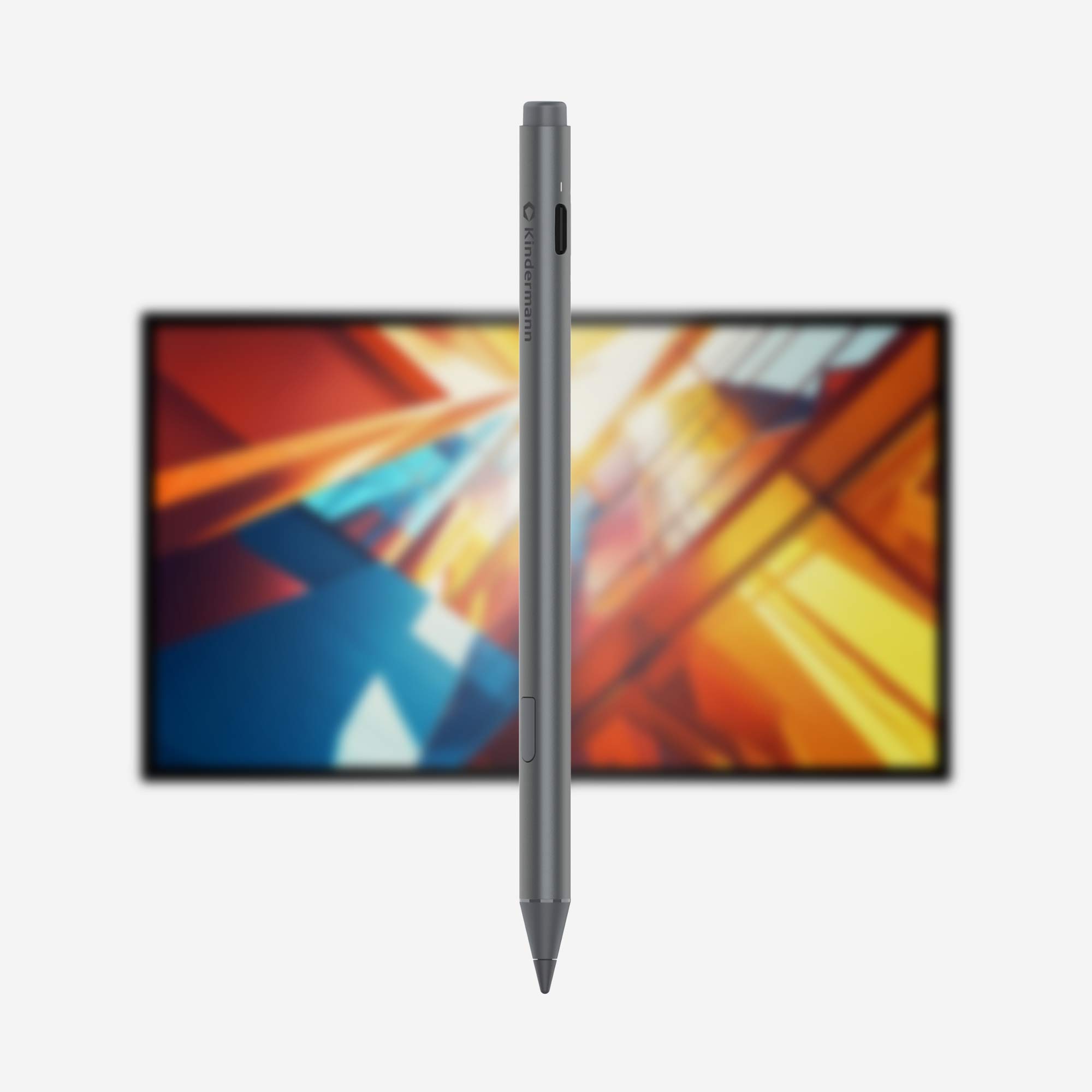
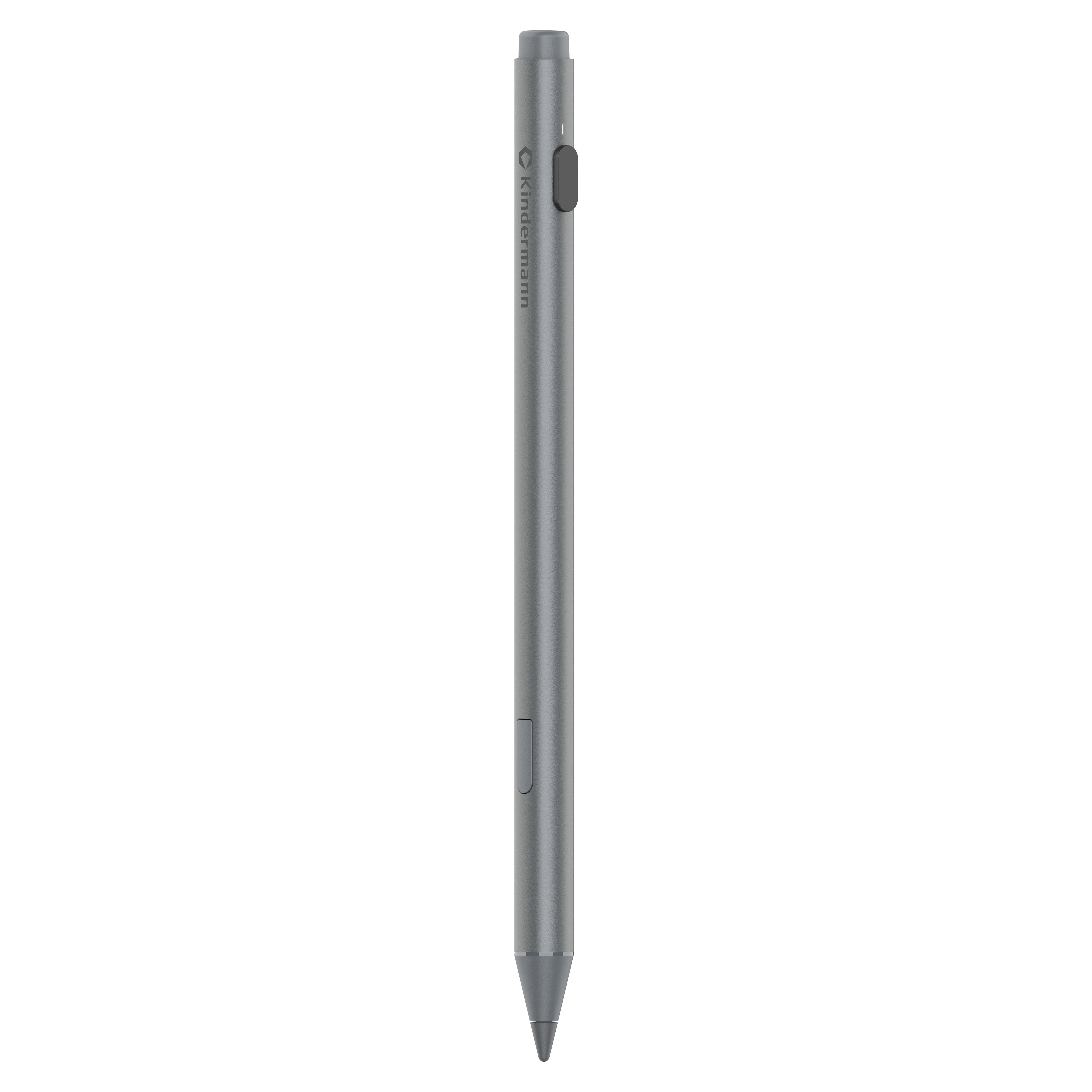
The active stylus
Switching pens is a thing of the past: With the active pen, you can work seamlessly on both the TD-40xx and Microsoft Surface devices.

- Eraser: The rear part of the pencil can be used intuitively as an eraser.
- USB-C connection: In just 40 minutes, the pen charges for 120 hours of battery life - no pairing required.
- button: Works as a left mouse button under Windows.
- Tip: The pressure-sensitive pen tip enables even more natural input and can be replaced if necessary.

Optical bonding technology

2.1 audio system with 60W

Tempered and diffused front glass

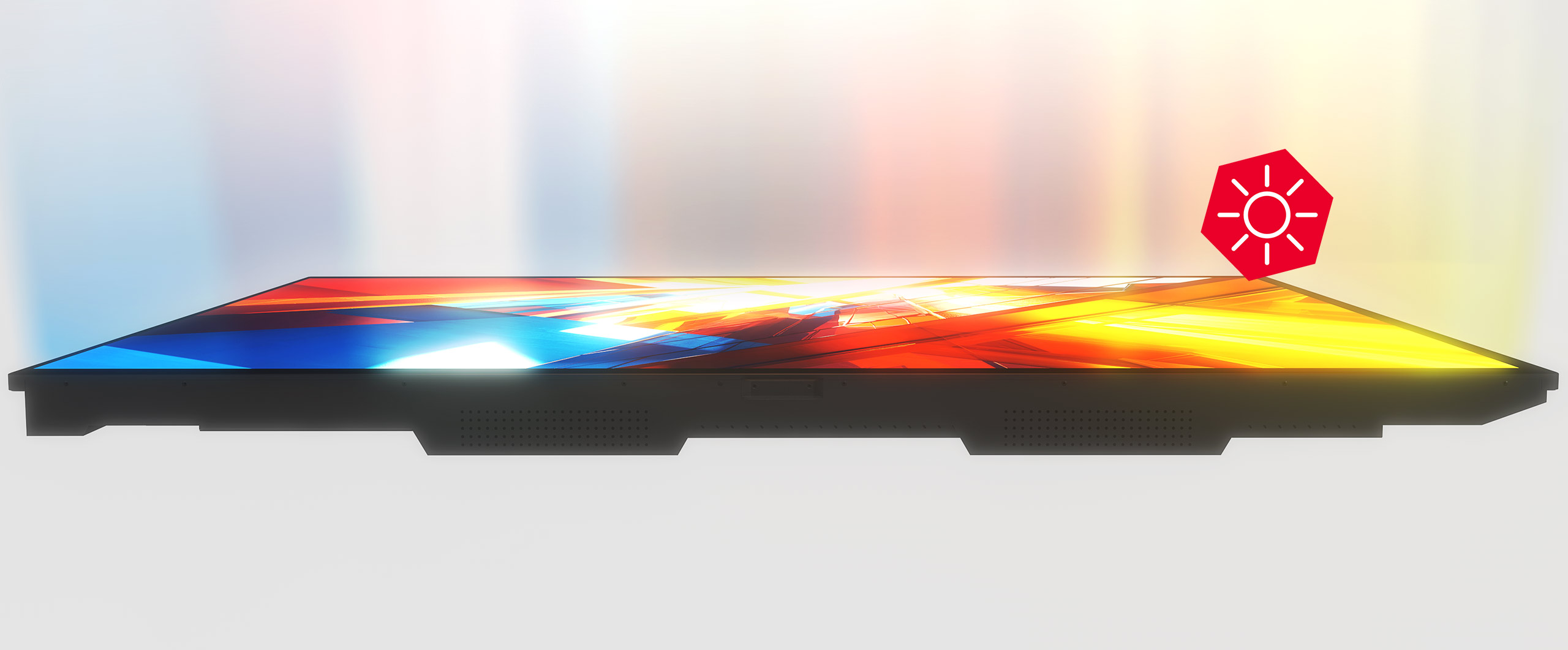
High brightness, over 600 cd/m²
Accessories
Show all




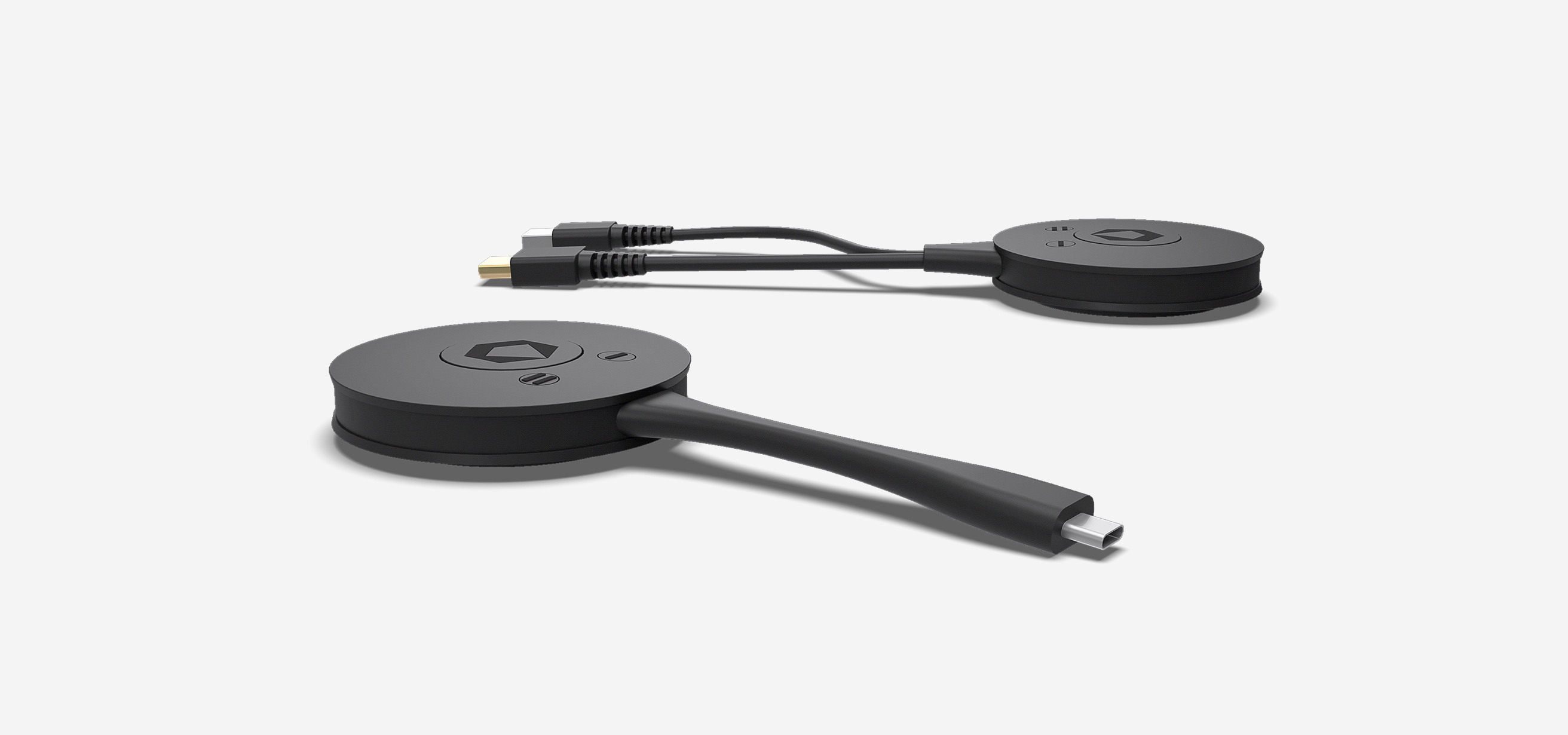
Complete your Klick&Show system with the matching Klick&Show 4K WiFi transmitters to include more participants in the meeting and increase device compatibility.
2 types of Klick&Show 4K transmitters are available: either for HDMI or USB-C connection.
Klick&Show HDMI and USB-C transmitters are true plug-and-play devices and enable completely software- and driver-free content mirroring. Using them is as easy as connecting an external PC monitor: Connect the transmitter to the video port of your computer or compatible HDMI or USB-C device and click the Show button to share live content wirelessly to the main display. All transmitter types allow you to mirror either the primary or extended desktop.
| Item number | 7488000365 | 7488000364 |
| Execution | 4K USB-C Transmitter | 4K HDMI transmitter |
| connection | USB-C (requires support for DisplayPort Alternate Mode) | HDMI (plus USB-A for power supply + touch back) |
| Compatible base | Klick&Show K-40, K-FX, K-FX Plus & K-FleX | Klick&Show K-40, K-FX, K-FX Plus & K-FleX |
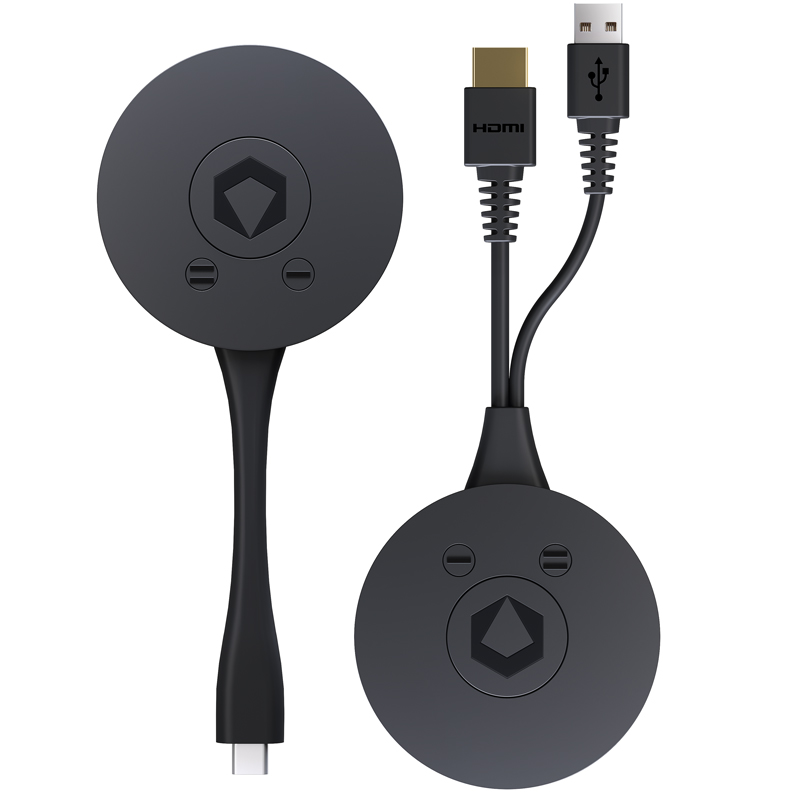

High-resolution 4K transmission with low latency
Outstanding performance is guaranteed thanks to hardware-accelerated transmission technology. An integrated chip ensures streaming with particularly low latency, so that your content is mirrored wirelessly on the main display in brilliant quality with up to 4K resolution without using up your laptop's computing power.

Multi-color LED status indicator
The attractive design features a multi-color LED status display and, in addition to the show button, two function buttons for triggering additional functions.
Plug & Play
The built-in WiFi module allows the transmitters to connect automatically to the Klick&Showbase unit.
A simple "click" on the transmitter's show button starts or stops streaming.
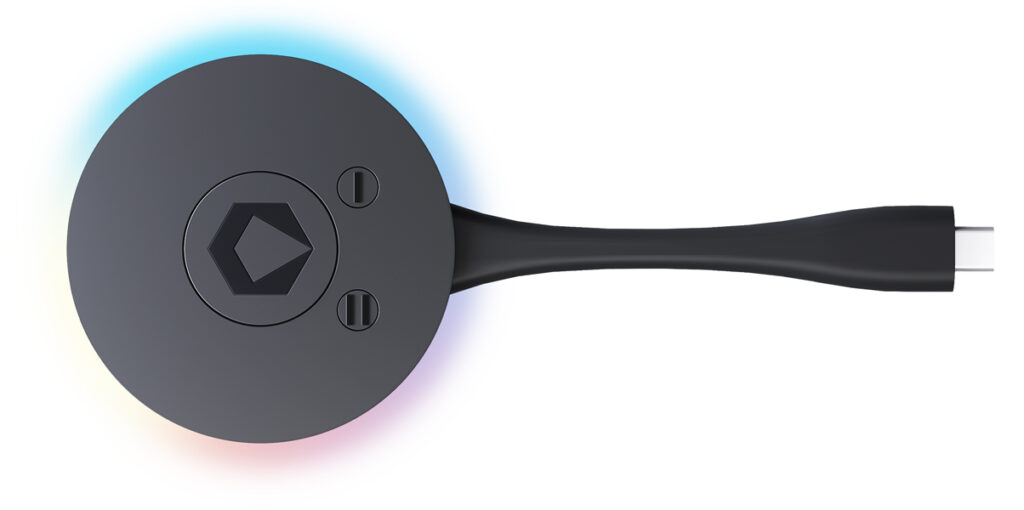
Flexible control and individually configurable functions for maximum meeting control
While clicking the transmitter's show button starts and stops streaming, the function buttons allow you to pause transmission temporarily or switch from split-screen mode to full-screen display, for example.
When used with the top-of-the-line K-FX Plus model, additional function assignments can even be customized, such as for switching the dual-cam function, dual-UCC function, or the HDMI input. The K-FX Plus also allows you to mirror the main display to share local content with remote participants in a BYOM call.
Mirroring the primary or extended desktop
When connected to Windows or MacOS computers, all transmitters enable the "touchback" function, allowing the computer to be remotely controlled via an interactive display on the base.
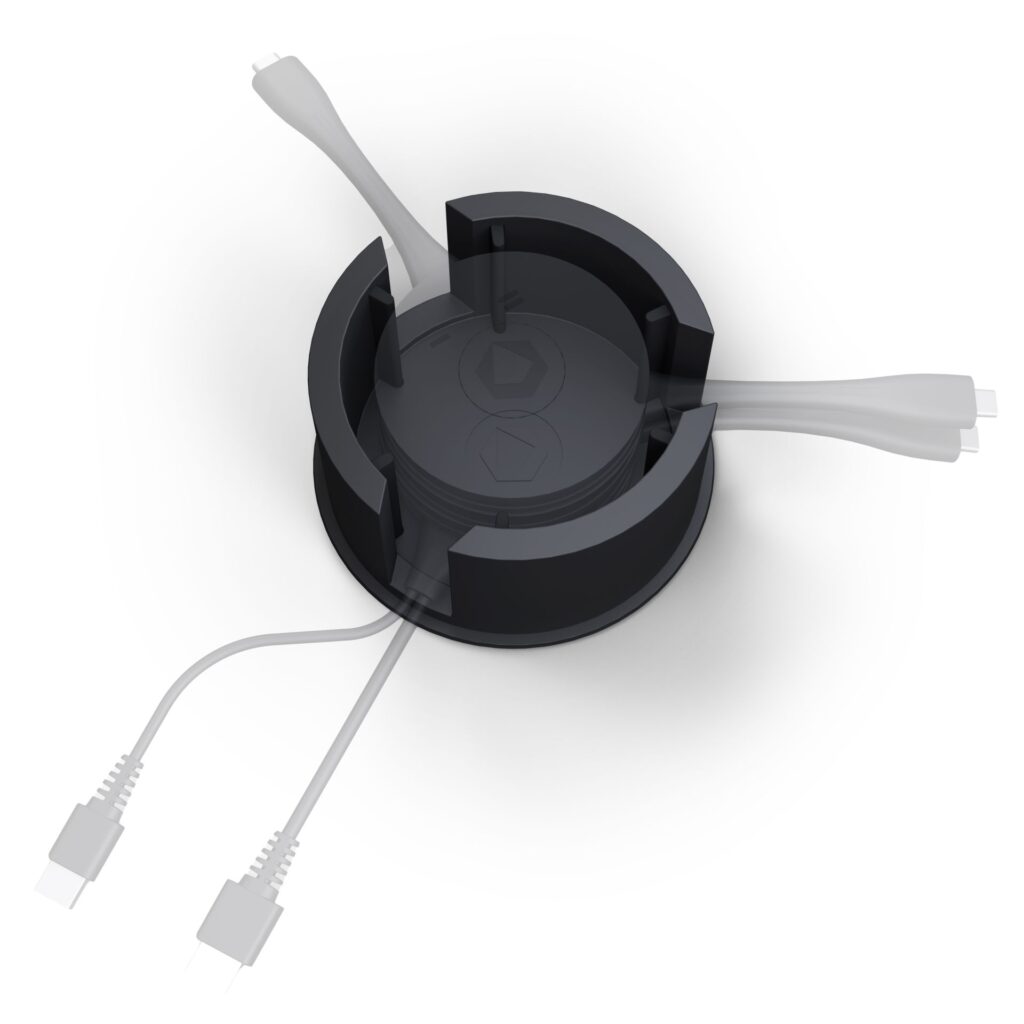
Transmitter Storage
The optionally available TRAY-4K in a matching design keeps the conference table tidy.

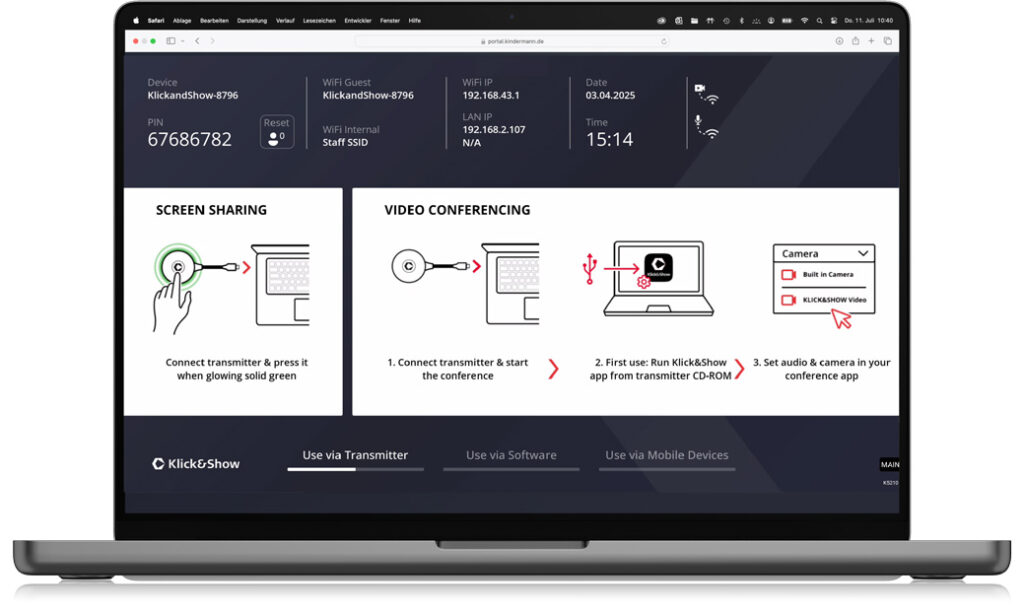
Use without transmitter, directly via app.
Laptop users without a transmitter simply start the Klick&Show app for Windows or macOS to mirror content to the main screen.
Content from mobile phones and tablets can also be easily shared via AirPlay, Miracast, Google Cast, or the free Android app.
Technical data
| Model | 4K HDMI transmitter | 4K USB-C Transmitter |
| Item number | 7488,000,364 | 7488,000,365 |
| connection | HDMI, USB-A | USB-C |
| Compatible base | Klick&Show K-FX Plus, K-FleX, K-FX, K-40 | Klick&Show K-FX Plus, K-FleX, K-FX, K-40 |
| Integrated CD-ROM storage for apps and drivers | Yes, when paired with a K-FX series base unit. No CD-ROM storage when paired with a K-40 series base unit. | Yes, when paired with a K-FX series base unit. No CD-ROM storage when paired with a K-40 series base unit. |
| USB standard | 2.0 | 2.0 |
| input resolutions | up to 3840x2160p@30Hz | up to 3840x2160p@30Hz |
| video standard | HDMI 1.4, HDCP 1.4 | DP 1.2, eDP 1.4, HDCP 1.3 |
| Audio | 2CH PCM | 2CH PCM |
| USB HID function | yes | yes |
| refresh rate | 60 fps (max.) | 60 fps (max.) |
| Initialization | 3840x2160p (max.) | 3840x2160p (max.) |
| Latency | < 80 ms | < 80 ms |
| WiFi frequency band | 2.4 / 5 GHz | 2.4 / 5 GHz |
| WiFi Standard | WiFi 6 (IEEE 802.11b/g/n/ac/ax) | WiFi 6 (IEEE 802.11b/g/n/ac/ax) |
| WiFi antennas | 2×2 MIMO | 2×2 MIMO |
| WiFi bandwidth | up to 866 Mbps | up to 866 Mbps |
| WiFi range | Typically: 35 meters without obstacles between the transmitter and the base unit | Typically: 35 meters without obstacles between the transmitter and the base unit |
| WiFi security standard | WPA PSK, WPA2 PSK, WPA3 PSK | WPA PSK, WPA2 PSK, WPA3 PSK |
| Housing / Color | Plastic / black | Plastic / black |
| Operation | 1 tactile main button, 2 tactile auxiliary buttons | 1 tactile main button, 2 tactile auxiliary buttons |
| Function keys | 2x, adjustable on the K-FX Plus / K-FleX, fixed on the K-40 | 2x, adjustable on the K-FX Plus / K-FleX, fixed on the K-40 |
| LED | multi-color LED status indicator | multi-color LED status indicator |
| Dimensions (W x D x H) | 77 x 77 x 18 mm | 77 x 77 x 18 mm |
| Connection cable (length) | Approx. HDMI 11 cm, Approx. USB 20 cm | approx. 11 cm |
| Weight | about 100 g | about 90 g |
| Power consumption | approx. 2.5 W | approx. 2.5 W |
| Power supply | via USB 5V | via USB 5V |